How to receive an MFA Code for a website with a shared account.mp4
Summary
TLDRThis video tutorial walks viewers through the process of logging into a website that requires Multi-Factor Authentication (MFA). Using RightSignature as an example, the instructor demonstrates how to handle MFA via voice call, ensuring the correct person answers the call to receive the authorization code. Key points include verifying that the call is indeed for the correct user and not answering if someone else is requesting the code. The tutorial emphasizes the importance of following the steps carefully to successfully log in to websites requiring MFA verification.
Takeaways
- 😀 MFA (Multi-Factor Authentication) requires an additional layer of security when logging into a website.
- 😀 For sites like Right Signature, MFA verification can be completed via a voice call to a smartphone.
- 😀 Ensure everyone on the team has access to the correct phone number for receiving the MFA call.
- 😀 Only the person requesting the MFA code should answer the call; others should not pick up.
- 😀 After logging into a website, you may be prompted to choose between text or voice call for MFA verification.
- 😀 If the voice call doesn’t connect or you miss the code, simply log out and re-enter your credentials to request a new code.
- 😀 The MFA code is provided during the voice call and needs to be entered on the website to proceed with login.
- 😀 Check to make sure you are the person requesting the code before answering the MFA call to avoid confusion.
- 😀 In cases where the wrong person answers the MFA call, they will not be able to use the code, so it is important to verify who's requesting it.
- 😀 Ensure your smartphone is accessible and open on your computer to receive the MFA call, as the code will be provided during the call.
- 😀 Once the code is entered correctly, you are successfully logged into the website and ready to proceed.
Q & A
What is the purpose of MFA (Multi-Factor Authentication)?
-MFA enhances security by requiring two or more forms of verification to access a website or service, ensuring that even if one factor (like a password) is compromised, the account remains secure.
What is the specific method of MFA used in the script for RightSignature?
-The MFA method used for RightSignature involves receiving a voice call with a code, which is then entered into the website for login.
Why is it important to not answer the MFA call if you did not request the code?
-It’s important because the MFA code should only be received and answered by the person who requested it. Answering the call when you didn’t request it can lead to confusion or compromise security.
What happens if you don't hear the MFA code during the call?
-If you don’t hear the MFA code, you can re-log into the website, which will resend the code to your phone, allowing you to try again.
How do you initiate the MFA process for RightSignature?
-To initiate the MFA process, you log into the RightSignature website, and when prompted, select 'voice call' as the method to receive the MFA code.
What happens when the voice call with the MFA code rings?
-When the voice call rings, you should answer it and listen to the code, which you can then enter on the website to complete the login process.
What should you do if you're unsure about the source of the MFA call?
-You should check that the phone number calling you matches the one associated with the team's MFA system. If it's not from the correct source, do not answer the call.
How do you know which phone number is calling you for the MFA code?
-The phone number displayed on the MFA call will be labeled as 'Team MFA,' so you can verify that it’s the correct number before answering.
Why does RightSignature only allow voice calls for MFA?
-RightSignature specifically supports voice calls as the MFA method, possibly for reliability or security reasons, as it ensures that a code is delivered directly to a phone.
What should you do once you receive the MFA code via the voice call?
-Once you receive the code, you should immediately enter it into the website's MFA prompt to complete the login process.
Outlines

This section is available to paid users only. Please upgrade to access this part.
Upgrade NowMindmap

This section is available to paid users only. Please upgrade to access this part.
Upgrade NowKeywords

This section is available to paid users only. Please upgrade to access this part.
Upgrade NowHighlights

This section is available to paid users only. Please upgrade to access this part.
Upgrade NowTranscripts

This section is available to paid users only. Please upgrade to access this part.
Upgrade NowBrowse More Related Video
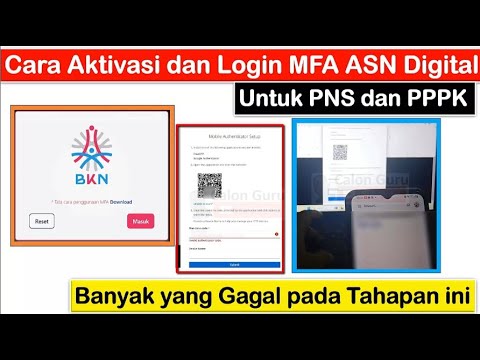
[TERBARU] Cara Aktivasi dan Login MFA ASN Digital & Solusi Invalid Authentication Code Hingga SUKSES

Ultimate Guide to Hardening Your SSH Server in 4 Steps: Make it Hack-Proof! 🔒
How to configure and enforce multi-factor authentication in your tenant

Azure Virtual Desktop Setup Made Easy - Step-by-step Guide

Laravel 11 Breeze Multi-Table Authentication tutorial
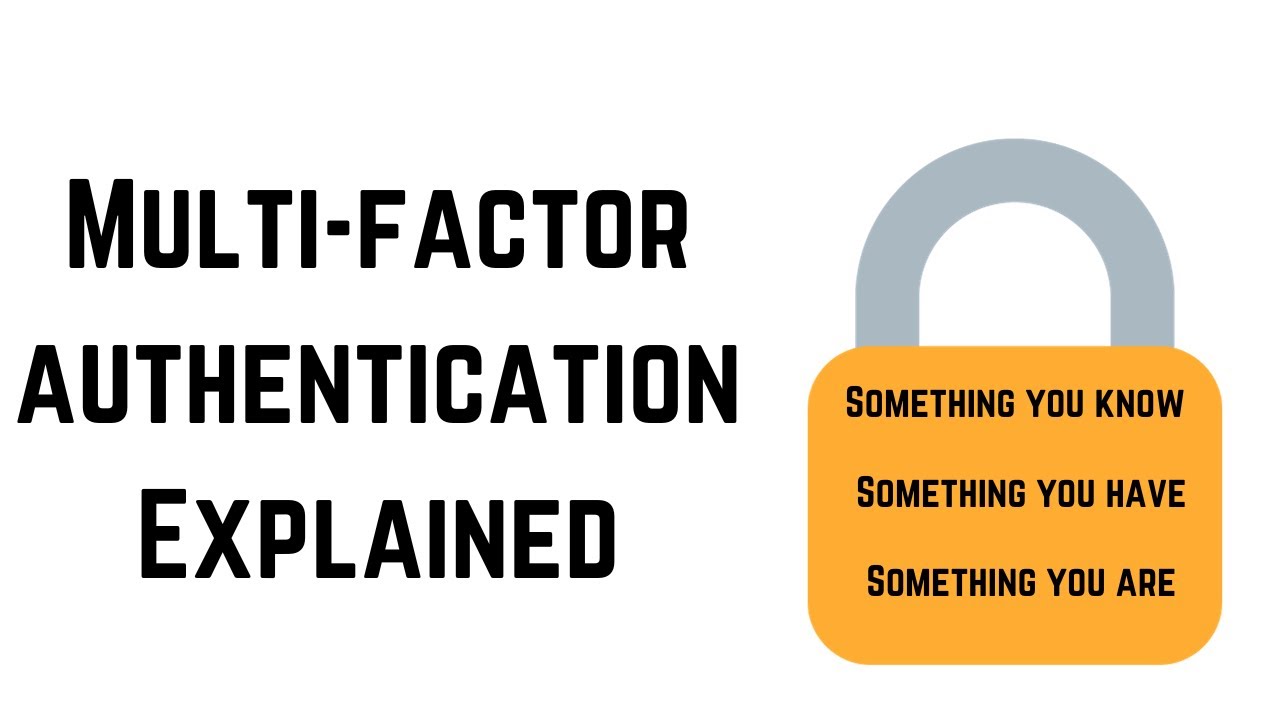
Multi Factor Authentication Explained In Cyber Security
5.0 / 5 (0 votes)
