GEE | Google Earth Engine Pengenalan Dasar, Tool dan Memanggil Citra
Summary
TLDRThis video introduces Google Earth Engine (GEE), a powerful cloud-based platform for processing geospatial data, including satellite imagery. It explains how users can access and process vast datasets like Sentinel and Landsat without the need for heavy software installations. The tutorial covers how to sign up, explore data, write scripts using JavaScript, and visualize results within GEE’s intuitive interface. Key features like uploading shapefiles, utilizing the inspector tool, and saving scripts are highlighted. The video emphasizes the platform's efficiency and open-source nature, offering easy access to satellite data for geospatial analysis.
Takeaways
- 😀 Google Earth Engine (GEE) allows cloud-based processing of satellite imagery and geospatial data without the need for local software installation.
- 😀 Users can access a wide variety of datasets, including Sentinel, MODIS, topography, land cover, and geophysical data, directly from GEE.
- 😀 Data processing in GEE can be done using JavaScript within the platform's code editor, eliminating the need for downloading large datasets.
- 😀 To use GEE, users must have a Gmail account and sign up for access, after which they can log in and start processing data.
- 😀 GEE provides tools for organizing scripts and data in repositories and folders for easy management and future reuse.
- 😀 Users can upload their own data, such as shapefiles or aerial photos, to integrate with existing datasets for analysis.
- 😀 The interface includes mapping tools to navigate, zoom, and select regions of interest for analysis, including polygon and rectangle selection tools.
- 😀 The Inspector tool allows users to examine the values of different layers and datasets on the map for detailed analysis.
- 😀 GEE supports various visualization options, including satellite and labeled map views, to customize how data is displayed.
- 😀 By using GEE, users can streamline remote sensing and GIS workflows, making it easier and faster to analyze large geospatial datasets without local software or data storage constraints.
Q & A
What is Google Earth Engine (GEE)?
-Google Earth Engine (GEE) is a cloud-based platform that allows users to access and process vast datasets for geospatial and environmental analysis, such as satellite imagery, climate data, and land cover information.
What makes GEE different from traditional GIS software?
-Unlike traditional GIS software that requires local installations and computational resources, GEE operates entirely in the cloud, providing easy access to large datasets and processing capabilities without the need for external software.
What are some examples of data available on Google Earth Engine?
-GEE provides access to datasets like Sentinel satellite imagery, MODIS high-resolution images, surface temperature data, land cover data, elevation data, and more, which can be used for various environmental and geospatial studies.
How can users access Google Earth Engine?
-Users need a Gmail account to register and log in to Google Earth Engine. Once logged in, they can use the platform’s code editor to interact with datasets and perform data processing tasks.
What is the role of JavaScript in Google Earth Engine?
-JavaScript is used within Google Earth Engine to write scripts for processing and analyzing datasets. Users can create custom functions and workflows to process satellite images and other geospatial data directly on the platform.
What tools does the Google Earth Engine interface provide for users?
-The GEE interface includes a map display for visualizing data, a code editor for writing scripts, a data import tool for uploading datasets, an inspector for analyzing specific map locations, and options for managing and organizing scripts and datasets.
What types of data formats can be uploaded to Google Earth Engine?
-Google Earth Engine allows users to upload various types of geospatial data, including SHP files (for vector data), raster images, and other formats like photo data and geophysical datasets.
What is the purpose of the ‘Inspector’ tool in Google Earth Engine?
-The 'Inspector' tool helps users inspect and analyze values at specific points on the map. By clicking on the map, users can view the data values of the underlying layers, which is helpful for detailed analysis and validation.
How does Google Earth Engine simplify the process of working with satellite data?
-GEE simplifies satellite data processing by providing an easy-to-use, cloud-based interface that removes the need for traditional software and complex installations. Users can access and process large datasets without needing to download them, all while leveraging JavaScript for data manipulation.
How can users save and manage scripts in Google Earth Engine?
-Users can save scripts in Google Earth Engine by creating repositories and folders within the platform. These saved scripts can be reused, shared, or further modified for future analysis or processing tasks.
Outlines

Cette section est réservée aux utilisateurs payants. Améliorez votre compte pour accéder à cette section.
Améliorer maintenantMindmap

Cette section est réservée aux utilisateurs payants. Améliorez votre compte pour accéder à cette section.
Améliorer maintenantKeywords

Cette section est réservée aux utilisateurs payants. Améliorez votre compte pour accéder à cette section.
Améliorer maintenantHighlights

Cette section est réservée aux utilisateurs payants. Améliorez votre compte pour accéder à cette section.
Améliorer maintenantTranscripts

Cette section est réservée aux utilisateurs payants. Améliorez votre compte pour accéder à cette section.
Améliorer maintenantVoir Plus de Vidéos Connexes

🌍 Mapping Mangrove Forest Loss (2017–2023) Using Sentinel-2 & Google Earth Engine 🌱 | Full GEE
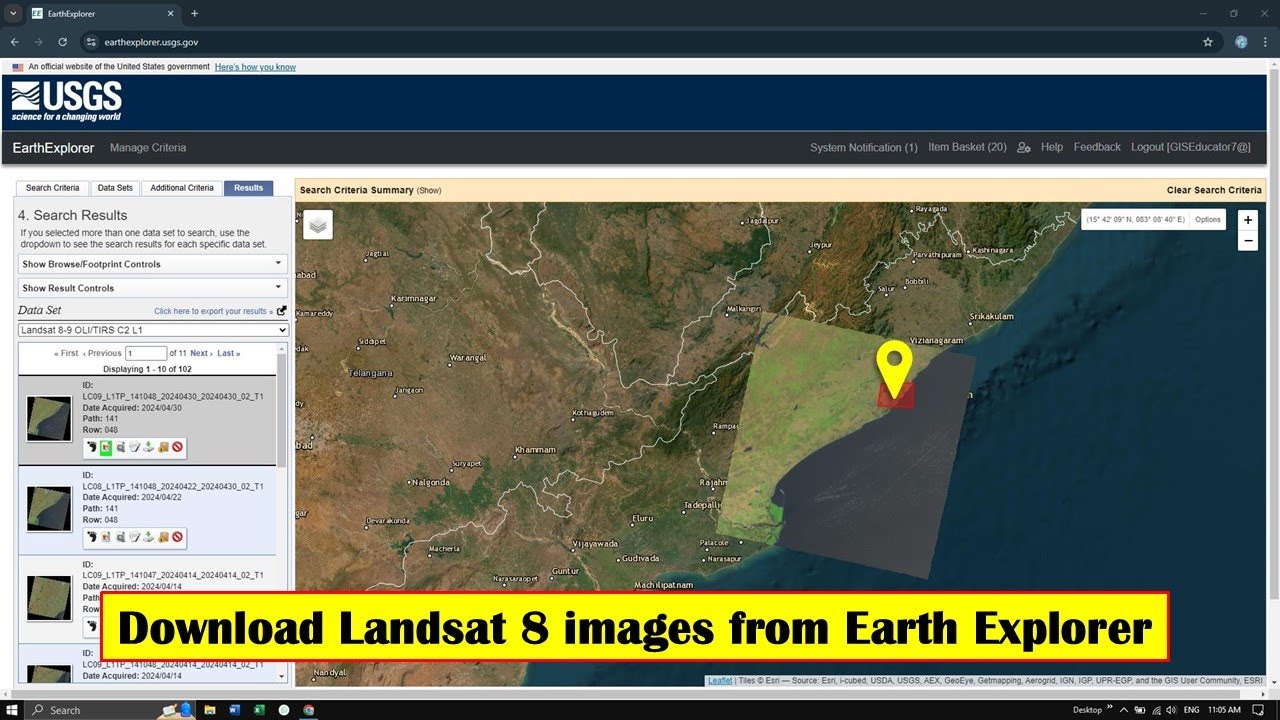
How to Download Landsat 8 image from Earth Explorer | Free
How to create an account in Google earth engine in 2025

Google Compute Engine Tutorial | Google Compute Services Overview | GCP Training | Edureka

OSINT At Home #9 – Top 4 Free Satellite Imagery Sources

What is Google Cloud?
5.0 / 5 (0 votes)

