Bab 5 Pengembangan Aplikasi Mobile | Informatika Kelas 11 Kurikulum Merdeka
Summary
TLDRThis video introduces the basics of mobile app development using App Inventor, focusing on building applications with artificial intelligence (AI) libraries. It covers the different types of applications—desktop, web, and mobile—and explains how App Inventor allows beginners to create mobile apps using a visual drag-and-drop interface. The video also dives into AI concepts, such as machine learning and deep learning, showcasing their integration in mobile apps. With examples like recommendation systems and image recognition, viewers learn how to incorporate AI into their app development projects.
Takeaways
- 📱 Mobile applications are computational tools designed to run on devices like smartphones, tablets, and smartwatches, enhancing daily life in the digital era.
- 💻 Applications can be categorized into desktop apps, web apps, and mobile apps, each with specific platforms and usage methods.
- 🛠️ Libraries are pre-packaged modules that provide ready-to-use functions, simplifying development without requiring programmers to understand the internal code.
- 🎨 App Inventor is a web-based Integrated Development Environment (IDE) that allows beginners to create Android and iOS mobile apps using a drag-and-drop interface.
- 🔧 App Inventor supports user interface, layout, media, and animation components, each with properties, methods, and events to manage behavior and appearance.
- ☁️ App Inventor can integrate with cloud services like Firebase for real-time data handling and storage.
- 🤖 Artificial Intelligence (AI) enables machines to mimic human cognitive abilities, such as reasoning, learning, and problem-solving.
- 📊 Machine Learning (ML) is a subset of AI that allows systems to learn patterns from data automatically without explicit programming, used in search engines, recommendation systems, autonomous vehicles, and games.
- 🧠 Deep Learning employs artificial neural networks with multiple layers to analyze complex data patterns, commonly used for image and voice recognition.
- 🔗 Look Extension in App Inventor is a neural network library for image recognition, built on MobileNet, allowing AI capabilities to be added easily to mobile apps.
- 📌 Using AI extensions in App Inventor allows developers to create intelligent applications without deep expertise in AI or programming.
Q & A
What is a mobile application and why is it important in the digital era?
-A mobile application is a software program designed to run on mobile devices like smartphones, tablets, or smartwatches. It is important because it provides convenient access to services and tools, integrating with device features like GPS, camera, and biometric sensors, thereby enhancing daily life in the digital era.
What are the three main types of applications mentioned in the video?
-The three main types are desktop apps, web apps, and mobile apps. Desktop apps run locally on a computer, web apps are accessed via internet browsers and may rely on server-side processing, and mobile apps are designed for mobile devices with integration to device-specific features.
What is App Inventor and who maintains it?
-App Inventor is a web-based integrated development environment (IDE) that allows beginners to create mobile apps for Android and iOS using a block-based graphical interface. It was originally developed by Google and is currently maintained by the Massachusetts Institute of Technology (MIT).
What are libraries in programming, and how do they simplify development?
-Libraries are pre-packaged modules with specific functions that can be used without needing to understand the complex underlying code. They simplify development by allowing developers to implement features quickly and efficiently, similar to using a device without knowing its internal workings.
What are properties, methods, and events in App Inventor components?
-Properties are attributes that describe a component's characteristics, such as color or size. Methods are functions that can manipulate properties or perform actions on components. Events are triggers, like a button click, that initiate specific methods or actions in the application.
Define artificial intelligence (AI) as explained in the video.
-Artificial intelligence (AI) is the capability of a system or machine to perform tasks that typically require human intelligence, such as reasoning, learning, and problem-solving. AI systems can analyze data, make decisions, and learn from experience.
What is the difference between machine learning and deep learning?
-Machine learning (ML) involves algorithms that learn patterns and insights from data without explicit programming. Deep learning is a subset of ML that uses large neural networks with many layers to recognize complex patterns, often applied in image and speech recognition.
What are some real-world examples of machine learning applications mentioned in the video?
-Examples include search engines like Google and Bing, recommendation systems in social media and platforms like YouTube and Netflix, autonomous vehicles such as Tesla cars, and strategic decision-making in games.
What is the Look Extension in App Inventor?
-Look Extension is a neural network library based on MobileNet designed for image recognition on mobile devices. It can be imported into App Inventor projects to allow apps to recognize images using pre-trained models without requiring complex AI programming.
How does artificial neural network (ANN) inspiration from the human brain relate to App Inventor's AI features?
-ANNs mimic the human brain by connecting artificial neurons, with knowledge represented as interconnected nodes and weighted connections, similar to synapses. In App Inventor, extensions like Look Extension utilize ANN principles to enable image recognition and other AI functionalities within mobile apps.
Why is App Inventor considered suitable for beginners in mobile app development?
-App Inventor uses a graphical drag-and-drop interface, allowing beginners to create functional mobile apps without needing extensive coding experience. It supports cloud data integration and AI extensions, making it accessible yet powerful for learning and prototyping.
Outlines

This section is available to paid users only. Please upgrade to access this part.
Upgrade NowMindmap

This section is available to paid users only. Please upgrade to access this part.
Upgrade NowKeywords

This section is available to paid users only. Please upgrade to access this part.
Upgrade NowHighlights

This section is available to paid users only. Please upgrade to access this part.
Upgrade NowTranscripts

This section is available to paid users only. Please upgrade to access this part.
Upgrade NowBrowse More Related Video
Pengembangan Aplikasi Mobile dengan Library Kercerdasan Artifisial - Informatika Kelas XI

PENGEMBANGAN APLIKASI MOBILE DENGAN LIBRARY KECERDASAN ARTIFISIAL

Pengembangan Aplikasi Kecerdasan Artifisial dengan App Inventor - Informatika Kelas XI
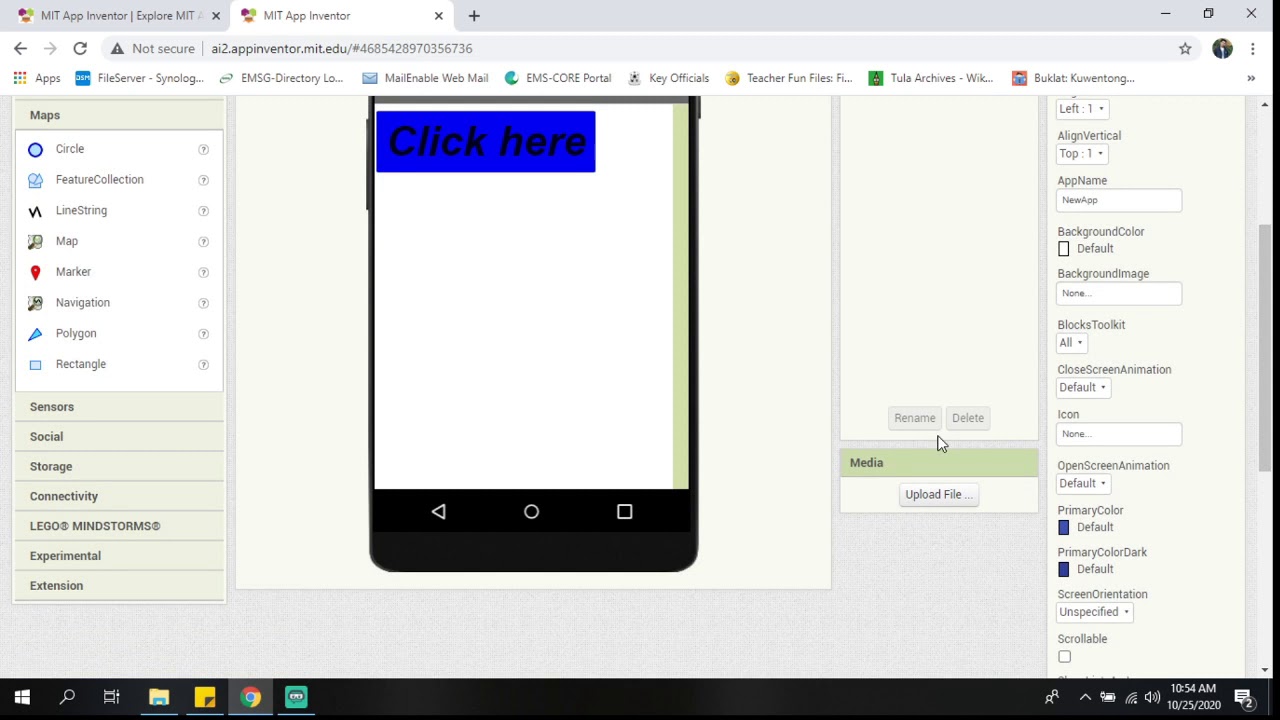
MIT App Inventor Introduction
What is an App?
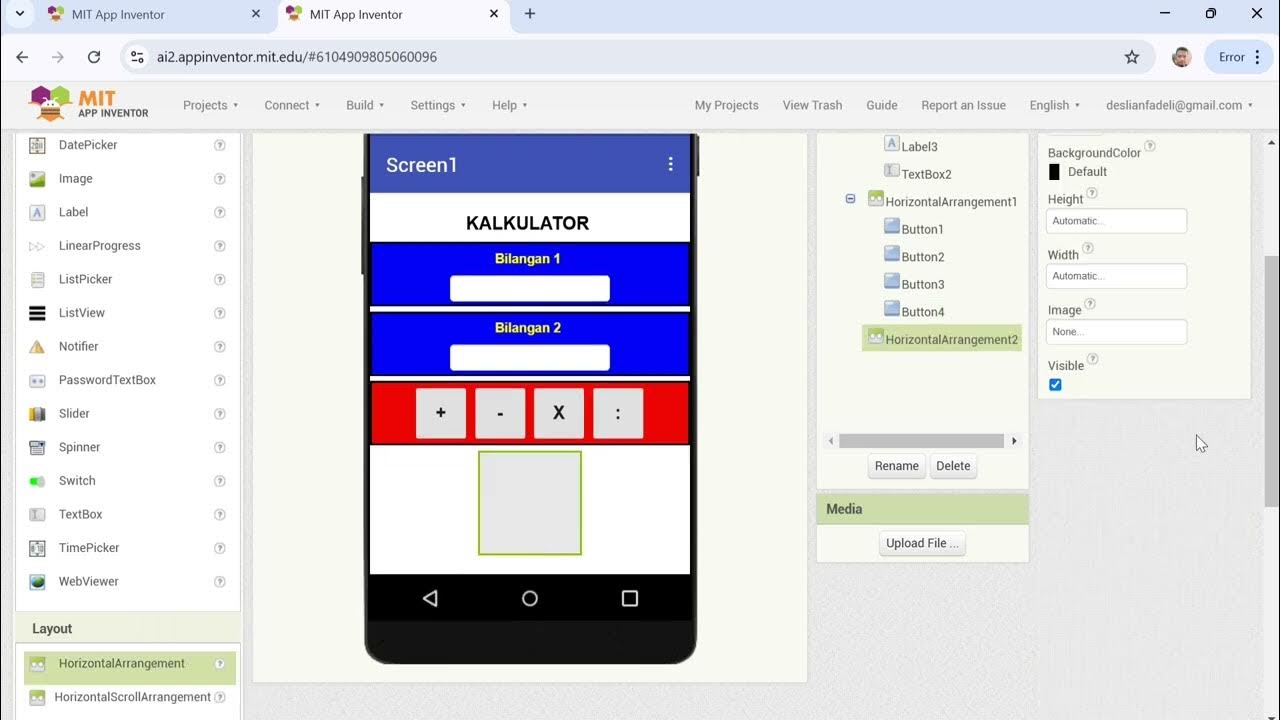
Cara Membuat Kalkulator Sederhana dengan MIT APP INVENTOR
5.0 / 5 (0 votes)
