Piutang Karyawan untuk Akun Piutang (AR) pada Accurate Dekstop
Summary
TLDRThis tutorial provides a clear, step-by-step guide on how to create and manage employee receivables (Piutang Karyawan) in an accounting system. It covers the process of creating the necessary receivable account, adding employees as customers, and inputting transactions such as loans from employees. The tutorial also explains how to track outstanding receivables and view transaction history. This guide is essential for those learning how to manage employee debts efficiently within their accounting system.
Takeaways
- 😀 First, create the employee receivables account in the general ledger by selecting the account list and checking if an employee receivable account exists.
- 😀 If the employee receivables account doesn't exist, create a new one with the 'receivables' account type and name it 'Employee Receivables'.
- 😀 After creating the account, ensure it’s updated by clicking 'OK'.
- 😀 Next, create a customer type under the customer list, selecting 'Employee' as the type.
- 😀 After defining the customer type, add the employee to the list of customers (e.g., 'Raisa') and set the customer type to 'Employee'.
- 😀 In the sales section, ensure the employee's customer type is set to 'Employee' for easier tracking.
- 😀 To input the employee receivable, go to the general ledger and enter a journal entry (e.g., for Raisa's loan).
- 😀 When entering the journal, choose 'Employee Receivables' and set the amount (e.g., 10 million).
- 😀 In the journal entry, select 'Raisa' as the subscriber and use 'Bank' as the opposing account, choosing a bank like BCA.
- 😀 After completing the journal entry, save and close the form to finalize the input.
- 😀 To check the outstanding receivables, go to the customer list, filter by the 'Employee' type, and update to view the amounts, such as Raisa's 10 million.
- 😀 To view payment history, right-click and select 'History' to track loans and payments for the employee.
Q & A
What is the first step in creating employee receivables?
-The first step is to create an account for the receivables in the general ledger. This can be done by selecting 'Account List' and checking if an employee receivable account already exists. If not, you need to create one.
How do you create a new account for employee receivables?
-To create a new account, select 'Account List', then create a new account with the account type 'Receivables'. Name it 'Employee Receivables' and update it.
What should you do if an employee receivable account does not already exist?
-If the employee receivable account doesn’t exist, you need to create it manually. Choose the 'Receivables' account type and name it 'Employee Receivables'. Then, click 'OK' to save it.
How do you set up a customer type for employees?
-To set up a customer type for employees, go to the 'Other Lists' section, choose 'Customer Types', and create a new customer type specifically for employees. After that, click 'OK' to save it.
What is the purpose of creating an employee customer type?
-The employee customer type helps categorize employees separately from regular customers. This makes it easier to track receivables specifically from employees.
How do you add an employee as a customer?
-To add an employee as a customer, go to the 'Customer List', create a new customer, and for the 'Customer Type', select 'Employee'. Then, click 'OK' to save the employee details.
What information is necessary when inputting an employee's receivable transaction?
-When inputting an employee's receivable transaction, you need to go to the general ledger, choose 'General Journal', and input the loan details. For example, if the employee is Raisa, you would select 'Employee Receivables' as the account and enter the loan amount (e.g., 10 million).
How do you record a loan transaction for an employee?
-To record a loan, you create a journal entry where the 'Employee Receivables' account is debited and the corresponding 'Bank' account is credited. After entering the amount, save the transaction.
How can you track the outstanding receivables for employees?
-To track outstanding receivables, go to the 'Customer List', filter by the 'Employee' customer type, and you will see the outstanding balance for each employee, such as Raisa's 10 million receivable.
How do you view the history of an employee’s receivable transactions?
-To view the history of an employee's receivable transactions, right-click on the employee's record in the customer list and select 'History'. This will show all payments and loans made by the employee.
Outlines

This section is available to paid users only. Please upgrade to access this part.
Upgrade NowMindmap

This section is available to paid users only. Please upgrade to access this part.
Upgrade NowKeywords

This section is available to paid users only. Please upgrade to access this part.
Upgrade NowHighlights

This section is available to paid users only. Please upgrade to access this part.
Upgrade NowTranscripts

This section is available to paid users only. Please upgrade to access this part.
Upgrade NowBrowse More Related Video
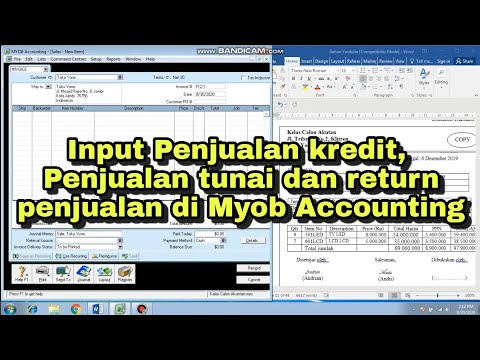
CARA INPUT TRANSAKSI PENJUALAN KREDIT, PENJUALAN TUNAI DAN RETURN PENJUALAN DI MYOB ACCOUNTING

PERTEMUAN 1 ACCOUNTING FOR RECEIVABLE | Abdu Rahman, S.E., M.Ak.
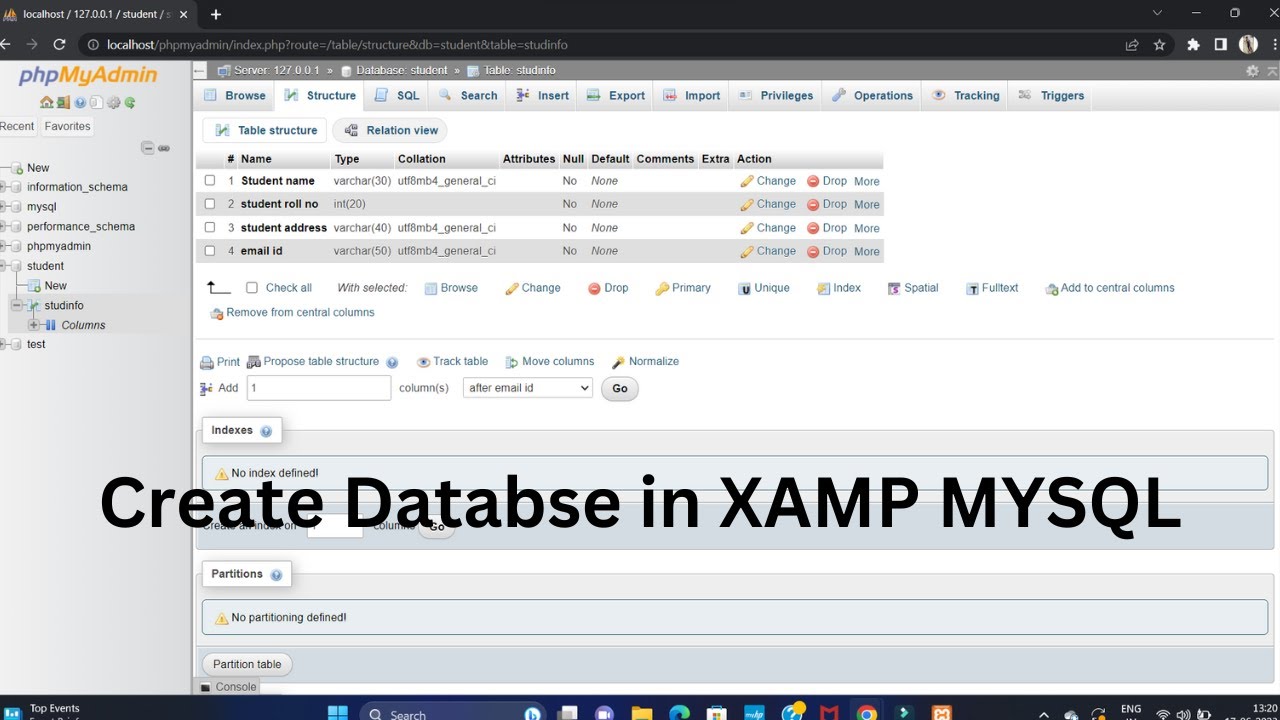
Create Database Using XAMPP Server/MYSQL |Updated 2023|
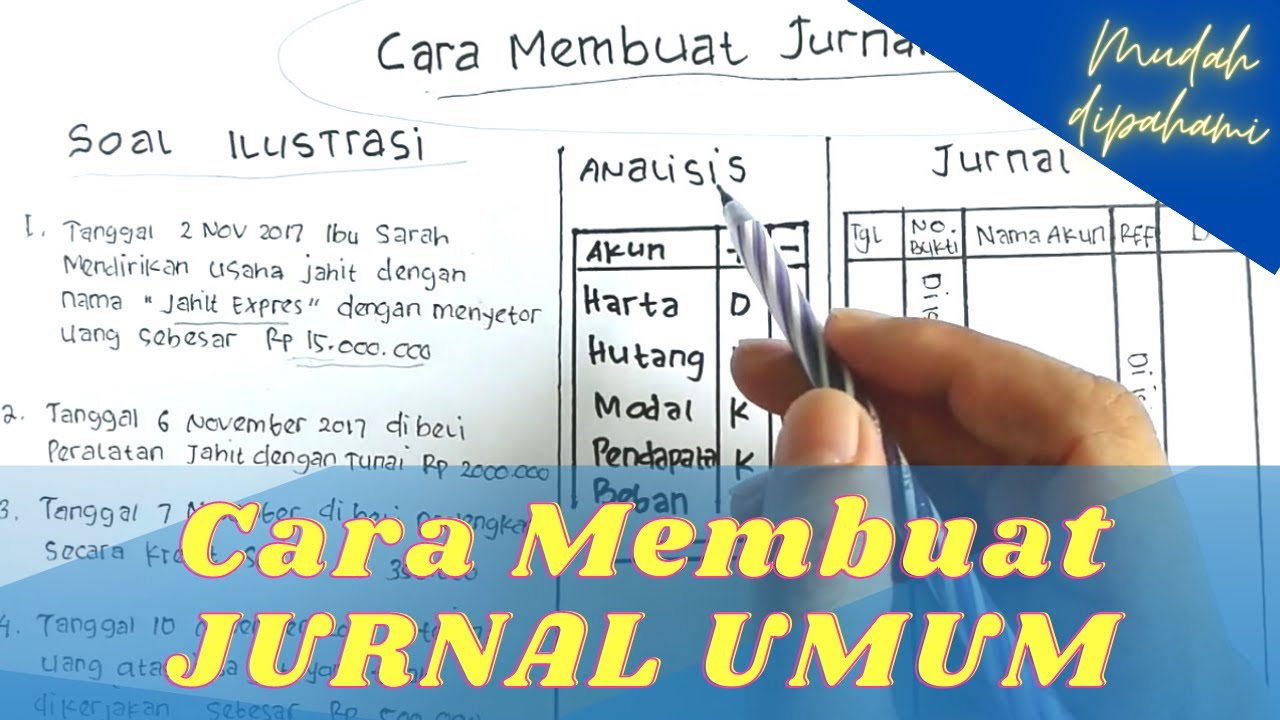
Cara Membuat Jurnal Umum Perusahaan Jasa untuk Pemula

Weekly Attendance Tracker in Google Sheets
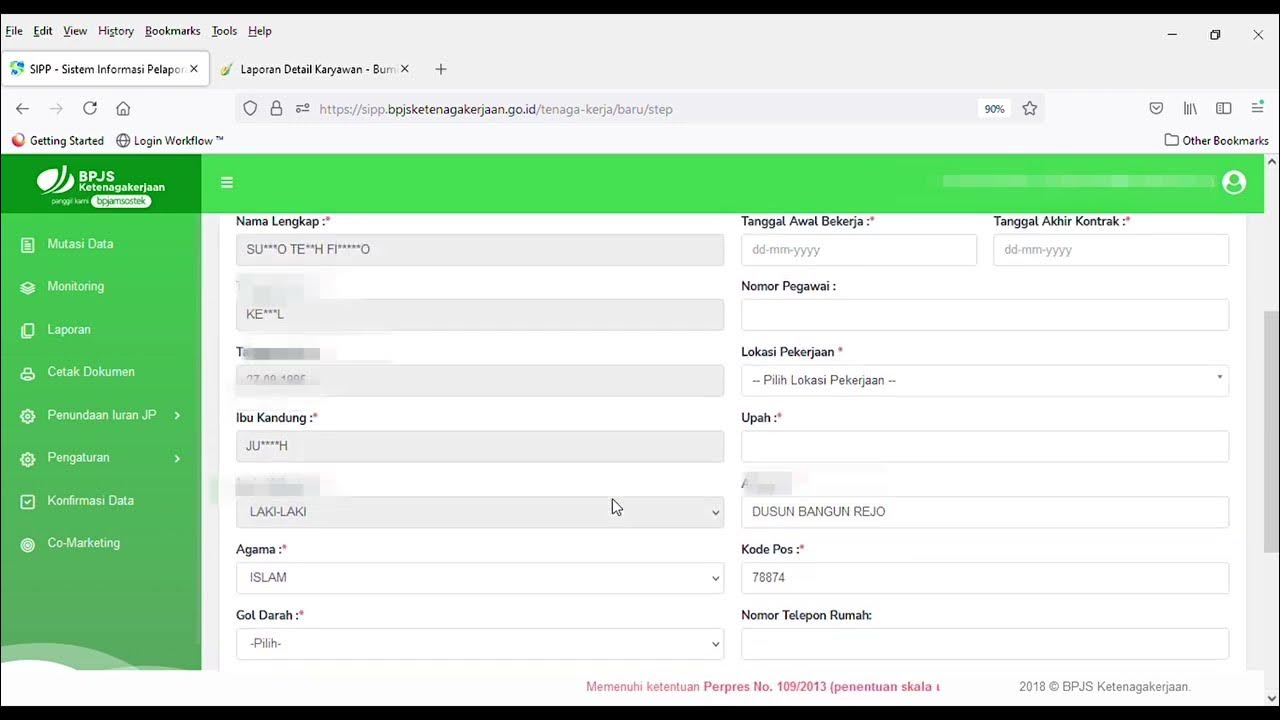
#Tutorial cara mendaftarkan karyawan baru di SIPP BPJS Ketenagakerjaan
5.0 / 5 (0 votes)
