Penjelasan Menu-Menu MYOB
Summary
TLDRThis video tutorial guides users through the process of setting up a company account in MYOB software. It covers steps such as filling in company details (e.g., company name, tax number, address), selecting financial year settings, and importing or creating company accounts. The video also explains key menus like Accounts, Banking, Sales, Inventory, and Payroll. It demonstrates how to record transactions, manage sales, expenses, and inventory, as well as handle employee payroll. By the end of the tutorial, users will have a comprehensive understanding of MYOB's main functions for managing business finances.
Takeaways
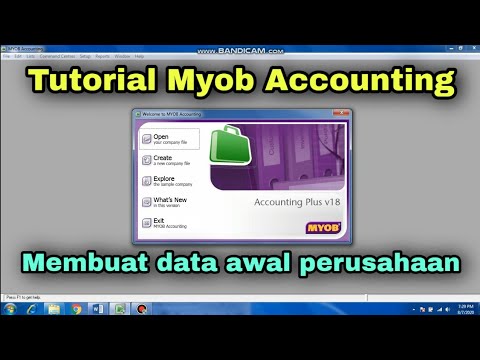
- 😀 MWB offers three main options when starting: Open (to open existing company data), Create (to create new company data), and Explore (to see example data).
- 😀 During account creation, you'll need to provide essential company details such as company name, NPWP (Tax ID), address, phone number, and email.
- 😀 The financial year settings include setting the fiscal year, month-end, and the number of months in a year (usually 12).
- 😀 Importing accounts is possible if your company already has a list of accounts that need to be used in the system.
- 😀 You can save company data in a specific file location and proceed with configuring the system's settings.
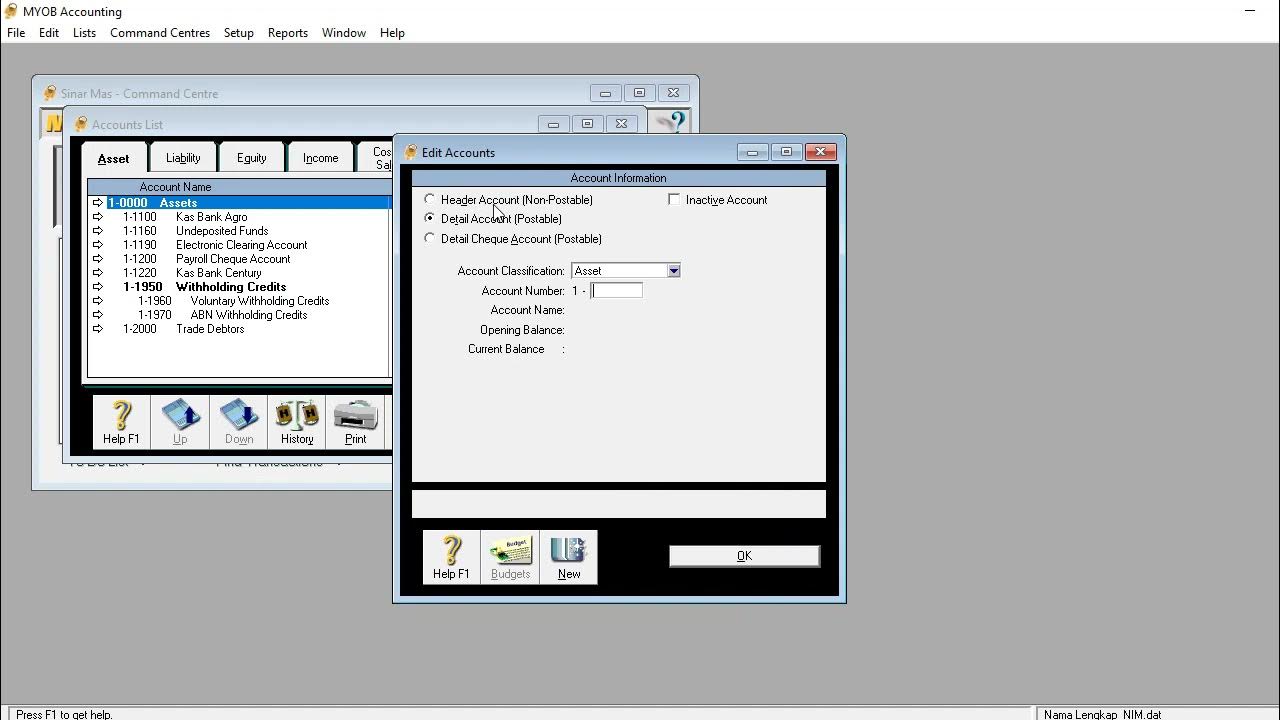
- 😀 The Account menu allows modifications to the chart of accounts, inputting initial balances, and creating journal transactions.
- 😀 The Banking menu is designed for recording all banking transactions, including expenditures, income, and managing cash flow.
- 😀 The Sales menu helps manage sales transactions, both cash and credit, and customer payments, including handling invoices and receipts.
- 😀 The Payroll menu enables setting up and managing employee payroll, including different types of wage calculations (e.g., hourly, daily).
- 😀 The Inventory menu tracks stock movements, inventory adjustments, and generates reports related to inventory management.
- 😀 Other key features include reconciling bank accounts, preparing bank deposits, managing time billing, and handling employee records for payroll.
Q & A
What is the purpose of the 'Create' option in MWB?
-The 'Create' option is used to create a new company account in MWB by inputting essential company details such as the company name, NPWP (Tax Identification Number), address, contact info, and financial year settings.
What is the significance of the 'NPWP' field in the MWB account setup?
-The 'NPWP' (Nomor Pokok Wajib Pajak) is the Tax Identification Number in Indonesia. It is an essential field to properly register the company in MWB and comply with tax regulations.
What should be filled in the 'Company Name' field during account creation?
-The 'Company Name' field should be filled with the official name of the company as it is legally recognized.
How does MWB handle user accounts during the setup process?
-MWB provides default user accounts that can be customized, allowing the user to import existing accounts from previous company records. This helps integrate the new company's account system into the program.
Why is the 'Financial Year' section important during setup?
-The 'Financial Year' section defines the company's fiscal year, which includes the closing month and the starting month for accounting purposes. This helps in managing financial reporting and tax compliance.
What are the submenus under the 'Banking' menu in MWB?
-The 'Banking' menu includes submenus such as 'Spend Money' (for recording expenses), 'Receive Money' (for recording income), 'Prepare Bank Deposit' (for processing bank deposits), 'Bank Register' (for viewing bank transactions), and 'Reconcile Account' (for bank reconciliation).
What is the purpose of the 'Record Journal Entry' option?
-The 'Record Journal Entry' option is used to record general journal transactions, such as adjustments and corrections, within the accounting system.
How does MWB manage transactions related to sales?
-MWB manages sales transactions through the 'Sales' menu, where users can record both cash and credit sales, track receivables, and handle payments from customers.
What role does the 'Inventory' menu play in MWB?
-The 'Inventory' menu allows users to manage goods and stock, including recording, adjusting, and pricing inventory items. It also helps in tracking the physical stock of goods and generating related reports.
Can MWB be used for payroll management?
-Yes, MWB has a payroll management feature where companies can manage employee salaries, set up pay periods (daily, weekly, or monthly), and generate payroll reports.
Outlines

Esta sección está disponible solo para usuarios con suscripción. Por favor, mejora tu plan para acceder a esta parte.
Mejorar ahoraMindmap

Esta sección está disponible solo para usuarios con suscripción. Por favor, mejora tu plan para acceder a esta parte.
Mejorar ahoraKeywords

Esta sección está disponible solo para usuarios con suscripción. Por favor, mejora tu plan para acceder a esta parte.
Mejorar ahoraHighlights

Esta sección está disponible solo para usuarios con suscripción. Por favor, mejora tu plan para acceder a esta parte.
Mejorar ahoraTranscripts

Esta sección está disponible solo para usuarios con suscripción. Por favor, mejora tu plan para acceder a esta parte.
Mejorar ahora



5.0 / 5 (0 votes)

