Quick comments about OG meta tags
Summary
TLDROpen Graph (OG) images are essential metadata tags that control the thumbnail image displayed when a link is shared on social media platforms such as Facebook, LinkedIn, and X. A well-designed OG image makes links more visually appealing, which can significantly improve click-through rates. They also help establish brand trust and ensure that shared content appears professional and consistent, rather than relying on random images pulled from a webpage. Properly implementing these tags enhances how content is presented across social platforms. For more details about these important metadata tags, viewers are encouraged to visit guycook.com.
Takeaways
- 😀 Open Graph (OG) images are essential for defining the visual thumbnail when a link is shared on social media platforms.
- 😀 OG images help improve the click-through rate (CTR) by making shared links more visually appealing.
- 😀 Social media platforms like Facebook, LinkedIn, and X use OG images to display a link's thumbnail.
- 😀 The purpose of OG images is to ensure a professional, consistent appearance for shared links.
- 😀 OG images prevent random or irrelevant images from being displayed when sharing links on social media.
- 😀 Using OG images can significantly boost brand trust by maintaining a polished, reliable image.
- 😀 OG metadata tags play a crucial role in content sharing across social media platforms.
- 😀 A well-optimized OG image can help in branding efforts by aligning the visual content with your brand's image.
- 😀 Check out guycook.com for more information about OG images and metadata tags.
- 😀 OG images contribute to a better user experience by presenting more relevant visuals when sharing links.
- 😀 Consistent use of OG images across social media can help establish a recognizable brand identity.
Q & A
What are Open Graph (OG) images?
-Open Graph images are visual thumbnails defined by metadata tags that appear when a webpage link is shared on social media platforms.
Why are Open Graph images important when sharing links online?
-They control the preview image shown with a shared link, making it more visually appealing and professional instead of displaying random images.
Which social media platforms commonly use Open Graph images?
-Platforms such as Facebook, LinkedIn, and X use Open Graph metadata to display preview images when links are shared.
How do Open Graph images affect click-through rates (CTR)?
-Well-designed OG images attract attention and make links more engaging, which can significantly increase click-through rates.
What problem can occur if Open Graph images are not set?
-If OG images are not defined, social platforms may automatically select random images from the page, which may look unprofessional or irrelevant.
How do Open Graph images contribute to brand trust?
-Consistent and well-designed preview images reinforce brand identity and make shared links appear more credible and trustworthy.
What role do metadata tags play in Open Graph images?
-Metadata tags define how content appears when shared, including specifying the title, description, and image used for link previews.
Why is consistency important in Open Graph image design?
-Consistency ensures that every shared link reflects a recognizable brand style, creating a professional and cohesive online presence.
What is the main visual function of an Open Graph image?
-Its main function is to act as a thumbnail preview that visually represents the linked content when shared on social platforms.
Where can users learn more about Open Graph metadata tags mentioned in the script?
-Users can visit guycook.com to find more information about Open Graph metadata tags and how to implement them.
How do Open Graph images improve social media engagement?
-They make shared posts more visually attractive, increasing the likelihood that users will notice, engage with, and click the link.
Outlines

Dieser Bereich ist nur für Premium-Benutzer verfügbar. Bitte führen Sie ein Upgrade durch, um auf diesen Abschnitt zuzugreifen.
Upgrade durchführenMindmap

Dieser Bereich ist nur für Premium-Benutzer verfügbar. Bitte führen Sie ein Upgrade durch, um auf diesen Abschnitt zuzugreifen.
Upgrade durchführenKeywords

Dieser Bereich ist nur für Premium-Benutzer verfügbar. Bitte führen Sie ein Upgrade durch, um auf diesen Abschnitt zuzugreifen.
Upgrade durchführenHighlights

Dieser Bereich ist nur für Premium-Benutzer verfügbar. Bitte führen Sie ein Upgrade durch, um auf diesen Abschnitt zuzugreifen.
Upgrade durchführenTranscripts

Dieser Bereich ist nur für Premium-Benutzer verfügbar. Bitte führen Sie ein Upgrade durch, um auf diesen Abschnitt zuzugreifen.
Upgrade durchführenWeitere ähnliche Videos ansehen

Open Graph Images Dramatically Improve Your Social Media Presence
Which Social Media Platform Keeps Content Alive Longest?

Social Media OSINT: Find Information about ANYONE!
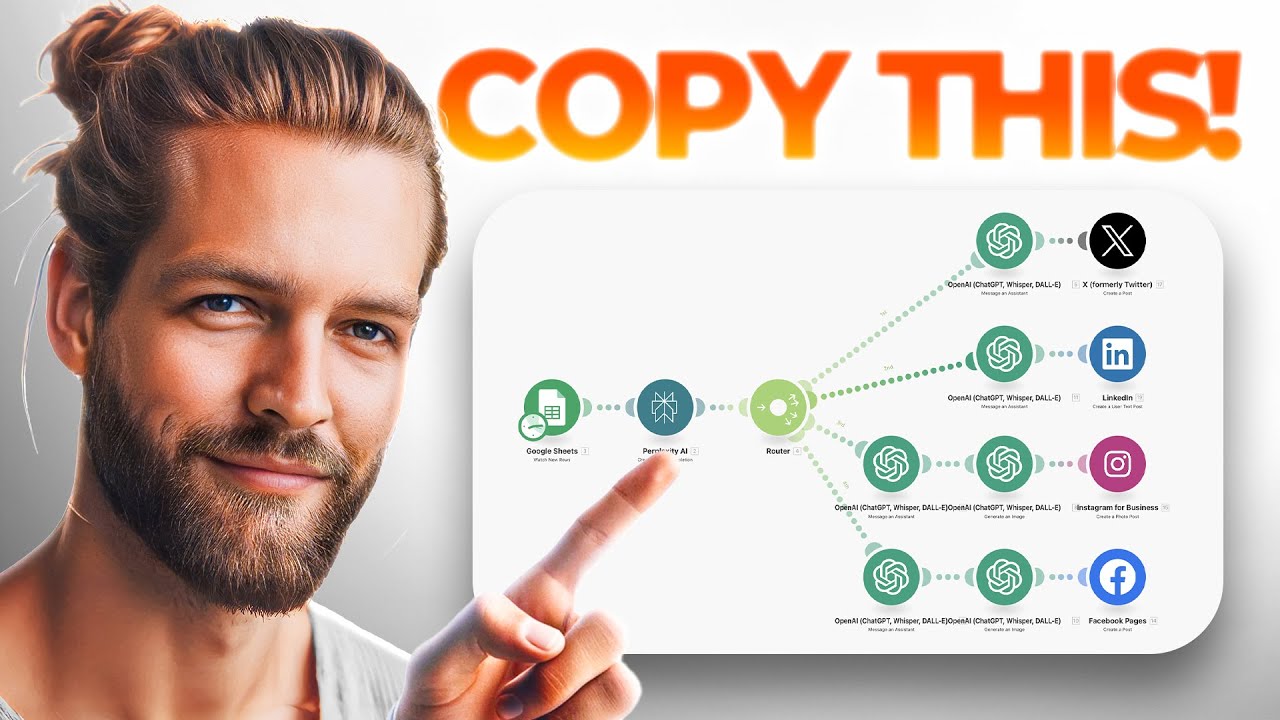
This Social Media AI Automation Creates Unique Content Daily! (100% Automated!)

When is the best time to post on social media
History of social media. Beginning of Social Media. सोशल मीडिया का इतिहास |
5.0 / 5 (0 votes)

