Search Engine vs. Web Browser : Tech Yeah!
Summary
TLDRIn this video, Skyler explains the key difference between a web browser and a search engine. A web browser, like Safari, is a tool used to access websites by decoding URLs and displaying content locally on your device. In contrast, a search engine, like Google, is a tool that helps you find websites by searching across the web based on your queries, offering a variety of results for you to choose from. The video simplifies these concepts to clarify how each functions and complements the other.
Takeaways
- 😀 A search engine is a tool used within a web browser.
- 😀 A web browser is a tool used to access a search engine.
- 😀 A search engine is a complex process that operates on remote servers.
- 😀 A web browser runs locally on your device, such as an iPhone, iPad, or Mac.
- 😀 The web browser decodes the URL you enter and translates it into a format the computer can understand.
- 😀 A web browser routes traffic to various servers based on the URL entered.
- 😀 A web browser reads the computer code of a website and displays it on your screen.
- 😀 A search engine helps you explore multiple websites by providing results based on your query.
- 😀 A search engine looks across various websites to find relevant results for a given term.
- 😀 With a web browser, you visit a specific website; with a search engine, you discover many options related to your query.
- 😀 The user makes choices based on the results provided by the search engine.
Q & A
What is the primary difference between a search engine and a web browser?
-A search engine is a tool used to find information across the internet, whereas a web browser is a tool used to access websites, including search engines. A web browser runs locally on your device, while a search engine operates on remote servers.
How does a web browser function?
-A web browser, like Safari, allows you to type in URLs and decodes them into a series of numbers (IP addresses) that computers can understand. It then routes web traffic to servers and displays websites by interpreting their computer code.
What is a URL?
-A URL (Uniform Resource Locator) is the web address you type into a web browser to reach a specific website, such as 'www.apple.com'.
How does a web browser display a website on your screen?
-The web browser reads the computer code (HTML, CSS, etc.) of a website and translates it into a format that can be displayed on your screen, making it viewable to you.
What is a search engine, and how does it work?
-A search engine is a tool that searches through various websites to find relevant results based on the search query you enter. It accesses multiple websites and presents a list of potential results that match the query.
How is using a search engine different from using a web browser?
-When using a web browser, you directly access a specific website by entering a URL. In contrast, when using a search engine, you ask it to find various websites related to a search term, and it provides you with a list of results.
Can you provide an example of using a search engine?
-For example, if you type 'compact camera' into Google, the search engine will search its index of websites and provide a list of links to sites related to compact cameras.
What happens when you enter a search term into a search engine?
-When you enter a search term, like 'compact camera', the search engine searches through a large database of indexed websites and provides you with a list of the most relevant pages based on your query.
Why is a web browser important for internet browsing?
-A web browser is crucial because it is the interface that allows you to access, view, and interact with websites by decoding URLs and displaying the content of the websites in an understandable way.
Why is a search engine considered a complex process?
-A search engine is complex because it needs to index, rank, and retrieve information from countless websites in real-time, ensuring that the most relevant and up-to-date information is presented to users in response to their queries.
Outlines

هذا القسم متوفر فقط للمشتركين. يرجى الترقية للوصول إلى هذه الميزة.
قم بالترقية الآنMindmap

هذا القسم متوفر فقط للمشتركين. يرجى الترقية للوصول إلى هذه الميزة.
قم بالترقية الآنKeywords

هذا القسم متوفر فقط للمشتركين. يرجى الترقية للوصول إلى هذه الميزة.
قم بالترقية الآنHighlights

هذا القسم متوفر فقط للمشتركين. يرجى الترقية للوصول إلى هذه الميزة.
قم بالترقية الآنTranscripts

هذا القسم متوفر فقط للمشتركين. يرجى الترقية للوصول إلى هذه الميزة.
قم بالترقية الآنتصفح المزيد من مقاطع الفيديو ذات الصلة

Boost Productivity with Arc Browser & Perplexity AI: The Ultimate Workflow Hack (2025)

Perbedaan SEO dengan SEM

How To Access The Dark Web (Using Tor)

3 Tips Automation Test menggunakan Selenium dan Python
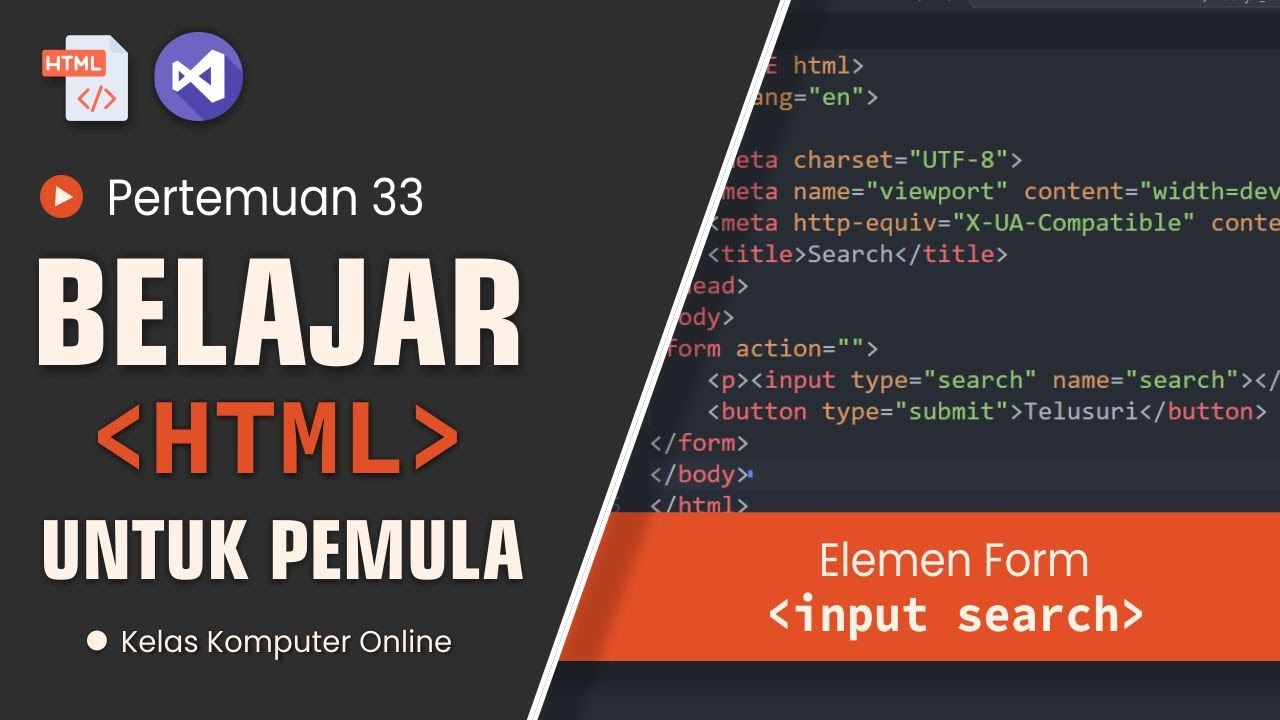
Belajar HTML: Cara Membuat Form Pencarian Sederhana dan Efektif

Search Engine Marketing (SEM): An Overview for Beginners
5.0 / 5 (0 votes)

