Secret AI Job Search Hack that got 3 interview calls in just one week! 🚀
Summary
TLDRThis video provides a step-by-step guide to efficiently match your resume with job listings using Cloud AI and Apify, saving significant time compared to manual job searching. It explains how to download and set up the tools, generate an API key, upload your resume, and run a prompt to retrieve highly relevant job postings. The process produces a neatly organized Excel sheet showing job matches, skill alignment, and application tips. Additionally, it includes a bonus strategy for crafting effective cold emails to recruiters, increasing the likelihood of interview calls, all using free tools and resources with minimal manual effort.
Takeaways
- 😀 The video explains how to use CloudAI and Apify to efficiently match job descriptions with resumes without spending too much time on manual job search tasks.
- 😀 The speaker emphasizes that using these tools can save over 50% of the time spent searching and applying for jobs manually.
- 😀 A customized list of job listings based on your resume is provided, which helps identify job opportunities posted in the last 24 hours and their match percentage with your resume.
- 😀 The speaker encourages using these free tools (CloudAI and Apify) without any need for paid subscriptions, ensuring accessibility for everyone.
- 😀 The process includes downloading the CloudAI desktop version and integrating it with Apify to automate job search functions.
- 😀 The speaker provides a custom prompt for Apify to find job listings that match your resume, which can be customized further based on your role and experience.
- 😀 The process involves setting up an API key within Apify to securely link with CloudAI, ensuring smooth job matching and data retrieval.
- 😀 Detailed instructions on creating and saving an API key in Apify are given, with emphasis on the security of the key and how to manage it properly.
- 😀 After generating a job list, the results are formatted neatly in an Excel sheet, making it easier for users to review and apply for jobs.
- 😀 A bonus tip is given at the end: to increase interview chances, use cold emails to reach out to recruiters directly from the job list, which can significantly boost the chances of getting a response.
Q & A
What is the main focus of the video script?
-The video focuses on how to automate the job search process by using tools like CloudAI and Apify to match resumes with job descriptions. It also provides strategies to save time and improve efficiency in applying for jobs.
How does the process of resume matching with job descriptions work?
-The process involves using platforms like CloudAI and Apify, where users can upload their resumes and enter prompts to retrieve job listings that closely match their skills and qualifications. The tool then generates a list of relevant jobs along with a match score.
What are the benefits of automating job searches using CloudAI and Apify?
-By automating the job search, users can save time by eliminating the need for manual job searches and applications. These tools provide a list of job openings that match the resume, reducing the effort and increasing the chances of getting relevant job opportunities.
Is there any cost associated with using CloudAI and Apify?
-Both CloudAI and Apify are free to use. The tools allow users to generate job listings and match resumes without requiring any payment. The free usage also includes 1000 job searches, after which users can create another account to continue using the services.
How do you use the CloudAI tool effectively?
-To use CloudAI, you need to download the desktop version, log in with a Google account, and add Apify as a connector. Afterward, you can upload your resume and enter a custom prompt to search for job listings. The tool will return a list of relevant job descriptions along with match scores.
What does the 'match score' in the job listing indicate?
-The match score represents how closely the job description aligns with the resume. A higher match score indicates that the job is a better fit for the user’s skills, qualifications, and experience.
Can the system generate job lists based on specific roles or locations?
-Yes, users can customize the prompt to search for jobs based on specific roles, industries, or locations. The script provides an example of searching for 'Data Scientist' roles in the USA, but users can change the role and location according to their preferences.
What does the process of 'adding an API key' to CloudAI and Apify entail?
-Adding an API key involves logging into the Apify website, navigating to the API integration settings, and generating a personal API key. This key is then copied and pasted into the CloudAI tool to enable it to access Apify’s data and retrieve job listings.
How can you use the job lists generated by the system?
-Once the job list is generated, it is displayed in an Excel sheet format. Users can open the sheet, view the job descriptions, match scores, and apply directly to the highest-matched jobs. The list also provides links and details about each job posting.
What is the 'bonus tip' mentioned in the video, and how can it help job seekers?
-The bonus tip involves sending a cold email to recruiters whose job postings match your resume. By convincing recruiters directly, the chances of getting an interview and job offers increase significantly.
Outlines

此内容仅限付费用户访问。 请升级后访问。
立即升级Mindmap

此内容仅限付费用户访问。 请升级后访问。
立即升级Keywords

此内容仅限付费用户访问。 请升级后访问。
立即升级Highlights

此内容仅限付费用户访问。 请升级后访问。
立即升级Transcripts

此内容仅限付费用户访问。 请升级后访问。
立即升级浏览更多相关视频

Apply to 1000+ Jobs with AI | FIND A JOB FAST

EASY GUIDE to Writing a High School Student Resume (with Free Templates!)

Capgemini I UBS I Razorpay - Freshers / Experienced are Eligible to Apply

how to land your first job (even as a teen)

How to Make an Easy Resume in Microsoft Word (latest)
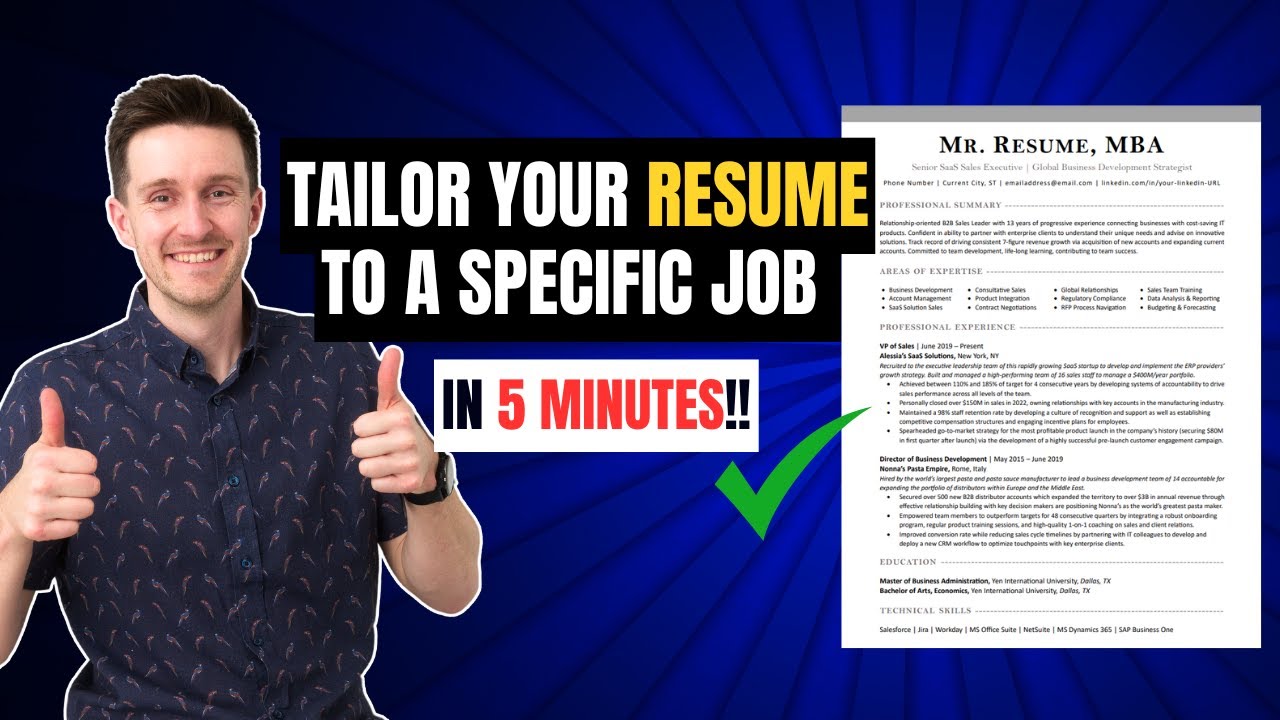
How to Tailor Your Resume to a Specific Job: Match Job Descriptions, Keywords, and ATS-Optimization
5.0 / 5 (0 votes)

