Cara membuat jaringan Peer to Peer sederhana || Jaringan Dasar #1
Summary
TLDRThis tutorial demonstrates how to create a simple peer-to-peer network between two PCs using a LAN (UTP) cable. The process involves connecting the two PCs with RJ-45 connectors, configuring their IP addresses to communicate, and testing the network connection using the 'ping' command on both computers. The script guides users through the setup of Internet Protocol version 4 (IPv4) on each PC, ensuring proper connectivity and successful communication between the devices. The tutorial is straightforward and perfect for beginners learning to set up basic network connections.
Takeaways
- 😀 Start by preparing two PCs or laptops and a LAN cable with RJ-45 connectors.
- 😀 Ensure each end of the LAN cable is connected to PC1 and PC2 correctly.
- 😀 Access the Control Panel on PC1 and navigate to Network and Sharing Center.
- 😀 Set the IP address of PC1 to 192.168.1.1 and subnet mask to 255.255.255.0.
- 😀 For PC2, follow the same steps in the Control Panel but assign IP 192.168.1.2.
- 😀 Use 'Use the following IP address' option to manually configure the IP settings.
- 😀 Test the connection by pinging PC2's IP address (192.168.1.2) from PC1 using CMD.
- 😀 Similarly, ping PC1's IP (192.168.1.1) from PC2 to check the network connectivity.
- 😀 If both PCs reply successfully during the ping test, the peer-to-peer connection is established.
- 😀 This setup demonstrates the process of creating a simple LAN-based peer-to-peer network.
- 😀 Always ensure the subnet mask is consistent (255.255.255.0) on both PCs for proper communication.
Q & A
What is the primary purpose of the video tutorial?
-The video demonstrates how to create a peer-to-peer network using two PCs or laptops connected via a LAN cable.
What materials are required to set up the peer-to-peer network?
-You need two PCs or laptops, one LAN (UTP) cable, and RJ-45 connectors.
How should the LAN cable be connected between the two PCs?
-Each end of the LAN cable should be connected to the network port of each PC to establish a direct connection.
Which operating system feature is used to configure the IP address?
-The IP address is configured through the Control Panel, under Network and Sharing Center, by adjusting the properties of the Local Area Connection and using IPv4 settings.
What IP address and subnet mask are assigned to PC1?
-PC1 is assigned the IP address 192.168.1.1 with a subnet mask of 255.255.255.0.
What IP address and subnet mask are assigned to PC2?
-PC2 is assigned the IP address 192.168.1.129 with a subnet mask of 255.255.255.0.
Why is it important to leave the other fields blank when setting the IP address?
-Leaving the other fields blank avoids unnecessary configuration of default gateway and DNS, which are not required for a simple peer-to-peer network.
How can you test if the network connection between the two PCs is successful?
-You can use the CMD application to run the 'ping' command on the IP address of the other PC. If it shows 'Reply,' the connection is successful.
What command is used on PC1 to check connectivity with PC2?
-On PC1, you type 'ping 192.168.1.129' in CMD to check if PC2 responds.
What does it indicate if the ping command returns a 'Reply' message?
-It indicates that the network connection between the two PCs is active and working correctly.
Why is this setup called a peer-to-peer network?
-Because both PCs can communicate directly with each other without the need for a central server.
What is the final step in creating this peer-to-peer network?
-The final step is verifying the connection by pinging each PC from the other to ensure proper communication.
Outlines

此内容仅限付费用户访问。 请升级后访问。
立即升级Mindmap

此内容仅限付费用户访问。 请升级后访问。
立即升级Keywords

此内容仅限付费用户访问。 请升级后访问。
立即升级Highlights

此内容仅限付费用户访问。 请升级后访问。
立即升级Transcripts

此内容仅限付费用户访问。 请升级后访问。
立即升级浏览更多相关视频

Cara Membuat Jaringan Peer To Peer di Cisco Packet Tracer

Cara membuat jaringan Peer To Peer menggunakan kabel UTP Cross Over|(Praktikum Jaringan Komputer)
Peer To Peer Network Tutorial using Crossover Cables (Tagalog)

Tutorial Sharing Data PC To PC, Menggunakan Kabel UTP

Cisco Packet Tracer - Membangun Jaringan Peer to Peer di Cisco Packet Tracer 8.2
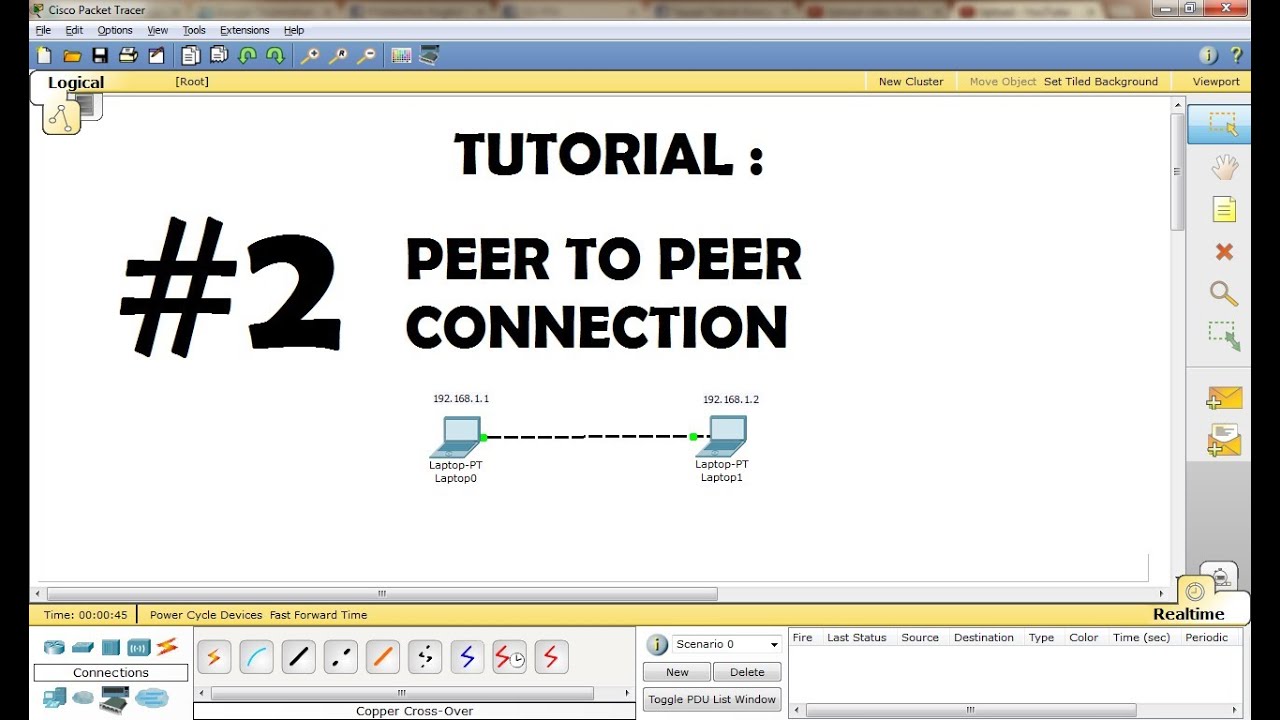
CISCO Packet Tracer Tutorial - Peer to Peer Connection
5.0 / 5 (0 votes)

