DJI Mic Mini | Full Setup Tutorial: Part 1
Summary
TLDRThis beginner's guide to the DJI Mic Mini covers everything you need to know about the compact wireless microphone system. The video explains the devices' features, pairing process, and how to use them with different cameras like the DJI Action 5 Pro and smartphones. Key highlights include battery life, noise cancellation, and how the system improves audio quality compared to the DJI Mic 2. The guide also offers tips on workflow and the mic's flexibility for various filming setups, making it a valuable tool for anyone looking to capture high-quality sound on the go.
Takeaways
- 😀 The DJI Mic Mini is a compact wireless microphone system that provides clean audio for a variety of filming situations.
- 😀 It allows for more flexible filming with the freedom to move away from the camera and capture wider shots.
- 😀 The mic mini is a wireless system, which eliminates the need for cables, offering a cleaner and more portable setup.
- 😀 The transmitter is the microphone itself and doesn't support external lavalier mics, making it simpler but more compact.
- 😀 The charging case allows for recharging the transmitter and receiver multiple times, offering long battery life (11.5 hours for the transmitter, 10.5 hours for the receiver).
- 😀 You can use the DJI Mic Mini with a variety of devices, including the Osmo Action 5 Pro, Osmo Pocket, smartphones, and cameras.
- 😀 The mic offers two levels of noise cancellation to ensure clear audio in different environments.
- 😀 The DJI Mic Mini is smaller and more affordable compared to the DJI Mic 2, but lacks features like backup recording.
- 😀 The receiver is simple and controlled through the DJI Mimo app, making it easy to adjust settings and pair with other devices.
- 😀 Pairing the devices is easy—simply press and hold the pairing buttons on both the transmitter and receiver, or use Bluetooth for connection to your smartphone.
Q & A
What is the main advantage of using the DJI Mic Mini?
-The main advantage of using the DJI Mic Mini is its wireless system, which allows you to record clear audio while being distanced from the camera. This is particularly useful for wider shots or filming people at a distance without the need for cables.
How does the microphone's design contribute to its portability?
-The DJI Mic Mini's design is compact and lightweight, with the transmitter acting as both the microphone and the transmitter. It eliminates the need for external lavalier mics and cables, making it a more portable solution for filmmakers.
What is the battery life like for the DJI Mic Mini?
-The transmitter lasts up to 11.5 hours, while the receiver lasts around 10.5 hours. The charging case can charge the transmitter and receiver up to 3.6 times, providing a total of over 40 hours of use.
Can the DJI Mic Mini be used with devices other than cameras?
-Yes, the DJI Mic Mini is compatible with a variety of devices, including smartphones, Osmo Action 5 Pro, Osmo Pocket 3, and other DJI cameras, allowing you to use it in multiple filming setups.
What makes the DJI Mic Mini sound better than the DJI Mic 2?
-The DJI Mic Mini uses an upgraded microphone design in the transmitter, which delivers cleaner, more precise sound, making it a better option for recent video productions compared to the DJI Mic 2.
What accessories come with the DJI Mic Mini?
-The DJI Mic Mini comes with wind screens, a charging case, a charging dock (depending on the kit), and a soft pouch for additional accessories. You can also buy additional transmitters and adapters as standalone accessories.
How do you charge the DJI Mic Mini?
-The transmitter and receiver charge through the charging case or a separate charging dock. They can also be charged via USB-C. The charging case itself is powered via USB-C and can charge the devices up to 3.6 times.
What are the different audio modes available on the DJI Mic Mini?
-The DJI Mic Mini offers two main audio modes: mono mode (for one transmitter) and stereo mode (for two transmitters), allowing you to adjust the setup according to your recording needs.
How does the DJI Mic Mini handle noise cancellation?
-The DJI Mic Mini features two levels of noise cancellation, allowing it to focus more on your voice regardless of environmental noise, making it ideal for use in various filming conditions.
How do you pair the DJI Mic Mini with other devices?
-To pair the DJI Mic Mini with other devices, you simply power on the transmitter and receiver, press and hold the pairing buttons on both devices, and wait for the lights to flash. The system can also be paired with smartphones via Bluetooth by pressing the pairing button again and connecting through your phone's Bluetooth settings.
Outlines

此内容仅限付费用户访问。 请升级后访问。
立即升级Mindmap

此内容仅限付费用户访问。 请升级后访问。
立即升级Keywords

此内容仅限付费用户访问。 请升级后访问。
立即升级Highlights

此内容仅限付费用户访问。 请升级后访问。
立即升级Transcripts

此内容仅限付费用户访问。 请升级后访问。
立即升级浏览更多相关视频

Best Budget Wireless Mic Comparison! (DJI vs Hollyland vs Rode)
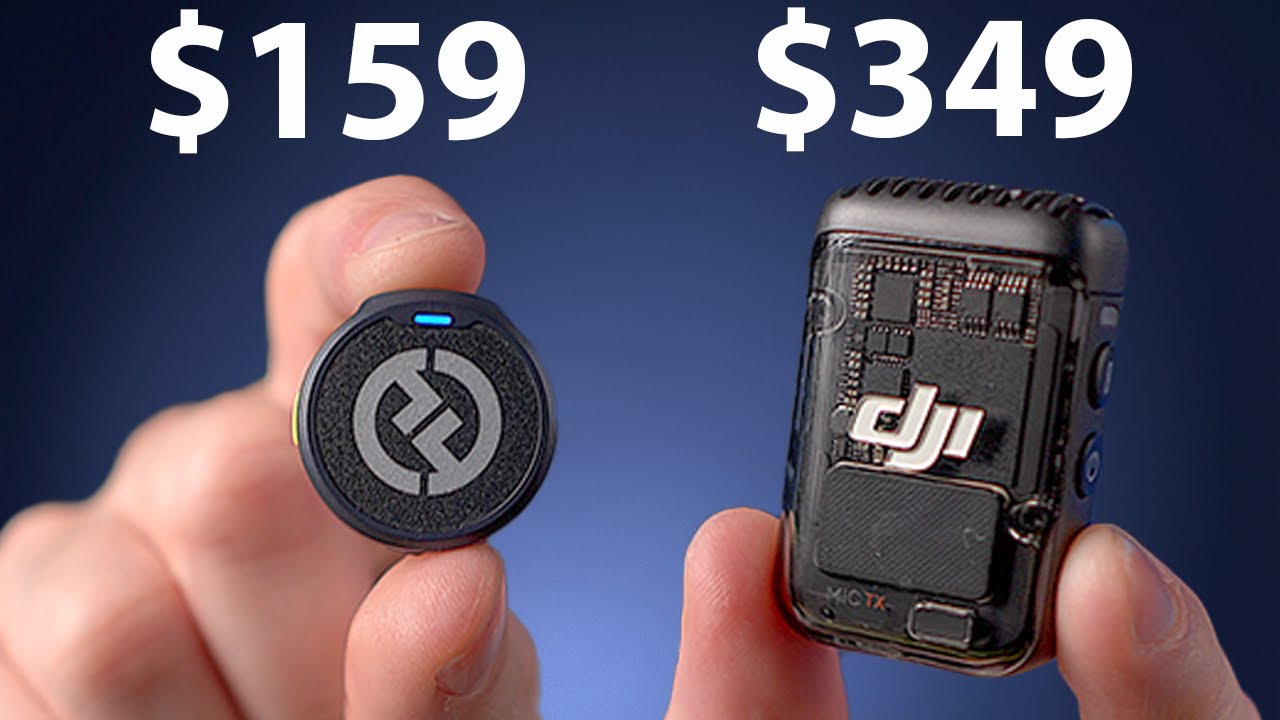
Hollyland Lark M2 - Tiny And Excellent

Did DJI Finally Beat Sony? DJI Lav Mic Vs Sony ECM-LV1 (Featuring the DJI Mic 2)

DJI Mic Mini vs Mic 2: Which is best for the Insta360 Ace Pro 2?

How to connect a Wireless Mini Mic to your laptop 2024

TABLE MANNERS IN FRANCE : 37 RULES OF ETIQUETTE
5.0 / 5 (0 votes)

