Vid 04 Dokumen Transaksi 1
Summary
TLDRThe video provides a step-by-step guide on recording a cash payment for employee salaries using Zahir accounting software. It demonstrates how to navigate to the Kas & Bank module, add a new recipient if necessary, and record payroll for November 2025 under the appropriate account. The tutorial emphasizes proper date and period settings, entering the payment amount, and confirming the transaction to ensure accurate bookkeeping. Viewers are guided through each click and input, making it easy to follow and ensuring that payroll is correctly recorded as a cash outflow in the system.
Takeaways
- 😀 The document being processed is a cash outflow voucher for employee salary payment for November 2025.
- 😀 Payments are directed to the 'Bagian Gaji dan Upah' (Salary and Wages Department).
- 😀 The transaction is recorded using Zahir accounting software under the Cash & Bank module.
- 😀 To add a new recipient, users can click 'New' if the department or individual is not listed.
- 😀 The customer type should be set to 'Other' when creating a new recipient entry.
- 😀 The transaction date must match the payroll period, in this case, December 1, 2025.
- 😀 The table must be filled first with account and description details before entering the amount.
- 😀 The payment can use either a liability account (Utang Pembiayaan) or an expense account (Accurate Expense).
- 😀 The transaction amount should be entered (16,000,000 IDR) and confirmed in the 'Amount' column.
- 😀 After completing all entries, clicking 'Record' saves the transaction, and 'Cancel' exits the process safely.
Q & A
What is the document described in the transcript used for?
-The document is a cash payment proof, specifically for the salary payments of employees for November 2025.
What type of payment is being recorded in the system?
-The payment being recorded is the salary payment for employees in November 2025, which is categorized as a cash outflow.
How do you access the cash and bank feature in the system?
-To access the cash and bank feature, you need to go through the Zahir software, navigate to the 'Kas dan Bank' section, and then select 'Kas Keluar'.
What should be done if the recipient's name is not listed in the system?
-If the recipient's name is not listed, you can add a new entry by selecting 'Tambah' (Add) and filling in the appropriate information.
What should be entered for the customer name if it's not a specific customer?
-If it's not a specific customer, you can select 'Other' as the customer name in the system.
How is the date for the transaction set in the system?
-The transaction date should be set as December 1st, 2025, and can be easily selected by clicking on the calendar icon or manually entering the date.
Which account is used to record the payment of the salary?
-The account used to record the payment is 'Utang Pembiayaan' (Liability Financing) or 'Accurate Expense', which corresponds to the salary expense for employees.
How is the payment value entered in the system?
-The payment value of 16 million IDR is entered by filling in the value in the appropriate field in the system and then clicking on 'Rekam' (Record).
What should you do after entering the payment details in the system?
-After entering the payment details, you should click 'Rekam' (Record) to save the transaction, and then click 'Batal' (Cancel) to exit the process.
What is the final step in completing the transaction?
-The final step is to ensure that all the required information is entered correctly, then click 'Rekam' to record the transaction and 'Batal' to complete the process.
Outlines

This section is available to paid users only. Please upgrade to access this part.
Upgrade NowMindmap

This section is available to paid users only. Please upgrade to access this part.
Upgrade NowKeywords

This section is available to paid users only. Please upgrade to access this part.
Upgrade NowHighlights

This section is available to paid users only. Please upgrade to access this part.
Upgrade NowTranscripts

This section is available to paid users only. Please upgrade to access this part.
Upgrade NowBrowse More Related Video
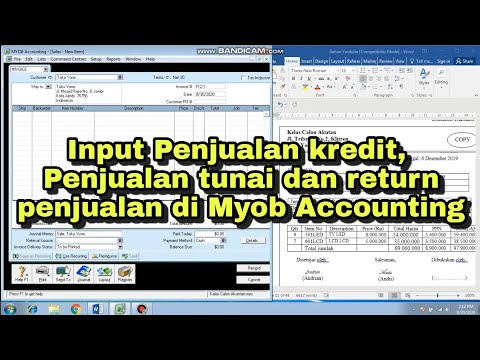
CARA INPUT TRANSAKSI PENJUALAN KREDIT, PENJUALAN TUNAI DAN RETURN PENJUALAN DI MYOB ACCOUNTING
Zahir Accounting 6 | Cara Instal Aplikasi Zahir Accounting 6
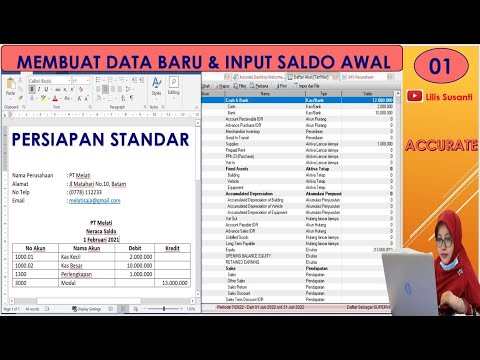
Cara Belajar Accurate Untuk Pemula Menggunakan Persiapan Standar Dengan Mudah Dan Cepat
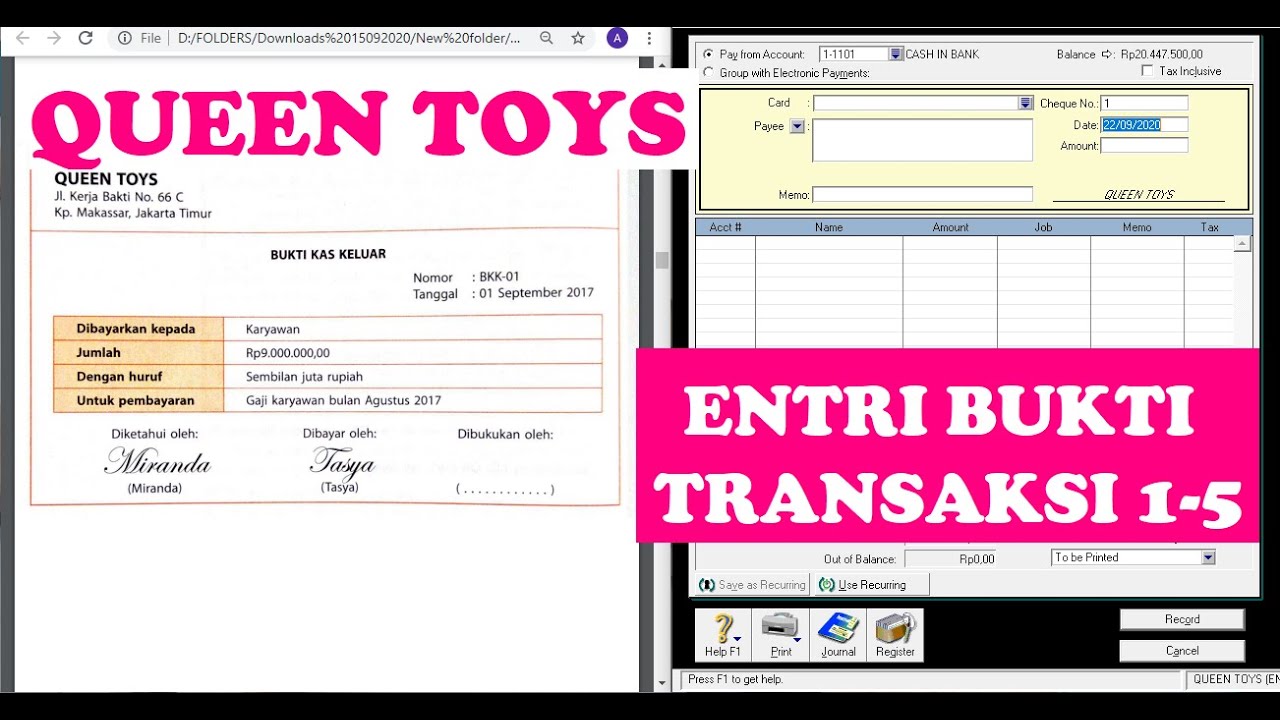
(9-QT) MENGENTRI BUKTI TRANSAKSI 1-5 | MYOB Accounting Plus V18 ED (Queen Toys)

#2 Accurate 5 Transaksi Perusahaan jasa Part 1

Piutang Karyawan untuk Akun Piutang (AR) pada Accurate Dekstop
5.0 / 5 (0 votes)
