SwitchHub Managable TERMURAH !! Ruijie RG-ES208 GC. LAN jadi banyak pakai VLAN
Summary
TLDRIn this tutorial, viewers learn how to configure VLANs using the affordable Ruijie RGE-S208GC managed switch. The video explains how to expand Ethernet ports from a Mikrotik router, create multiple VLANs, and assign specific ports for ISPs, local devices, WiFi access points, and home clients. Step-by-step guidance covers both the switch’s Web UI setup and Mikrotik VLAN configuration, including IP assignments, trunking, and verification. The instructor emphasizes practical applications, illustrating how to manage network traffic efficiently for complex setups. This hands-on approach equips users with essential knowledge to implement VLANs for home or small business networks effectively.
Takeaways
- 😀 VLAN (Virtual LAN) is an advanced networking concept used to segment networks logically over the same physical infrastructure.
- 😀 Managed switches differ from regular switches by allowing configuration features like VLAN, traffic control, and remote management.
- 😀 The Ruijie RG-ES208GC is ներկայաց as an affordable managed switch with 8 gigabit ports and cloud management features.
- 😀 A switch can 'clone' or expand a single Ethernet port into multiple ports, but VLAN allows separating traffic across those ports.
- 😀 VLAN IDs can be freely assigned (up to thousands), and using a logical numbering scheme (e.g., port 2 → VLAN 20) helps with organization.
- 😀 A trunk port is essential in VLAN setups, as it carries multiple VLANs between the switch and the router.
- 😀 In the topology, one MikroTik router port (ether4) is used to handle multiple VLANs via a managed switch.
- 😀 Multiple network purposes are separated using VLANs, such as ISPs, local devices, WiFi hotspot, and PPPoE clients.
- 😀 Switch configuration involves enabling VLAN, creating VLAN IDs, and assigning ports with proper roles (access/trunk).
- 😀 MikroTik configuration requires creating VLAN interfaces on a single physical port connected to the switch trunk.
- 😀 Successful VLAN setup is verified when traffic flows correctly and services like DHCP work through the assigned VLAN.
- 😀 VLAN implementation allows expanding limited router ports into many virtual interfaces, making complex networks more scalable and efficient.
Q & A
What is the main focus of the video transcript?
-The video focuses on configuring VLANs using a manageable switch (Ruiji RGS-208GC) and integrating it with a MikroTik router to extend Ethernet ports and manage network traffic efficiently.
Why does the presenter prefer using a manageable switch with MikroTik?
-The manageable switch allows for cloning and expanding Ethernet ports, making it possible to connect multiple devices to a MikroTik router that may have limited ports, while also providing VLAN segmentation for advanced network management.
What are some key features of the Ruiji RGS-208GC switch mentioned?
-It is affordable (~Rp400,000), has 8 gigabit Ethernet ports, fanless design for silent operation, live cloud management, remote maintenance, and supports HD video transmission.
What is the concept of 'trunk' or 'uplink' in the context of this video?
-The uplink (referred to as 'terang' in the transcript) is the port connecting the switch to the MikroTik router. It carries all VLAN traffic from the switch to the router, acting as the main data path.
How does the presenter assign VLAN IDs to different ports?
-The presenter assigns VLAN IDs based on the port number and function, e.g., port 2 gets VLAN 20, port 3 VLAN 30, ports 4-6 VLAN 40, port 7 VLAN 70, and port 8 VLAN 80, making it easier to remember and manage.
Why does the presenter emphasize configuring the VLANs on the switch rather than the MikroTik router?
-The switch handles the actual VLAN segmentation and bridging between ports, so the router only sees the VLAN traffic via the uplink. This reduces complexity on the router and centralizes VLAN management on the switch.
What is the procedure for setting a static IP on the computer to configure the switch?
-The user must manually set the computer's IP address to the same subnet as the switch's default IP (10.44.77.200 in this case), configure the subnet mask, and then access the switch's web interface using a browser to start configuration.
How does the VLAN configuration affect connected devices like computers or access points?
-Each port with a specific VLAN ID ensures that devices connected to that port communicate only with the assigned VLAN network. For example, a computer on VLAN 40 will have its traffic separated from other VLANs like VLAN 20 or 30.
What is the significance of enabling 'VLAN Member' on the switch?
-Enabling 'VLAN Member' activates VLAN functionality on the switch, allowing the creation of multiple VLAN IDs and the assignment of ports to specific VLANs for proper traffic segregation.
How can a MikroTik router recognize VLAN traffic from the switch?
-VLANs are configured on the switch, and the uplink port (ether4) connects to the MikroTik. The router then adds virtual interfaces for each VLAN (e.g., VLAN 20, 30, 40, 70, 80) through this uplink to manage traffic accordingly.
What tools and interfaces are used for configuring the MikroTik router and switch?
-The switch is configured via its web UI using a browser, while the MikroTik router is configured through Winbox for VLAN interface creation and DHCP client setup.
Why is VLAN configuration considered an advanced networking task?
-VLAN configuration involves segmenting networks, managing traffic paths, and ensuring correct communication between devices. It requires understanding concepts like trunk ports, VLAN IDs, and proper port assignments, making it more complex than basic networking.
Outlines

Этот раздел доступен только подписчикам платных тарифов. Пожалуйста, перейдите на платный тариф для доступа.
Перейти на платный тарифMindmap

Этот раздел доступен только подписчикам платных тарифов. Пожалуйста, перейдите на платный тариф для доступа.
Перейти на платный тарифKeywords

Этот раздел доступен только подписчикам платных тарифов. Пожалуйста, перейдите на платный тариф для доступа.
Перейти на платный тарифHighlights

Этот раздел доступен только подписчикам платных тарифов. Пожалуйста, перейдите на платный тариф для доступа.
Перейти на платный тарифTranscripts

Этот раздел доступен только подписчикам платных тарифов. Пожалуйста, перейдите на платный тариф для доступа.
Перейти на платный тарифПосмотреть больше похожих видео
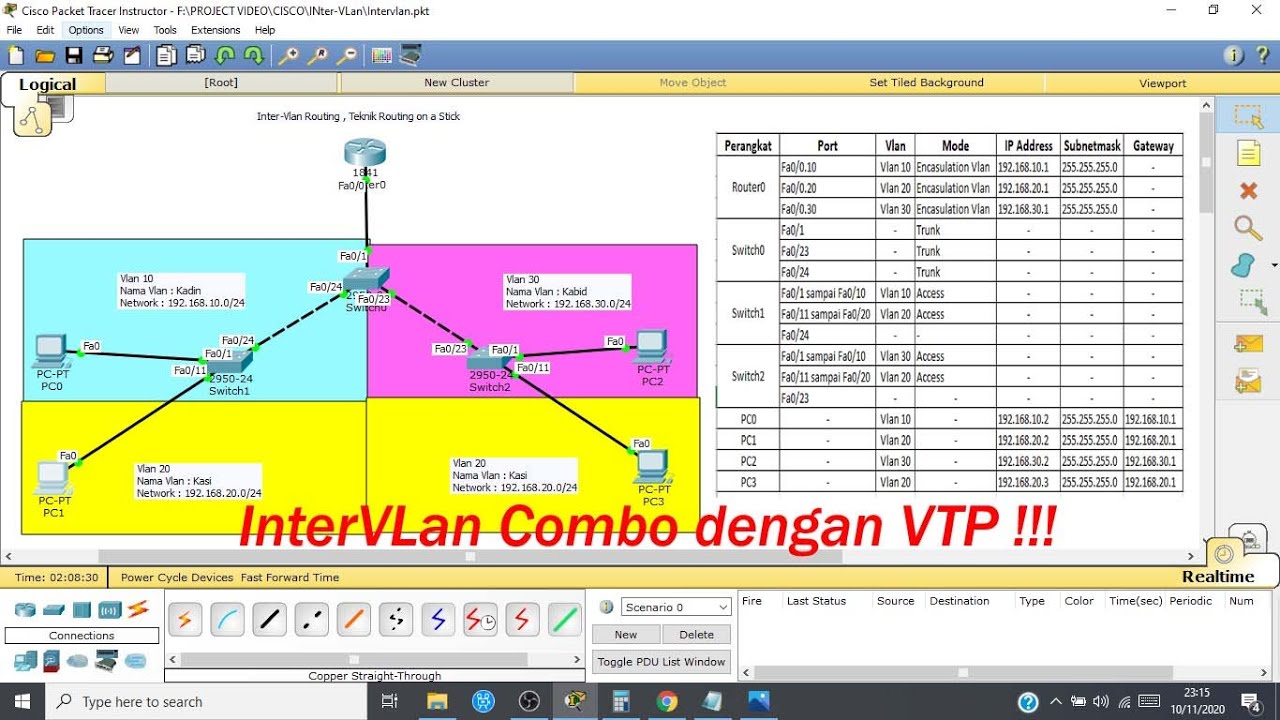
Konfigurasi Inter Vlan Routing pada Cisco packet tracer (Routing on a Stick)

Aula 04 - Curso de Redes de Computadores Básico Mão na Massa - Gateway e Interface Vlan
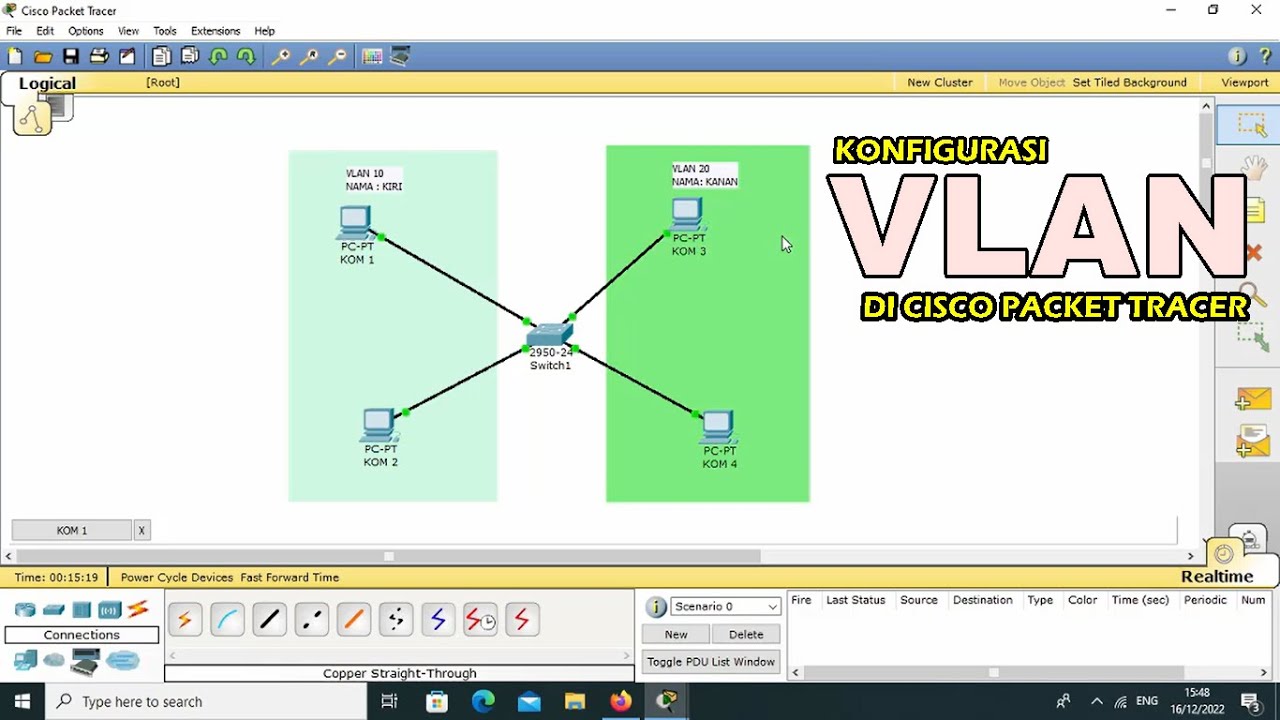
TUTORIAL - KONFIGURASI VLAN PADA CISCO PACKET TRACER - 2022
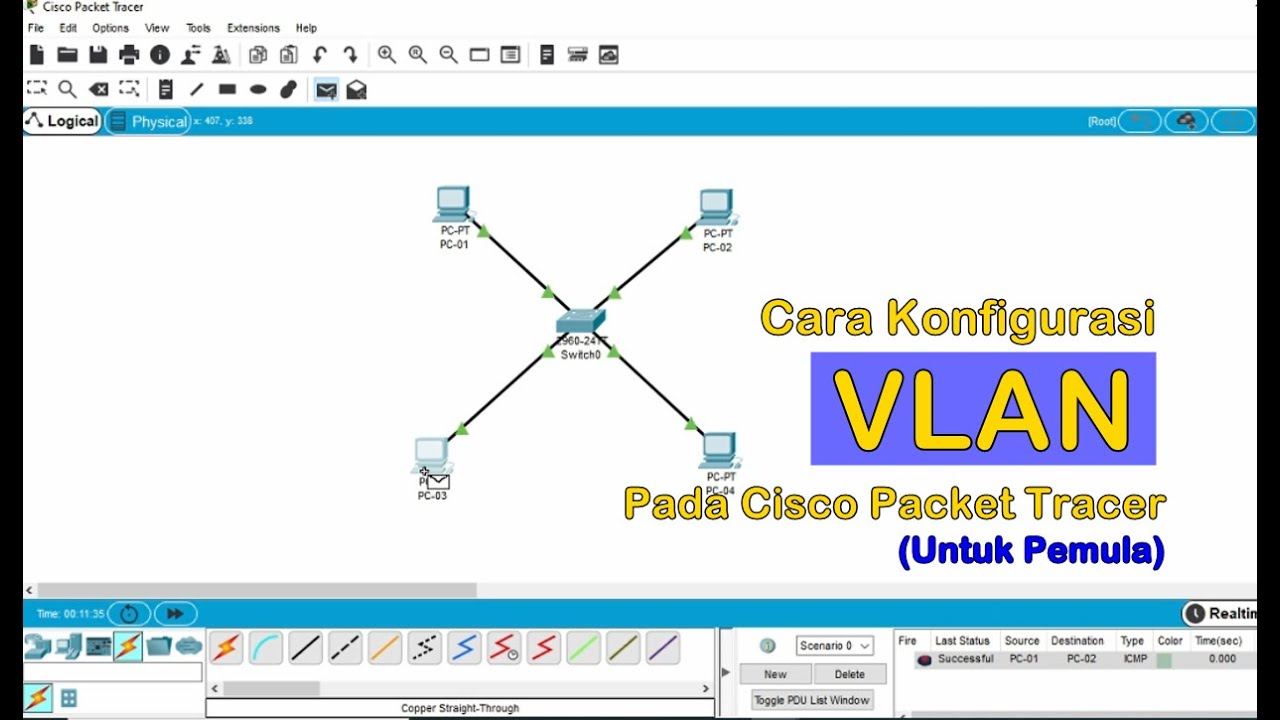
Tutorial - Cara Konfigurasi VLAN pada Cisco Packet Tracer (Untuk Pemula)
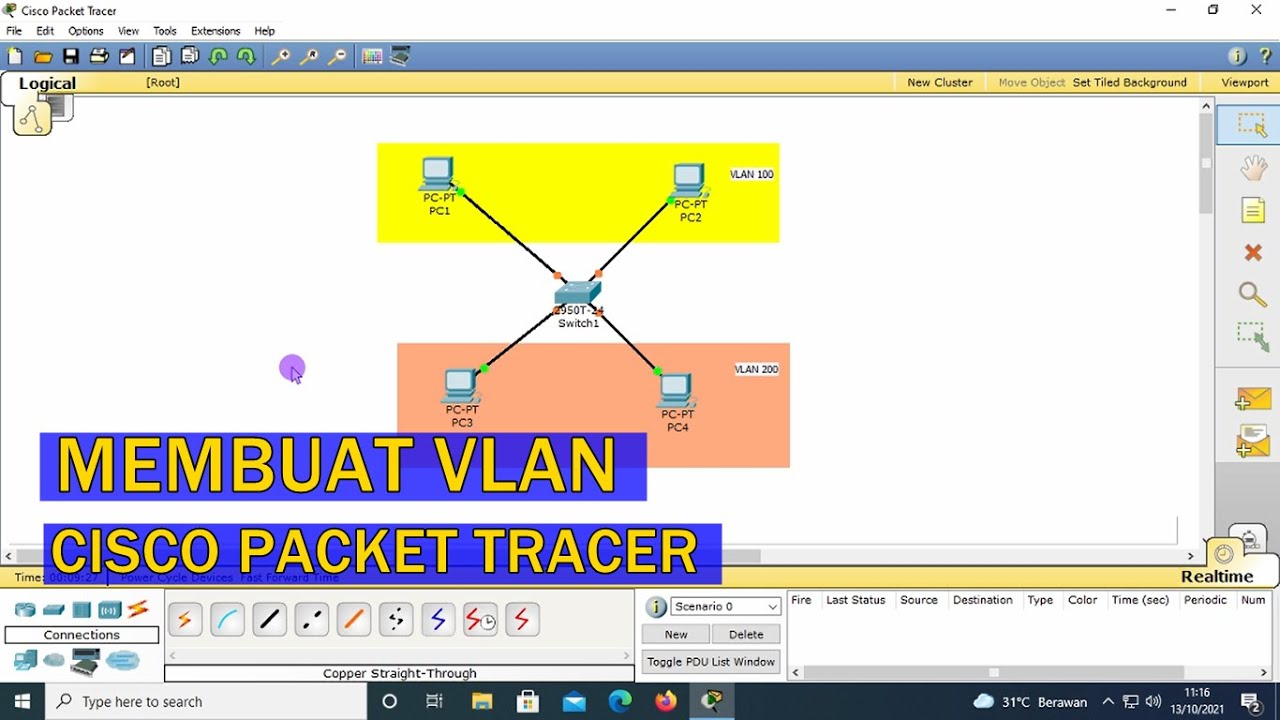
TUTORIAL - CARA KONFIGURASI VLAN PADA CISCO PACKET TRACER (UNTUK PEMULA)

IP Phone configuration packet tracer (Very Simple step)
5.0 / 5 (0 votes)

