CARA SETTING MIKROTIK RB941 UNTUK PEMULA | KELAS MIKROTIK #6
Summary
TLDRThis tutorial guides viewers through the basic configuration of a MikroTik router, covering essential steps like setting up IP addresses, gateways, DNS, and NAT. The process includes resetting the router, configuring network interfaces, and ensuring devices are connected and communicating correctly. Key tests like pinging the router, gateway, and external domains are performed to verify proper setup. The tutorial also walks through configuring client devices to access the network and internet. A hands-on approach to router configuration is demonstrated, making it easy for users to follow and implement for their own setups.
Takeaways
- 😀 Basic Mikrotik router configuration tutorial covering IP addresses, gateway, DNS, and NAT.
- 😀 The tutorial uses a topology where a central router connects to multiple client devices and the internet.
- 😀 Users are instructed to reset the router's configuration using Winbox before starting the setup process.
- 😀 IP address configuration is simplified with Mikrotik's automatic subnet calculation to avoid manual network calculation errors.
- 😀 The gateway setup is critical, ensuring proper routing of traffic through the central router to other devices and the internet.
- 😀 DNS configuration allows users to add multiple DNS servers for internet connectivity, with Google's DNS (8.8.8.8) as an example.
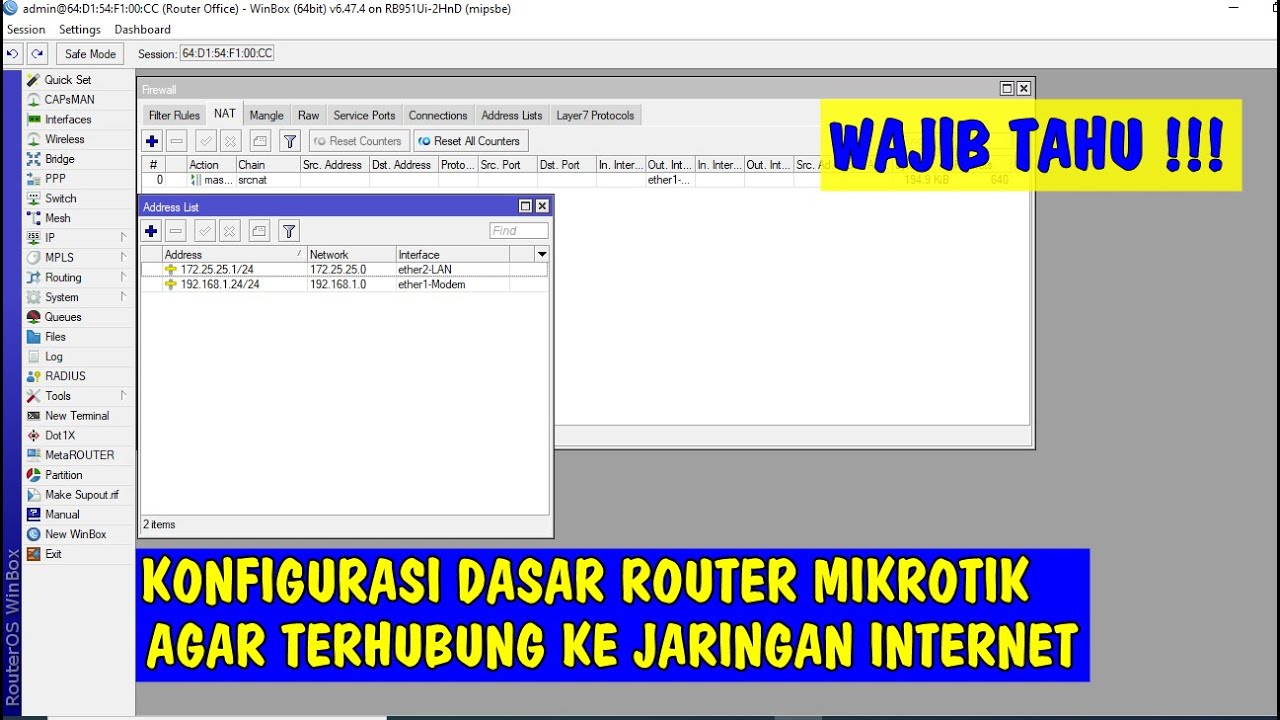
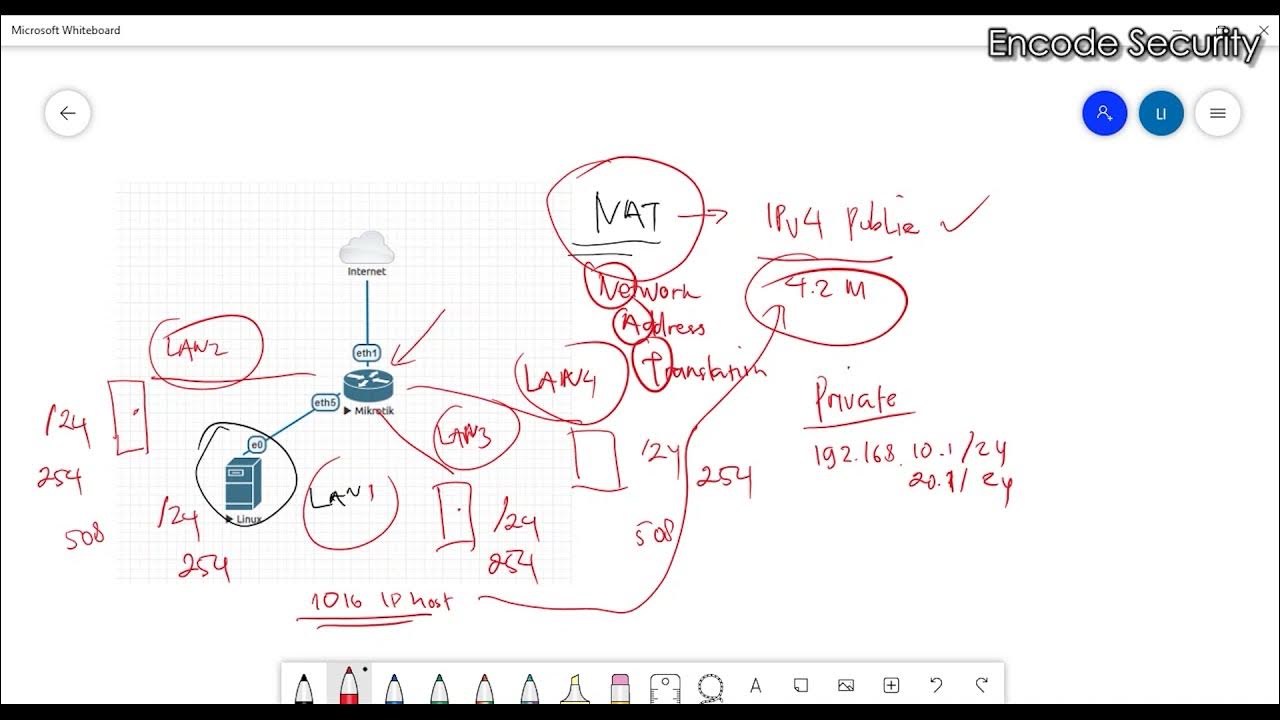
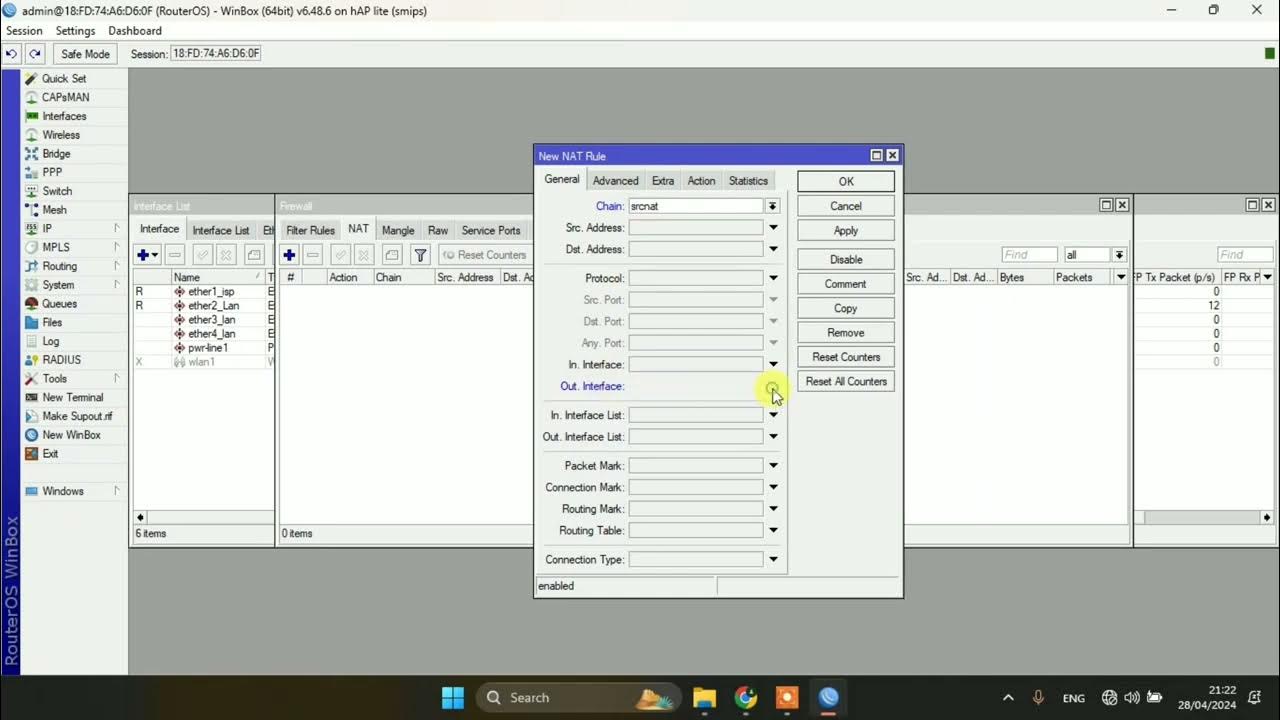
- 😀 NAT (Network Address Translation) configuration helps route traffic from local devices to the internet using Masquerade.
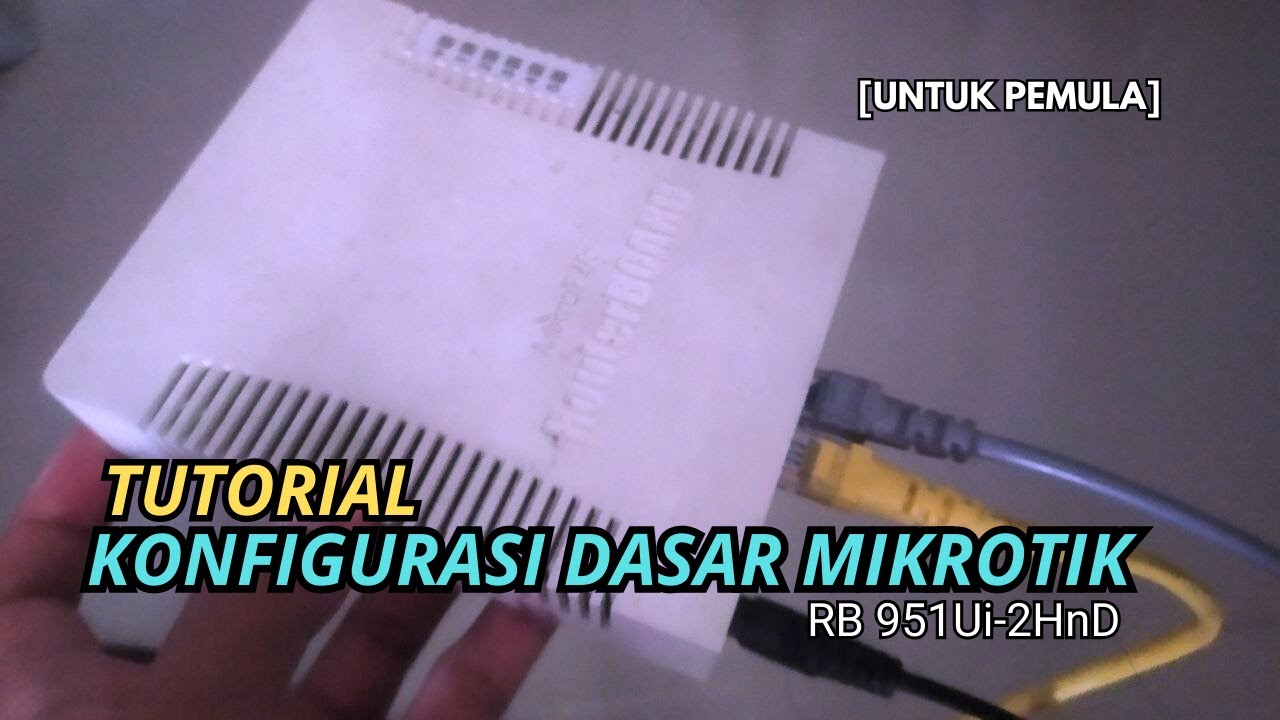
- 😀 UTP cables are connected to different router interfaces, which are then linked to client devices (PCs) and the internet.
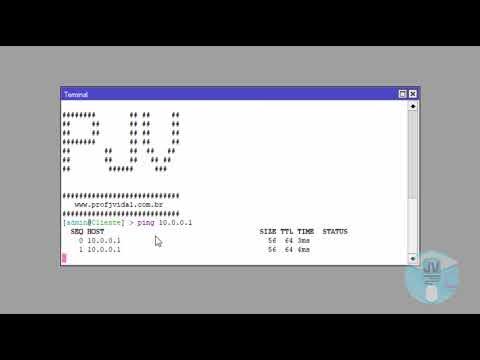
- 😀 To verify connectivity, users are instructed to use the 'ping' command to check the connection between devices, gateway, and DNS.
- 😀 Client devices are configured with appropriate static IP addresses, matching the router's network configuration for successful communication.
- 😀 The tutorial concludes with successful internet browsing from client devices, confirming the setup was successful.
Q & A
What is the first step in configuring a Mikrotik router according to the video?
-The first step is to reset the router configuration through Winbox by going to System > Reset Configuration, ensuring all previous settings are cleared before starting.
Which four main configurations are required for basic Mikrotik setup?
-The four main configurations are: 1) IP address, 2) IP route or Gateway, 3) DNS, and 4) NAT (Network Address Translation) or firewall masquerade.
How can IP addresses be automatically calculated in Mikrotik?
-Mikrotik can automatically calculate IP addresses using the 'IP Address' menu by selecting the network interface and using the auto-fill feature, which simplifies configuration if manual subnet calculations are confusing.
What does a straight versus slanted line mean on an interface in Mikrotik?
-A straight line indicates a cable is properly connected to the interface, whereas a slanted line means no cable is connected to that interface.
How does Mikrotik indicate dynamic connections in the IP route table?
-Dynamic connections are marked as 'D' in the flags column, indicating they were automatically created based on connected interfaces and are currently active.
What is the purpose of the DNS configuration in Mikrotik?
-DNS configuration allows the router and connected clients to resolve domain names to IP addresses. Multiple DNS servers can be added, and 'Allow Remote Requests' must be checked for clients to use the router as their DNS server.
How is NAT (Masquerade) set up in Mikrotik for internet access?
-NAT is set up by going to IP > Firewall > NAT, selecting the outgoing interface connected to the internet, and enabling Masquerade. This allows multiple local clients to share a single public IP.
What is the recommended cable setup for a router with three clients?
-For a router with three clients, the setup is: ether1 connected to the internet, ether2 connected to client 2, and ether3 connected to client 1. This ensures proper routing and internet access for each client.
How can you test connectivity from clients to the internet?
-Connectivity can be tested by setting IP addresses on the client devices and using the ping command to check access to the router gateway, DNS servers, and external domains such as google.com or detik.com.
What common troubleshooting steps are suggested if internet access does not work?
-Common troubleshooting steps include verifying the IP address and subnet mask on both the router and clients, ensuring the correct gateway is set, checking DNS settings, and confirming that NAT Masquerade is properly enabled on the outgoing interface.
Why is it important to follow the specific order of configuration in Mikrotik?
-Following the order—IP address, Gateway, DNS, then NAT—ensures that each step has the necessary prerequisites. For example, NAT requires IP addresses to be configured, and clients need DNS and gateway to access the internet.
Outlines

Cette section est réservée aux utilisateurs payants. Améliorez votre compte pour accéder à cette section.
Améliorer maintenantMindmap

Cette section est réservée aux utilisateurs payants. Améliorez votre compte pour accéder à cette section.
Améliorer maintenantKeywords

Cette section est réservée aux utilisateurs payants. Améliorez votre compte pour accéder à cette section.
Améliorer maintenantHighlights

Cette section est réservée aux utilisateurs payants. Améliorez votre compte pour accéder à cette section.
Améliorer maintenantTranscripts

Cette section est réservée aux utilisateurs payants. Améliorez votre compte pour accéder à cette section.
Améliorer maintenantVoir Plus de Vidéos Connexes

5.0 / 5 (0 votes)

