website testing tutorial for beginners (web application) - software testing - manual - testingshala
Summary
TLDRThis video offers a comprehensive guide to web application testing, covering key topics such as what web applications are, how they work, and their architecture. It explores essential testing types including content validation, functional testing, UI testing, database testing, compatibility testing, security testing, and performance testing. Each testing type is explained in detail, with practical examples of test scenarios. The video emphasizes the importance of ensuring web applications are secure, reliable, and performant to provide a seamless user experience.
Takeaways
- 😀 Web applications are software that run on web servers and can be accessed via browsers over a network.
- 😀 Common examples of web applications include Gmail, Amazon, Flipkart, and online banking platforms like City Bank and SBI.
- 😀 The architecture of web applications is often based on a three-tier system: client-side, web server, and backend services.
- 😀 Web application testing involves various types, including content validation, functional testing, UI testing, database testing, compatibility testing, security testing, and performance testing.
- 😀 Content validation ensures no syntax errors, correct information accuracy, and that the structure is human-readable.
- 😀 Functional testing covers link verification (internal and external), form field validation, and UI field testing like images and fonts.
- 😀 Database testing ensures data entered in the UI is correctly reflected in the database and that data integrity is maintained.
- 😀 Compatibility testing checks how the web application performs across different browsers, platforms, operating systems, and devices.
- 😀 Security testing ensures unauthorized access is prevented, and vulnerabilities like cookies, login issues, and unauthorized data access are tested.
- 😀 Performance testing evaluates a web application's behavior under different loads, including load and stress testing, to ensure it performs well under normal and extreme conditions.
Q & A
What is a web application?
-A web application is software that runs on a web server. It can be accessed via a web browser over a network (e.g., the internet). Examples include Gmail, Amazon, Flipkart, and online banking platforms.
What are the two main architectures used for web applications?
-Web applications are typically designed using either a two-tier or three-tier architecture. Most modern applications use a three-tier architecture consisting of the client side, the web server, and the backend database or third-party services.
What happens when a user enters a URL like 'gmail.com' in their browser?
-When a user enters a URL, the browser sends an HTTP request to the server. The server processes this request, checks the backend for the appropriate data (e.g., username and password verification), and returns the relevant page to the user.
What are the different types of testing involved in web application testing?
-The key types of testing for web applications include content validation, functional testing, UI testing, database testing, compatibility testing, security testing, and performance testing.
Why is content validation important in web testing?
-Content validation ensures that the text on the website is accurate, error-free, and displayed in a human-readable format. It checks for syntax errors, typos, and ensures the information is consistent across the site.
What is involved in functional testing of a web application?
-Functional testing checks the functionality of the web application, including validating all types of links (internal, outgoing, and broken), testing form field validation, ensuring proper image display, and verifying error pages (like 404 or 500).
How is database testing performed in web applications?
-Database testing verifies that data entered through the web interface is properly reflected in the backend database. It also ensures data integrity, proper handling of different data types, and correct transaction commits.
What is compatibility testing, and why is it important?
-Compatibility testing ensures that the web application works seamlessly across different browsers, operating systems, devices, and third-party software. This helps guarantee a consistent user experience regardless of the platform.
What are the goals of security testing for web applications?
-The goal of security testing is to ensure that unauthorized users cannot access sensitive data and that the application is protected against potential threats like hacking. It involves testing both client-side and server-side security mechanisms.
What are load and stress testing in the context of performance testing?
-Load testing involves simulating expected user traffic to see how the application performs under normal conditions. Stress testing puts extreme loads on the application to test its stability and performance under heavy or prolonged pressure.
Why is it important to validate error handling in web applications during performance testing?
-Validating error handling ensures that the application provides proper feedback when performance issues arise. This includes displaying appropriate error messages and handling system crashes without losing critical data or functionality.
How does security testing handle cookies in web applications?
-Security testing verifies how cookies are used in web applications. It checks that session data and user details are stored securely and tests for vulnerabilities related to expired or tampered cookies, which could lead to unauthorized access.
Outlines

Esta sección está disponible solo para usuarios con suscripción. Por favor, mejora tu plan para acceder a esta parte.
Mejorar ahoraMindmap

Esta sección está disponible solo para usuarios con suscripción. Por favor, mejora tu plan para acceder a esta parte.
Mejorar ahoraKeywords

Esta sección está disponible solo para usuarios con suscripción. Por favor, mejora tu plan para acceder a esta parte.
Mejorar ahoraHighlights

Esta sección está disponible solo para usuarios con suscripción. Por favor, mejora tu plan para acceder a esta parte.
Mejorar ahoraTranscripts

Esta sección está disponible solo para usuarios con suscripción. Por favor, mejora tu plan para acceder a esta parte.
Mejorar ahoraVer Más Videos Relacionados

IT140P Module 1 Lecture Intro to Application Development Part 1
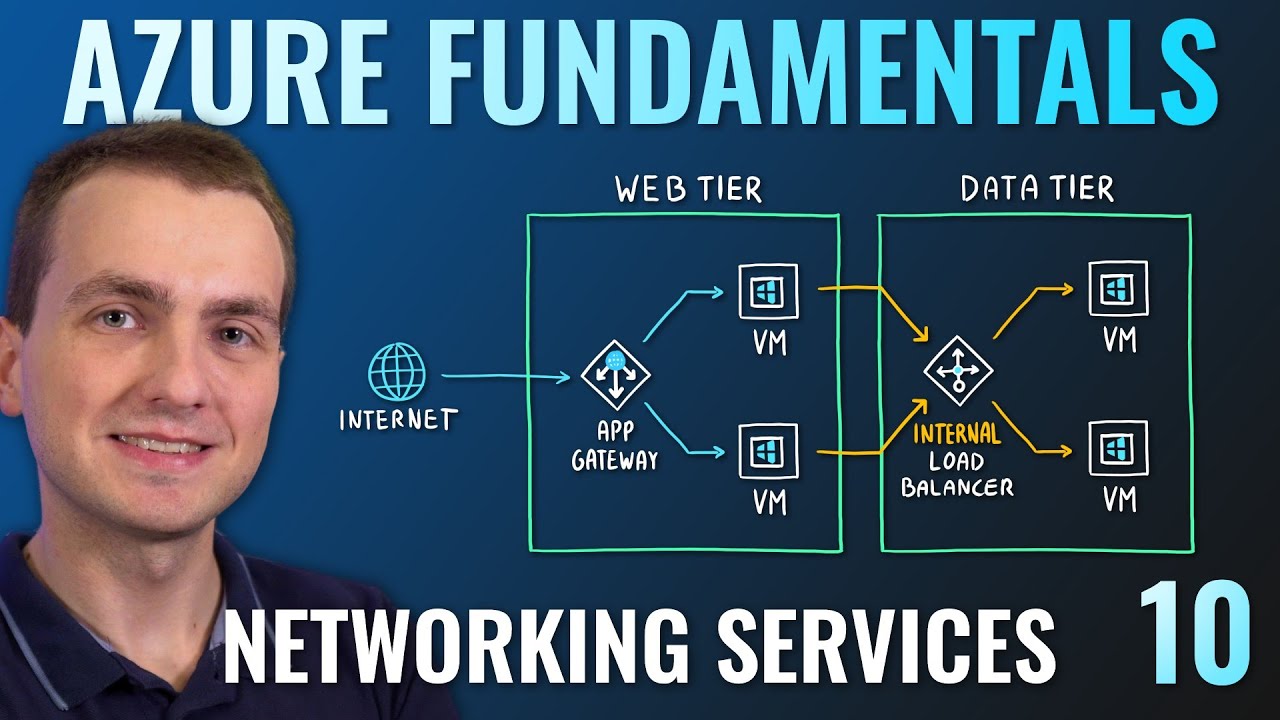
AZ-900 Episode 10 | Networking Services | Virtual Network, VPN Gateway, CDN, Load Balancer, App GW

Embedded systems Introduction

Application Security 101 - What you need to know in 8 minutes

Frontend Interview Questions 2024 (Part 3)

The intro to Docker I wish I had when I started
5.0 / 5 (0 votes)

