The Best Way to Organize Your Computer Files
Summary
TLDRThe video script offers a comprehensive guide on organizing digital files effectively. It emphasizes the importance of a structured approach to file organization, comparing it to a tree structure for efficiency. The presenter suggests starting with a root folder, such as Google Drive, and creating 'life buckets' for main categories. Each category should then be further divided into subfolders, maintaining a logical hierarchy. The script also highlights the significance of naming files specifically for easy identification and advocates for the use of cloud sync applications like Google One for real-time file updates and accessibility. Additionally, it touches on the necessity of a robust backup strategy, such as using Backblaze, to safeguard against data loss. The video concludes with tips on using shortcuts and Quick Access/Favorites for swift navigation to frequently used files, and a recommendation for being an 'essentialist' to stay organized by focusing on priorities.
Takeaways
- 🗂️ **Organize Digitally**: Transitioning from paper to digital organization can make managing files cooler and more efficient.
- 🚀 **Start with Structure**: Create a logical folder structure for your computer files to prevent clutter and make finding items easy.
- 📁 **Folders for Everything**: Ensure every file is in a specific folder, avoiding random folders like 'Documents' or 'Downloads'.
- 🌳 **Tree Structure**: Adopt a tree structure for organizing folders, which branches out into subfolders for a more manageable system.
- 🏢 **Life Buckets**: Organize your main files into categories or 'life buckets' that represent the main areas of your life or work.
- 🔄 **Expandable System**: Design a file system that is flexible and expandable, maintaining logic as it grows.
- 📂 **Category-Based Organization**: Organize subfolders by category to keep related files together for easy access.
- 📅 **Date-Based Organization**: Use date-based structures for files that span across multiple categories, like college classes.
- 📝 **Intelligent Naming**: Name files specifically enough to know what they are at a glance without overcomplicating the naming convention.
- ☁️ **Cloud Syncing**: Utilize a cloud sync app like Google One for real-time file updates across devices and enhanced security.
- 🔒 **Backup Beyond Cloud**: Implement a backup strategy that goes beyond cloud syncing to protect against data loss from malicious acts or accidental deletions.
Q & A
Why is organizing computer files considered both easier and harder than organizing paper files?
-Organizing computer files is easier because they don't have physical weight or take up space, thus not creating a physical mess. However, it's harder because there's often no formal education on how to organize digital files, and the volume of digital creations can quickly become overwhelming.
What is the suggested first step in organizing computer files?
-The first step is to create an organizational structure of folders that makes it easy to find anything quickly. Each file should be within a specific folder that represents it well, and nothing should be left on the desktop or in random folders.
What is a 'tree structure' in the context of organizing computer files?
-A tree structure refers to a hierarchical organization of folders within a computer system. It starts with a root (like Google Drive) and branches out into main categories or 'life buckets', which further divide into subcategories, similar to the branching of a tree.
Why is it recommended to use a Cloud Sync app like Google One as the root of your file tree?
-Using a Cloud Sync app ensures that all files are kept up-to-date across the entire system, provides access to files from any device, and offers some protection against hardware failure by syncing files to the cloud.
What are the benefits of using a separate cloud backup service like Backblaze in addition to a Cloud Sync app?
-A separate cloud backup service provides an additional layer of data protection. It safeguards against malicious actions like hacking or accidental deletions, and it offers a recovery option beyond the typical 30-day limit of most Cloud Sync apps' trash recovery.
How should files be named in the suggested file organization system?
-Files should be named relatively specifically, providing enough context to understand what the file is about at a glance within the context of its location in the file tree. Avoid overly complex naming conventions that include too much detail.
What is the recommended approach to organizing files that belong to a large number of categories, such as college classes?
-For a large number of categorized files, it's suggested to create an additional level of organization, such as splitting them up by year. Then, within each year, create folders for each class to keep the list manageable and relevant.
Why is it important to maintain the integrity of the file tree structure?
-Maintaining the integrity of the file tree structure ensures that files can be easily found and accessed. It also prevents the system from becoming disorganized and messy, which can lead to lost or misplaced files.
What is the role of 'Quick Access' or 'Favorites' in navigating the file system?
-Quick Access or Favorites allows users to pin frequently accessed folders or files for swift navigation. This feature helps in quickly reaching files that might be several levels deep in the file tree without having to traverse through multiple folders.
What book is recommended for individuals looking to improve their organizational skills and focus on their priorities?
-The book recommended is 'Essentialism: The Disciplined Pursuit of Less' by Greg McKeown. It helps readers become more in tune with their priorities and values, promoting a more deliberate approach to tasks and projects.
How can viewers get a free trial of the Audible service with a free Audiobook download?
-Viewers can get a free 30-day trial of Audible service, which includes a free Audiobook download, by signing up at audible.com/thomas or by texting 'Thomas' to 500-500 on their phone.
Outlines

هذا القسم متوفر فقط للمشتركين. يرجى الترقية للوصول إلى هذه الميزة.
قم بالترقية الآنMindmap

هذا القسم متوفر فقط للمشتركين. يرجى الترقية للوصول إلى هذه الميزة.
قم بالترقية الآنKeywords

هذا القسم متوفر فقط للمشتركين. يرجى الترقية للوصول إلى هذه الميزة.
قم بالترقية الآنHighlights

هذا القسم متوفر فقط للمشتركين. يرجى الترقية للوصول إلى هذه الميزة.
قم بالترقية الآنTranscripts

هذا القسم متوفر فقط للمشتركين. يرجى الترقية للوصول إلى هذه الميزة.
قم بالترقية الآنتصفح المزيد من مقاطع الفيديو ذات الصلة
Best Practice to Organize Your Computer Files
ADHD Computer Organization: How to Sort by 13 Organizational Pillars (Email, Notes, Desktop, Photos)
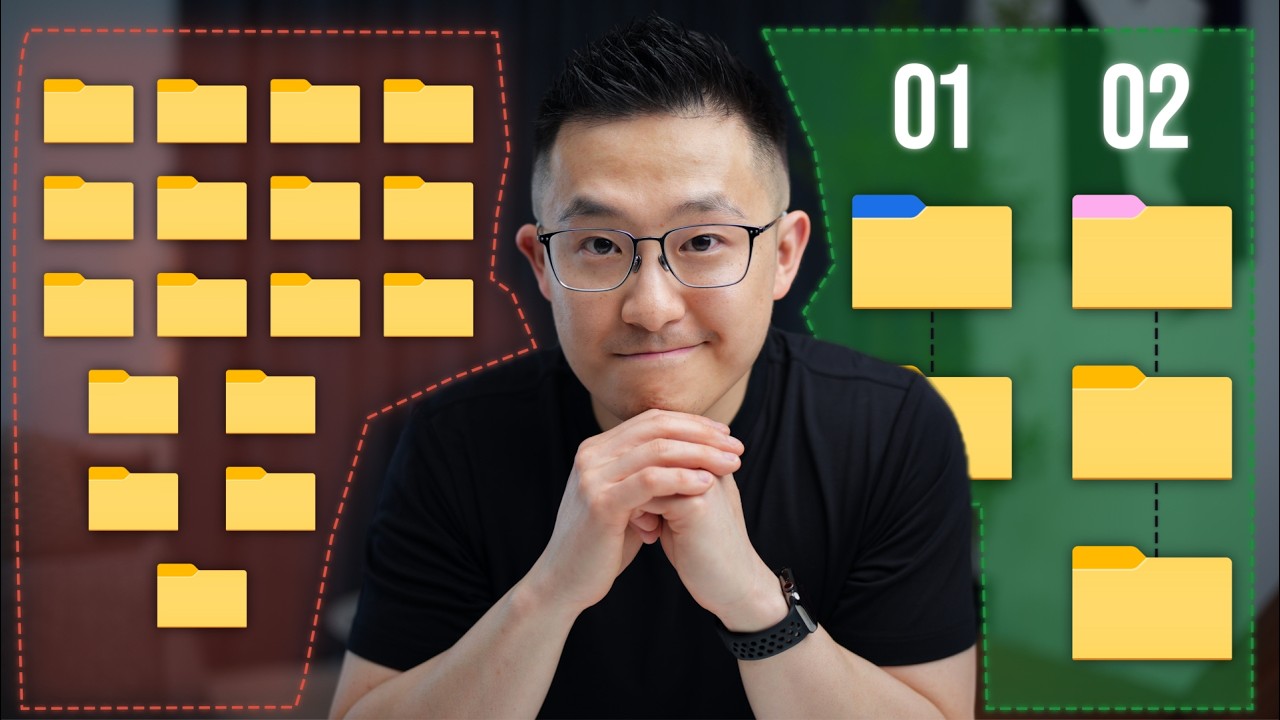
This Simple File Management System Changed My Life!

Using the Specification | Studying Effectively for GCSE's & A-level's
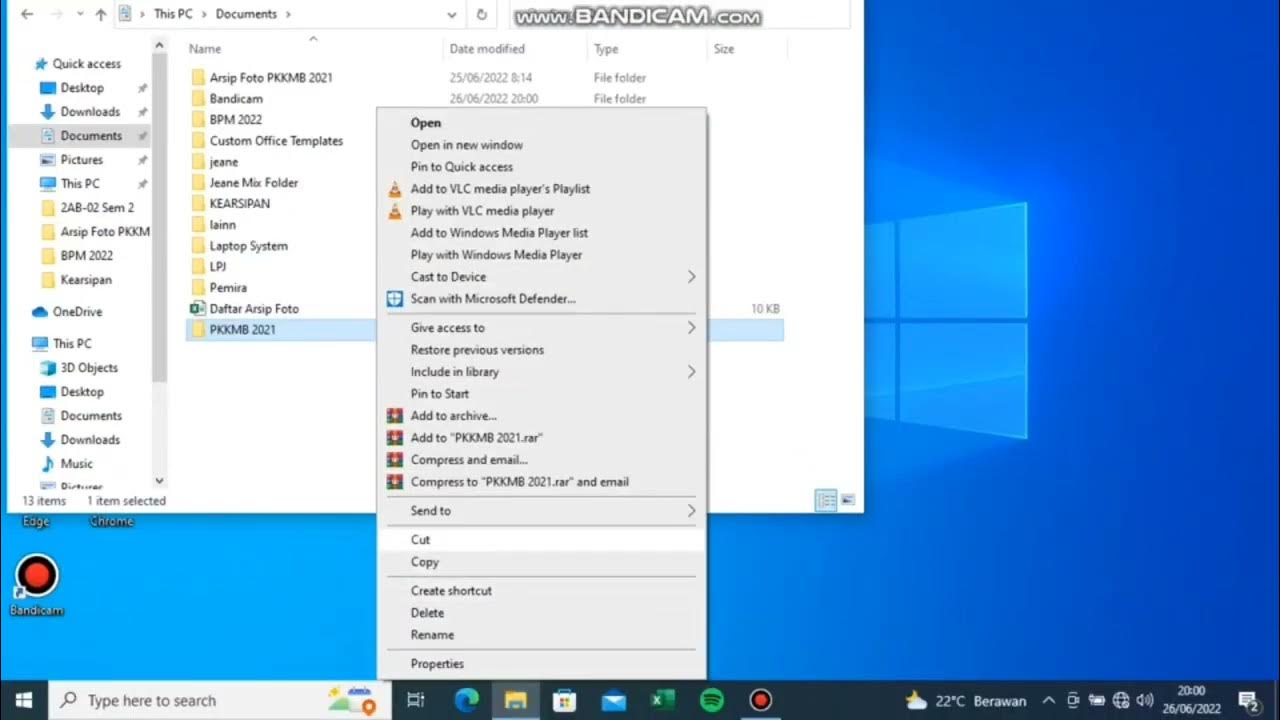
Pengarsipan Digital Sederhana
Become a Notion pro in 20min! (Full Notion Guide)
5.0 / 5 (0 votes)

