Top 10 most important Excel Functions in Excel in Tamil
Summary
TLDRThis script introduces the fundamentals of Excel lookup functions, focusing on how to use elements like lookup value, table array, column index number, and range lookup. It highlights that the lookup value is always the first argument and explains how approximate matching works using ‘greater than or equal to’ logic. The explanation also emphasizes the importance of properly structuring data, such as sorting columns when using range lookup. Overall, it serves as a concise guide to understanding how lookup formulas operate and how to apply them effectively in data analysis tasks.
Takeaways
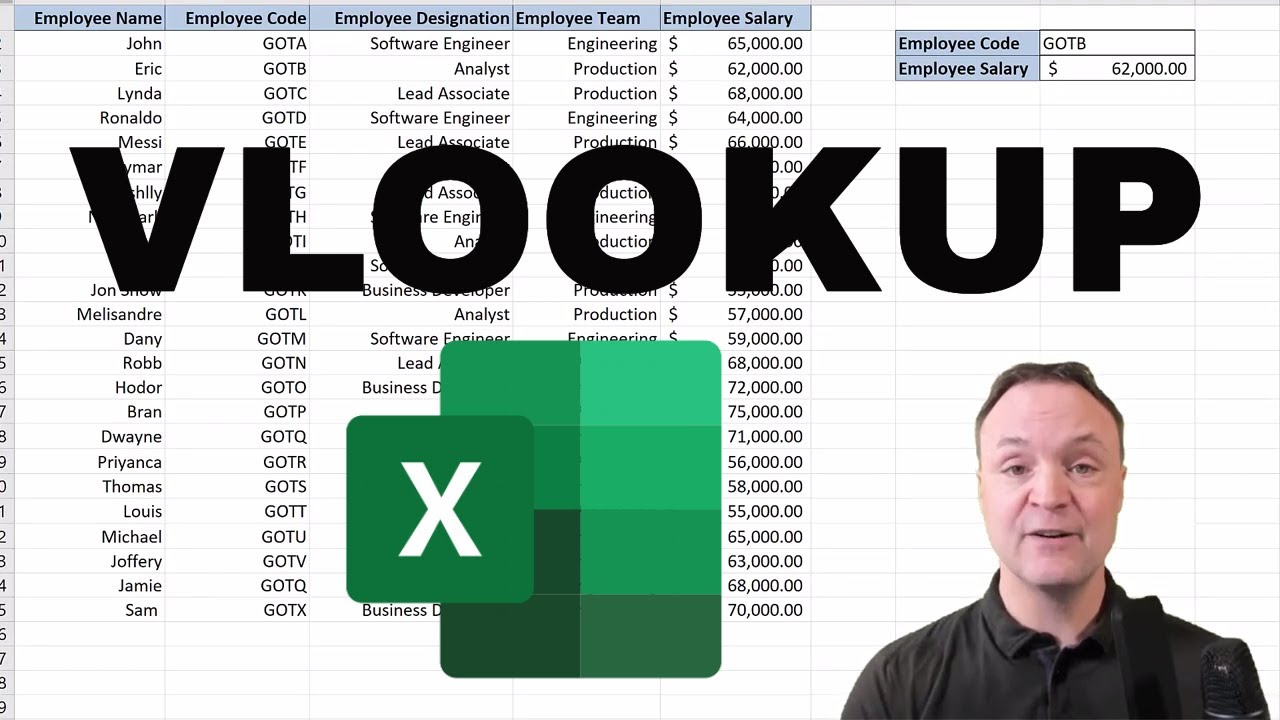
- 😀 The video covers the use of the VLOOKUP function in Excel.
- 😀 VLOOKUP searches for a value in the first column of a table array.
- 😀 The first argument of VLOOKUP is the 'lookup value', which is what you are searching for.
- 😀 The second argument is the 'table array', representing the range of cells containing your data.
- 😀 The third argument is the 'column index number', indicating which column's value to return.
- 😀 The fourth argument is 'range lookup', which can be TRUE (approximate match) or FALSE (exact match).
- 😀 Using 'greater than or equal to' logic applies when range lookup is TRUE, useful for approximate matches.
- 😀 VLOOKUP is case-insensitive, so it does not distinguish between uppercase and lowercase letters.
- 😀 The function is commonly used for retrieving related data like prices, scores, or categories from a table.
- 😀 Understanding each argument clearly is essential to avoid errors in lookup results.
- 😀 Background noise like 'foreign' or '[Music]' in the transcript does not affect the explanation of VLOOKUP.
Q & A
What is a lookup value in the context of spreadsheet functions?
-A lookup value is the specific value you want to search for within a table or range. It is the first argument in functions like VLOOKUP.
What does the 'table array' refer to in spreadsheet lookup functions?
-The table array is the range of cells that contains the data you want to search through. It includes both the column with the lookup value and the column from which you want to retrieve data.
What is meant by 'column index number' in a VLOOKUP function?
-The column index number specifies which column in the table array contains the value you want to return. For example, 2 means the second column in the selected table range.
How does the 'range lookup' argument work?
-The range lookup argument determines whether the lookup function should find an exact match or an approximate match. TRUE (or omitted) finds the closest match, and FALSE requires an exact match.
Why is it important to set the correct range for the table array?
-Setting the correct range ensures that the lookup function searches the appropriate data and returns accurate results. Including extra rows or columns can lead to errors.
What happens if the column index number is set incorrectly?
-If the column index number points to a column outside the table array, the function will return an error because it cannot retrieve data from a column that isn’t included in the table range.
What is the difference between an exact match and an approximate match in VLOOKUP?
-An exact match returns a value only if it perfectly matches the lookup value. An approximate match returns the closest value that is less than or equal to the lookup value, often used with sorted data.
Can VLOOKUP search for values in columns to the left of the lookup column?
-No, VLOOKUP can only search for values in the first column of the table array and return values from columns to the right. For left-side lookups, functions like INDEX and MATCH are needed.
Why is understanding the lookup value argument important for beginners?
-The lookup value is fundamental because the function cannot perform a search without a clear value to look for. Understanding it helps users avoid errors and ensures accurate data retrieval.
What common mistakes should users avoid when using VLOOKUP?
-Common mistakes include selecting the wrong table array, using an incorrect column index number, forgetting to set range lookup correctly, or trying to retrieve data from a column to the left of the lookup column.
Outlines

هذا القسم متوفر فقط للمشتركين. يرجى الترقية للوصول إلى هذه الميزة.
قم بالترقية الآنMindmap

هذا القسم متوفر فقط للمشتركين. يرجى الترقية للوصول إلى هذه الميزة.
قم بالترقية الآنKeywords

هذا القسم متوفر فقط للمشتركين. يرجى الترقية للوصول إلى هذه الميزة.
قم بالترقية الآنHighlights

هذا القسم متوفر فقط للمشتركين. يرجى الترقية للوصول إلى هذه الميزة.
قم بالترقية الآنTranscripts

هذا القسم متوفر فقط للمشتركين. يرجى الترقية للوصول إلى هذه الميزة.
قم بالترقية الآنتصفح المزيد من مقاطع الفيديو ذات الصلة
Vlookup Function in Excel for Beginners

VLOOKUP in Excel | Step-by-Step Tutorial for Beginners

VLOOKUP & HLOOKUP dalam Pencarian Data Ms Excel | Materi Informatika Kelas 8 Bab Analisis Data

Vlookup simply explained

Cara VLOOKUP Data ke Kiri dengan Rumus Index Match | Tutorial Excel Pemula - ignasiusryan

How to use VLOOKUP in Microsoft Excel
5.0 / 5 (0 votes)

