Programação para WEB 2 - Aula 5
Summary
TLDRIn this tutorial, the instructor demonstrates how to create a login page using Bootstrap for the front-end and PHP for server-side functionality. The process includes designing a login form with email and password fields, transitioning from static HTML to dynamic PHP, and setting up a local server using XAMPP or WAMP. Key concepts include handling form submission via PHP, validating user credentials against a database, and configuring a local server to execute PHP scripts. The lesson emphasizes proper file structure and debugging tips to ensure smooth operation of the login system.
Takeaways
- 😀 The video demonstrates creating a login page using Bootstrap, capturing a user's email and password for authentication.
- 😀 HTML forms should now use the POST method instead of GET when handling sensitive data like login credentials.
- 😀 PHP is required to validate login information against a database, as front-end HTML alone cannot handle server-side operations.
- 😀 The 'valida_login.php' file is used to process form submissions and check user credentials on the server.
- 😀 Images and other assets should be organized in subfolders (like 'IMG') for better project structure and maintainability.
- 😀 To execute PHP pages locally, a local server such as XAMPP or WAMP must be installed and running.
- 😀 The local server directory (htdocs in XAMPP) is where all PHP project files must be saved to be properly executed.
- 😀 Clicking a form's submit button sends a request to the PHP server, which responds with HTML content for the browser.
- 😀 Proper configuration of the local server, including starting Apache and MySQL, is necessary to run PHP and database operations.
- 😀 The workspace should include the project folder added from the server directory to enable development and testing within Visual Studio Code.
- 😀 The tutorial emphasizes the importance of understanding front-end (HTML/CSS/Bootstrap) and back-end (PHP/Database) interaction for web development.
- 😀 Following the correct project structure and server setup ensures the login page functions correctly and validates credentials as intended.
Q & A
What is the purpose of the login screen described in the script?
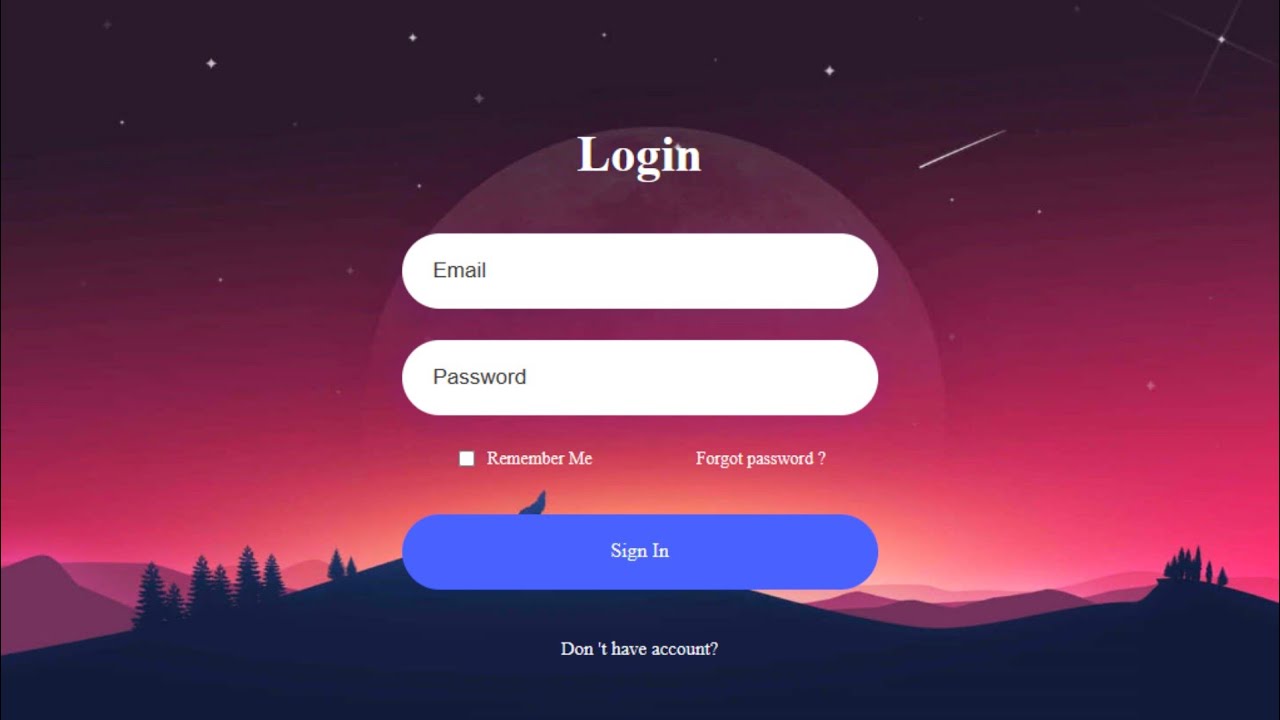
-The login screen is designed to allow users to input their email and password. These credentials will then be validated against a database to check if they are registered.
Why can't we use just an HTML page when connecting to a database?
-An HTML page alone cannot interact with a database. To access and validate credentials from a database, a server-side language like PHP is required to handle the logic and database communication.
What method is used to send the login form data, and why is it preferred over others?
-The POST method is used to send the login form data. This is preferred over GET because POST does not expose data in the URL, providing better security for sensitive information like passwords.
What does the 'validalogin.php' page do?
-'validalogin.php' is the page where the form data is sent for processing. It checks whether the email and password entered match any records in the database.
What role does the PHP language play in this login process?
-PHP is used to handle the server-side logic, interacting with the database to check if the user credentials (email and password) are correct. It then sends the appropriate response to the user's browser.
How does the PHP file communicate with the user’s browser?
-When the user submits the form, the browser sends a request to the server, which processes the PHP file. The server then sends an HTML response back to the browser, which displays the page to the user.
What is the function of XAMPP or WAMP in this tutorial?
-XAMPP or WAMP acts as a local server emulator, allowing the user to run a web server and interact with PHP and MySQL databases on their own computer without needing an external server.
What is the significance of the 'htdocs' folder in XAMPP?
-'htdocs' is the root directory where all the website files must be stored in XAMPP. This allows the server to properly access and serve the files when requested via localhost.
Why is it necessary to configure the server (XAMPP) before running the PHP scripts?
-It is essential to start the XAMPP server so that it can handle the PHP scripts. Without the server running, PHP scripts cannot be processed, and the page will not execute properly.
What happens when the user clicks the 'Enter' button on the login screen?
-When the user clicks 'Enter,' the form data is submitted to the 'validalogin.php' page. This page checks the database to see if the email and password match any existing records. If they do, the user is authenticated; otherwise, an error is displayed.
Outlines

此内容仅限付费用户访问。 请升级后访问。
立即升级Mindmap

此内容仅限付费用户访问。 请升级后访问。
立即升级Keywords

此内容仅限付费用户访问。 请升级后访问。
立即升级Highlights

此内容仅限付费用户访问。 请升级后访问。
立即升级Transcripts

此内容仅限付费用户访问。 请升级后访问。
立即升级浏览更多相关视频

Seri 11 PWEB Login, Logout dan Auth

21 Membuat tampilan frontend halaman kasir
How to Create a Website Login and Register Form with HTML and CSS

How to automate Login page using Selenium WebDriver with Java? | Selenium WebDriver Tutorial
JWT Authentication with Node.js, React, MySQL | Node JS Authentication With JSON Web Token
Creating a Web-based Cafe Ordering Application Part 1 - Explanation and Creation of the Header
5.0 / 5 (0 votes)

