Arduino Nano SPWM: Automatic Transfer Switch (ATS) synchronized with the Grid.
Summary
TLDRThis video demonstrates the integration of an Automatic Transfer Switch (ATS) control into an Arduino Nano SPWM synchronous generator. It explains how the ATS seamlessly switches the output between the inverter and the electric grid, ensuring smooth transitions when battery levels are low. The script also covers improvements to phase detection, LCD display updates, and relay control for grid synchronization. Additionally, it details the battery cutoff mechanism and the stndBy function for power management. The system offers precise synchronization between the inverter and the grid, showcasing its functionality through oscilloscope readings and real-time battery voltage monitoring.
Takeaways
- 😀 The script introduces a new function to an Arduino Nano SPWM synchronous generator, which controls an Automatic Transfer Switch (ATS) to switch the inverter to the electric grid when the battery runs low.
- 😀 The ATS aims to ensure a smooth transition between the inverter and the grid, minimizing phase angle differences to avoid shocks, especially for induction motor loads.
- 😀 A significant improvement to the SPLL coding is discussed, focusing on the phase detect function, which now corrects only when there is a frequency or phase angle difference, leading to more stable output signals.
- 😀 The output now approaches the reference gradually, with minimal pulsations, and once locked, the phase difference is around 130 microseconds, or 0.6%.
- 😀 The LCD display is upgraded from a 2x16 to a 4x20 due to the increased number of parameters displayed, with necessary adjustments to the LCD control code.
- 😀 The ATS mechanism uses two relays: K1 to choose between the grid or inverter, and K2 to control K1. This allows the inverter to synchronize with the grid and seamlessly switch to the inverter once synced.
- 😀 Additional functions in the program, such as the feedBackTest function, monitor the relay K1 status, determining if the output is from the inverter or grid, and handling voltage tests accordingly.
- 😀 Battery voltage control is implemented: if the battery falls below 11V, the inverter turns off, and the output switches to the grid. The output switches back to the inverter once the battery voltage exceeds 12.5V.
- 😀 The standby function (stndBy) is introduced to deactivate the SPWM output, turn off the H-Bridge, and transfer the output to the grid. This ensures no power loss while maintaining synchronization between the grid and inverter.
- 😀 The system's behavior is demonstrated with oscilloscope readings showing the synchronization of the inverter output with the grid, including minor disturbances during switchovers and a display that updates based on the grid or inverter status.
- 😀 The ATS ensures that if the grid is unavailable, the output will be disconnected, and if the grid is available, the inverter output will resume after the synchronization check confirms a lock condition.
Q & A
What is the purpose of the Automatic Transfer Switch (ATS) control in this Arduino Nano SPWM synchronous generator project?
-The ATS control is used to automatically switch the inverter to the electric grid when the battery voltage starts to run low. It ensures a smooth transition by maintaining phase synchronization, which is crucial for loads like induction motors to avoid shocks during the switch-over.
How does the improved SPLL (Synchronous Phase-Locked Loop) function work in the system?
-The improved SPLL function now only makes corrections to frequency and phase angle when there is a difference. It ensures smoother synchronization between the inverter output and the grid, resulting in less pulsation in the output signal when compared to the previous version.
What are the main changes made to the phase detection algorithm in the SPLL code?
-The phase detection algorithm was modified to correct the frequency and phase angle only when necessary. This reduces unnecessary adjustments and makes the system more stable, with the output signal becoming locked and pulsating minimally when in sync with the grid.
Why was the LCD display upgraded from a 2x16 to a 4x20 LCD?
-The upgrade to a 4x20 LCD was necessary due to the increased number of parameters being displayed. This larger display allows for more comprehensive information, such as the status of the grid, PLL, and output.
What role do the relays K1 and K2 play in the ATS system?
-Relay K1 is used to select whether the output is connected to the grid or the inverter, while Relay K2 controls the activation of K1. K1 switches between the grid and inverter, and K2 ensures that the switch occurs only when the inverter is properly synchronized with the grid.
How does the ATS system handle battery voltage fluctuations?
-When the battery voltage falls below 11V, the ATS switches the output to the grid. Once the battery voltage rises above 12.5V, the system switches back to the inverter, ensuring that the inverter only operates when there is sufficient battery power.
What is the purpose of the `stndBy` function in the ATS control system?
-The `stndBy` function is used to deactivate the inverter’s SPWM output, switching the output to the grid while the inverter remains in standby mode. It prevents wasted power in the MOSFETs and transformer while maintaining synchronization between the inverter and grid.
How does the system ensure that the inverter and grid are synchronized during the switch-over?
-The system ensures synchronization by checking the frequency and phase angle of the inverter against the grid. The inverter output is only switched to the grid once these parameters match, minimizing disturbances during the switch-over.
What happens when the grid is unavailable in the ATS system?
-When the grid is unavailable, the display shows 'No' for the utility, and the inverter continues to function independently. If the grid becomes available again, the system will recheck synchronization and, after a brief delay, switch to the grid if synchronization is achieved.
What does the oscilloscope reading show when the system switches from the inverter to the grid?
-The oscilloscope reading shows the inverter output (yellow) being in sync with the reference grid signal (blue). There may be a slight disturbance during the switch-over due to relay contact, but once the inverter is synchronized, the output signal remains stable and in phase with the grid.
Outlines

This section is available to paid users only. Please upgrade to access this part.
Upgrade NowMindmap

This section is available to paid users only. Please upgrade to access this part.
Upgrade NowKeywords

This section is available to paid users only. Please upgrade to access this part.
Upgrade NowHighlights

This section is available to paid users only. Please upgrade to access this part.
Upgrade NowTranscripts

This section is available to paid users only. Please upgrade to access this part.
Upgrade NowBrowse More Related Video
PENGENALAN ATS-AMF AUTOMATIS TRANSFER SWITCH PLN KE GENSET
Dijamin Bisa | Membuat Kotak Sampah Otomatis
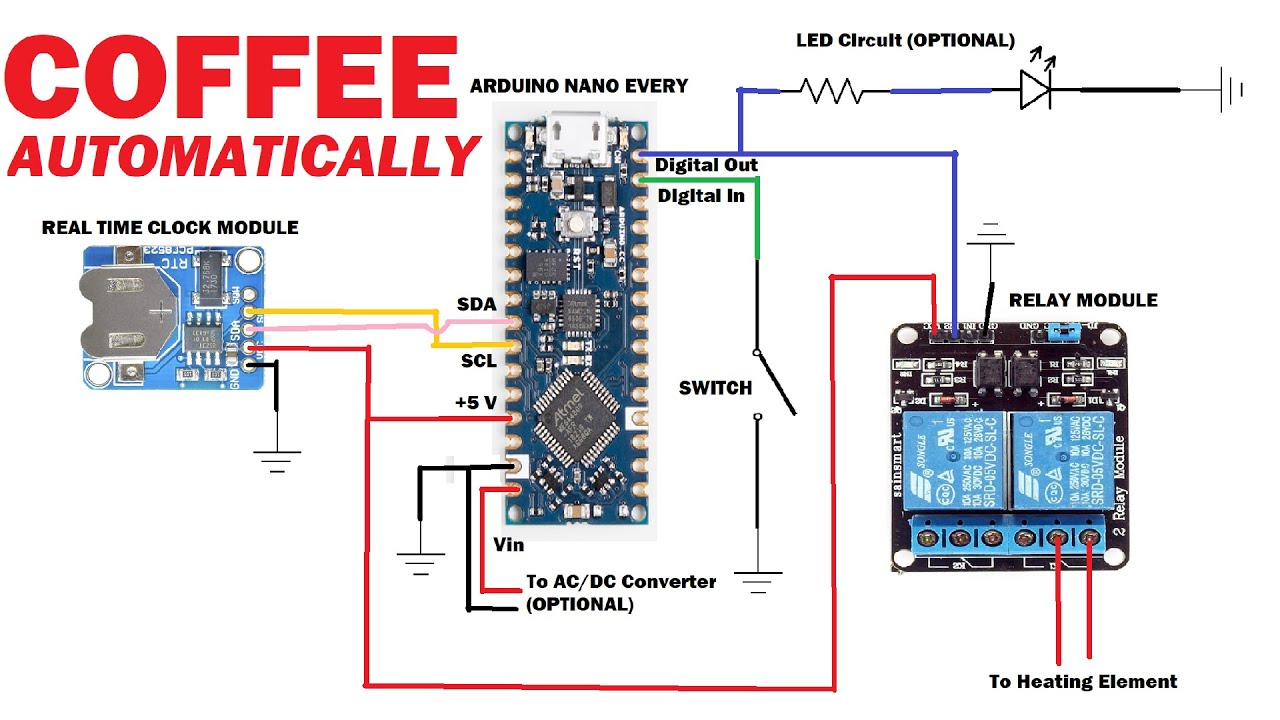
Arduino Automated Coffee Maker Build
Membuat Pintu geser otomatis | automatic sliding door

[ Projek Y EE 014 ] Diy Automatic Dustbin || Arduino Nano || Ultrasonic Sensor || Servo Motor

Membuat Alat Kontrol Peralatan Listrik Jarak Jauh - ARDUINO PROJECT INDONESIA
5.0 / 5 (0 votes)
