SOFTWARE itu bukan APLIKASI?!
Summary
TLDRIn this video, the differences between software and applications are explained in simple terms. Software is a set of instructions that operate hardware, while applications are specific programs designed for user tasks, like browsing or editing. The video breaks down the two main types of software: system software, which helps run the computer and interact with hardware, and application software, which is used for specific tasks like word processing or media playing. The key takeaway is that while all applications are software, not all software are applications.
Takeaways
- 😀 People often confuse software and applications, but applications are a subset of software.
- 😀 Software is a set of instructions that tells hardware what to do and how to do it.
- 😀 Without software, hardware is non-functional, and without hardware, software remains just a design.
- 😀 System software is designed to operate hardware and facilitate communication between hardware components.
- 😀 We need system software as a mediator because computers don't understand human language, and we don't understand the computer's language.
- 😀 System software includes operating systems like Windows, macOS, Linux, and utility software like antivirus and file managers.
- 😀 Application software is used for specific tasks like playing music, editing images, or writing documents.
- 😀 Examples of application software include web browsers, Microsoft Office, and media players.
- 😀 All applications are software, but not all software is an application.
- 😀 The main difference is that software operates hardware and doesn't necessarily require user interaction, while applications require user interaction to perform specific tasks.
- 😀 The video concludes that understanding the difference between software and applications helps in better utilizing technology in everyday tasks.
Q & A
What is the main difference between software and applications?
-Software is a program or instruction that tells hardware what tasks to perform and how to execute them. An application is a type of software specifically designed for users to perform specific tasks, such as editing images or listening to music.
Why is it important to distinguish between software and applications?
-Understanding the distinction helps clarify how different programs interact with hardware and users. Not all software is an application, but all applications are software. This distinction is key for understanding how computers operate.
What are the two main types of software?
-The two main types of software are system software and application software. System software helps run hardware and other software, while application software is used for specific user tasks.
What is system software and why is it needed?
-System software is designed to manage and control computer hardware and provide a platform for running applications. It’s necessary because users can't directly interact with hardware in a language computers understand, so system software acts as a mediator.
Can you provide examples of system software?
-Examples of system software include operating systems like Microsoft Windows, macOS, and Linux, as well as utility software like antivirus programs and file management tools.
What is application software used for?
-Application software is used for specific tasks that users perform, such as browsing the web, writing documents, or editing photos. It directly interacts with the user to accomplish these tasks.
What are some examples of application software?
-Examples of application software include web browsers (e.g., Chrome, Firefox), word processors (e.g., Microsoft Word), and media players (e.g., VLC Player).
What is the role of system software in the computer?
-System software manages the hardware components of the computer, enabling them to communicate with each other and with the user. It also serves as a foundation for running application software.
How does system software help users interact with computers?
-System software provides a user-friendly interface, such as a graphical user interface (GUI), which allows users to interact with the computer's hardware without needing to understand the complex machine language.
Why is it said that 'all applications are software but not all software is an application'?
-This is because while all applications are a form of software designed for specific tasks, not all software is intended for direct user interaction. System software, for example, operates in the background without direct interaction from users.
Outlines

Этот раздел доступен только подписчикам платных тарифов. Пожалуйста, перейдите на платный тариф для доступа.
Перейти на платный тарифMindmap

Этот раздел доступен только подписчикам платных тарифов. Пожалуйста, перейдите на платный тариф для доступа.
Перейти на платный тарифKeywords

Этот раздел доступен только подписчикам платных тарифов. Пожалуйста, перейдите на платный тариф для доступа.
Перейти на платный тарифHighlights

Этот раздел доступен только подписчикам платных тарифов. Пожалуйста, перейдите на платный тариф для доступа.
Перейти на платный тарифTranscripts

Этот раздел доступен только подписчикам платных тарифов. Пожалуйста, перейдите на платный тариф для доступа.
Перейти на платный тарифПосмотреть больше похожих видео

SCIENCE 7: Quarter 2- LC 5.2: STAGES OF MITOSIS || MATATAG CURRICULUM
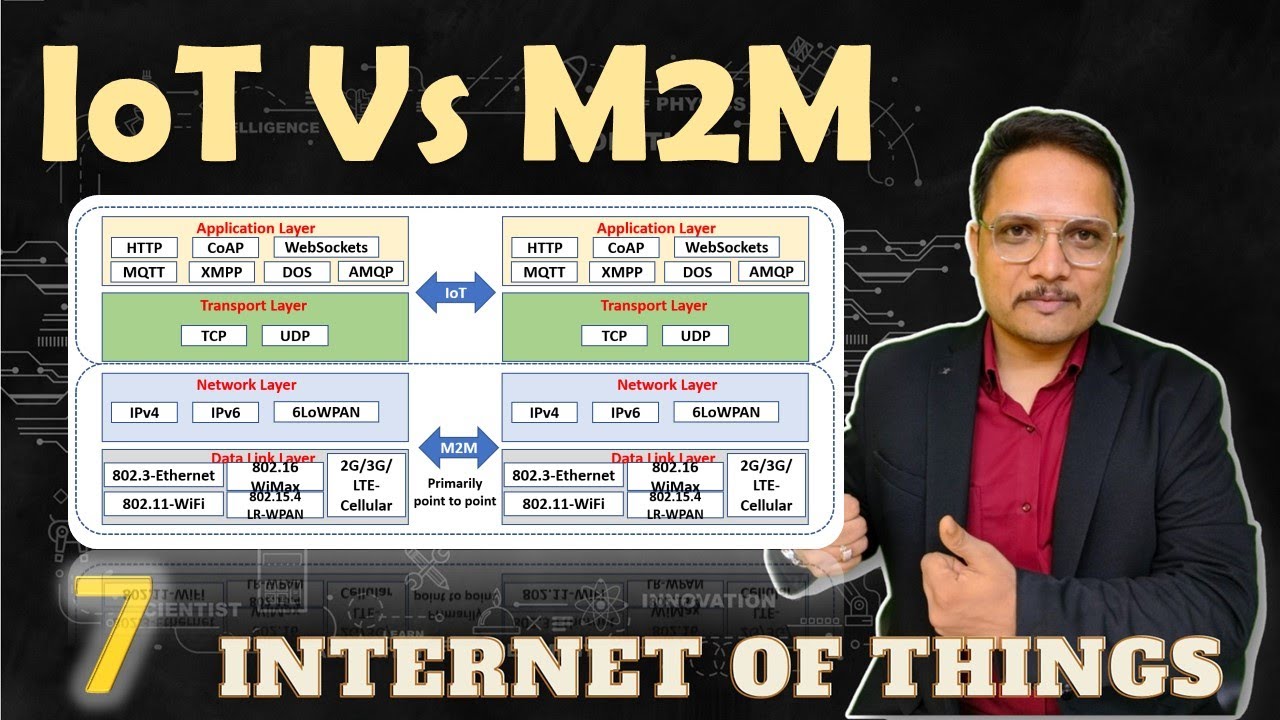
IoT vs. M2M: Key Differences, Hardware, and Communication Layers

Difference Between SSD, HDD and Hybrid Drive

Pendekatan, Model, Strategi, Metode, Teknik, dan Taktik Pembelajaran| Dr. Sandi Budi Iriawan, M.Pd.
Vectors Physics Class 11th
Difference between Accent and Dialect
5.0 / 5 (0 votes)

