How To Use Mendeley Like A Pro! What You MUST Know Before Downloading [Web Importer, Full Tutorial]
Summary
TLDRThis tutorial walks you through setting up and using Mendeley, a powerful reference manager. It covers the installation process on Windows, creating an account, and syncing your library online. Key tools like the Mendeley Web Importer and Microsoft Word integration are highlighted for efficient reference management and citation. Learn how to organize your references into collections, import PDFs, and seamlessly cite sources in Word with automatic bibliography generation. Whether you're a student or researcher, this guide makes managing citations and references easy and streamlined for your academic work.
Takeaways
- 😀 Start by downloading Mendeley Reference Manager from their website (ml.com), and install the desktop version for your operating system (Windows shown in the video).
- 😀 You need to create an account to use Mendeley. After installing the software, sign in with your email to access your references and sync them online.
- 😀 Install two essential tools: Mendeley Web Importer and Mendeley Cite for Microsoft Word. These tools streamline adding references from the web and inserting citations directly into Word documents.
- 😀 The Mendeley Web Importer lets you add references from academic websites, but it can be buggy on some browsers. Chrome works best, while Vivaldi can be problematic.
- 😀 The Mendeley Web Importer sometimes doesn't behave as expected, such as not displaying references correctly, but once you sign in, you can save individual references from the webpage.
- 😀 Mendeley Cite for Microsoft Word integrates references into your document. You can insert citations and manage reference styles directly within Word, including custom styles.
- 😀 To manage your references, use the 'Watch Folder' feature to automatically add PDFs from a specific folder, streamlining the import process.
- 😀 Organize references into collections for better categorization, such as by theme (e.g., transparent electrodes, OPVs, etc.).
- 😀 Mendeley allows you to edit reference information (e.g., title, author, identifiers) directly within the software if something was imported incorrectly.
- 😀 You can annotate PDFs within Mendeley by highlighting text and adding notes, which is useful for reading and referencing documents in your research.
- 😀 In Word, after inserting citations, use the 'Insert Bibliography' feature to automatically generate a reference list. The bibliography updates as you add or remove citations.
Q & A
What is the first step to get started with Mendeley Reference Manager?
-The first step is to visit Mendeley’s website at 'ml.com' and download the software for your operating system (e.g., Windows, macOS). Once downloaded, install it on your computer.
What tools are essential to install for Mendeley to be fully functional?
-You need to install two essential tools: the Mendeley Web Importer (for importing references from websites) and the Mendeley Citation Plugin for Microsoft Word (for easy citation while writing).
How do you install the Mendeley Web Importer?
-To install the Mendeley Web Importer, go to the 'Tools' section in Mendeley and click on the Web Importer link. This will direct you to the installation page where you can install it in your browser (preferably Google Chrome for better functionality).
What issues might arise with the Mendeley Web Importer?
-The Mendeley Web Importer can be buggy, especially when used with certain browsers like Vivaldi. It may fail to respond at times or produce error messages, though it tends to work better with Google Chrome.
What is the purpose of the Mendeley Citation Plugin for Microsoft Word?
-The Mendeley Citation Plugin for Word allows you to insert citations directly into your Word document. It provides a simple interface where you can select references from your Mendeley library and insert them into your writing in the desired citation style.
How do you organize your references in Mendeley?
-You can organize references in Mendeley by creating collections and groups. This allows you to categorize your references by themes, projects, or research topics (e.g., a collection for 'transparent electrodes' or 'OPVs').
What is the 'Watch Folder' feature in Mendeley?
-The 'Watch Folder' feature allows you to designate a specific folder on your computer where any PDFs or reference files placed into it are automatically imported into Mendeley. This ensures that references are added without manual intervention.
Can Mendeley sync references across devices?
-Yes, Mendeley syncs your references across devices. By signing into your Mendeley account, you can access your reference library online and on other devices where Mendeley is installed.
How do you insert a bibliography in Microsoft Word using Mendeley?
-To insert a bibliography in Word using Mendeley, after inserting citations, go to the 'References' tab in Word and click 'Insert Bibliography.' This will generate a bibliography based on the citations you've added in the document.
What should you do if the citation information in Mendeley is incorrect?
-If the citation information in Mendeley is incorrect, you can manually edit the fields for the reference. Click on the reference, update the details, and Mendeley will update your library accordingly.
Outlines

Этот раздел доступен только подписчикам платных тарифов. Пожалуйста, перейдите на платный тариф для доступа.
Перейти на платный тарифMindmap

Этот раздел доступен только подписчикам платных тарифов. Пожалуйста, перейдите на платный тариф для доступа.
Перейти на платный тарифKeywords

Этот раздел доступен только подписчикам платных тарифов. Пожалуйста, перейдите на платный тариф для доступа.
Перейти на платный тарифHighlights

Этот раздел доступен только подписчикам платных тарифов. Пожалуйста, перейдите на платный тариф для доступа.
Перейти на платный тарифTranscripts

Этот раздел доступен только подписчикам платных тарифов. Пожалуйста, перейдите на платный тариф для доступа.
Перейти на платный тарифПосмотреть больше похожих видео
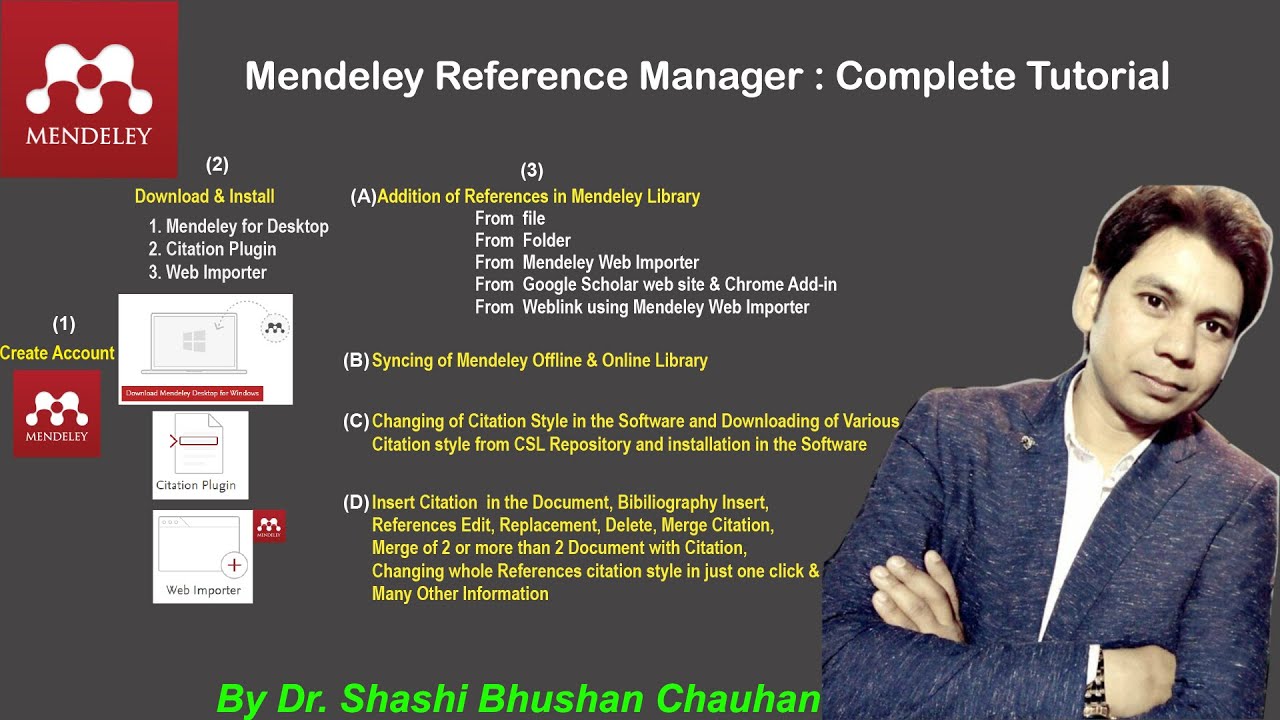
Mendeley Reference Manager Complete Tutorial #how to use #mendeley #reference #manager
How To Use Mendeley Reference Manager (Complete Beginner's Guide)

How To Use Mendeley 2024 (Including Web Importer & Cite) - Full Tutorial With Examples

Tutorial Menggunakan Mendeley Versi Terbaru (Tutorial Lengkap Bodynote-Daftar pustaka di Mendeley)

Como instalar e usar o Mendeley

Tutorial Mendeley : Pengertian Mendeley ? Apa itu Mendeley, Fungsi Mendeley dan Kegunaan Mendeley ?
5.0 / 5 (0 votes)

