🤯 My Ultimate VS Code Setup for 2026: PHP, Laravel, and Modern JS Productivity
Summary
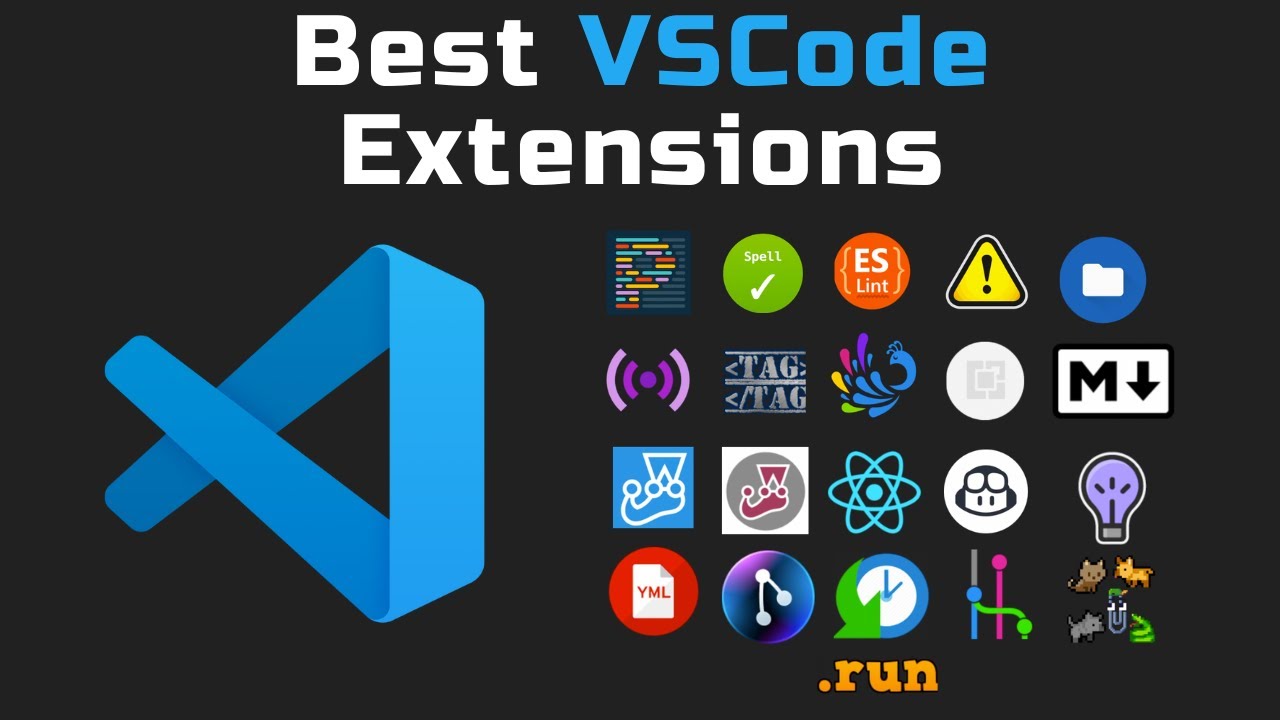
TLDRIn this video, the creator showcases a variety of essential VS Code extensions to boost productivity. From language support for PHP, Vue, and React, to workflow enhancers like advanced file creation and auto-complete tools, the video covers a wide range of tools for developers. Popular extensions like Prettier, Better Comments, and Tailwind CSS IntelliSense are highlighted, along with themes for customization. The creator also delves into Laravel-specific tools and development environments like Docker containers. Whether you're a beginner or experienced developer, this guide offers tools to streamline coding and improve efficiency.
Takeaways
- 😀 VS Code extensions can significantly enhance your productivity, whether you're working on web development, React, Vue, or even Laravel.
- 😀 Installing the right language support extensions like PHP IntelliSense and Vue.js extensions can greatly improve coding efficiency and error detection.
- 😀 Productivity can be boosted with extensions like Advanced New File, which lets you create files instantly from the keyboard.
- 😀 HTML and XML developers benefit from auto-closing and auto-renaming tag extensions, streamlining workflow when working with tags.
- 😀 Customizing the look of your editor with themes like Dracula and Aura makes long hours of coding more enjoyable and less straining on the eyes.
- 😀 Commenting extensions like Better Comments help improve code readability by allowing you to annotate with color-coded alerts and highlights.
- 😀 Using code formatting extensions like Prettier ensures your code remains consistent and professionally formatted, especially in team projects.
- 😀 React developers can save time with snippets like React Snippets and Redux Snippets, which help auto-generate boilerplate code.
- 😀 Tailwind CSS IntelliSense provides autocomplete for Tailwind utility classes, speeding up development with better class usage understanding.
- 😀 Tools like Live Server enable automatic browser updates while coding, providing a seamless workflow for front-end development.
- 😀 Exploring AI-powered tools like GitHub Copilot and Cloud AI can help generate code suggestions and improve overall coding efficiency.
Q & A
What are the best VS Code extensions for improving productivity?
-The best extensions for productivity in VS Code include the 'Advanced New File' extension, which allows you to create files anywhere in your workspace from the keyboard, and 'Auto Close Tag', 'Auto Rename Tag', and 'Autocomplete' extensions, which help manage HTML and XML tags efficiently.
How does 'PHP IntelliSense' help PHP developers in VS Code?
-'PHP IntelliSense' enhances the PHP development experience by providing intelligent code completion, type checking, and modern IDE features such as autocompletion, making it easier for developers to write and debug PHP code.
What is the purpose of the 'Vue Official' extension in VS Code?
-The 'Vue Official' extension provides syntax highlighting, debugging, and other features to enhance the Vue.js development experience. It integrates smoothly with VS Code, making it easier to work with Vue projects.
Why are dark themes like 'Aurora' and 'Dracula' popular among developers?
-Dark themes like 'Aurora' and 'Dracula' are popular because they reduce eye strain during long coding sessions. They also offer high contrast, which makes the code stand out, helping developers focus on their work.
How does the 'Better Comments' extension improve code documentation?
-'Better Comments' allows developers to annotate comments with different styles such as alerts, highlights, and structured formatting. This makes comments more useful, color-coded, and organized, enhancing readability and maintainability of code.
What is 'Tailwind CSS IntelliSense' and how does it help developers?
-'Tailwind CSS IntelliSense' provides intelligent autocompletion for Tailwind CSS utility classes, helping developers quickly find and apply classes while also showing what each class does in real-time.
What is the benefit of using 'Laravel Pint' and 'Laravel Pint Formatter' in VS Code?
-'Laravel Pint' and 'Laravel Pint Formatter' offer automatic code formatting and autocompletion for Laravel projects with zero configuration, helping developers maintain consistent coding standards effortlessly.
What does the 'Dev Containers' extension offer for team projects?
-'Dev Containers' allows developers to open any folder or repository inside a Docker container, ensuring that the development environment is consistent across all machines. This is particularly useful for team projects where team members need to work in identical environments.
How does the 'Live Server' extension improve the development process?
-'Live Server' allows developers to launch a local development server with live reload functionality. Changes made in the editor are reflected instantly in the browser, streamlining the development and testing process.
What other tools do the speaker use alongside VS Code for coding?
-Alongside VS Code, the speaker uses other tools like 'Cursor' for some projects, 'GitHub Copilot' for code suggestions, 'GPT' and 'Cloud AI' for AI-driven coding assistance, and 'Z' for managing various coding environments.
Outlines

Этот раздел доступен только подписчикам платных тарифов. Пожалуйста, перейдите на платный тариф для доступа.
Перейти на платный тарифMindmap

Этот раздел доступен только подписчикам платных тарифов. Пожалуйста, перейдите на платный тариф для доступа.
Перейти на платный тарифKeywords

Этот раздел доступен только подписчикам платных тарифов. Пожалуйста, перейдите на платный тариф для доступа.
Перейти на платный тарифHighlights

Этот раздел доступен только подписчикам платных тарифов. Пожалуйста, перейдите на платный тариф для доступа.
Перейти на платный тарифTranscripts

Этот раздел доступен только подписчикам платных тарифов. Пожалуйста, перейдите на платный тариф для доступа.
Перейти на платный тарифПосмотреть больше похожих видео


5.0 / 5 (0 votes)

