digital business 15 login logout mengamankan admin dan mengubah akun
Summary
TLDRThis tutorial walks through creating a secure login system in PHP, covering user authentication, session management, and account updates. It explains how to set up the login page, validate user credentials with hashed passwords, and handle successful login by storing user data in a session. The video also covers protecting sensitive controllers, such as `kategori`, `produk`, and `member`, by checking session validity. Additionally, it demonstrates how to allow users to update their account information, securely store password changes, and reflect updates in the session data. The tutorial emphasizes best practices for user security and session-based navigation.
Takeaways
- 😀 Create a login page with a simple form including fields for username and password, using HTML and PHP.
- 😀 Implement form handling using the POST method to capture login credentials and authenticate users.
- 😀 Use session management to store user data once they log in, creating a session 'ticket' for the authenticated user.
- 😀 Create a model (`m_admin.php`) to handle the database interaction and verify user credentials.
- 😀 Secure password storage by using hashed passwords (e.g., SHA1) for comparison during login.
- 😀 If login is successful, store the user's session data (e.g., username) to be used throughout the application.
- 😀 Upon login success, redirect users to the home page; otherwise, redirect them back to the login page.
- 😀 Implement a logout function that destroys session data and redirects the user back to the login page.
- 😀 Protect sensitive application pages by checking if a user is logged in using session data before granting access.
- 😀 Provide functionality to modify account details, including updating the password securely using hashing.
- 😀 Ensure that only authenticated users can access protected areas like categories, products, and transactions, by enforcing login checks.
Q & A
What is the purpose of the login page in an application?
-The login page serves as the main entry point of an application. When the application is accessed, the login page is displayed, requiring the user to authenticate before accessing the rest of the app.
How does the login form work in the script?
-The login form in the script uses a POST method to collect the username and password input from the user. The form includes fields for the username, password, and a login button, styled with a background and some spacing.
What happens if the user provides valid login credentials?
-If the login credentials are correct, the user is redirected to the home page. A session is created to keep track of the user’s login state, often referred to as a 'ticket'.
What is the significance of using the 'M_admin' model in the script?
-The 'M_admin' model is responsible for handling login logic. It checks the database for a match between the provided username and password (which is hashed), and returns the login result. It is crucial for validating user credentials.
Why is hashing used for the password in the login process?
-Hashing is used to protect the password. In the script, the password stored in the database is hashed, meaning it is stored in a secure form and not as plain text. When the user logs in, the input password is hashed and compared to the stored hash.
What role does the session play in the login system?
-The session stores user data after successful login, acting as a 'ticket' that proves the user is authenticated. This session data is accessed throughout the application to verify the user’s identity without requiring them to log in repeatedly.
How does the logout functionality work in the system?
-Logout works by clearing the session data that was created during login. It ensures that the user is no longer authenticated, and redirects them back to the login page.
What happens if a user tries to access a restricted page without being logged in?
-If a user tries to access a page that requires login without being authenticated, they are redirected to the login page. The application checks if the session (login ticket) exists before granting access to protected pages like categories, products, and members.
What is the purpose of the 'ubah akun' (change account) functionality?
-The 'ubah akun' functionality allows users to update their account details, such as changing their username or password. The system ensures that the updated information is reflected in both the database and the user session.
How does the system ensure that the updated password is securely handled?
-When the password is updated, it is hashed before being stored in the database. If the password field is not empty, it undergoes encryption using a hashing method before saving, ensuring that sensitive information is not exposed.
Outlines

Этот раздел доступен только подписчикам платных тарифов. Пожалуйста, перейдите на платный тариф для доступа.
Перейти на платный тарифMindmap

Этот раздел доступен только подписчикам платных тарифов. Пожалуйста, перейдите на платный тариф для доступа.
Перейти на платный тарифKeywords

Этот раздел доступен только подписчикам платных тарифов. Пожалуйста, перейдите на платный тариф для доступа.
Перейти на платный тарифHighlights

Этот раздел доступен только подписчикам платных тарифов. Пожалуйста, перейдите на платный тариф для доступа.
Перейти на платный тарифTranscripts

Этот раздел доступен только подписчикам платных тарифов. Пожалуйста, перейдите на платный тариф для доступа.
Перейти на платный тарифПосмотреть больше похожих видео
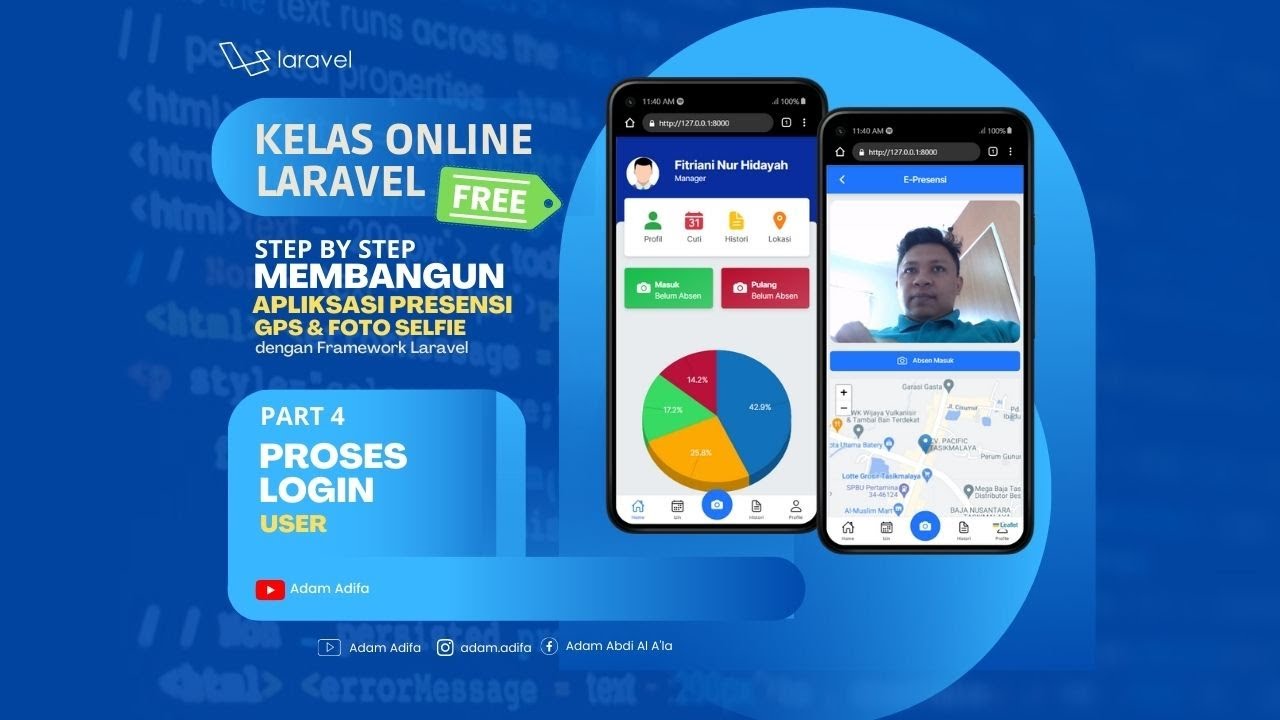
04 - Membuat Proses Login Untuk User

Seri 11 PWEB Login, Logout dan Auth

How Authentication Works
JWT Authentication with Node.js, React, MySQL | Node JS Authentication With JSON Web Token

Demo and mern stack project planning blood bank app mern project mern app
All about Firebase Authentication 🔥 | Login & Signup | Jetpack Compose
5.0 / 5 (0 votes)

