store management and record keeping in excel
Summary
TLDRThis video provides a comprehensive guide to maintaining stock and inventory records in Microsoft Excel. It demonstrates setting up columns for serial numbers, item names, opening stock, daily transactions, and closing balances. Viewers learn to efficiently enter dates, track daily in/out movements, and use formulas for automatic calculations, saving time and minimizing errors. The tutorial covers formatting tips, conditional alerts for low stock, and managing purchases to keep records accurate. Ideal for regional or departmental stock management, the video equips users with practical Excel techniques to automate stock tracking and support informed ordering decisions.
Takeaways
- 😀 Efficient stock tracking using Microsoft Excel helps in managing inventory and calculating balances.
- 📊 Monthly records need to include opening stock, incoming items, and closing balances for accurate tracking.
- 📅 Dates are essential for recording stock movements and calculating monthly balances up to the last day of the month.
- 💻 Using Excel formulas (e.g., SUM) allows automatic updates of stock levels and balances, reducing manual work.
- 📝 Track both the in and out movement of items to maintain an accurate inventory, especially when items are running low.
- 🔄 Replenishing stock and adding items back to inventory is crucial when stock levels fall below a certain threshold.
- 📈 Excel's automatic date-fill feature can speed up the data entry process, especially when managing large amounts of inventory.
- 🧮 The system supports item categorization, allowing easy entry of item names and categories (e.g., stationery, calculators).
- 💡 Highlighting urgent stock needs and tracking specific items ensures timely replenishment and avoids shortages.
- 🔍 Regular updates in Excel ensure real-time visibility of stock levels, making it easier to manage inventory needs.
- 🛠️ Custom formulas in Excel, such as for calculating opening and closing balances, ensure accurate stock management without manual recalculation.
Q & A
What is the main purpose of the video transcript?
-The main purpose is to explain how to track and manage inventory items using Microsoft Excel, including recording stock, purchases, issues, and calculating balances.
Which types of stock items are primarily discussed in the transcript?
-The transcript primarily discusses stationery items and other departmental inventory items.
How does the video suggest setting up the Excel sheet for inventory tracking?
-The video suggests creating columns for serial numbers, item names, opening stock, daily transactions (1-31 for days), and a closing balance column, with formulas to automate calculations.
What formula is recommended for calculating the closing balance of stock?
-Closing Balance = Opening Stock + Purchases - Usage + Returns. This formula ensures the daily balance is accurate and ready for the next day.
How can repetitive date entries be automated in Excel according to the transcript?
-By using the 'fill series' feature in Excel, the daily columns (1 to 31) can be automatically populated without manual entry.
What is the role of formatting in the Excel sheet as explained in the video?
-Formatting like borders, bold headings, and center alignment makes the sheet easier to read, ensures clarity, and helps in quickly understanding stock movements.
How does the video suggest handling items returned or adjustments during the month?
-Returns or adjustments should be recorded in the respective daily columns, which will automatically update the closing balance for accurate tracking.
What is the importance of maintaining a daily record of stock as mentioned in the transcript?
-Maintaining a daily record allows for precise tracking of inventory, identifying shortages or excesses, and enables timely purchase requests based on minimum stock levels.
How can the Excel sheet be reused for future months?
-The sheet can be copied as a template for the next month, with the closing balance of the previous month becoming the opening stock for the new month, ensuring continuity.
What additional business insights can be gained from using this Excel inventory tracking system?
-The system allows businesses to monitor stock levels, automate purchase requests, maintain accurate records for audits, and make informed decisions about inventory management and resource allocation.
Outlines

Cette section est réservée aux utilisateurs payants. Améliorez votre compte pour accéder à cette section.
Améliorer maintenantMindmap

Cette section est réservée aux utilisateurs payants. Améliorez votre compte pour accéder à cette section.
Améliorer maintenantKeywords

Cette section est réservée aux utilisateurs payants. Améliorez votre compte pour accéder à cette section.
Améliorer maintenantHighlights

Cette section est réservée aux utilisateurs payants. Améliorez votre compte pour accéder à cette section.
Améliorer maintenantTranscripts

Cette section est réservée aux utilisateurs payants. Améliorez votre compte pour accéder à cette section.
Améliorer maintenantVoir Plus de Vidéos Connexes
Inventory Management in 11 minutes
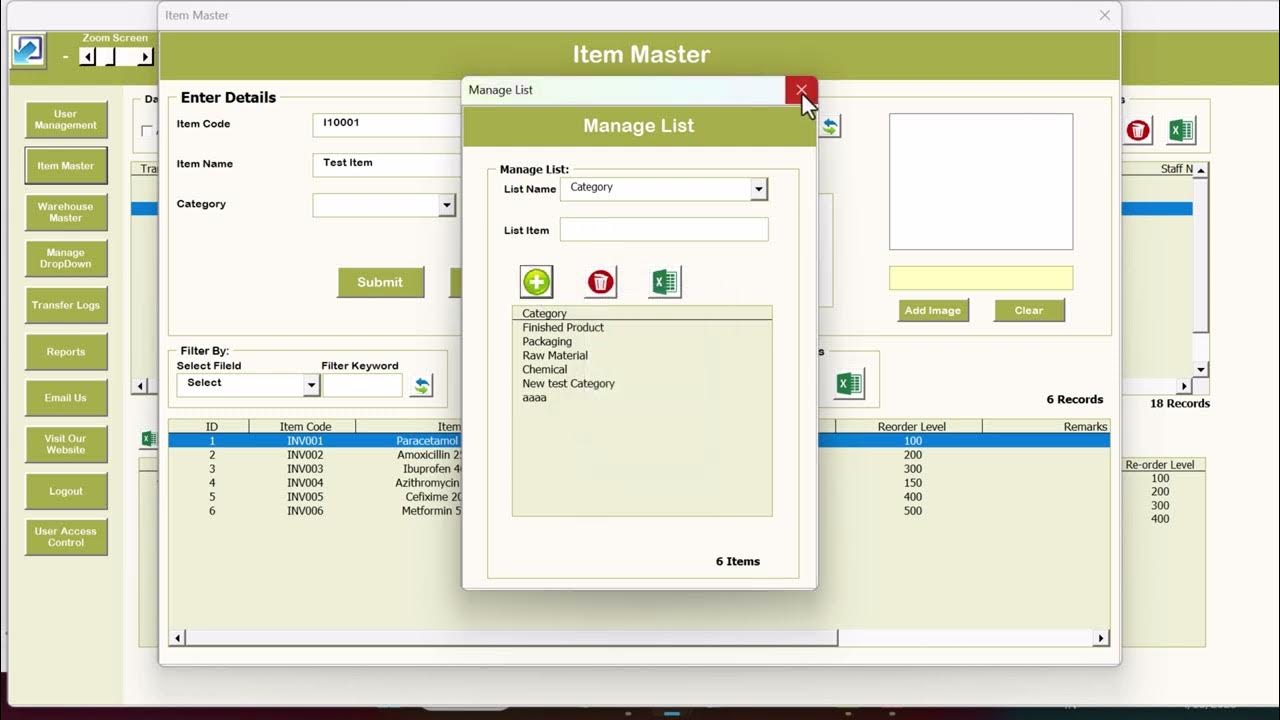
Advanced Inventory Management System V1.0 for Multiple Warehouse

STOCK OPNAME DALAM BISNIS RITEL/ STOCK OPNAME/ STOCK OPNAME ALFAMART

pengelolaan sediaan farmasi,alkes&bahan medis habis pakai di APOTEK

Estágio Prática Contábil: MPM
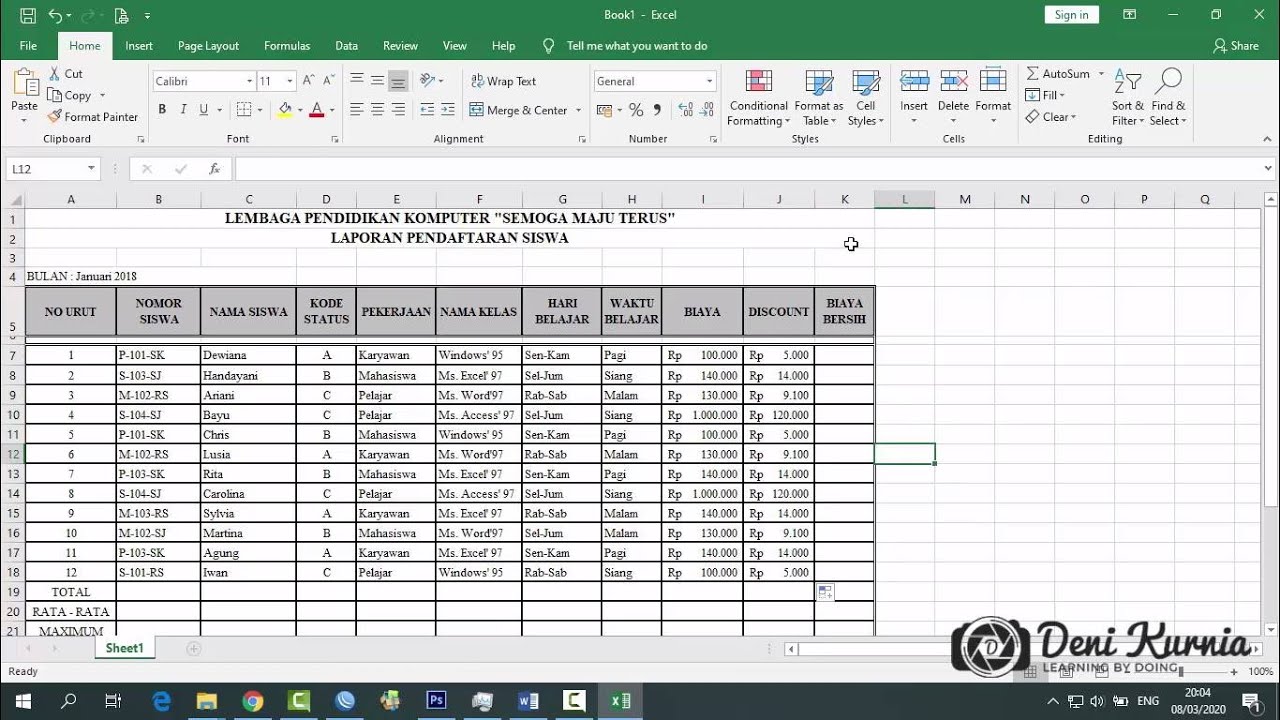
Pembahasan Soal UKK Akuntansi 2019/2020 - Soal 2 Spreadsheet
5.0 / 5 (0 votes)

