SSH Tunneling Explained
Summary
TLDRIn this tutorial, Tinkernut explores the power of SSH tunneling, a technique that allows you to securely forward data between ports, bypassing network restrictions. From local port forwarding for remote desktop access, to dynamic port forwarding for surfing blocked websites, to reverse tunneling for remote access to your work computer, this video covers the essential methods. Tinkernut also introduces using reverse SSH tunneling to make locally hosted websites publicly accessible, with tips on configuration and useful services like serbian.net. A must-watch for anyone wanting to unlock more advanced SSH capabilities!
Takeaways
- 😀 SSH tunneling allows secure remote connections between computers, enabling tasks like bypassing network restrictions and accessing blocked ports.
- 😀 Networking ports are like docking bays in a seaport, each assigned a number to direct data to the correct destination (e.g., port 22 for SSH, port 80 for HTTP).
- 😀 Local port forwarding enables you to bypass blocked ports (e.g., remote desktop port 3389) by forwarding traffic through an SSH tunnel to an unblocked port.
- 😀 To set up local port forwarding, use the `ssh -L` command followed by the local port, destination computer, and blocked remote port.
- 😀 Dynamic port forwarding creates a SOCKS proxy to bypass web filters, allowing you to access websites by forwarding traffic through an SSH tunnel.
- 😀 To set up dynamic port forwarding, use `ssh -D`, configure a custom port, and then adjust your browser's proxy settings to route traffic through the tunnel.
- 😀 Reverse port forwarding allows you to access a computer (e.g., work) from another location (e.g., home) by forwarding a port from the remote machine to your local machine.
- 😀 To set up reverse port forwarding, use the `ssh -R` command, specify the remote port, and ensure the necessary SSH configuration is enabled on the remote server.
- 😀 Reverse tunneling can be used to access locally hosted websites without opening ports on your router by connecting to a remote SSH server.
- 😀 A free service like serbian.net can be used to establish reverse tunnels for hosting websites that are accessible from the internet without modifying your router settings.
- 😀 When using reverse port forwarding, ensure that SSH server settings like `GatewayPorts` and `AllowTcpForwarding` are set to 'yes' in the `sshd_config` file to allow connections.
Q & A
What is SSH tunneling?
-SSH tunneling is a secure method of sending data through an encrypted SSH connection, enabling data to be forwarded from one port to another, bypassing firewalls and network restrictions.
How does SSH tunneling relate to networking ports?
-SSH tunneling works by forwarding data through a specific port, much like how a seaport assigns ships to docks with specific birth numbers. Networking ports are used to direct traffic to particular services or applications on a computer.
What is local port forwarding in SSH tunneling?
-Local port forwarding allows you to forward traffic from a local port to a remote port, bypassing network restrictions. For example, if a remote desktop port is blocked at work, you can forward it to a local port that isn't blocked.
Can you use SSH tunneling to bypass network restrictions at work?
-Yes, SSH tunneling can bypass network restrictions by forwarding traffic through a secure connection to another server. This is useful when a specific port or service is blocked, such as web browsing or remote desktop access.
How do you create a SOCKS proxy using SSH tunneling?
-To create a SOCKS proxy, you use the `-D` flag in the SSH command followed by a custom port number. This allows your browser to send traffic through the tunnel by configuring the browser to use that proxy.
What is dynamic port forwarding in SSH tunneling?
-Dynamic port forwarding creates a SOCKS proxy, allowing you to route web traffic through the SSH tunnel. This is useful for bypassing web filters and accessing blocked websites on a network.
What is reverse tunneling in SSH?
-Reverse tunneling allows you to access a local service from a remote location. By using the `-R` flag in SSH, you can forward traffic from a remote machine back to a specific port on your local machine.
How do you use reverse SSH tunneling to access your computer from a remote location?
-To access your computer remotely, you can set up reverse SSH tunneling by forwarding a port from the remote machine to your local machine. This allows you to connect to services like remote desktop from anywhere, bypassing any firewalls or restrictions.
What are some SSH tunneling configurations you might need to adjust on the remote server?
-To enable reverse port forwarding, you may need to adjust the SSH configuration on the remote server by ensuring that 'GatewayPorts' and 'AllowTCPForwarding' are both set to 'yes' in the `sshd_config` file.
Can you host a local website and make it publicly accessible using SSH tunneling?
-Yes, you can host a local website and make it publicly accessible by using reverse SSH tunneling. This can be done by using a free service like Serbain.net to establish the reverse tunnel, allowing external users to access the website.
Outlines

Cette section est réservée aux utilisateurs payants. Améliorez votre compte pour accéder à cette section.
Améliorer maintenantMindmap

Cette section est réservée aux utilisateurs payants. Améliorez votre compte pour accéder à cette section.
Améliorer maintenantKeywords

Cette section est réservée aux utilisateurs payants. Améliorez votre compte pour accéder à cette section.
Améliorer maintenantHighlights

Cette section est réservée aux utilisateurs payants. Améliorez votre compte pour accéder à cette section.
Améliorer maintenantTranscripts

Cette section est réservée aux utilisateurs payants. Améliorez votre compte pour accéder à cette section.
Améliorer maintenantVoir Plus de Vidéos Connexes
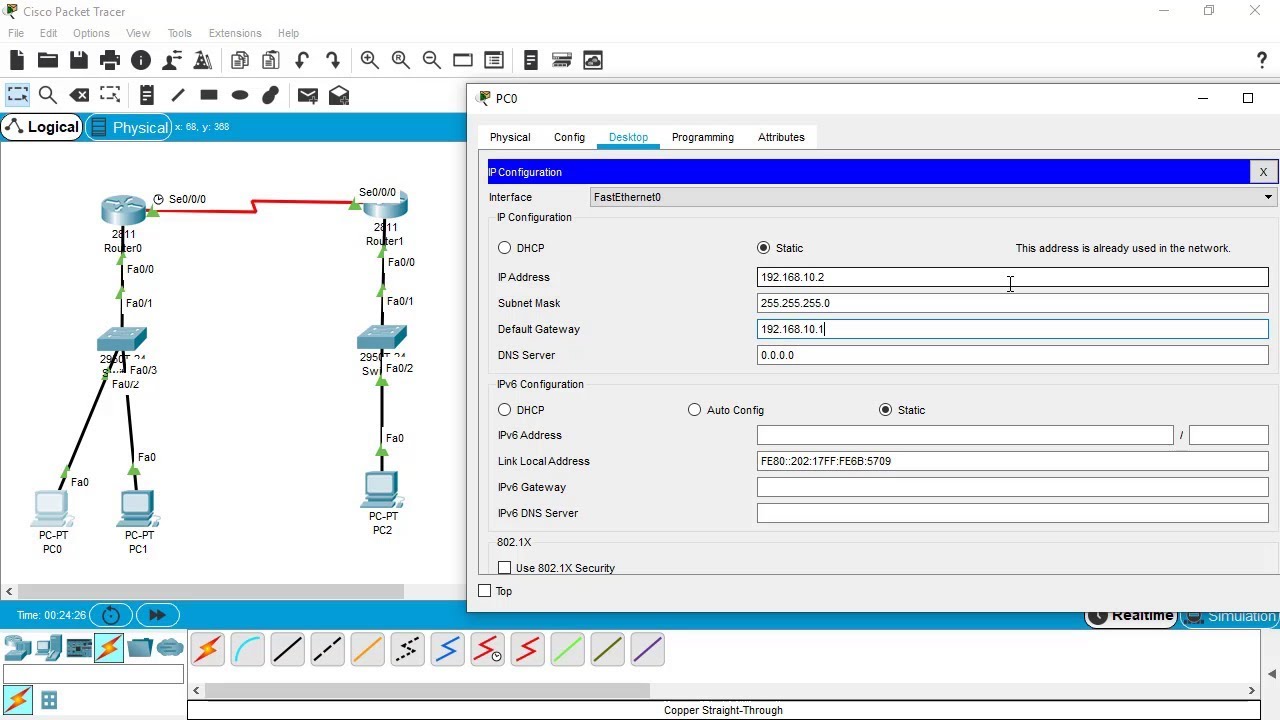
SSH Configuration on Cisco Routers and Switches using Cisco Packet Tracer

Konfigurasi Firewall MikroTik | Cara Mengamankan Jaringan Komputer

Secure the Edge Router - Secure Device Access - Network Security - CCNA - KevTechify | vid 13
Common Ports - CompTIA Network+ N10-009 - 1.4

VPN คืออะไร ?
Belajar Dasar Jaringan Komputer dari nol - Part 4/8 | Protocol dan Port
5.0 / 5 (0 votes)

