Tutorial desain batik pada Geogebra|Transformasi Geometri|Kel10|XI-10|Matematika TL|SMAN 1 Krangkeng
Summary
TLDRThis video script guides viewers through a series of geometric transformations and design processes, such as placing points, reflecting shapes, dilating, rotating, and translating objects, with the goal of creating a visually dynamic image. Alongside these technical instructions, the script seamlessly integrates the lyrics from 'Best Part' by Daniel Caesar and H.E.R., adding a rhythmic and emotional element to the tutorial. The process concludes with steps to adjust the design's color, remove unwanted points, and fine-tune the visual details, creating a blend of both artistic and geometric design techniques.
Takeaways
- 😀 Place the first point at (0, 0) and the second point at (-1, 1), then align them.
- 😀 Draw a line from point B to point A (0, 0) and adjust it as needed.
- 😀 Use the 'reflection' tool to mirror the image along a line.
- 😀 Apply a dilation (scaling) at the center (0, 0) with a factor of 1.5.
- 😀 Rotate the design by 45 degrees counterclockwise.
- 😀 Use the translation tool to reposition the elements and remove unnecessary lines.
- 😀 Remove points using the 'algebra' tool to clean up the design.
- 😀 Apply color to the design by filling it with a red color using the 'fill' tool.
- 😀 Reflect the design over an axis to duplicate it symmetrically.
- 😀 After reflection, color the reflected lines red to match the theme.
- 😀 Eliminate the blue points from the design by selecting and deleting them.
Q & A
What is the first step in the geometric drawing process?
-The first step is to place a point at coordinates (0, 0).
What is the second step after placing the first point?
-The second step is to add another point at coordinates (-1, 1) and align the points.
How should the line from point B to point A be adjusted?
-The line from point B to point A (from -1, 1 to 0, 0) should be adjusted to form the circumcircle shape.
What is the purpose of the reflection step?
-The reflection step involves reflecting the image over a line to achieve symmetry. This is done by selecting the 'reflect out line' option and then pasting the image along the line.
What does the dilation step involve?
-The dilation step involves resizing the image with a scale factor of 1.5, centered at the origin (0, 0).
How is rotation applied to the image in the process?
-After selecting the image, the rotation tool is applied with a 45-degree counterclockwise angle.
What is the role of the translation step?
-The translation step involves moving the image to a new position, followed by adjusting the image to remove any unnecessary lines.
What is the function of the 'show object' and 'show label' settings?
-These settings are used to hide points or objects that are not needed for the final image. The 'show object' and 'show label' options are turned off after selecting the unwanted points.
What is the final coloring step in the process?
-In the coloring step, the desired lines are selected, and the 'flood fill' tool is used to apply the chosen color, which is red in this case, to match the theme.
How is the image reflected again after coloring?
-After the coloring step, the image is reflected over a new line (labeled 'Xingga'), and the lines are also colored in red.
Outlines

Esta sección está disponible solo para usuarios con suscripción. Por favor, mejora tu plan para acceder a esta parte.
Mejorar ahoraMindmap

Esta sección está disponible solo para usuarios con suscripción. Por favor, mejora tu plan para acceder a esta parte.
Mejorar ahoraKeywords

Esta sección está disponible solo para usuarios con suscripción. Por favor, mejora tu plan para acceder a esta parte.
Mejorar ahoraHighlights

Esta sección está disponible solo para usuarios con suscripción. Por favor, mejora tu plan para acceder a esta parte.
Mejorar ahoraTranscripts

Esta sección está disponible solo para usuarios con suscripción. Por favor, mejora tu plan para acceder a esta parte.
Mejorar ahoraVer Más Videos Relacionados
Cara Cepat Memahami Transformasi Geometri [Matematika Kelas IX]
(LENGKAP) TRANSFORMASI GEOMETRI - Translasi, Refleksi, Rotasi dan Dilatasi

PATOGE (Papan Transformasi Grometri)
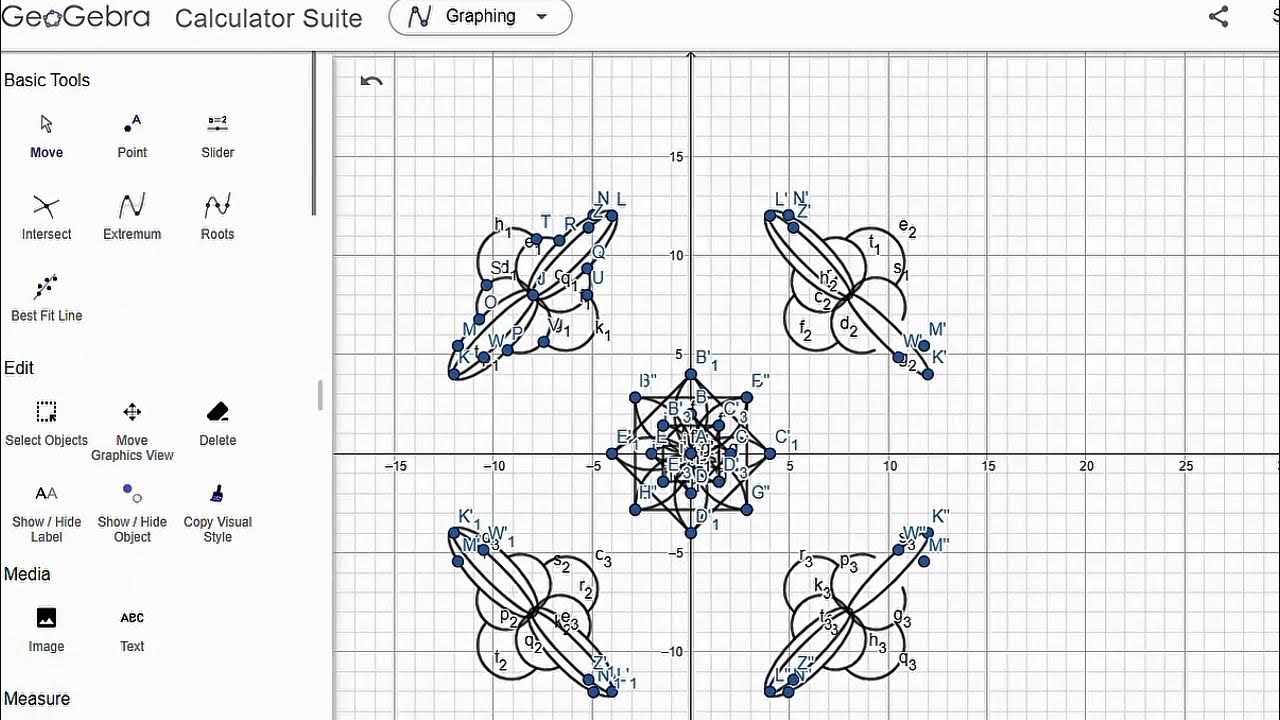
Membuat Batik Geogebra (Dilatasi, Rotasi, Refleksi & Translasi)
Materi Lengkap Translasi (Pergeseran) || TRANSFORMASI GEOMETRI
MUDAH! Cara Menentukan Persamaan Awal Fungsi pada Transformasi TRANSFORMASI FUNGSI. Matematika Kl 12
5.0 / 5 (0 votes)

