PEMROGRAMAN DASAR ARDUINO: ARDUINO IDE, BARE MINIMUM, PENULISAN VARIABEL, LED BLINK !!!
Summary
TLDRThis tutorial provides a hands-on introduction to Arduino programming, starting with basic electronics and moving into coding. It covers setting up a simple LED circuit, using the Tinkercad simulator for beginners, and transitioning to the Arduino IDE for text-based programming. Key topics include configuring pins, using basic functions like `setup()` and `loop()`, and understanding variables and data types. The guide also emphasizes good coding practices, such as naming conventions and the importance of comments. By the end, learners will be able to control an LED, including making it blink with delays, while understanding core principles of programming.
Takeaways
- 💡 Arduino programming allows controlling LEDs and other electronics via digital pins.
- 🖥️ Arduino IDE version 1.8.19 is recommended for beginners because it is lightweight and easy to install on older computers.
- 🔌 Setting up pins correctly is essential: use pinMode() to define a pin as INPUT or OUTPUT before sending signals.
- 🔁 The setup() function runs once when the Arduino starts, while loop() runs repeatedly for ongoing actions.
- ⚡ Turning LEDs on and off is done with digitalWrite(pin, HIGH) for ON and digitalWrite(pin, LOW) for OFF.
- ⏱️ Delay() allows timing control, measured in milliseconds, useful for blinking LEDs or timed actions.
- 🔢 Variables store values such as pin numbers, making code easier to update and maintain.
- ✏️ Common variable rules: no spaces, cannot start with numbers, and use underscores for readability (snake_case).
- 📝 Comments using // are ignored by the Arduino but help explain and document code for humans.
- 📦 Uploading a new program replaces the previous one on the Arduino; programs do not stack.
- 🔀 Block-based coding is simpler for beginners, but text-based C++ programming is more versatile and recommended for older students.
- 🎨 Using descriptive names, proper casing, and comments makes code more readable and maintainable.
Q & A
What is the purpose of using digital pins in Arduino programming as explained in the transcript?
-Digital pins in Arduino are used to control hardware components, such as turning an LED on or off. You assign a pin as input or output, and then send HIGH or LOW signals to control the connected devices.
Why does the instructor recommend using Arduino IDE version 1.8.19 for beginners instead of the latest versions?
-Version 1.8.19 is lighter and easier to run on older or lower-spec computers, including Windows 7. It requires minimal RAM (around 512 MB) and is simple to install, making it suitable for beginners.
What is the difference between the setup() and loop() functions in Arduino?
-The setup() function runs once at the beginning and is used for initial configurations like setting pin modes. The loop() function runs repeatedly, allowing the program to execute tasks continuously, such as blinking an LED.
How can variables improve the flexibility of Arduino programming according to the transcript?
-Variables store values like pin numbers or delays, making it easier to change them in one place without modifying multiple parts of the code. This simplifies updates and reduces errors, especially in longer programs.
What are the rules for naming variables in Arduino programming?
-Variable names cannot contain spaces or start with a number. If separating words, use underscores (snake_case). Names should be descriptive to make the code more readable and maintainable.
Why is it important to set the pin mode before sending signals to an LED?
-Setting the pin mode to OUTPUT informs the Arduino that the pin will supply voltage to the component. Without this, sending a HIGH or LOW signal may not work as expected.
How does the Arduino handle uploading new programs over old ones?
-When a new program is uploaded, Arduino automatically replaces the previous program. Programs do not accumulate, preventing conflicts or leftover code from affecting the new program.
What types of data can be stored in Arduino variables, and what data types are used?
-Arduino variables can store integers (INT), floating-point numbers (float) for decimal values, and text (String). INT is used for whole numbers, float for fractions, and String for textual data.
How can you make an LED blink with a specific timing using Arduino?
-Use the digitalWrite() function to set the LED pin HIGH or LOW and include a delay() function in milliseconds to control how long the LED stays on or off. This is placed inside the loop() function for repeated blinking.
What is the purpose of comments in Arduino code, and how are they created?
-Comments provide explanations or notes for humans reading the code and are ignored by the Arduino compiler. They are created using two forward slashes (//) for single-line comments.
Why does the transcript suggest using block-based coding for beginners?
-Block-based coding is easier for beginners, such as young students, because it simplifies logic and visualizes programming structure. However, it is limited compared to text-based coding using C++.
What is the recommended practice for storing repetitive or frequently used values in Arduino programs?
-Use variables to store these values, such as pin numbers or timing delays. This makes it easier to update the program and ensures consistency across the code.
Outlines

هذا القسم متوفر فقط للمشتركين. يرجى الترقية للوصول إلى هذه الميزة.
قم بالترقية الآنMindmap

هذا القسم متوفر فقط للمشتركين. يرجى الترقية للوصول إلى هذه الميزة.
قم بالترقية الآنKeywords

هذا القسم متوفر فقط للمشتركين. يرجى الترقية للوصول إلى هذه الميزة.
قم بالترقية الآنHighlights

هذا القسم متوفر فقط للمشتركين. يرجى الترقية للوصول إلى هذه الميزة.
قم بالترقية الآنTranscripts

هذا القسم متوفر فقط للمشتركين. يرجى الترقية للوصول إلى هذه الميزة.
قم بالترقية الآنتصفح المزيد من مقاطع الفيديو ذات الصلة
🔴 Lerne Arduino in 12 Minuten, ….…JEDER KANN DAS! | #EdisTechlab
Belajar Arduino #4 - Pengenalan Bahasa Pemrograman Arduino
Membuat Pintu geser otomatis | automatic sliding door
Como usar PINO DIGITAL de SAÍDA no arduino - Curso Gratuito pelo Tinkercad - Aula 1
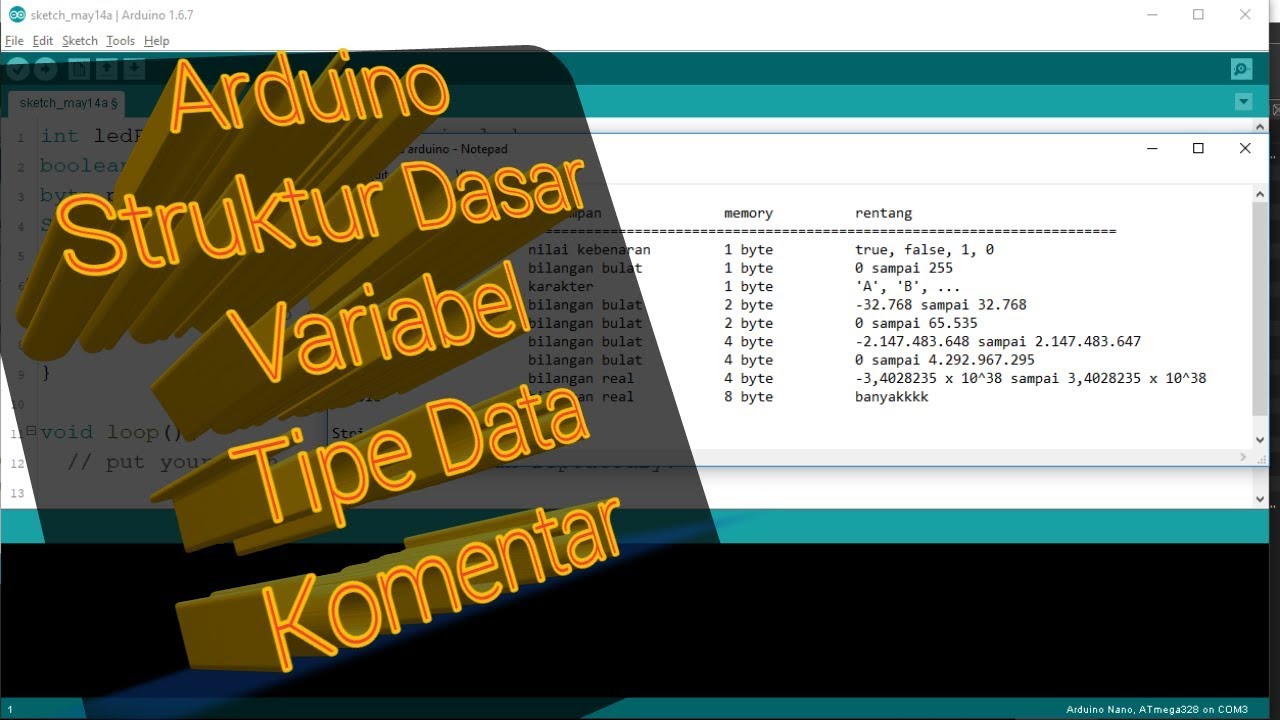
BELAJAR 1 PEMROGRAMAN ARDUINO PEMULA - STRUKTUR DASAR, VARIABEL, TIPE DATA, KOMENTAR

Arduino Uno Tutorial Basic circuit breadboarding
5.0 / 5 (0 votes)

