VLOOKUP pada Pivot Table Excel
Summary
TLDRThis tutorial walks through the process of using PowerPivot and the `RELATED` function in Excel to efficiently analyze large datasets in PivotTables. It demonstrates how to link reference and transaction tables, apply calculated fields like sales totals, and eliminate the need for VLOOKUP, which can slow down performance. By creating relationships between tables, users can seamlessly retrieve data without manually updating values, making analysis smoother and faster. This tutorial is ideal for users looking to improve their Excel skills and streamline their data analysis tasks.
Takeaways
- 😀 Understanding the basics of creating and linking reference tables and transaction tables in Excel for data analysis.
- 😀 Excel users should utilize functions like `VLOOKUP` and `RELATED` to fetch data from reference tables into transaction tables.
- 😀 It's important to ensure that formulas like `VLOOKUP` don't slow down performance, especially with large datasets.
- 😀 Excel's `RELATED` function helps you connect data across tables, similar to `VLOOKUP`, but it's more efficient in PivotTables.
- 😀 The tutorial emphasizes the power of PivotTables to simplify data analysis, especially when you need to combine and analyze large amounts of data.
- 😀 You can format and customize PivotTables, including grouping data by dates, to make your reports more meaningful.
- 😀 When adding new formulas to PivotTables, like calculating total sales, use functions such as `SUMX` to avoid performance issues.
- 😀 It's crucial to use Excel’s Power Pivot feature to handle large data models more effectively, especially when dealing with multiple related tables.
- 😀 The tutorial showcases how to automate data fetching and calculation by building relationships between tables in Power Pivot.
- 😀 By using `RELATED` within PivotTables, you can calculate dynamic fields (like total sales) without the need for external lookups or slow processes.
Q & A
What is the main purpose of the tutorial in the video?
-The main purpose of the tutorial is to demonstrate how to apply formulas such as `RELATED` and `VLOOKUP` in Excel PivotTables to link data between two tables—one for reference (product details) and one for transactions. The tutorial also focuses on improving performance when dealing with large datasets.
What is the function of the 'acuan' table in the tutorial?
-The 'acuan' table (reference table) contains product details such as product ID, product name, and price. This table is used as a reference to provide additional information to the 'transaksi' (transaction) table.
Why is VLOOKUP not the most efficient method for large datasets in Excel?
-VLOOKUP can be slow when applied to large datasets because it searches for each value in the dataset row by row. In the case of thousands or millions of rows, this can lead to significant delays in calculations and decrease Excel's performance.
What Excel formula is recommended in the video for linking tables and why?
-The recommended formula is `RELATED`, as it is more efficient than `VLOOKUP` for linking data between tables. Unlike `VLOOKUP`, `RELATED` does not require row-by-row searching and is optimized for performance in large datasets.
How does the 'RELATED' function work in Excel?
-The `RELATED` function in Excel is used to return a value from a related table. It is typically used in the context of a Data Model where relationships are defined between tables. The function retrieves the corresponding value from a different table based on a common key, such as product ID.
What does the Data Model in Excel do, and why is it important?
-The Data Model in Excel allows users to link multiple tables together for easier data analysis. It eliminates the need for manually combining data from separate sheets or tables and helps in creating more efficient PivotTables and formulas, especially when dealing with large datasets.
What is the purpose of the PowerPivot tool in Excel?
-PowerPivot is an Excel add-in that allows users to perform advanced data analysis by importing, managing, and analyzing large data sets. It is particularly useful for creating complex Data Models and working with relationships between tables in Excel.
Why is it important to group transaction data by month in the PivotTable?
-Grouping transaction data by month helps to analyze trends and patterns over time. It allows users to view sales or quantity data aggregated by month, making it easier to spot seasonal variations or changes in purchasing behavior.
What issue does the video address regarding Excel’s performance in large datasets?
-The video addresses the issue of Excel slowing down when handling large datasets, particularly when using formulas like `VLOOKUP` that require searching through each row. The solution proposed is to use more efficient formulas like `RELATED` to improve performance.
How can the tutorial help users create a sales report without manually referencing prices?
-The tutorial teaches users how to use the `RELATED` function in a PivotTable to automatically link product prices from the reference table (acuan) to the transaction table (transaksi). This eliminates the need for manually referencing prices and allows for faster data analysis.
Outlines

هذا القسم متوفر فقط للمشتركين. يرجى الترقية للوصول إلى هذه الميزة.
قم بالترقية الآنMindmap

هذا القسم متوفر فقط للمشتركين. يرجى الترقية للوصول إلى هذه الميزة.
قم بالترقية الآنKeywords

هذا القسم متوفر فقط للمشتركين. يرجى الترقية للوصول إلى هذه الميزة.
قم بالترقية الآنHighlights

هذا القسم متوفر فقط للمشتركين. يرجى الترقية للوصول إلى هذه الميزة.
قم بالترقية الآنTranscripts

هذا القسم متوفر فقط للمشتركين. يرجى الترقية للوصول إلى هذه الميزة.
قم بالترقية الآنتصفح المزيد من مقاطع الفيديو ذات الصلة

VLOOKUP Across Sheets | VLOOKUP + INDIRECT | VLOOKUP MATCH | MIS Interview Question
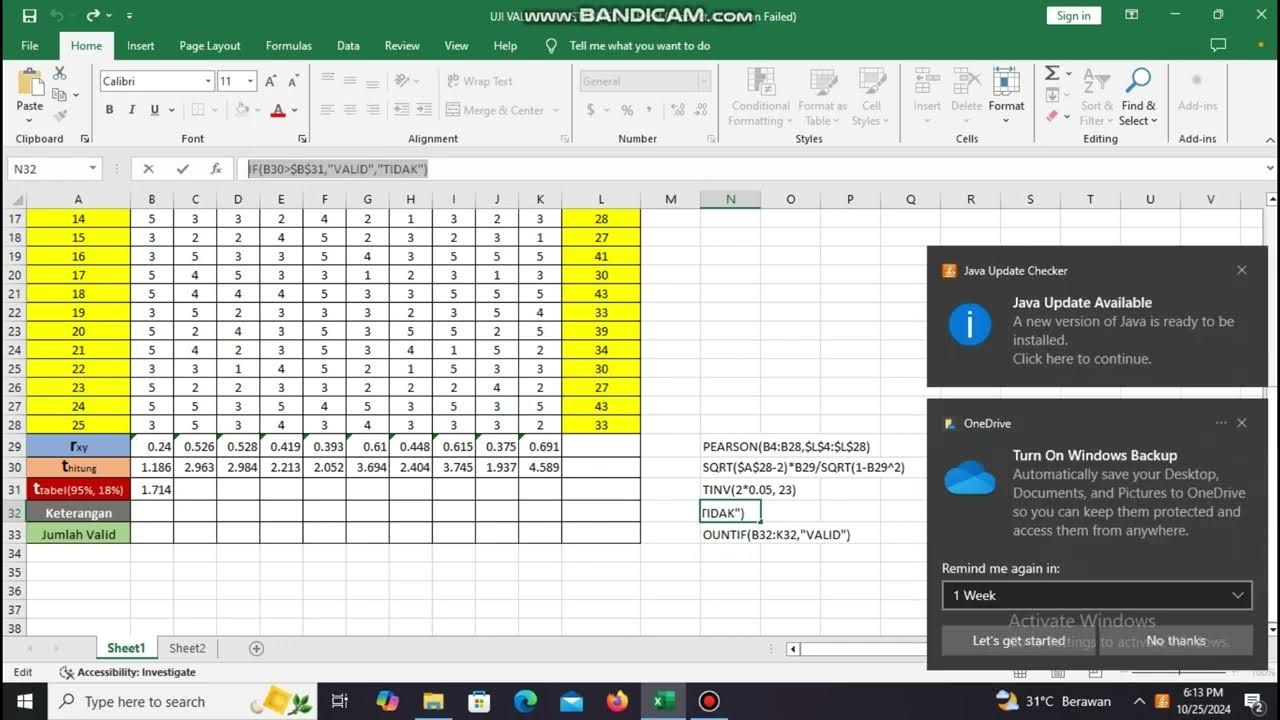
Penilian Kapabilitas, Uji Validitas dan Uji Reabilitas Cronbach Alpha di MS Excel

How to apply VLOOKUP on Large Data in Excel | vlookup in Excel | EXCEL VLOOKUP #vlookup

How to Use the FILTER Function in Google Sheets | Multiple Columns

RUMUS+PIVOTTABLE Jurnal Umum sampai Laporan Keuangan

Tutorial Penggunaan Aplikasi MAXQDA
5.0 / 5 (0 votes)

