DevOps School Entrance Task
Summary
TLDRIn this tutorial, the process of setting up a Git server using Docker and VirtualBox is demonstrated. The speaker walks through the creation of virtual machines, installation of Docker, and configuration of SSH for secure communication between the client and server. The process also includes generating and copying SSH keys, configuring proxy jumps, and testing the setup. Afterward, a new branch is created on the Git repository, changes are committed, and a pull request is made to merge the new branch into the main branch. The screencast concludes with a successful setup and configuration of the Git server.
Takeaways
- 😀 Set up VirtualBox and install Ubuntu to create virtual machines (VMs) for the project.
- 😀 Docker is used to set up a G server, with installation instructions and necessary packages downloaded beforehand.
- 😀 SSH is installed on the client machine to enable secure connection to the server via a bastion host.
- 😀 SSH keys are generated locally, then copied to the bastion and G server for secure authentication.
- 😀 SSH config is edited to use a proxy jump through the bastion server for connecting to the G server.
- 😀 Successful connection to the G server is verified using SSH and configuration is confirmed.
- 😀 Git is used to clone a repository from the server and check out a new branch for development.
- 😀 A text file is added to the new branch and committed with a message indicating the new file creation.
- 😀 The changes made on the new branch are pushed to the server using `git push`.
- 😀 A merge request (pull request) is created to merge the new branch into the main branch on the server.
- 😀 The screencast concludes with a confirmation that all tasks were completed as per instructions and a final farewell.
Q & A
What is the first task in the process described in the video?
-The first task is to create virtual machines using VirtualBox, and the user chooses to install Ubuntu as the operating system.
Why did the user choose Docker for setting up the G server?
-The user chose Docker because it provides an easy way to install and manage the G server within containers, simplifying deployment and isolation.
What is the purpose of the second virtual machine (client) in this setup?
-The second virtual machine (client) is used to install SSH, allowing it to securely connect to the G server on the first virtual machine (the server).
What command is used to create the folder for the G server in the virtual machine?
-The user uses the command 'MK' to create the folder for the G server in the virtual machine.
How does the user ensure the server is accessible from the client machine?
-The user configures SSH to allow secure communication between the client and the server. Additionally, they set up an SSH config file to route the connection through a bastion server for added security.
What was the next step after generating the SSH key on the local machine?
-After generating the SSH key, the user copies the public key to both the bastion and the G server so that the client machine can authenticate and connect securely.
What is the purpose of the 'ProxyJump' configuration in the SSH config file?
-The 'ProxyJump' configuration in the SSH config file is used to route the connection from the client to the G server through the bastion server, ensuring that the client doesn't directly access the G server.
How does the user verify that the SSH connection to the G server works?
-The user verifies the SSH connection by running a test command (e.g., 'ssh -t server') to confirm that the connection is established successfully.
What steps did the user take to work with Git repositories?
-The user cloned a Git repository, created a new branch, made changes by adding a text file, committed the changes, and then pushed the new branch to the server.
How does the user handle the merging process for the newly created branch?
-The user goes to the Git server interface, creates a pull request, and merges the newly created branch into the 'main' branch, completing the integration of their changes.
Outlines

هذا القسم متوفر فقط للمشتركين. يرجى الترقية للوصول إلى هذه الميزة.
قم بالترقية الآنMindmap

هذا القسم متوفر فقط للمشتركين. يرجى الترقية للوصول إلى هذه الميزة.
قم بالترقية الآنKeywords

هذا القسم متوفر فقط للمشتركين. يرجى الترقية للوصول إلى هذه الميزة.
قم بالترقية الآنHighlights

هذا القسم متوفر فقط للمشتركين. يرجى الترقية للوصول إلى هذه الميزة.
قم بالترقية الآنTranscripts

هذا القسم متوفر فقط للمشتركين. يرجى الترقية للوصول إلى هذه الميزة.
قم بالترقية الآنتصفح المزيد من مقاطع الفيديو ذات الصلة

Instalasi dan Konfigurasi FTP Server pada Debian 10 Buster
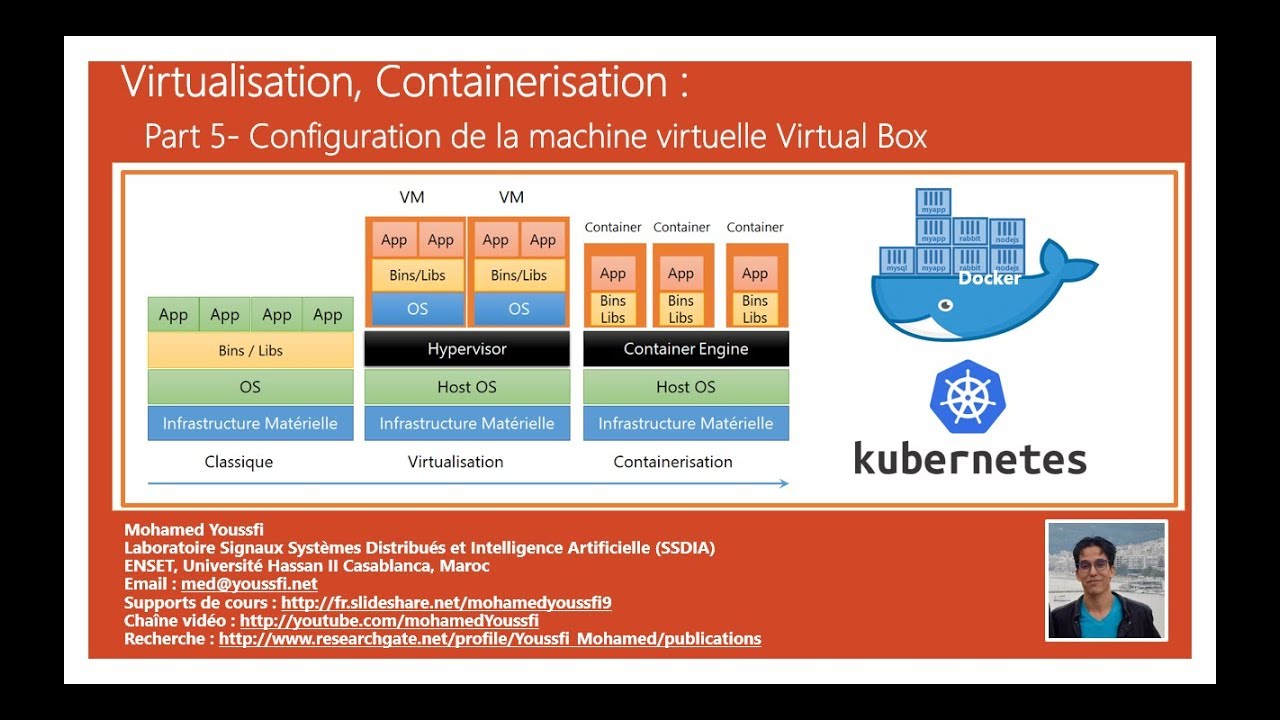
Part 5 - DOCKER Part 2
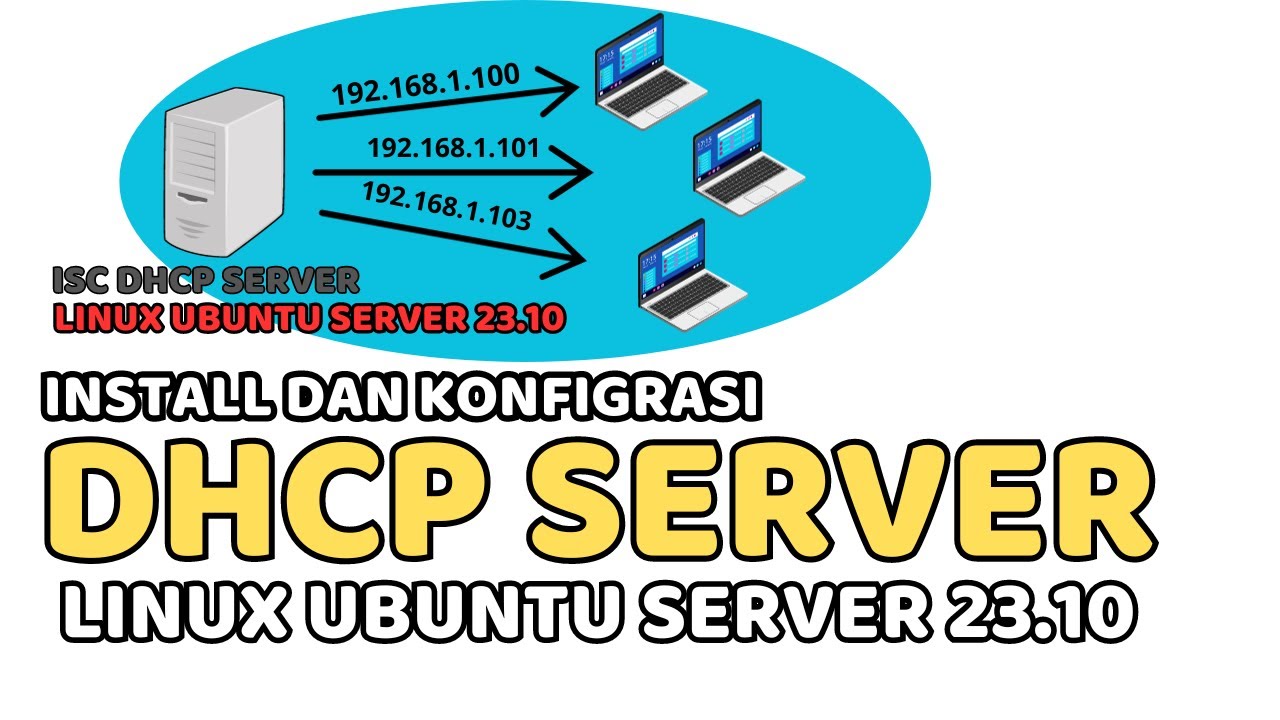
CARA INSTALL DAN KONFIGURASI DHCP SERVER PADA LINUX UBUNTU SERVER 23.10 (ISC DHCP SERVER)
Install and Setup Nginx
Instalasi dan Konfigurasi Server Softswitch Berbasis SIP
How to Install Windows Server 2019 in VirtualBox (Step By Step Guide)
5.0 / 5 (0 votes)

