Rumus VLOOKUP, HLOOKUP dan XLOOKUP di Excel
Summary
TLDRThis tutorial explores how to use Excel’s lookup functions: VLOOKUP, HLOOKUP, and XLOOKUP. It demonstrates how VLOOKUP searches data vertically in reference tables, while HLOOKUP works with horizontal data. The video also covers XLOOKUP as a more versatile alternative, offering greater flexibility than the other two functions. By using practical examples, the tutorial shows how to match codes with data types, and how to transpose a table for horizontal lookups. This clear guide helps users efficiently match and retrieve data across different table formats in Excel.
Takeaways
- 😀 VLOOKUP is used to search for data in vertical columns within a table in Excel.
- 😀 HLOOKUP is similar to VLOOKUP but searches for data in horizontal rows within a table.
- 😀 The formula for VLOOKUP requires the lookup value, table array, column index number, and range lookup type.
- 😀 To make the reference table absolute in VLOOKUP and HLOOKUP, you need to use the F4 key to lock the cell reference.
- 😀 In VLOOKUP, the column index number indicates which column of the table array to retrieve data from.
- 😀 HLOOKUP requires a row index number to specify which row the data will be retrieved from.
- 😀 XLOOKUP is an alternative to VLOOKUP and HLOOKUP, offering more flexibility by allowing both vertical and horizontal searches.
- 😀 The XLOOKUP function syntax includes the lookup value, lookup array, return array, and an optional if-not-found argument.
- 😀 XLOOKUP does not require you to manually define a column or row index, as it directly matches lookup and return arrays.
- 😀 In Excel, using absolute references (by pressing F4) ensures the lookup table remains unchanged when the formula is copied or dragged.
- 😀 The tutorial demonstrated how to use XLOOKUP with both vertical and horizontal reference tables, showcasing its versatility.
Q & A
What is the main difference between VLOOKUP and HLOOKUP in Excel?
-The primary difference is the orientation of the data. VLOOKUP is used for vertical lookups (searching down columns), while HLOOKUP is used for horizontal lookups (searching across rows).
How do you use the VLOOKUP function in Excel?
-To use VLOOKUP, you enter the function as `=VLOOKUP(lookup_value, table_array, col_index_num, [range_lookup])`. For example, to find the type of a product based on its code, you would select the code as the lookup value and use the reference table as the table array. The column index number refers to the position of the desired data in the reference table.
Why should you make the table reference absolute in the VLOOKUP function?
-Making the table reference absolute (by pressing F4) ensures that the reference does not change when you copy the formula to other cells. This locks the table reference in place.
What is the role of the column index number in the VLOOKUP function?
-The column index number specifies which column in the reference table to pull the value from. For example, if you're looking for the 'type' of a product and it's in the second column, the index would be '2'.
How does the HLOOKUP function work in Excel?
-HLOOKUP works similarly to VLOOKUP, but for horizontal lookups. The syntax is `=HLOOKUP(lookup_value, table_array, row_index_num, [range_lookup])`. You search across rows instead of columns, and the row index number refers to which row contains the desired data.
Why is the row index number important in the HLOOKUP function?
-The row index number in HLOOKUP determines which row in the reference table contains the result you want. For instance, if you want to find the third row's data, you would set the row index to '3'.
What is the XLOOKUP function, and how is it different from VLOOKUP and HLOOKUP?
-XLOOKUP is a more modern and versatile function that replaces both VLOOKUP and HLOOKUP. It allows for searching both vertically and horizontally, can search from both the left and right of the reference data, and doesn't require the column/row index number.
How do you use XLOOKUP in Excel?
-To use XLOOKUP, the syntax is `=XLOOKUP(lookup_value, lookup_array, return_array, [if_not_found], [match_mode], [search_mode])`. This function allows you to specify what to return when a value is not found and offers more flexibility compared to VLOOKUP and HLOOKUP.
Can you transpose a table while using the XLOOKUP function?
-Yes, you can transpose a table when using XLOOKUP. For example, if you need to switch between vertical and horizontal data, you can copy the table, use the 'Paste Special' option, and select 'Transpose' to switch the layout before applying XLOOKUP.
What are some advantages of using XLOOKUP over VLOOKUP and HLOOKUP?
-XLOOKUP is more flexible as it can perform both vertical and horizontal lookups without the need for different functions. It also allows you to search in any direction (not just left-to-right or top-to-bottom), and you don't need to specify column or row indexes.
Outlines

此内容仅限付费用户访问。 请升级后访问。
立即升级Mindmap

此内容仅限付费用户访问。 请升级后访问。
立即升级Keywords

此内容仅限付费用户访问。 请升级后访问。
立即升级Highlights

此内容仅限付费用户访问。 请升级后访问。
立即升级Transcripts

此内容仅限付费用户访问。 请升级后访问。
立即升级浏览更多相关视频
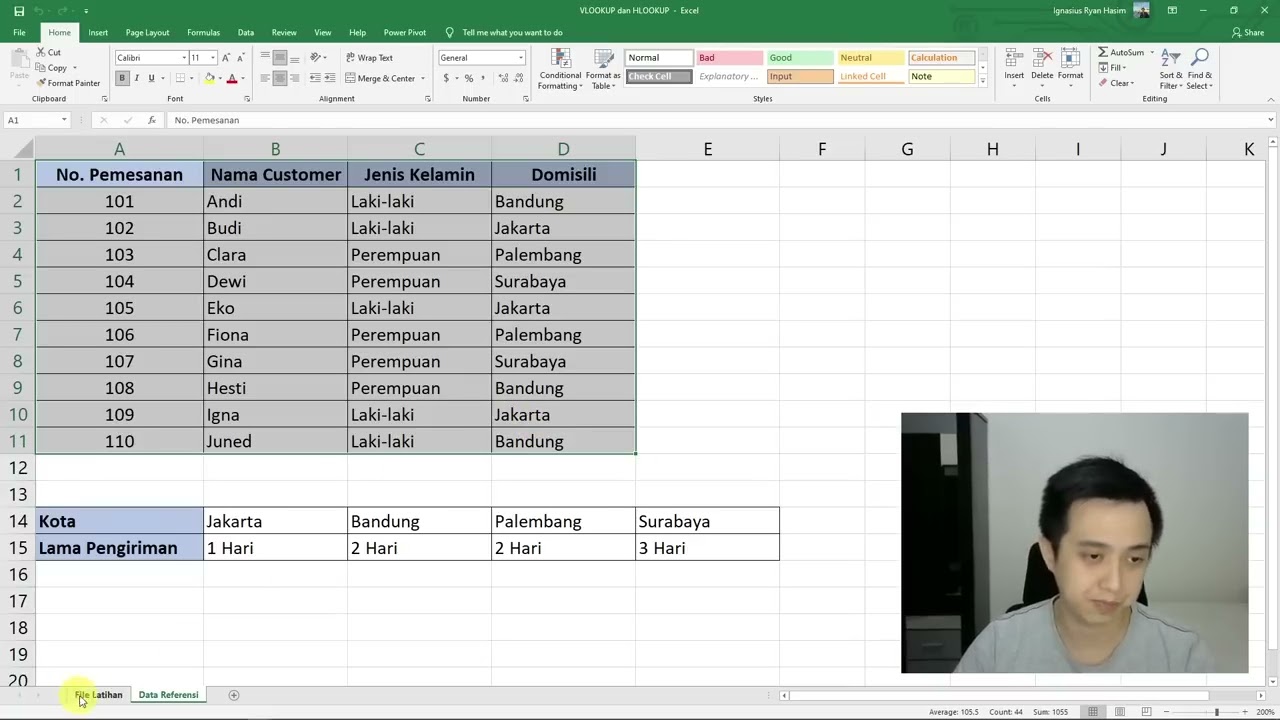
Cara Menggunakan Rumus VLOOKUP dan HLOOKUP
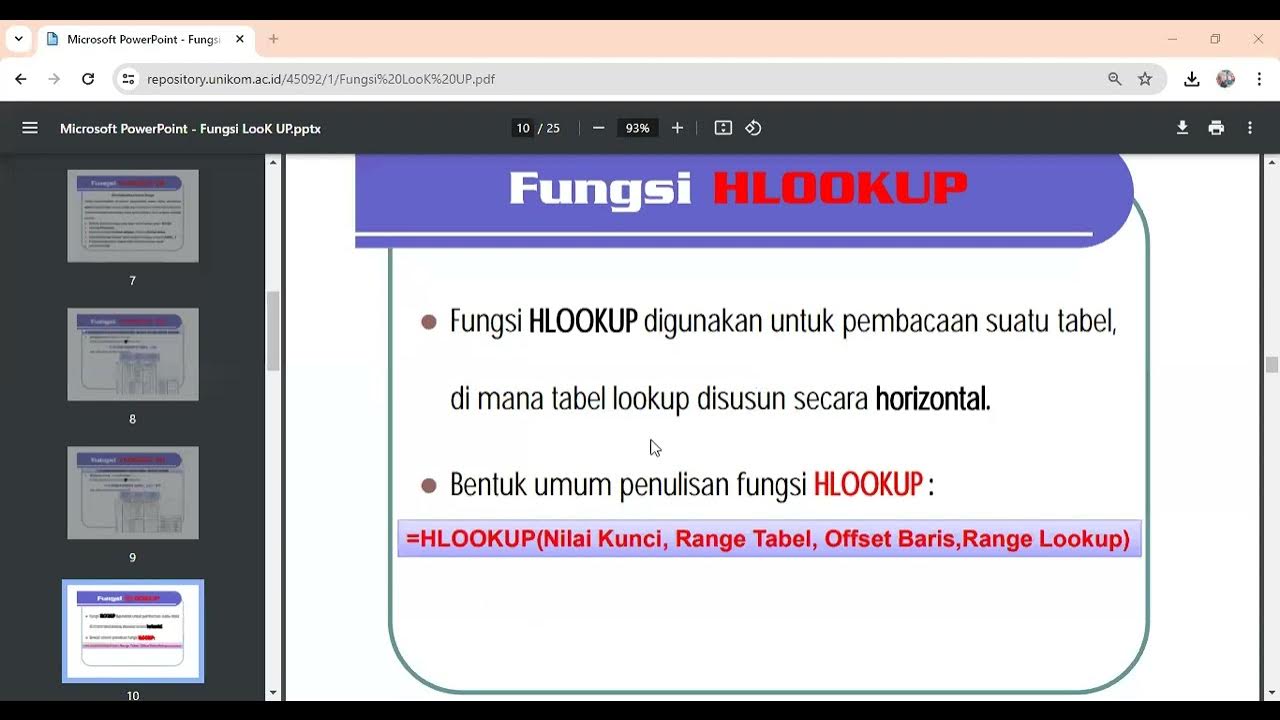
Fungsi Lookup

TERNYATA GAMPANG BANGET BELAJAR FUNGSI VLOOKUP & HLOOKUP | Materi Informatika Kelas 8
(#1) Mudah Mencari Data dengan Fungsi Vlookup Hlookup, Analisis Data Informatika 8 Kurikulum Merdeka

XLOOKUP in Excel | Excel Tutorials for Beginners

VLOOKUP & HLOOKUP dalam Pencarian Data Ms Excel | Materi Informatika Kelas 8 Bab Analisis Data
5.0 / 5 (0 votes)

