Tutorial 1: Beginning a Session - Post-Production Audio Workflow Series
Summary
TLDRIn this tutorial, Michael Cullen introduces a one-man workflow for sound design and mixing in post-production using ProTools 10. The video covers the entire process, from organizing project folders (Turnover, Music, ADR, Foley, Editorial, and Mix) to setting up the ProTools session. Key elements include establishing proper audio settings, session start times, and timecode rates, as well as tips for maintaining an efficient, organized workflow. The tutorial emphasizes the importance of file organization and session setup for long-term success in sound editing and mixing.
Takeaways
- 😀 Michael Cullen introduces a tutorial series on a one-man workflow for post-production film sound.
- 😀 The tutorial covers the entire process of sound designing and mixing a short film, starting with creating and organizing the Pro Tools session.
- 😀 Pro Tools 10 will be used in the series, though the techniques discussed can be transferred to any digital audio workstation (DAW).
- 😀 Michael demonstrates the folder structure he uses for each project, including separate folders for turnover, music, ADR, foley, editorial, and mixing.
- 😀 The 'Editorial' folder is where most of the sound design work, dialogue editing, sound effects, and background music editing will occur.
- 😀 The 'Mix' folder is where all final mixing work happens after editorial is done, leading to the final print master.
- 😀 Michael emphasizes the importance of an organized file structure for easy file retrieval, especially when revisiting old projects.
- 😀 The standard audio settings for film are 24-bit depth and 48kHz sample rate, which Michael uses when creating his Pro Tools session.
- 😀 For session setup, Michael sets the session start to 59 minutes to accommodate a pre-roll and ensure the film begins at the 1-hour mark.
- 😀 Time code rate is set to 23.976 fps, the standard for film in the United States, and markers and grid modes are set up for efficient sound design work in Pro Tools.
- 😀 Auto-backup in Pro Tools is set to every 3 minutes to ensure regular saving of work, which Michael finds crucial during long editing sessions.
Q & A
What is the primary focus of this tutorial series?
-The tutorial series focuses on providing a one-man workflow for post-production sound design and mixing for short films. It covers everything from organizing files to sound design techniques in Protools.
Why is it important to have a well-organized project folder structure?
-Having an organized folder structure ensures that all files are easy to locate and manage. It becomes especially helpful when revisiting a project after some time, preventing confusion and time wasted searching for files.
What are the recommended audio settings for film sound design in Protools?
-The standard audio settings for film sound design are 24-bit depth and 48 kHz sample rate. These settings are typically required for professional film post-production.
What should you include in a project folder for film sound design?
-A typical project folder should include subfolders for turnover (files from picture editor), music (score or royalty-free tracks), ADR (Automated Dialogue Replacement), foley (sound effects), editorial (sound design and effects editing), mix (final mixing files), and delivery (final stems and print masters).
How should you name Protools session files, and why?
-Protools session files should be named using camel case, including the project name, session type (e.g., editorial), the date, and your initials. This ensures the files are easily readable and organized, especially in team environments.
What is the significance of setting the session start time to 59 minutes?
-The session start time is set to 59 minutes to allow for a minute of pre-roll before the actual film begins. This is a standard practice in the U.S. to ensure that the picture starts exactly at the one-hour mark, accounting for any leader or pre-roll before the film's main content.
Why is it important to use the timecode rate of 23.976 fps?
-The timecode rate of 23.976 fps is the standard used for film in the United States. Using this frame rate ensures synchronization between the audio and video, which is critical for post-production work.
What is grid mode in Protools, and how does it help in sound design?
-Grid mode in Protools allows users to align sound effects and edits to a specific time grid. By setting the grid to a 1-frame basis, sound designers can precisely place sounds and ensure they sync with the video timeline.
How does setting the nudge factor to 1 frame improve the editing process?
-Setting the nudge factor to 1 frame allows for fine adjustments in sound placement. This is crucial when aligning sound effects or dialogue with specific moments in the video, ensuring accurate timing.
What is the purpose of the auto-backup feature in Protools, and how often should it be set?
-The auto-backup feature in Protools automatically saves your session at regular intervals, protecting against data loss. Setting it to backup every 3 minutes ensures that your work is continuously saved, with the last 20 backups available for recovery.
Outlines

此内容仅限付费用户访问。 请升级后访问。
立即升级Mindmap

此内容仅限付费用户访问。 请升级后访问。
立即升级Keywords

此内容仅限付费用户访问。 请升级后访问。
立即升级Highlights

此内容仅限付费用户访问。 请升级后访问。
立即升级Transcripts

此内容仅限付费用户访问。 请升级后访问。
立即升级浏览更多相关视频

Tutorial 2: Track Creation and Organization - Post-Production Audio Workflow Series
SUTRADARA KERJANYA NGAPAIN SIH?? | Kelas Tutorial: Penyutradaraan Film - Agung Kurniawan
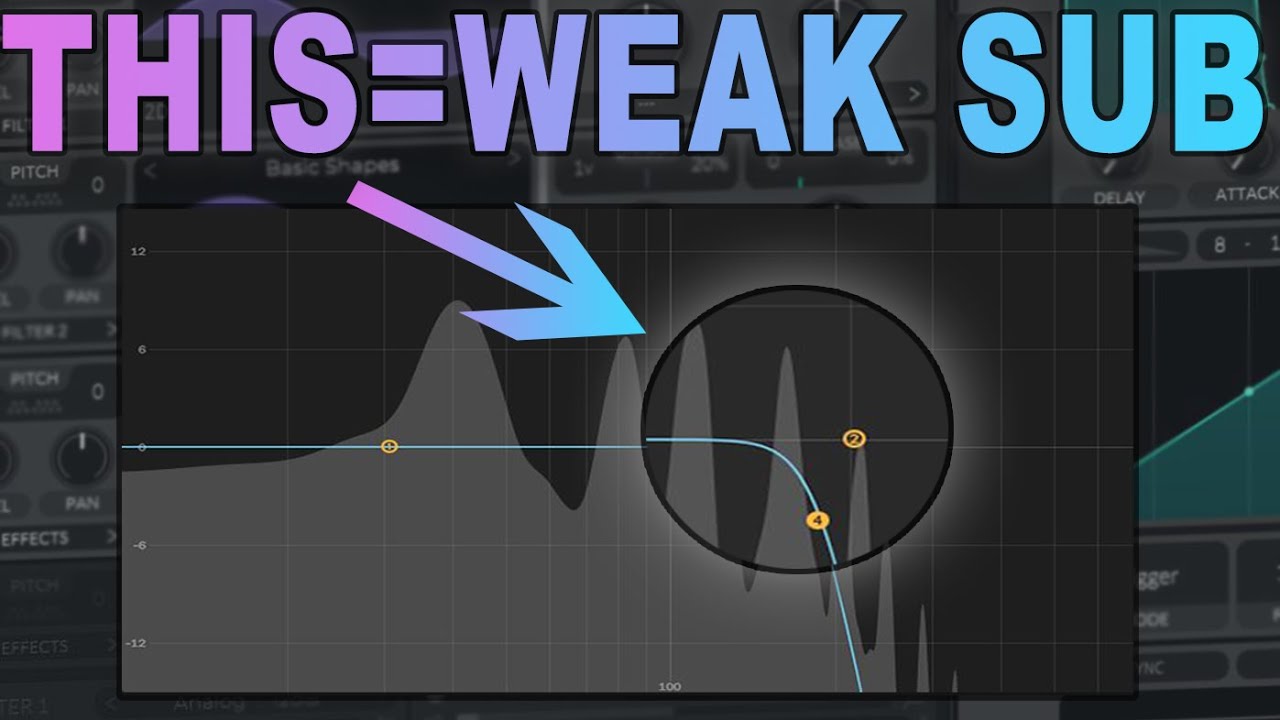
These Mistakes Were RUINING my Sub Bass!
Exporting AAF Media from Davinci Resolve for Sound Design

How to Make an Object Show [FULL TUTORIAL]
Produce VOCALS like BLINK-182!
5.0 / 5 (0 votes)

