8 Cara Hardening Ubuntu Server 20.04
Summary
TLDRThis video provides a comprehensive guide on hardening Ubuntu Server 20.04 to enhance its security. It walks viewers through essential steps including updating and upgrading the system, removing unnecessary packages, enabling automatic security updates, creating a non-root user with sudo privileges, disabling the root account and SSH login for root, configuring the firewall, customizing SSH ports, limiting login attempts, and installing security tools like Fail2Ban and rkhunter to detect intrusions and rootkits. The tutorial is practical, demonstrated on an AWS instance, making it easy for users to follow and apply these best practices to secure their own servers effectively.
Takeaways
- 🖥️ Always start by updating and upgrading your Ubuntu Server to ensure all packages are current and vulnerabilities are patched.
- 🔄 Enable automatic security updates using 'unattended-upgrades' to keep the system protected without manual intervention.
- 👤 Create a non-root user with sudo privileges to perform administrative tasks safely, reducing the risk of unauthorized root access.
- 🔒 Disable the root account login to prevent direct access by attackers, and use sudo via a secure user instead.
- 🚫 Restrict root login over SSH by editing the sshd_config file and setting 'PermitRootLogin no'.
- 🛡️ Configure the firewall (UFW) to deny incoming connections by default, allow outgoing, and permit only necessary ports like SSH, HTTP, and HTTPS.
- 🔑 Change the default SSH port from 22 to a custom port to reduce the risk of automated attacks.
- ⛔ Limit failed login attempts using 'fail2ban' to block suspicious IP addresses temporarily, protecting against brute-force attacks.
- 🕵️♂️ Install security tools like RKHunter to scan for rootkits and backdoors, ensuring no malicious software is installed on the server.
- 📅 Schedule automated scans and updates for security tools to maintain ongoing protection and monitor for potential threats.
- 📦 Regularly clean unused packages with 'autoremove' and 'clean' to reduce attack surfaces and keep the system lean.
- 🔄 Verify and restart services after configuration changes, like SSH or firewall rules, to ensure settings are applied and functional.
Q & A
Why is it recommended to create a new user instead of using the root account directly on Ubuntu Server?
-Using a separate user with sudo privileges reduces the risk of accidental or malicious changes to critical system files, as root has unrestricted access. It also allows better tracking of administrative actions.
What commands are used to update and upgrade an Ubuntu Server safely?
-The recommended commands are: 'sudo apt update' to refresh package lists, 'sudo apt upgrade -y' to install available updates, 'sudo apt autoremove -y' to remove unnecessary packages, and 'sudo apt clean' to clear cached files.
How can automatic security updates be enabled on Ubuntu Server?
-Automatic security updates can be enabled by installing and configuring 'unattended-upgrades', which ensures that important security patches are applied automatically without manual intervention.
What is the purpose of disabling the root account and how is it done?
-Disabling the root account prevents direct login, enhancing security by forcing administrators to use sudo with a separate user account. This can be done using 'sudo passwd -l root'.
How can SSH be hardened on an Ubuntu Server?
-SSH can be hardened by: 1) Disabling root login ('PermitRootLogin no'), 2) Changing the default SSH port to a non-standard port, 3) Using key-based authentication instead of passwords, and 4) Limiting login attempts via fail2ban.
What role does UFW (Uncomplicated Firewall) play in server security?
-UFW helps control incoming and outgoing network traffic. By default, it can deny all incoming connections and allow outgoing connections, while selectively allowing specific ports like SSH, HTTP, and HTTPS.
How does fail2ban improve server security?
-Fail2ban monitors log files for failed login attempts and temporarily blocks IP addresses that exceed a set number of failed attempts, protecting against brute-force attacks.
What is rkhunter, and why is it important to install on a server?
-Rkhunter (Rootkit Hunter) scans the system for known rootkits, backdoors, and malicious exploits. Installing it helps detect unauthorized changes or hidden malware on the server.
Why should firewall rules be tested carefully when connected via SSH?
-Misconfigured firewall rules can accidentally block SSH access, locking administrators out of the server. Testing ensures that necessary connections remain allowed before enabling strict rules.
How can the server be configured to automatically scan for rootkits and update security databases?
-This can be done by editing rkhunter's configuration file to enable daily scans and automatic updates of its database, ensuring continuous monitoring for potential threats.
What are the overall benefits of performing Ubuntu Server hardening as shown in the video?
-Hardening improves server security by reducing attack surfaces, enforcing user access controls, protecting SSH connections, monitoring for malicious activity, and ensuring the system stays updated with security patches.
Outlines

This section is available to paid users only. Please upgrade to access this part.
Upgrade NowMindmap

This section is available to paid users only. Please upgrade to access this part.
Upgrade NowKeywords

This section is available to paid users only. Please upgrade to access this part.
Upgrade NowHighlights

This section is available to paid users only. Please upgrade to access this part.
Upgrade NowTranscripts

This section is available to paid users only. Please upgrade to access this part.
Upgrade NowBrowse More Related Video

Essential First Steps for Every New Linux Server Build

Linux Guide (WSL + Docker + Linux VM) | ليه بنستخدم لينكس ؟ - شرح عملي🐧

INSTALL DAN KONFIGURASI WEB SERVER APACHE PADA UBUNTU SERVER 22.10

HashiCorp Vault Start and Stop in Development mode - Part 2 | HashiCorp Vault tutorial series

Snipe-IT Open Source Asset Management// Training and Full Review Step by Step 2022 Edition
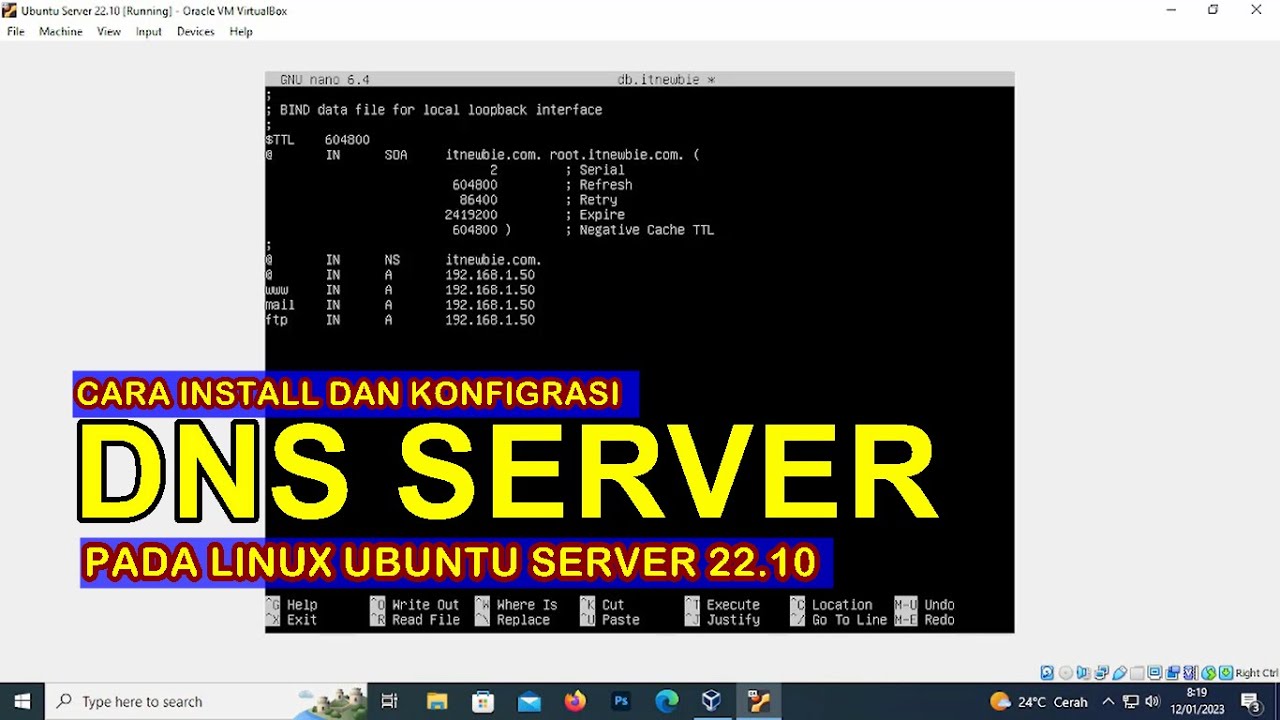
CARA INSTALL DAN KONFIGURASI DNS SERVER PADA LINUX UBUNTU SERVER 22.10 (VIRTUALBOX)
5.0 / 5 (0 votes)
