Jenis PERANGKAT JARINGAN KOMPUTER Yang Perlu Anda Ketahui
Summary
TLDRThis video on Ulas Tekno introduces various networking devices, explaining their roles in both wired and wireless networks. It covers devices like routers, switches, modems, access points, and firewalls, explaining how they function to ensure smooth data transmission, network security, and internet access. The video also compares the pros and cons of wireless versus wired networks, highlighting the flexibility and convenience of wireless networks versus the stability and speed of wired ones. Viewers will gain a clear understanding of how these devices work and their applications in everyday networking scenarios.
Takeaways
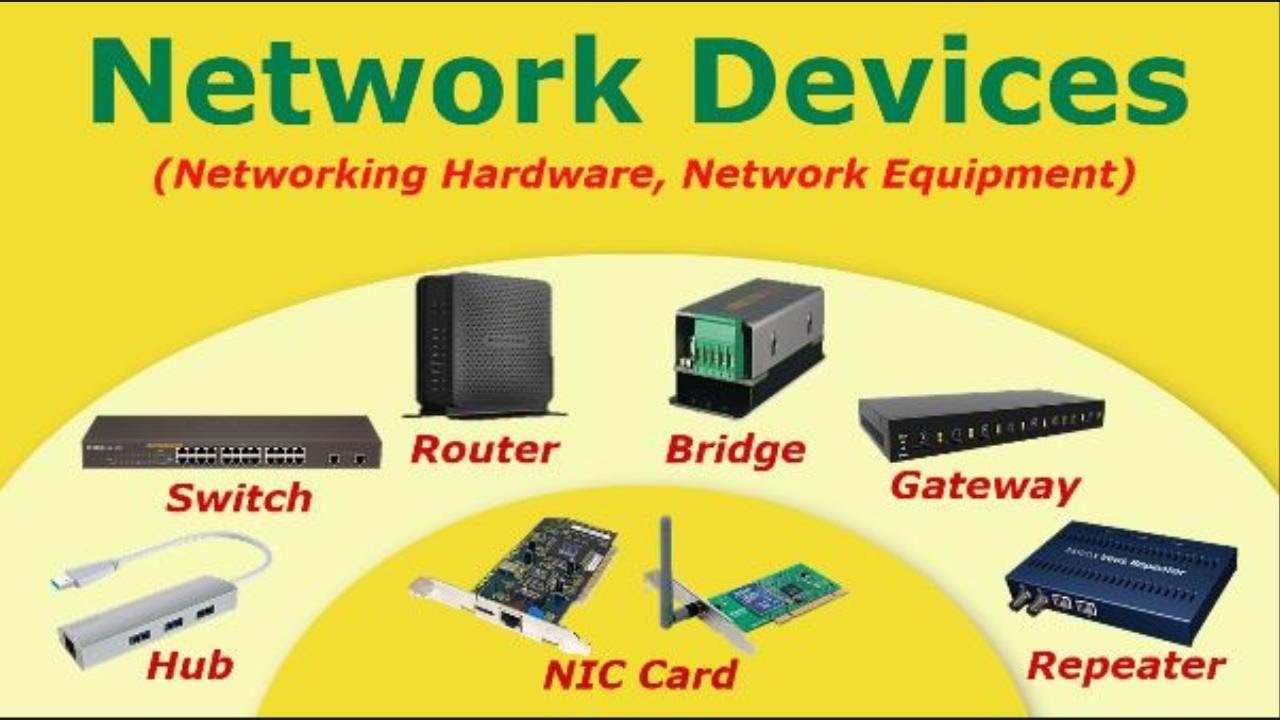
- 😀 Routers connect multiple networks and direct data traffic, either wired or wireless, and can also exist in virtual form for cloud-based networks.
- 😀 Switches link devices within a local network and send data only to the device that needs it, unlike hubs which send data to all devices.
- 😀 Hubs are older devices that send data to all devices in a network, which can lead to congestion and inefficiency.
- 😀 Modems convert digital signals from computers into analog signals, enabling communication through phone lines or fiber optics, acting as the gateway to the internet.
- 😀 Access points (AP) allow wireless devices like laptops and phones to connect to a wired network, often used in public spaces or offices.
- 😀 Wireless routers combine the functions of a router, switch, firewall, and access point, providing Wi-Fi coverage in homes or cafes.
- 😀 Wi-Fi extenders or repeaters amplify the signal from a router to extend its coverage to wider areas.
- 😀 Wireless bridges connect two wired networks without the need for physical cables, ideal for linking buildings.
- 😀 Network Interface Cards (NICs) connect devices to networks, either through Ethernet cables or Wi-Fi adapters for wireless connections.
- 😀 Servers provide specialized services, such as file storage, web hosting, or email management, and can be physical or virtual in the cloud.
- 😀 Firewalls protect networks by monitoring and filtering incoming and outgoing data based on predefined security rules to prevent unauthorized access.
Q & A
What is the main function of a router in a network?
-A router connects two or more networks and directs data traffic within the network. It can connect local networks, like a home or school network, to the internet.
How does a switch differ from a hub in a network?
-A switch only sends data to the device that needs it, based on its MAC address, making it more efficient. A hub, on the other hand, sends data to all devices on the network, leading to more traffic and inefficiency.
What role does a modem play in a network?
-A modem converts digital signals from a computer into analog signals that can be transmitted over telephone lines or fiber optics, allowing access to internet services.
What is an access point (AP) and where is it commonly used?
-An access point is a device that allows wireless devices, like laptops or smartphones, to connect to a wired network. It's commonly used in schools, offices, and public spaces to extend wireless coverage.
What is the difference between a wireless router and a traditional router?
-A wireless router combines the functionalities of a router, switch, firewall, and access point. It manages the local network and provides wireless signal, whereas a traditional router may not include wireless capabilities.
How does a repeater enhance network performance?
-A repeater boosts the signal from a router or network device, extending the range of the wireless signal to cover areas with weak reception.
What is the purpose of a network interface card (NIC)?
-A NIC connects a device to a network, either through a wired Ethernet connection or via a wireless adapter for Wi-Fi connections.
What does a firewall do in a network?
-A firewall acts as a security system that monitors and filters incoming and outgoing data traffic based on preset rules to prevent unauthorized access or attacks.
What is the difference between IDS and IPS in network security?
-IDS (Intrusion Detection System) detects suspicious activities in the network, while IPS (Intrusion Prevention System) not only detects but also blocks potential threats before they can cause harm.
What factors should be considered when choosing between wireless and wired network devices?
-Wireless networks are more flexible and easier to set up but can be affected by interference and security concerns. Wired networks are more stable and faster, though they require more complex installation and limit mobility.
Outlines

This section is available to paid users only. Please upgrade to access this part.
Upgrade NowMindmap

This section is available to paid users only. Please upgrade to access this part.
Upgrade NowKeywords

This section is available to paid users only. Please upgrade to access this part.
Upgrade NowHighlights

This section is available to paid users only. Please upgrade to access this part.
Upgrade NowTranscripts

This section is available to paid users only. Please upgrade to access this part.
Upgrade NowBrowse More Related Video

Terms You Need to Know in Networking
Computer Network Devices

BAB 5 JARINGAN KOMPUTER DAN INTERNET | JARINGAN LOKAL, INTERNET, KONEKTIVITAS INTERNET | INFORMATIKA

#KULIAH Jaringan Komputer - Pertemuan 1 - Pengantar Jaringan Komputer
Wireless Access Point vs Wi-Fi Router

Pengenalan Jaringan Komputer dan Media Transmisi Kabel dan Nirkabel
5.0 / 5 (0 votes)
