c program to print first N natural numbers using loop | Learn Coding
Summary
TLDRIn this tutorial, the video demonstrates how to print natural numbers using the C programming language. The script begins by explaining the concept of natural numbers, which start from 1 and continue infinitely. It then shows how to implement a C program using `for` and `while` loops to print numbers up to a user-defined limit. The video emphasizes different methods for achieving the same result, highlighting the flexibility of the language and the use of loops for iterative tasks. By the end, viewers are encouraged to learn more C programming through further tutorials.
Takeaways
- 😀 The video teaches how to print natural numbers in C language using a program.
- 😀 Natural numbers start from 1 and go on indefinitely without any decimal point.
- 😀 The user is encouraged to subscribe to the channel to learn more about programming.
- 😀 The program demonstrates using an input variable to print natural numbers up to a specified value.
- 😀 The program uses the 'scanf' function to take input from the user and 'printf' to display the output.
- 😀 A 'for loop' is used to print natural numbers from 1 to the given input value.
- 😀 The program runs successfully and outputs natural numbers from 1 to the user-input value.
- 😀 The video explains how to modify the program to print numbers in a spaced format.
- 😀 The program logic is adaptable, and can be executed using a 'while loop' instead of a 'for loop'.
- 😀 The video also covers how to modify the program for different input values (e.g., printing up to 100).
Q & A
What is the main objective of the tutorial?
-The main objective of the tutorial is to teach viewers how to write a C program to print natural numbers, using both the 'for' loop and the 'while' loop.
What are natural numbers?
-Natural numbers are positive integers that start from 1 and go on infinitely, without any fractional or decimal part.
What input does the program take from the user?
-The program takes an integer input from the user, which defines the upper limit up to which natural numbers will be printed.
How does the program print natural numbers?
-The program uses a loop (either 'for' or 'while') to print the numbers starting from 1 up to the user-defined input, printing each number in a formatted way.
What function is used to take input from the user in the program?
-The 'scanf' function is used to take the user input in the program, storing the value in a variable for further processing.
How is the 'for' loop structured in the program?
-The 'for' loop starts from 1 and runs until it reaches the input value provided by the user, incrementing the counter each time and printing the corresponding natural number.
Can the program be written using a 'while' loop instead of a 'for' loop?
-Yes, the same program can be written using a 'while' loop. The condition in the 'while' loop will ensure it continues until the input value is reached.
What output does the program produce when the user inputs 10?
-When the user inputs 10, the program prints the natural numbers from 1 to 10, each separated by a space.
How does the program ensure that the numbers are printed with a space in between?
-To print the numbers with spaces, the program includes a formatting specification (like '%d ') in the print statement, ensuring that each number is printed followed by a space.
What does the tutorial suggest about using different types of loops in C programming?
-The tutorial suggests that different types of loops, such as 'for' and 'while', can be used to achieve the same result in C programming. It emphasizes that the choice of loop depends on the situation or personal preference.
Outlines

This section is available to paid users only. Please upgrade to access this part.
Upgrade NowMindmap

This section is available to paid users only. Please upgrade to access this part.
Upgrade NowKeywords

This section is available to paid users only. Please upgrade to access this part.
Upgrade NowHighlights

This section is available to paid users only. Please upgrade to access this part.
Upgrade NowTranscripts

This section is available to paid users only. Please upgrade to access this part.
Upgrade NowBrowse More Related Video
For Loops In C++ For Beginners | C++ Tutorial For Beginners | C++ Programming Basics | Simplilearn
C++ Tutorial for Beginners 10 - While Loops
C++ 24 | Pola Persegi | Belajar Looping C++
#3: Data Types in C Programming | C Programming for Beginners

C++ programming , displays 20, 40, 60, 80, 100, 120, 140, 160, and 180 on the screen with for loop
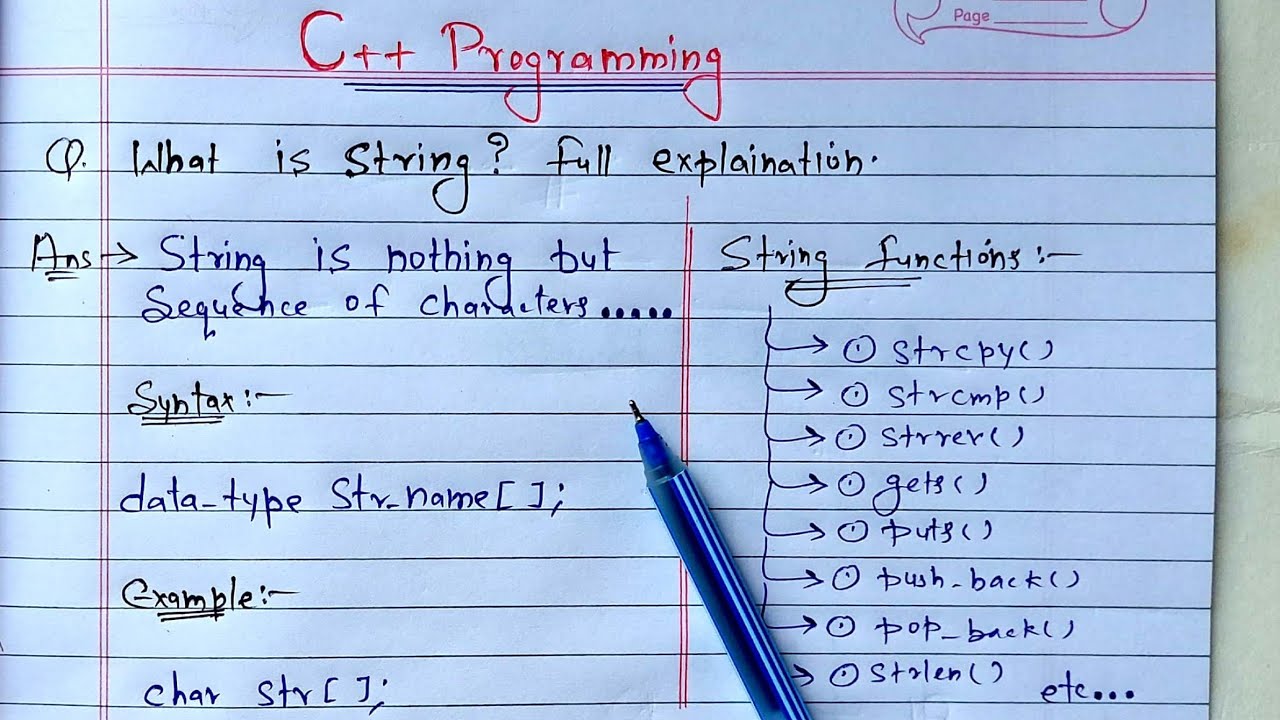
C++ Strings | What is String? full Explanation
5.0 / 5 (0 votes)
