Hacker101 - JavaScript for Hackers (Created by @STOKfredrik)
Summary
TLDRIn this engaging tutorial, Dick and Tom Nom Nom dive into JavaScript from a security perspective, exploring how attackers analyze web applications. They explain the role of JavaScript alongside HTML and CSS, demonstrate tools like Chrome DevTools and Burp Suite for inspecting code, and show techniques such as static and dynamic analysis, breakpoints, and postMessage exploitation. The discussion highlights discovering vulnerabilities like DOM XSS, hidden API endpoints, and leaked secrets, emphasizing safe, practical testing in controlled environments. Viewers gain actionable insights into understanding JavaScript behavior, identifying risks, and learning how web applications truly operate behind the scenes.
Takeaways
- 😀 JavaScript is a core web language that adds interactivity and functionality to webpages, distinct from Java.
- 😀 Chrome Dev Tools is an essential tool for inspecting network requests, viewing scripts, and debugging JavaScript code.
- 😀 Minified JavaScript can be difficult to read, but the Pretty Print feature allows you to format it for easier analysis.
- 😀 Static analysis involves reading JavaScript code to understand its behavior, endpoints, and potential vulnerabilities.
- 😀 Dynamic analysis uses breakpoints, the console, and variable inspection to understand runtime behavior and trace code execution.
- 😀 Event listeners, such as postMessage handlers, can be exploited if user input is not properly validated, leading to DOM-based XSS.
- 😀 Identifying API endpoints and hidden functionality in JavaScript helps reveal inputs, outputs, and application logic that might not be documented.
- 😀 Older versions of JavaScript or historical snapshots can contain sensitive information like API keys or credentials that were later removed.
- 😀 Exploiting a vulnerability often requires first understanding the normal functionality before attempting to manipulate it.
- 😀 The real-world impact of a JavaScript vulnerability depends on context, such as bypassing same-origin policy or interacting with sensitive data.
- 😀 JavaScript analysis is not just about finding vulnerabilities, but also about understanding the application's design, workflow, and hidden features.
Q & A
What is the role of JavaScript in web development compared to HTML and CSS?
-JavaScript adds interactivity and dynamic behavior to web pages. HTML defines the structure, CSS defines the style and layout, while JavaScript makes elements respond to user actions, communicate with servers, and perform dynamic updates.
Why is JavaScript not the same as Java?
-JavaScript and Java are different languages. JavaScript was named partly to capitalize on Java's popularity, but they have different syntax, runtime environments, and purposes. JavaScript runs in browsers primarily, while Java runs on the JVM and has broader application.
Why might attackers be interested in analyzing JavaScript files?
-Attackers analyze JavaScript to find vulnerabilities like DOM XSS, hidden endpoints, leaked API keys, or insights into application logic. JavaScript files often describe all inputs, outputs, and interactions of an application, which can reveal targets not visible through the UI.
What is the purpose of Chrome DevTools in security analysis?
-Chrome DevTools allows developers and security researchers to inspect network requests, view and pretty-print minified JavaScript, set breakpoints, debug code at runtime, and interact with JavaScript through the console, making it a powerful tool for both static and dynamic analysis.
What is pretty-printing in the context of JavaScript analysis?
-Pretty-printing reformats minified or compressed JavaScript into a readable and structured format. This makes it easier to analyze code, follow logic, and locate vulnerabilities or endpoints.
What is DOM XSS and why is it significant?
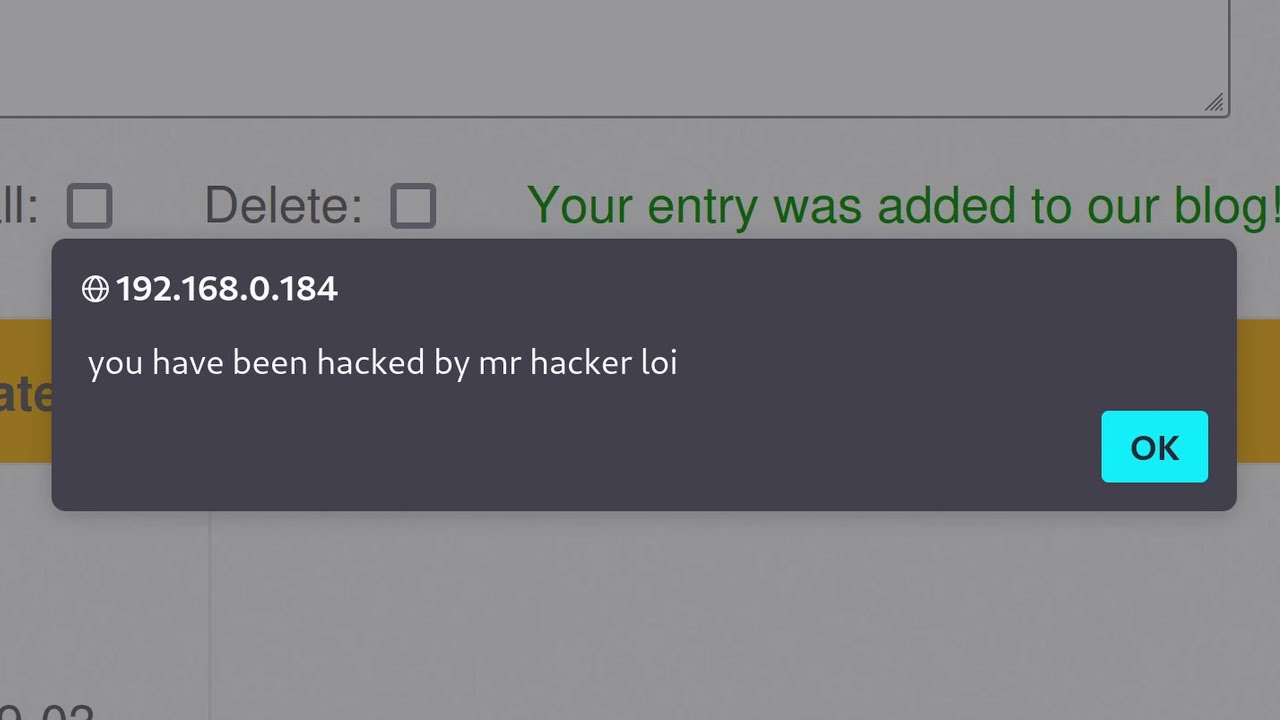
-DOM XSS occurs when JavaScript mishandles user input on the client side, allowing malicious scripts to execute. It is significant because it can bypass same-origin policies and allow attackers to interact with sensitive parts of web applications.
How can breakpoints and the console in DevTools aid in dynamic analysis?
-Breakpoints pause JavaScript execution at specific lines, allowing inspection of variable values and program flow. The console can then be used to modify variables, send messages, or interact with functions at runtime, revealing behavior not evident through static analysis alone.
Why might analyzing historical versions of JavaScript be useful?
-Older versions may contain shortcuts, hardcoded API keys, or unremoved features that were later patched. Attackers or researchers can use tools like the Wayback Machine to examine these historical snapshots and identify vulnerabilities no longer visible in current versions.
What is the importance of understanding API endpoints in JavaScript?
-JavaScript often communicates with backend servers via API endpoints. Understanding these endpoints helps identify how data flows, what inputs and outputs exist, and potential points where security flaws or sensitive information might be exposed.
What precautions should be taken when practicing JavaScript security testing?
-Testing should be performed in legal and controlled environments, such as public demo apps, sandboxed servers, or intentionally vulnerable applications, to avoid unauthorized access or legal issues.
How can minified JavaScript files still reveal admin or sensitive functionality?
-Minified files often bundle all application code, including admin features. Even if hidden from the UI, reading or testing these files can expose logic, endpoints, or functionality that might otherwise remain inaccessible.
What is the main limitation of static analysis alone when examining JavaScript?
-Static analysis relies on reading code without executing it, which may not reveal runtime behavior, dynamically generated values, or actual interactions with APIs. Combining it with dynamic analysis using tools like DevTools gives a more complete understanding.
Outlines

Этот раздел доступен только подписчикам платных тарифов. Пожалуйста, перейдите на платный тариф для доступа.
Перейти на платный тарифMindmap

Этот раздел доступен только подписчикам платных тарифов. Пожалуйста, перейдите на платный тариф для доступа.
Перейти на платный тарифKeywords

Этот раздел доступен только подписчикам платных тарифов. Пожалуйста, перейдите на платный тариф для доступа.
Перейти на платный тарифHighlights

Этот раздел доступен только подписчикам платных тарифов. Пожалуйста, перейдите на платный тариф для доступа.
Перейти на платный тарифTranscripts

Этот раздел доступен только подписчикам платных тарифов. Пожалуйста, перейдите на платный тариф для доступа.
Перейти на платный тарифПосмотреть больше похожих видео





5.0 / 5 (0 votes)

