Microsoft Explains Why You Can’t Move the Taskbar in Windows 11 (It’s Bad News!)
Summary
TLDRIn this video, Brentech discusses the absence of the taskbar customization options in Windows 11, particularly the ability to move it to the left, top, or right of the screen as in Windows 10. Despite significant user feedback requesting this feature, Microsoft has not implemented it, citing technical challenges and limited demand. The taskbar in Windows 11 was redesigned from the ground up, and adapting it for movement across multiple screen orientations would require significant engineering efforts. While the feature remains a popular request, it seems unlikely to be prioritized due to a small user base and resource constraints.
Takeaways
- 🖥️ Windows 11 launched in 2021 without the ability to move the taskbar to any side of the screen except the bottom.
- 🔍 Users have frequently requested the return of movable taskbar functionality, similar to what existed in Windows 10.
- 🏢 Microsoft has remained mostly quiet about whether this feature will ever return to Windows 11.
- 💬 A Windows Latest article highlighted that Microsoft engineers discussed this question in early post-launch Q&A videos.
- 🧱 According to Microsoft, the taskbar in Windows 11 was rebuilt from scratch, so the old Windows 10 code for repositioning doesn’t exist.
- ⚙️ Microsoft says reintroducing a movable taskbar would require major engineering work due to layout reflow challenges.
- 📱 Apps would need to dynamically adjust layouts, content, snapping behavior, and edge-case handling across devices if the taskbar could move.
- 🧩 Ensuring consistency for legacy Win32 apps, UWP apps, and everything in between adds to the complexity.
- 📊 Although the Feedback Hub shows many upvotes for bringing back movable taskbars, Microsoft claims the percentage of users who want it is very small.
- 🚫 Microsoft appears unlikely to invest engineering resources into a feature that benefits only a small portion of Windows 11 users.
- ❓ The creator ends by asking viewers whether they agree with Microsoft and if they want the taskbar to be movable again.
Q & A
Why can't the taskbar be moved in Windows 11?
-According to Microsoft, the ability to move the taskbar in Windows 11 is not available because the code that allows taskbar repositioning (like in Windows 10) is missing. This is due to the fact that Microsoft built the taskbar from the ground up, without reusing the code from Windows 10.
What is the technical challenge of allowing taskbar movement in Windows 11?
-The technical challenge lies in the reflow of apps when the taskbar is moved. Apps would need to constantly adjust their layouts, resize content, and handle edge cases across different screen sizes, DPI settings, and multi-monitor setups. Ensuring this works smoothly without visual glitches would require significant engineering effort.
What is Microsoft's stance on users requesting taskbar repositioning?
-Microsoft has acknowledged the high number of upvotes on the feedback hub requesting the ability to move the taskbar. However, they believe this request comes from a small user base. They also suggest that implementing this feature wouldn't benefit the majority of users, which is why they haven’t prioritized it.
Why does Microsoft not prioritize the taskbar movement feature despite user feedback?
-Microsoft has stated that compared to other requests for new features in the taskbar, the desire to move the taskbar is relatively small in terms of user demand. Therefore, they have not seen enough justification to allocate engineering resources to this specific feature.
How does Microsoft justify the lack of a movable taskbar in terms of user experience?
-Microsoft claims that allowing the taskbar to be moved would complicate the user experience, requiring constant reflow and resizing of apps, which could lead to inconsistent behavior, particularly with legacy apps, modern UWP apps, and across different screen setups.
How long has Windows 11 been available, and how long has Microsoft been receiving feedback about the taskbar?
-Windows 11 was launched in October 2021. Since then, Microsoft has been receiving user feedback about the lack of taskbar movement, with discussions continuing for over four years.
What alternatives are available for users who want to move the taskbar in Windows 11?
-Currently, users can adjust some taskbar settings, such as centering icons or modifying taskbar visibility, but the option to move the taskbar to the left, top, or right of the screen is not available natively in Windows 11.
Has Microsoft provided any official reason for not moving the taskbar in Windows 11?
-Microsoft has not given an official statement, but their engineering team provided an explanation in a YouTube video, mentioning the significant technical challenges involved in moving the taskbar and the lack of code to support such a feature.
What do users who want to move the taskbar in Windows 11 believe about the feature?
-Users who want the taskbar to be movable in Windows 11 likely prefer the customization flexibility of Windows 10, where the taskbar could be placed on any side of the screen. They may find the lack of this feature in Windows 11 to be limiting.
How does Microsoft address concerns about visual glitches when moving the taskbar?
-Microsoft explains that ensuring the taskbar movement works smoothly without causing visual glitches would be challenging. The taskbar would need to interact seamlessly with different apps and screen configurations, which would require a considerable amount of engineering to handle without issues.
Outlines

Этот раздел доступен только подписчикам платных тарифов. Пожалуйста, перейдите на платный тариф для доступа.
Перейти на платный тарифMindmap

Этот раздел доступен только подписчикам платных тарифов. Пожалуйста, перейдите на платный тариф для доступа.
Перейти на платный тарифKeywords

Этот раздел доступен только подписчикам платных тарифов. Пожалуйста, перейдите на платный тариф для доступа.
Перейти на платный тарифHighlights

Этот раздел доступен только подписчикам платных тарифов. Пожалуйста, перейдите на платный тариф для доступа.
Перейти на платный тарифTranscripts

Этот раздел доступен только подписчикам платных тарифов. Пожалуйста, перейдите на платный тариф для доступа.
Перейти на платный тарифПосмотреть больше похожих видео
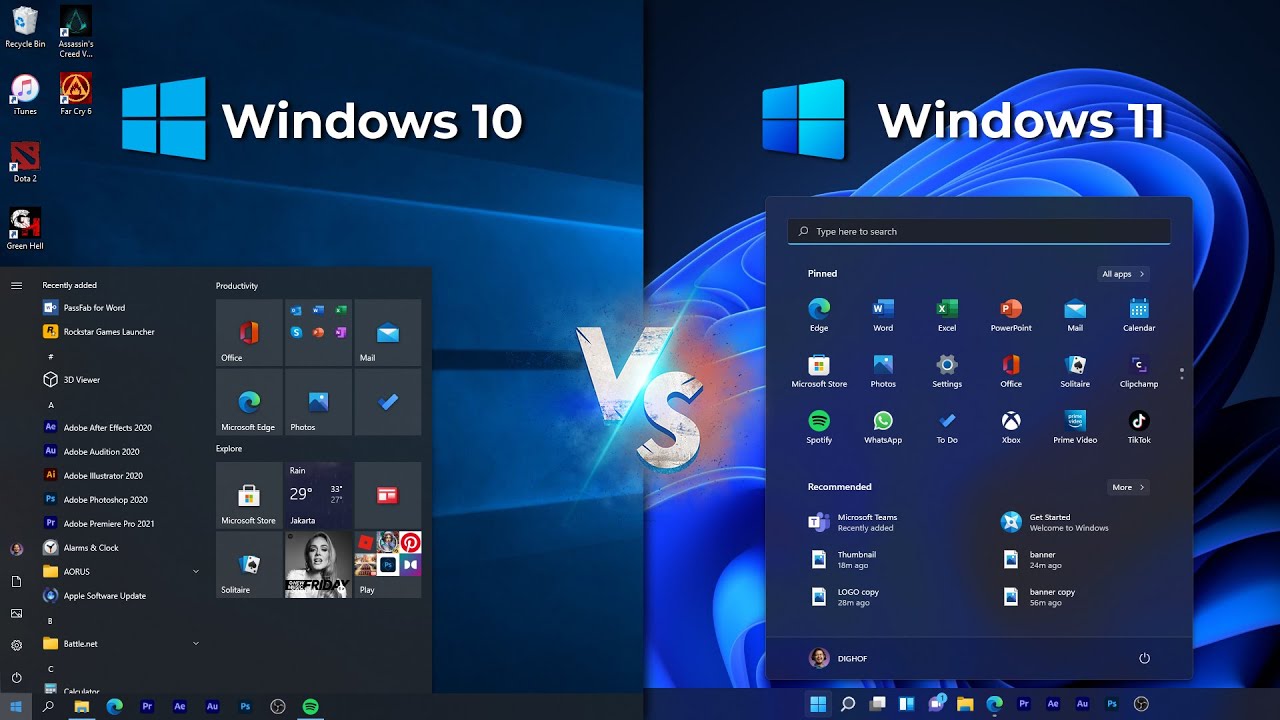
Masih Pengen Update? Bandingin Windows 10 VS Windows 11 - Perubahan Fitur - Gaming Test - LENGKAP!

History of windows

Windows 11 Situation Even Worse Now Microsoft Axed Windows 10
Aula 6 - Aprenda INFORMATICA para Concurso
Windows 10 vs 11 | Features & Changes

CURSO WINDOWS 11 - AULA 04 CONFIGURAÇÕES DA BARRA DE TAREFAS
5.0 / 5 (0 votes)

