Node y SQL Server: Conexión entre Node.js y MS SQL Server | Paquete mssql | SQL | Curso Node.js # 27
Summary
TLDRIn this tutorial, viewers learn how to connect to a SQL Server database using Node.js 10. The video walks step by step through installing the necessary 'mssql' package, setting up connection parameters, and creating asynchronous functions to retrieve and insert data. The instructor demonstrates querying a 'products' table, listing existing items, and adding new products with proper handling of data types. The guide emphasizes best practices like using connection pools and parameterized queries, making database interactions efficient and secure. By the end, viewers gain practical skills to read, insert, and manage SQL Server data from Node.js with confidence.
Takeaways
- 💻 The video demonstrates how to connect to a SQL Server database using Node.js 10, step by step.
- 📦 The necessary package to install is 'mssql', which is done via npm in the terminal.
- 🗂️ Two main files are used: one for the database connection and another for testing queries.
- 🔧 The connection settings include server, database name, user, password, encryption, and certificate options.
- ⚡ A function called 'getConnection' is created to handle asynchronous database connections using promises.
- 📤 The 'mssql' library is exported along with the connection function to use in other parts of the application.
- 📝 A 'getProducts' function is implemented to retrieve records from the 'product' table using a connection pool.
- 🔄 Query results are stored in a 'recordset' array for easier handling and display in the console.
- ➕ An 'addProduct' function is shown to insert new records into the 'product' table using parameterized inputs to prevent SQL injection.
- 📊 The video emphasizes good practices like specifying data types for inputs and handling asynchronous operations correctly.
- ✅ After running the Node.js script, the inserted product is confirmed both in the console output and in the database.
- 🎯 The overall goal is to teach how to read, insert, and potentially update or delete records in SQL Server from Node.js effectively.
Q & A
What package is required to connect to SQL Server in Node.js?
-The package required to connect to SQL Server in Node.js is 'mssql'. It is installed via npm using the command: `npm install mssql`.
Why is the connection function `getConnection` asynchronous?
-The connection function is asynchronous because connecting to a database takes time. The function uses a promise, which allows the program to continue executing without blocking the main thread while waiting for the connection to complete.
What is a connection pool in SQL Server and why is it used?
-A connection pool in SQL Server is a set of reusable database connections. It helps to optimize performance by allowing multiple queries to share existing connections instead of creating a new one for each query, which reduces overhead.
How are SQL query parameters passed in the `mssql` library?
-SQL query parameters are passed using the `.input()` method. You define the parameter name, data type, and value. For example, `request.input('name', mssql.VarChar, 'Laptop')`.
What is the benefit of using the `await` keyword in SQL queries?
-The `await` keyword is used to wait for a promise to resolve, which makes the code behave synchronously. It ensures that the query execution completes before moving on to the next step, preventing race conditions or errors.
What types of SQL operations can be performed with the code shown in the video?
-The video demonstrates how to perform SELECT (read data) and INSERT (add new records) operations with SQL Server using Node.js. You could also extend this to UPDATE and DELETE operations.
Why is it important to specify data types for query parameters in SQL?
-Specifying data types for query parameters ensures that the data is correctly formatted and validated before being sent to the database. This helps prevent SQL injection attacks and other types of data-related errors.
What does the `Row affected` message in the console indicate?
-The `Row affected` message indicates how many rows were modified by the query. For an insert query, it shows how many new records were added to the database.
How can you test if the database insertion works correctly?
-You can test if the insertion works by running a SELECT query after the insert operation. If the new record appears in the results, the insertion was successful.
What happens if the database connection fails during the process?
-If the database connection fails, the `catch` block will be triggered, and an error message will be logged to the console, helping to diagnose the issue.
Outlines

Этот раздел доступен только подписчикам платных тарифов. Пожалуйста, перейдите на платный тариф для доступа.
Перейти на платный тарифMindmap

Этот раздел доступен только подписчикам платных тарифов. Пожалуйста, перейдите на платный тариф для доступа.
Перейти на платный тарифKeywords

Этот раздел доступен только подписчикам платных тарифов. Пожалуйста, перейдите на платный тариф для доступа.
Перейти на платный тарифHighlights

Этот раздел доступен только подписчикам платных тарифов. Пожалуйста, перейдите на платный тариф для доступа.
Перейти на платный тарифTranscripts

Этот раздел доступен только подписчикам платных тарифов. Пожалуйста, перейдите на платный тариф для доступа.
Перейти на платный тарифПосмотреть больше похожих видео

How to Create Database in SQL Server

Dream Report: Acquiring Data from SQL Server

Dream Report: Acquiring Data using SQL Statements

MySQL - 10 Update Data MySQL - Tutorial MySQL Bahasa Indonesia
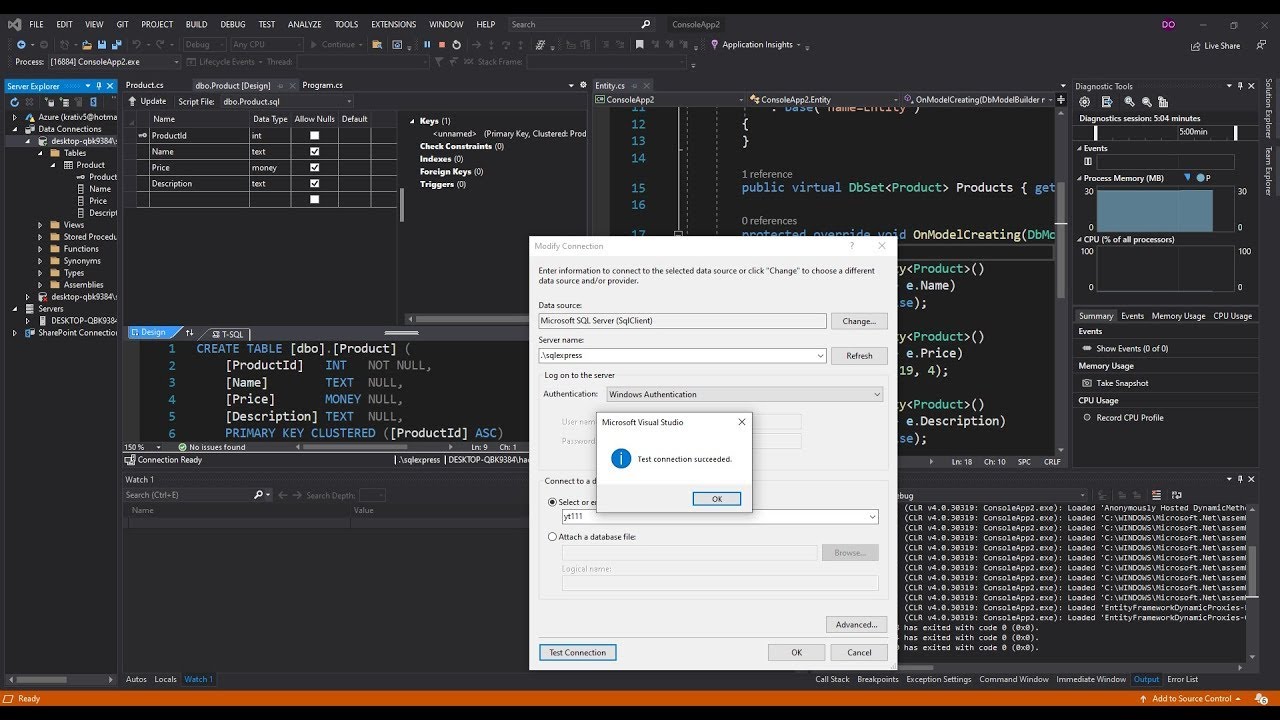
Generate C# Model from existing Microsoft SQL Server Database
Complete CRUD Operation in Asp.Net C# With SQL Server Step by Step
5.0 / 5 (0 votes)

