Peramban dan Search engine, INFORMATIKA VII KURIKULUM MERDEKA
Summary
TLDRIn this educational video, students are introduced to web browsers and search engines. The lesson explores how web browsers like Google Chrome and Firefox function to access information on the internet, highlighting key features such as the back and forward buttons, and refresh options. Students are taught how search engines, including Google, Yahoo, and Bing, work by crawling, indexing, and ranking web pages. The lesson also covers techniques for effective searching, the benefits of search engines in education, and how to conduct research for assignments, offering practical tasks for students to complete in groups.
Takeaways
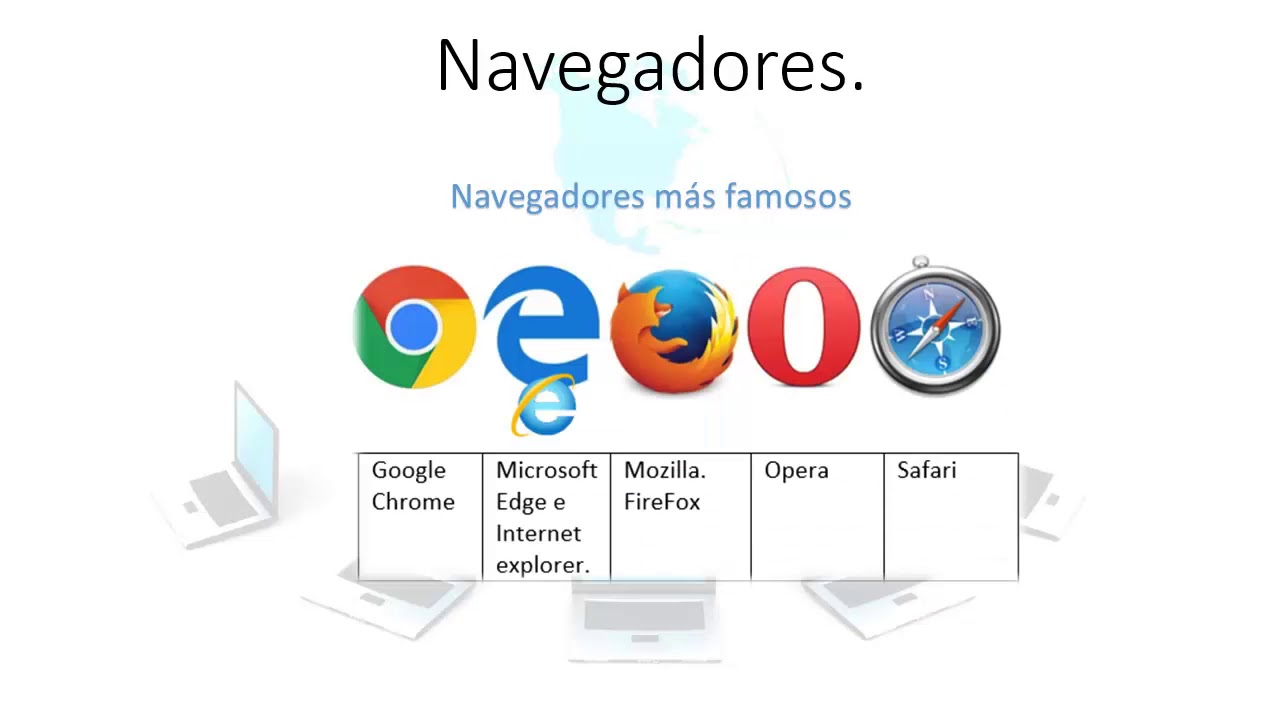
- 😀 Web browsers are software used to access the internet and display web pages. Examples include Google Chrome, Mozilla Firefox, Microsoft Edge, and Safari.
- 😀 Search engines help users find information on the web by using algorithms to sort and display the most relevant results. Common search engines include Google, Bing, and Yahoo.
- 😀 Key features of web browsers include buttons for 'back', 'forward', 'refresh', and 'stop', which help users navigate and manage their browsing experience.
- 😀 A search engine works through crawling (finding pages), indexing (storing pages in a database), and ranking (displaying results in order of relevance).
- 😀 Searching effectively requires narrowing down search terms, such as adding more specific words or phrases, to find the most relevant information.
- 😀 Benefits of using search engines include quick access to information, helping with school assignments, and providing diverse resources for learning.
- 😀 Practicing with search engines allows students to gather relevant data, improve research skills, and assess the quality of information they find.
- 😀 The assignment involves using multiple search engines (Google, Yahoo, Bing) to gather information, record results, and analyze which search engine provides the best outcomes.
- 😀 Students are tasked with saving their search results and formatting them appropriately, using a structured naming system for their files (e.g., '7a_group1_bullying').
- 😀 The final task involves analyzing and comparing search results, noting the time spent, the number of links returned, and the quality of the information found.
- 😀 The lesson aims to teach students how to use search engines effectively for academic research and to evaluate the relevance of information they find online.
Q & A
What is a web browser and what is its primary function?
-A web browser is a software application used to access and view information on the internet. Its primary function is to load web pages, display content, and allow users to navigate the internet.
Can you name at least four examples of web browsers?
-Examples of web browsers include Google Chrome, Mozilla Firefox, Microsoft Edge, and Safari.
What is the purpose of the 'Back' button in a web browser?
-The 'Back' button in a web browser allows the user to go back to the previous page they were viewing.
How does a search engine work?
-A search engine works by crawling the web, indexing the information found, and then ranking the results based on relevance to the user's search query.
What is crawling in the context of search engines?
-Crawling is the process by which a search engine discovers and collects information from websites by following links from one page to another.
What is the role of indexing in a search engine?
-Indexing is the process where a search engine stores information about web pages in its database to make it easily retrievable during searches.
What is the 'Ranking' of search results in a search engine?
-Ranking refers to the order in which search results are displayed, from the most relevant and authoritative to the least, based on the search engine's algorithms.
How can you narrow down search results effectively?
-You can narrow down search results by using specific keywords or phrases, searching within a certain category, or adding more specific terms to your query to make it more focused.
What are the benefits of using search engines for students?
-Search engines help students quickly find relevant information for their studies, access diverse sources, and complete assignments more efficiently.
What is the purpose of the LKPD tasks in this lesson?
-The LKPD tasks are designed to help students practice using search engines to gather, evaluate, and document information on a given topic, as well as analyze data and present their findings.
Outlines

このセクションは有料ユーザー限定です。 アクセスするには、アップグレードをお願いします。
今すぐアップグレードMindmap

このセクションは有料ユーザー限定です。 アクセスするには、アップグレードをお願いします。
今すぐアップグレードKeywords

このセクションは有料ユーザー限定です。 アクセスするには、アップグレードをお願いします。
今すぐアップグレードHighlights

このセクションは有料ユーザー限定です。 アクセスするには、アップグレードをお願いします。
今すぐアップグレードTranscripts

このセクションは有料ユーザー限定です。 アクセスするには、アップグレードをお願いします。
今すぐアップグレード関連動画をさらに表示

Materi 1 Informatika Kelas 9 - Web Browser & Search Engine
Kurikulum Merdeka Materi Informatika Kelas 7 Bab 3 Teknologi Informasi dan Komunikasi
Diferencias entre Navegador y buscador

CAT Grade 10 | Theory | Term 3 Revision
Penghantar Materi Website SMA X Citra Nusa
Mesin Pencari Informasi Digital/Search Engine (Mapel Informatika Elemen 2 TIK bag 2)
5.0 / 5 (0 votes)

