45 JUTA dari Konten AI?! Ini Cara Main YouTube Shorts 2026
Summary
TLDRThis tutorial walks viewers through creating AI-generated animated videos similar to the Dolewak channel, focusing on health topics like kidney issues. It explains how to use AI tools such as ChatGPT, Gemini, and Pipit to generate animations, voiceovers, and sync them with visuals for YouTube content. The video emphasizes the ease of the process, the potential for monetization without copyright issues, and encourages viewers to explore their creative ideas using these tools. With a straightforward step-by-step guide, the tutorial inspires others to create unique AI-driven content.
Takeaways
- 😀 AI tools like ChatGPT, Gemini, and Pipit.ai can be used to create animated videos from scratch without advanced technical skills.
- 😀 Screenshots from reference channels can be used to generate prompts and concepts for animation videos.
- 😀 ChatGPT is used to analyze images and generate both visual prompts and narration scripts for the videos.
- 😀 Gemini allows users to convert prompts into animated-style images, which can then be refined and downloaded.
- 😀 Pipit.ai animates the images and synchronizes voiceovers, with options to adjust gestures and expressions.
- 😀 Free accounts have limitations, such as daily export limits; paid plans offer more flexibility.
- 😀 CapCut or other video editors can combine multiple animated scenes into a cohesive final video.
- 😀 YouTube AdSense is the primary monetization method, with estimated monthly earnings ranging from $2,700 to $44,000 for similar content.
- 😀 Social Blade can be used to estimate earnings of reference channels, providing a benchmark for content creators.
- 😀 AI-generated content avoids copyright issues, making it safe for monetization while encouraging creativity and experimentation.
- 😀 Even with minimal devices like smartphones, users can create, animate, and publish AI-powered videos.
- 😀 Creative adjustments to prompts, narration, and animations enhance engagement and improve the potential for revenue.
Q & A
What is the main type of content created on the Dolewak channel?
-The Dolewak channel primarily creates animated educational content about human organs and health topics.
Which AI tools are used in creating these animated videos?
-The video production workflow uses three main AI tools: ChatGPT for generating prompts and narration, Gemini for generating animated images, and Pipit.ai for turning images into animations with voice-over.
How does the workflow start when creating an animation from an existing YouTube channel?
-The workflow starts by taking a clear screenshot of the reference channel, which is then used in ChatGPT to generate prompts for images and narration for the animation.
What are the limitations of using Pipit.ai for free accounts?
-Free accounts on Pipit.ai are limited to exporting only one animation per day, and exporting more requires earning or purchasing diamonds/credits.
How is voice-over added to the animations?
-Voice-over is added in Pipit.ai by pasting the narration text generated from ChatGPT and selecting a suitable voice model for the character. Gestures and movements can also be customized.
What role does CapCut play in this video production process?
-CapCut is used to combine multiple animated scenes into a single video, add transitions, subtitles, and minor effects to enhance the final video presentation.
How are monetization and revenue estimated for the Dolewak channel?
-Monetization comes from Google AdSense, and revenue estimates are obtained using Social Blade, providing a valid range of monthly earnings for reference purposes.
Can this animation workflow be completed on a smartphone?
-Yes, the workflow can be completed on a smartphone as long as ChatGPT, Gemini, and Pipit.ai are accessible via the device.
How does the script suggest dealing with unwanted text in generated images?
-Unwanted text in generated images can be corrected in Gemini by editing the prompt or creating a new image without text before importing it into Pipit.ai.
Why is Social Blade used in the tutorial?
-Social Blade is used to provide an approximate reference of other channels' earnings, offering inspiration and guidance for content creators to understand potential revenue ranges.
What creative freedoms are emphasized in producing these animations?
-Creators are encouraged to adjust narration, gestures, scene arrangements, and visual style to match their concept and creativity, making the final video unique and personalized.
Is the AI-generated content safe for monetization on YouTube?
-Yes, the content is considered safe for monetization because it is AI-generated, original, and free of copyright infringement or plagiarism.
Outlines

Cette section est réservée aux utilisateurs payants. Améliorez votre compte pour accéder à cette section.
Améliorer maintenantMindmap

Cette section est réservée aux utilisateurs payants. Améliorez votre compte pour accéder à cette section.
Améliorer maintenantKeywords

Cette section est réservée aux utilisateurs payants. Améliorez votre compte pour accéder à cette section.
Améliorer maintenantHighlights

Cette section est réservée aux utilisateurs payants. Améliorez votre compte pour accéder à cette section.
Améliorer maintenantTranscripts

Cette section est réservée aux utilisateurs payants. Améliorez votre compte pour accéder à cette section.
Améliorer maintenantVoir Plus de Vidéos Connexes
How to Create Faceless YouTube Channel & Make $500 Per Day Using FREE AI Tools (Full Guide)
How To Create MONETIZABLE Animated Story Video With AI - Full Course
Make Animated Cartoons In Capcut For Free (Step by Step Guide)
How To Use Google VEO 3 JSON Prompting To Create Ad Videos Like a PRO
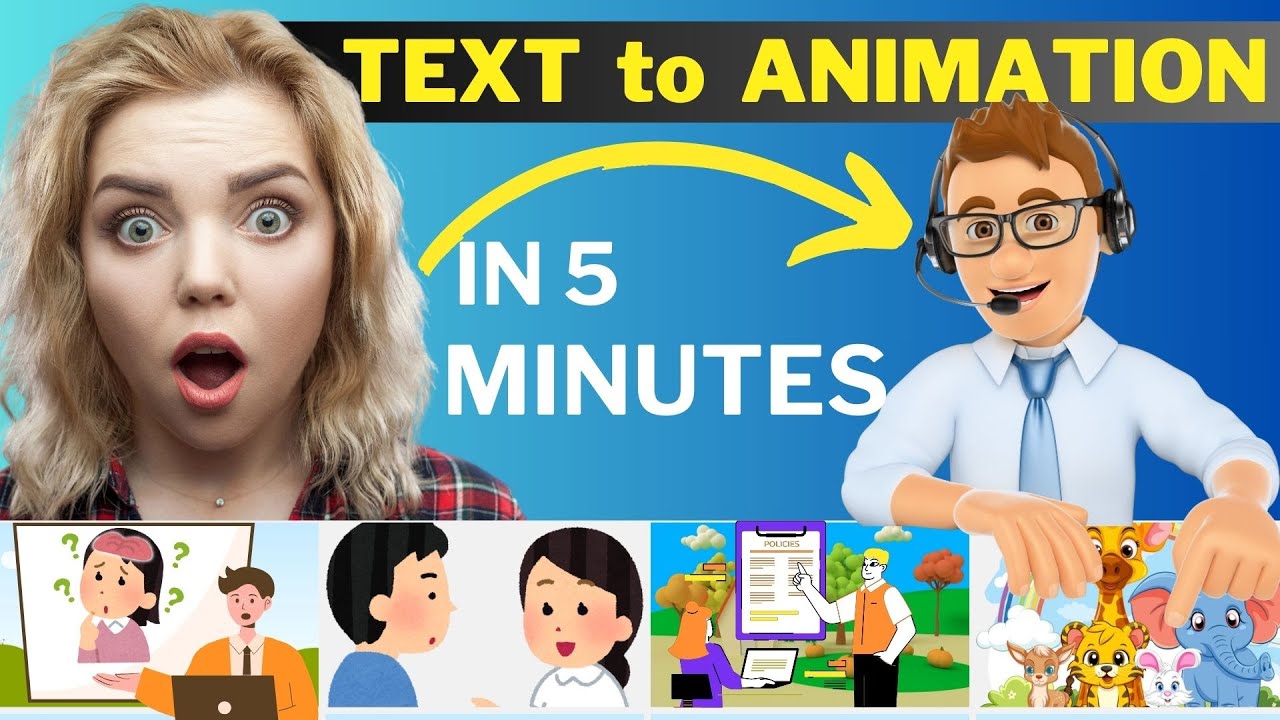
How to Make an Animated Video Using AI | Text to Animation AI

Create High Quality Animated History Videos With FREE AI Tools
5.0 / 5 (0 votes)

