NestJs REST API with MongoDB #4 - Authentication, Login/Sign Up, assign JWT and more
Summary
TLDRThis tutorial video guides viewers through implementing authentication in a REST API using Nest.js. It covers setting up the Passport library, creating authentication modules, and generating JWT tokens for user login and registration. The video also demonstrates how to validate user credentials and handle errors. Viewers are encouraged to watch the next video for securing routes and additional authentication features.
Takeaways
- 📚 In previous videos, we created a simple REST API, added search, pagination, and handled errors.
- 🔐 This video focuses on implementing authentication in our API with two parts: creating login and register routes and providing JWT tokens.
- 📖 The next video will cover authorizing users and protecting routes from unauthenticated access.
- 🛠️ We use Nest.js for our API and configure authentication with the Passport library.
- 📦 Several packages need to be installed, including nest.js/passport and JWT modules.
- 🔧 We create an auth module, controller, and service, and configure Passport and JWT in the auth module.
- 💾 The user schema is defined with fields for email and password, ensuring email uniqueness and adding timestamps.
- 🔑 JWT configuration includes setting secret and expiration time using environment variables.
- 🚀 Auth service handles user registration with hashed passwords and returns a JWT token.
- 🧪 Validation checks are performed during login, and JWT tokens are generated and returned upon successful login.
- 🔍 Detailed steps include installing necessary packages, setting up schemas, configuring modules, and creating routes for login and signup.
- 🎬 The next video will continue with protecting routes using JWT strategy and saving the user in the book.
Q & A
What is the main focus of the video?
-The video focuses on implementing authentication in a REST API using Nest.js, including creating login and register routes and issuing JWT tokens to users.
Why is the Passport library used in Nest.js for authentication?
-Nest.js uses the Passport library because it is a popular library for Node.js used for authentication, and it integrates well with Nest.js through the 'nestjs/passport' package.
What are the packages needed to be installed for implementing authentication in the video?
-The packages needed include 'passport', 'nestjs/passport', '@nestjs/jwt', and 'bcryptjs' for hashing passwords.
How does the video guide the creation of the authentication module?
-The video instructs the viewer to use the 'nest g module auth' command to generate the authentication module and then proceed to create a controller and service for it.
What is the purpose of creating a 'schemas' folder and a 'user.schema.ts' file?
-The 'schemas' folder and 'user.schema.ts' file are created to define the user's data structure, including fields like email and password, and to ensure that the email is unique.
Why is the 'bcryptjs' package used in the video?
-The 'bcryptjs' package is used for hashing passwords before saving them to the database, which is a security measure to protect user data.
How does the video handle the creation of DTOs (Data Transfer Objects) for signup and login?
-The video demonstrates creating 'signup.dto.ts' and 'login.dto.ts' files to define the data structure for the signup and login requests, including validation rules for the email and password fields.
What is the role of the JWT token in the authentication process shown in the video?
-The JWT token is issued to the user upon successful signup or login, serving as a secure way to authenticate the user's identity for subsequent requests.
How does the video ensure the security of the JWT token?
-The video sets an expiry time for the JWT token and uses a strong secret key defined in the environment variables to sign the token, enhancing its security.
What is the next step after the authentication implementation covered in the video?
-The next step, as mentioned in the video, is to authorize users and protect routes from unauthenticated users in the subsequent video.
How can viewers access the source code and further learning materials mentioned in the video?
-Viewers can find the source code and additional learning materials, such as a Udemy course link, in the description of the video.
Outlines

Cette section est réservée aux utilisateurs payants. Améliorez votre compte pour accéder à cette section.
Améliorer maintenantMindmap

Cette section est réservée aux utilisateurs payants. Améliorez votre compte pour accéder à cette section.
Améliorer maintenantKeywords

Cette section est réservée aux utilisateurs payants. Améliorez votre compte pour accéder à cette section.
Améliorer maintenantHighlights

Cette section est réservée aux utilisateurs payants. Améliorez votre compte pour accéder à cette section.
Améliorer maintenantTranscripts

Cette section est réservée aux utilisateurs payants. Améliorez votre compte pour accéder à cette section.
Améliorer maintenantVoir Plus de Vidéos Connexes
Integrate Salesforce with Postman using connected app with OAuth 2.0 to perform API calls.
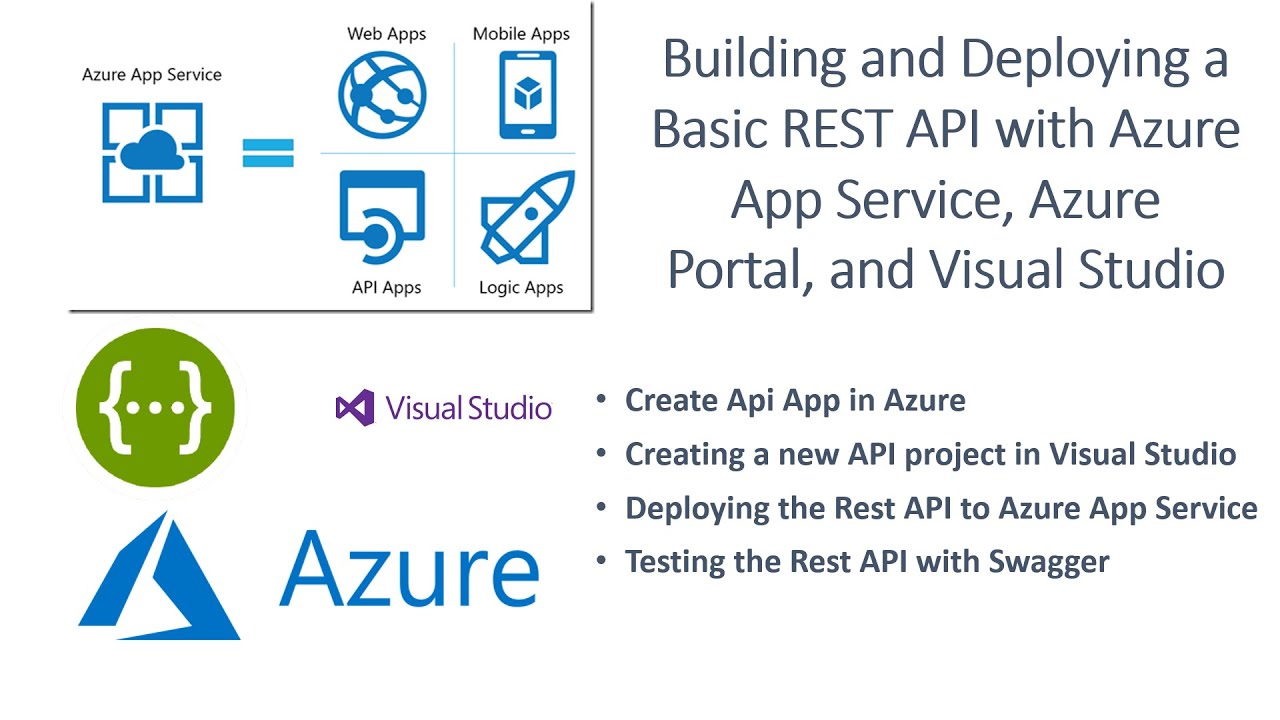
Building and Deploying a Basic REST API with Azure App Service, Azure Portal, and Visual Studio
Learn Postman in 15 Minutes
Setting Up Firebase Auth with React: Step-by-Step Tutorial
[Legacy] Use Firebase for Auth in Wized

#38 Spring Security | Validating JWT Token
5.0 / 5 (0 votes)

