English Typing Course- DAY 2 | Free Typing Lessons | Touch Typing Course | Tech Avi
Summary
TLDRIn this Day 2 of an English typing course, the instructor guides learners through finger placements on the home row, emphasizes the importance of shift key usage, and offers practical exercises for building muscle memory. The video stresses the need for consistent practice (3-4 hours), proper posture, and the use of appropriate font sizes (14-16) for typing practice. Learners are encouraged to type without looking at the keyboard as their skills improve, with breaks suggested for better focus and stamina. This lesson aims to enhance typing speed and accuracy through focused, repeated movements.
Takeaways
- 😀 The video is the second day (Day 2) of English typing practice, building upon the Day 1 exercises.
- 😀 Viewers are advised to watch the video in fullscreen mode on their mobile devices for better visibility of finger movements.
- 😀 The concept of 'Home Row' is introduced, explaining that the bottom line of the keyboard is called the 'Bottom Row' and the top line is the 'Home Row'.
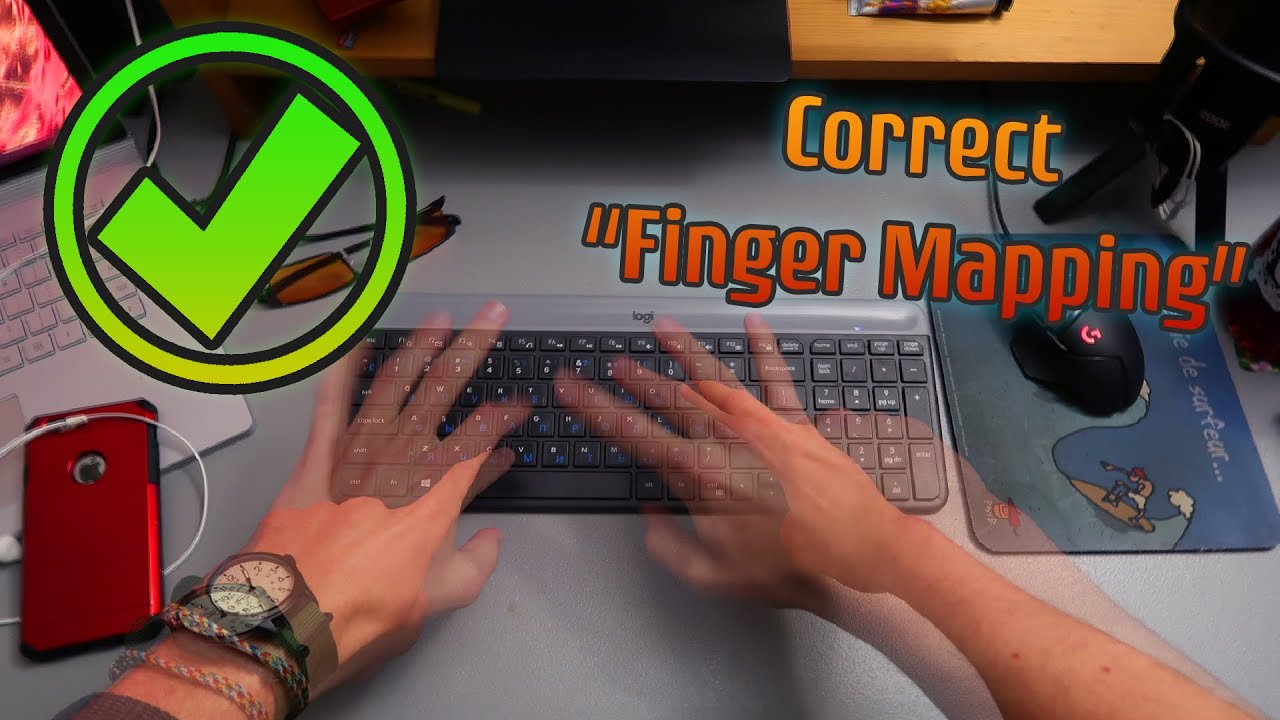
- 😀 Finger positioning is crucial: each finger is assigned specific keys on the home row and nearby keys for efficient typing.
- 😀 Symbols on the keyboard have two forms: the lower symbol is typed without Shift, and the upper symbol requires the Shift key.
- 😀 Single inverted commas and double inverted commas are explained, showing which keys and finger movements are used to type them.
- 😀 Regular practice strengthens finger muscles and builds memory for key positions, allowing typing without looking at the keyboard over time.
- 😀 Day 2 exercises should be practiced for at least 3–4 hours, focusing on movement and shifting of fingers between keys.
- 😀 Initial practice may require glancing at the keyboard, but over time, typing should become automatic, with fingers returning to the resting (home) position.
- 😀 Students are advised to maintain proper font settings (size 14, recommended font) in MS Word while practicing, and short breaks can be taken every half hour if needed.
Q & A
What is the main focus of Day 2 in this English typing course?
-Day 2 focuses on practicing typing using the home row keys, understanding finger placement for each key, and learning how to use the Shift key for uppercase letters and special symbols.
Why does the instructor recommend watching the video in full-screen mode on a mobile device?
-Watching in full-screen mode ensures that all keys and finger movements are clearly visible, helping learners follow along accurately.
What is meant by 'home row' and 'bottom row' in typing?
-The 'home row' is the middle row of keys where fingers rest when not typing, and the 'bottom row' is the row below the home row. These terms help learners understand key placement and finger positioning.
How does the instructor explain the use of the Shift key?
-The instructor explains that symbols appearing above a key require pressing the Shift key, while symbols on the lower part of the key can be typed without Shift.
Which finger is used to press the 'G' key according to the tutorial?
-The index finger closest to the 'G' key is used to press it, as it is positioned naturally on the home row.
What is the purpose of practicing for 3–4 hours as suggested in Day 2?
-Extended practice strengthens finger muscles and memory, allowing learners to type without looking at the keyboard and improving typing speed and accuracy.
How does the instructor suggest handling the single and double inverted commas?
-The single inverted comma is typed without Shift, while the double inverted comma (curly quote) is typed using the Shift key. The instructor advises practicing these with proper finger placement.
What is the recommended font and size for practicing typing in MS Word?
-The recommended font size is 14, which is optimal for visibility and comfort during practice.
Why is it important to return fingers to the home row after pressing other keys?
-Returning fingers to the home row ensures proper posture and efficiency, allowing for faster and more accurate typing over time.
What tips does the instructor give for taking breaks during practice?
-Learners can take a short break every 30 minutes to stretch, walk, or listen to music, which helps reduce fatigue and improves overall concentration during typing practice.
Outlines

Cette section est réservée aux utilisateurs payants. Améliorez votre compte pour accéder à cette section.
Améliorer maintenantMindmap

Cette section est réservée aux utilisateurs payants. Améliorez votre compte pour accéder à cette section.
Améliorer maintenantKeywords

Cette section est réservée aux utilisateurs payants. Améliorez votre compte pour accéder à cette section.
Améliorer maintenantHighlights

Cette section est réservée aux utilisateurs payants. Améliorez votre compte pour accéder à cette section.
Améliorer maintenantTranscripts

Cette section est réservée aux utilisateurs payants. Améliorez votre compte pour accéder à cette section.
Améliorer maintenantVoir Plus de Vidéos Connexes



5.0 / 5 (0 votes)

