5 Ways to Save Time When Designing Enamel Pins
Summary
TLDRIn this video, the creator shares five essential tips for designing enamel pins more efficiently. These tips include using mockup templates, converting colors to Pantone in Illustrator, printing designs in multiple sizes, organizing files with Google Docs, and creating a checklist for project management. A bonus tip suggests having the manufacturer vector your designs to save time. The video encourages viewers to join a course for comprehensive guidance on making enamel pins, launching successful collections, and receiving personalized support.
Takeaways
- 😀 Use a template for your enamel pin mockups to save time and streamline the design process.
- 🎨 Edit your colors in Illustrator to find the closest Pantone match for your design.
- 📏 Print out your designs in multiple sizes to easily determine the best size for your enamel pins.
- 🗂️ Organize your files in one spot (e.g., Google Docs or Dropbox) to make it easy to access and manage your designs.
- ✔️ Create a checklist in a project management tool (e.g., Asana) to track each step of the enamel pin design process.
- 🔄 Batch your work by grouping tasks, such as designing multiple pins at once, to improve efficiency.
- 💡 Prepare your designs early, especially when sketching, to avoid missing steps and keep your project on track.
- 🖥️ Have your manufacturer vectorize your designs if you're not comfortable with Illustrator to save time and reduce stress.
- 💸 Check with your manufacturer to see if they offer vectorizing services for an additional cost, which could save you time.
- 🎓 Join specialized courses like Enamel Pins 101 for step-by-step instructions, community support, and monthly Q&A sessions to launch your own enamel pin business.
Q & A
What is the benefit of using a template for your enamel pin mockups?
-Using a template for your mockups saves time and effort by providing a pre-made structure, allowing you to simply insert your design without starting from scratch each time.
How can I convert colors from Procreate to Pantone colors for my enamel pins?
-You can convert your Procreate colors to Pantone by using Illustrator, which will match your chosen color to the closest Pantone Solid Coated color. This helps ensure color accuracy for your enamel pins.
Why is it recommended to print your designs in multiple sizes before finalizing the size of your enamel pins?
-Printing your designs in multiple sizes helps you visually assess which size looks best and fits your design, making it easier to choose the right size without second-guessing.
How can I stay organized when working on multiple enamel pin designs?
-Using a cloud storage solution like Google Docs or Dropbox to organize all your files—including mockups and vector files—helps you quickly access your designs and ensures everything is in one place.
What is the advantage of using a checklist when designing enamel pins?
-A checklist, especially through a project management tool like Asana, helps you stay on track with each step of the process, from sketching to final production, ensuring you don't overlook any important tasks.
What are the steps to take when creating an enamel pin collection?
-To create an enamel pin collection, break the process into smaller tasks: sketch all the designs, vector each design, create mockups, send to the manufacturer, and handle post-production steps like packaging and photographing the pins.
Why is batching work beneficial when designing enamel pins?
-Batching work allows you to focus on similar tasks at once, such as sketching multiple designs or vectorizing them, which helps maintain a workflow and saves time during the design process.
What should I do if I am not comfortable with Illustrator and need vector artwork for my pins?
-If you're not comfortable with Illustrator, you can ask your manufacturer to create the vector artwork for you. Some manufacturers offer this service, sometimes for an extra cost, but it can save you time and stress.
How does having a clear checklist help in ensuring a successful enamel pin launch?
-A detailed checklist helps you keep track of every stage in the process, from design to production, ensuring nothing is missed, thus reducing the chance of delays and improving the overall efficiency of your launch.
What is Enamel Pins 101, and how can it help someone starting a pin business?
-Enamel Pins 101 is a comprehensive course that offers step-by-step guidance on creating, launching, and managing enamel pin businesses. It includes modules on design, shop setup, shipping, and monthly Q&A calls for personalized support.
Outlines

Cette section est réservée aux utilisateurs payants. Améliorez votre compte pour accéder à cette section.
Améliorer maintenantMindmap

Cette section est réservée aux utilisateurs payants. Améliorez votre compte pour accéder à cette section.
Améliorer maintenantKeywords

Cette section est réservée aux utilisateurs payants. Améliorez votre compte pour accéder à cette section.
Améliorer maintenantHighlights

Cette section est réservée aux utilisateurs payants. Améliorez votre compte pour accéder à cette section.
Améliorer maintenantTranscripts

Cette section est réservée aux utilisateurs payants. Améliorez votre compte pour accéder à cette section.
Améliorer maintenantVoir Plus de Vidéos Connexes
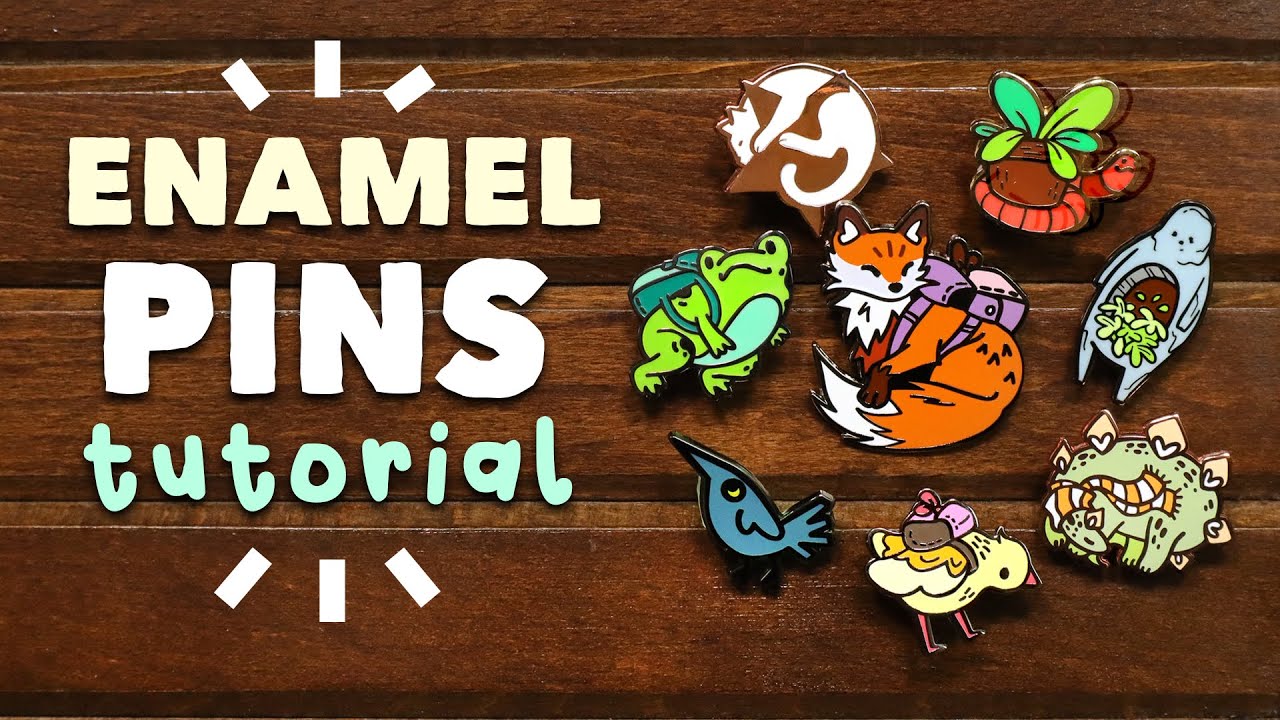
How to Make Enamel Pins! // designing, ordering, & tricks for good results // #gs-jj #custompins.ca

Different Types of Enamel Pins - How to Choose What to Make
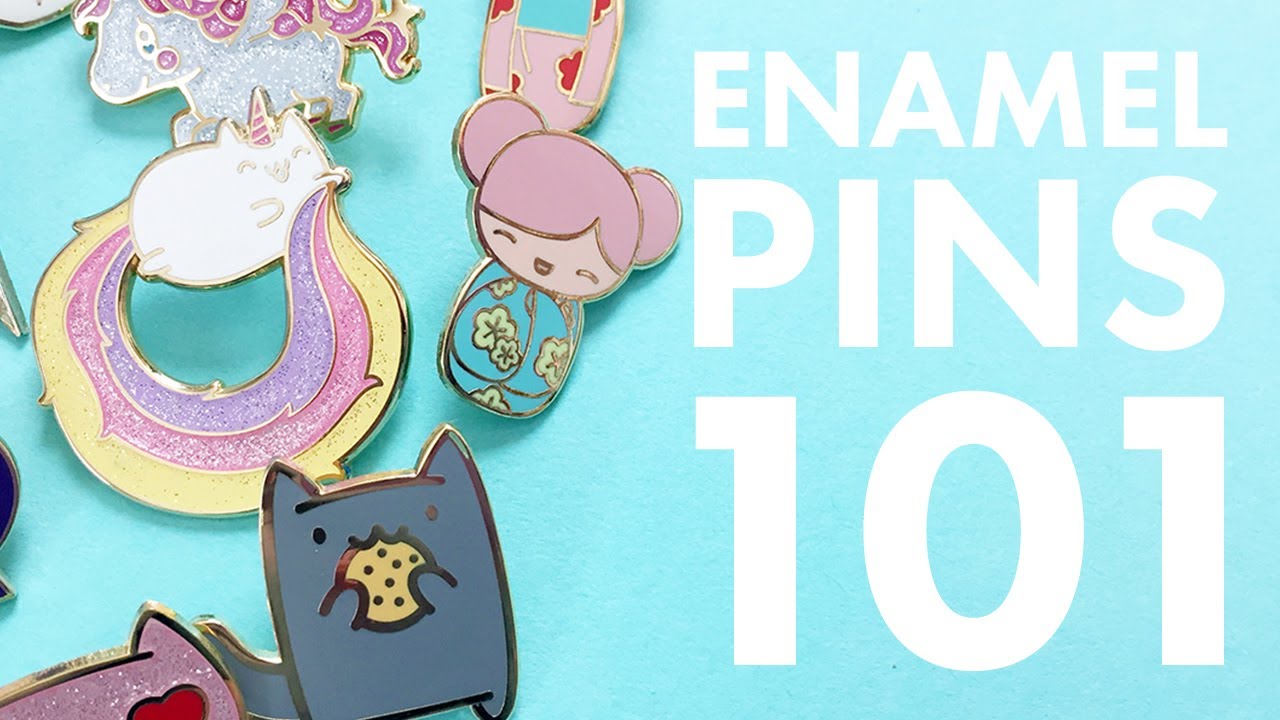
Enamel Pins 101: Anatomy of a Pin | The Pink Samurai's Pin Series #1

Pantones for Enamel Pins - the EASY way to choose colors and use Pantone color books

How to never lose a game of territorial.io again..
How I Make $5,782 Per Week With Pinterest Affiliate Marketing (Full Tutorial)
5.0 / 5 (0 votes)

