CARA LAPOR SPT TAHUNAN CORETAX TERBARU || LAPOR PAJAK UMKM OMZET DIBAWAH 500 JUTA
Summary
TLDRThis video tutorial walks through the process of filing the annual SPT (tax report) for UMKM (small businesses) with a turnover below IDR 500 million. It covers necessary preparations such as activating a Cortex account and obtaining an electronic signature. The presenter explains how to input sales data, select the correct tax form, and fill in required information. The step-by-step guide shows how to handle omset details, tax calculations, and document submission, including uploading financial data and confirming the report. It’s a practical guide for small business owners to complete their tax obligations efficiently.
Takeaways
- 😀 Make sure to like, comment, share, and subscribe to support the Dulur Pembelajar channel.
- 😀 Before filing your annual tax report (SPT), ensure that your Cortex account and electronic signature (KODCP) are active.
- 😀 Prepare a detailed record of your monthly turnover, noting the exact amount for each month (e.g., January to December).
- 😀 After logging into the Cortex system, go to the SPT section and click on 'Surat Pemberitahuan' to begin your tax filing process.
- 😀 UMKM businesses with a turnover below Rp500 million will not face any payment due as per PP55 of 2022. They are part of a final tax scheme.
- 😀 When creating your tax report, select 'PPH for Individuals', and proceed with choosing the 'Normal' SPT model for the correct year.
- 😀 Pay attention to the 'Induk' and 'L1' sections in the Cortex system where you fill out essential tax information such as the bookkeeping method and income source.
- 😀 For UMKM businesses under Rp500 million, select 'Pencatatan' as the bookkeeping method and 'Kegiatan Usaha' for the source of income.
- 😀 Ensure to fill out required fields marked with a star (*) and answer questions with 'Yes' or 'No' as prompted by the system.
- 😀 The process involves selecting relevant income details, asset declarations (such as phone or vehicle), and completing the 'L1' attachment sections with necessary data.
- 😀 After confirming and reviewing all entries, click 'Submit' to finalize the filing, after which an electronic receipt will be sent to your email.
Q & A
What is the primary focus of the video tutorial?
-The video focuses on explaining how to report the annual tax return (SPT) for UMKM (Micro, Small, and Medium Enterprises) with an annual turnover below Rp500 million in Indonesia.
What are the two main documents required to start filing the SPT for UMKM?
-The two main documents required are an active Cortex account and a valid electronic signature (KODCP).
How should UMKM business owners prepare their income data for tax filing?
-UMKM owners should prepare monthly income details, specifying how much was earned each month, even if the income fluctuates from month to month.
What steps should be followed after logging into the Cortex system?
-After logging in, users should navigate to the top right corner, click on the three-line icon, and select 'SPT' to then choose 'Surat Pemberitahuan' (Notification Letter).
What does the 'Konsep' (Draft) status mean in the SPT system?
-'Konsep' refers to a draft or an SPT that has not yet been submitted, allowing users to make edits or delete it if necessary.
What is the significance of selecting 'SPT dilaporkan' (Reported) in the tax filing process?
-'SPT dilaporkan' means the tax return has been completed and submitted. Once submitted, it will be considered finalized, and a proof of electronic receipt will be generated.
Why is there no tax payment for UMKM under Rp500 million turnover?
-UMKM with a turnover below Rp500 million fall under the 'final' tax regime, meaning no additional tax payment is required, as tax obligations have already been settled.
How does the system handle 'SPT menunggu pembayaran' (SPT waiting for payment)?
-'SPT menunggu pembayaran' indicates that the tax return has a balance due, usually applicable to individual taxpayers with regular income, but not for UMKM with a turnover under Rp500 million.
What should be done if there is an error or missing data during the SPT submission?
-If there's an error or missing data, users should review the form, fill in the required fields, and re-submit it. If necessary, the form can be edited before submission.
What is the role of 'L1', 'L2', and 'L3B' in the SPT process?
-'L1' is for asset and debt declarations, 'L2' relates to income subject to final tax, and 'L3B' is where monthly income details (turnover) are entered, which are required for calculating tax.
How should assets be entered in the tax return form for UMKM?
-UMKM business owners should enter their assets by selecting categories such as cash, accounts receivable, movable property (e.g., phones), and immovable property (e.g., houses). A minimum of one asset must be reported.
Outlines

Esta sección está disponible solo para usuarios con suscripción. Por favor, mejora tu plan para acceder a esta parte.
Mejorar ahoraMindmap

Esta sección está disponible solo para usuarios con suscripción. Por favor, mejora tu plan para acceder a esta parte.
Mejorar ahoraKeywords

Esta sección está disponible solo para usuarios con suscripción. Por favor, mejora tu plan para acceder a esta parte.
Mejorar ahoraHighlights

Esta sección está disponible solo para usuarios con suscripción. Por favor, mejora tu plan para acceder a esta parte.
Mejorar ahoraTranscripts

Esta sección está disponible solo para usuarios con suscripción. Por favor, mejora tu plan para acceder a esta parte.
Mejorar ahoraVer Más Videos Relacionados
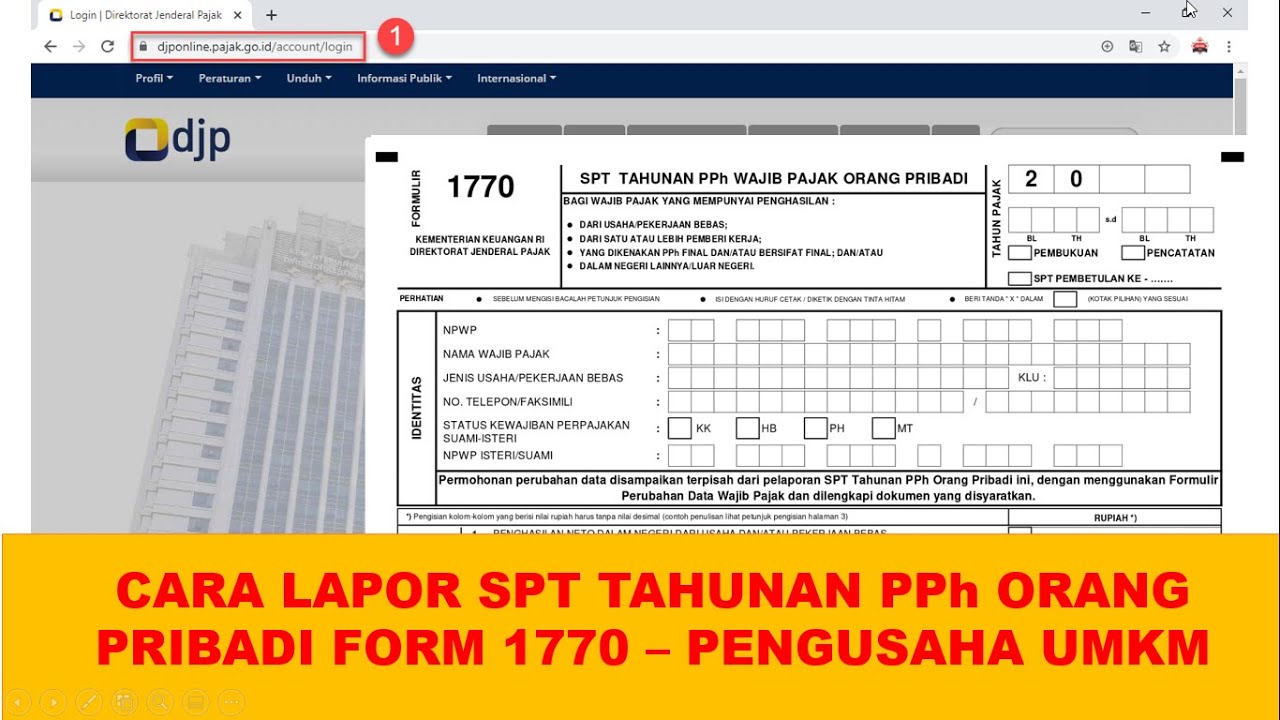
Cara lapor SPT Tahunan PPh Orang Pribadi pengusaha umkm menggunakan eform 1770
Cara Pelaporan (SPT) Pajak Tahunan PNS diatas 60 juta tahun 2023
Tutorial Efiling 2022: Cara Lapor Pajak SPT Tahunan Secara Online Penghasilan Dibawah Rp 60 Juta

CARA LAPOR SPT TAHUNAN PRIBADI ONLINE DI CORETAX DJP TAHUN 2026 | LAPOR PAJAK ONLINE CORETAX TERBARU

Belajar Pajak untuk UMKM (PPh Final/PP23 2018)

Mudah Banget! Membuat Laporan Keuangan UMKM untuk Lapor SPT Tahunan
5.0 / 5 (0 votes)

