Transmisi Data dan Cabling dalam Jaringan Komputer | Jaringan Komputer dan Komunikasi Data
Summary
TLDRThis video from Universitas Teknokrat Indonesia introduces the fundamentals of data transmission and cabling in computer networks. It covers key concepts like data transmission types (simplex, half-duplex, and full-duplex) and methods (serial and parallel). The script explains various types of cables used in networking, such as UTP, STP, coaxial, and fiber optic, highlighting their characteristics and applications. Practical steps for cable crimping, standards for wiring, and the importance of using the right connectors are also demonstrated. The video emphasizes the importance of proper cabling for effective and efficient network communication.
Takeaways
- 😀 Data transmission is the process of sending information from one device to another through communication media, either wired or wireless.
- 😀 There are three types of data transmission: simplex (one-way), half-duplex (two-way but alternating), and full-duplex (two-way simultaneously).
- 😀 Transmission methods include serial (sending 1 bit at a time, efficient for long distances) and parallel (sending multiple bits simultaneously, faster but more prone to interference).
- 😀 Transmission media are divided into wired (UTP, STP, coaxial, fiber optic) and wireless (radio waves, infrared, microwave).
- 😀 UTP cables are widely used in LAN networks and come in different categories (CAT5, CAT6, CAT7) affecting speed and interference resistance.
- 😀 STP cables have shielding to reduce electromagnetic interference and are suitable for environments with high electrical noise.
- 😀 Coaxial cables were traditionally used in networks and CCTV systems, while fiber optic cables provide high-speed, long-distance, and secure data transmission.
- 😀 Network cabling requires appropriate connectors: RJ45 for UTP, BNC for coaxial, and SC/ST/LC for fiber optic, ensuring stable connections.
- 😀 UTP cable wiring standards include T568A and T568B, used in different configurations: straight-through, crossover, and rollover cables.
- 😀 Practical skills such as crimping UTP cables with RJ45 connectors and testing them with a LAN tester are essential for building functional networks.
- 😀 Universitas Teknokrat Indonesia emphasizes quality education, modern facilities, international standards, and preparing students for the global digital era.
Q & A
What is data transmission in the context of networking?
-Data transmission is the process of sending information from one device to another through a communication medium. It can occur via physical cables or wirelessly, and data can be in the form of text, voice, images, or video.
What are the three types of data transmission methods?
-The three types of data transmission methods are Simplex, Half Duplex, and Full Duplex. Simplex allows data to flow in one direction only, Half Duplex allows two-way communication but not at the same time, and Full Duplex enables simultaneous two-way communication.
How do Serial and Parallel transmission methods differ?
-Serial transmission sends data one bit at a time sequentially, making it more efficient for long distances. In contrast, Parallel transmission sends multiple bits at once, making it faster but more susceptible to interference over long distances.
What are the two main types of transmission media used in networking?
-The two main types of transmission media are cable media (such as twisted pair, coaxial, and fiber optic cables) and non-cable media, which use electromagnetic waves like radio, infrared, and microwaves for data transmission.
What are the benefits of using fiber optic cables for data transmission?
-Fiber optic cables offer high-speed data transmission, long-distance capabilities, and enhanced security since they are less prone to interception compared to copper cables. They are ideal for backbone networks and inter-building or inter-city connections.
What is the primary use of UTP cables in networking?
-UTP (Unshielded Twisted Pair) cables are commonly used in Local Area Networks (LANs). They are cost-effective, easy to install, and offer a good balance between speed and interference resistance, making them ideal for home, office, and school networks.
What is the difference between UTP and STP cables?
-UTP cables are simpler and less expensive, consisting of twisted pairs of copper wires without additional shielding. STP cables, on the other hand, have an additional protective shield around the wires to reduce electromagnetic interference, making them more suitable for environments with high interference.
When is coaxial cable typically used in networking?
-Coaxial cables were historically used in computer networks, especially in Bus topology, but are now more commonly found in cable television networks and broadband internet connections, where their resistance to interference is beneficial.
What is the purpose of the RJ45 connector in networking?
-The RJ45 connector is used to connect UTP cables to network devices like computers, routers, and switches. It is a key component in Ethernet networks and ensures a secure and reliable connection for data transmission.
What are the two wiring standards for UTP cables, and how do they differ?
-The two main wiring standards for UTP cables are T568A and T568B. The difference lies in the order of color-coded wires. T568A starts with white-green, followed by green, while T568B starts with white-orange, followed by orange. Both standards serve different types of network configurations, such as straight-through or crossover cables.
Outlines

Dieser Bereich ist nur für Premium-Benutzer verfügbar. Bitte führen Sie ein Upgrade durch, um auf diesen Abschnitt zuzugreifen.
Upgrade durchführenMindmap

Dieser Bereich ist nur für Premium-Benutzer verfügbar. Bitte führen Sie ein Upgrade durch, um auf diesen Abschnitt zuzugreifen.
Upgrade durchführenKeywords

Dieser Bereich ist nur für Premium-Benutzer verfügbar. Bitte führen Sie ein Upgrade durch, um auf diesen Abschnitt zuzugreifen.
Upgrade durchführenHighlights

Dieser Bereich ist nur für Premium-Benutzer verfügbar. Bitte führen Sie ein Upgrade durch, um auf diesen Abschnitt zuzugreifen.
Upgrade durchführenTranscripts

Dieser Bereich ist nur für Premium-Benutzer verfügbar. Bitte führen Sie ein Upgrade durch, um auf diesen Abschnitt zuzugreifen.
Upgrade durchführenWeitere ähnliche Videos ansehen
Transmisi Digital dan Analog - Jaringan Komputer dan Internet | Informatika XI
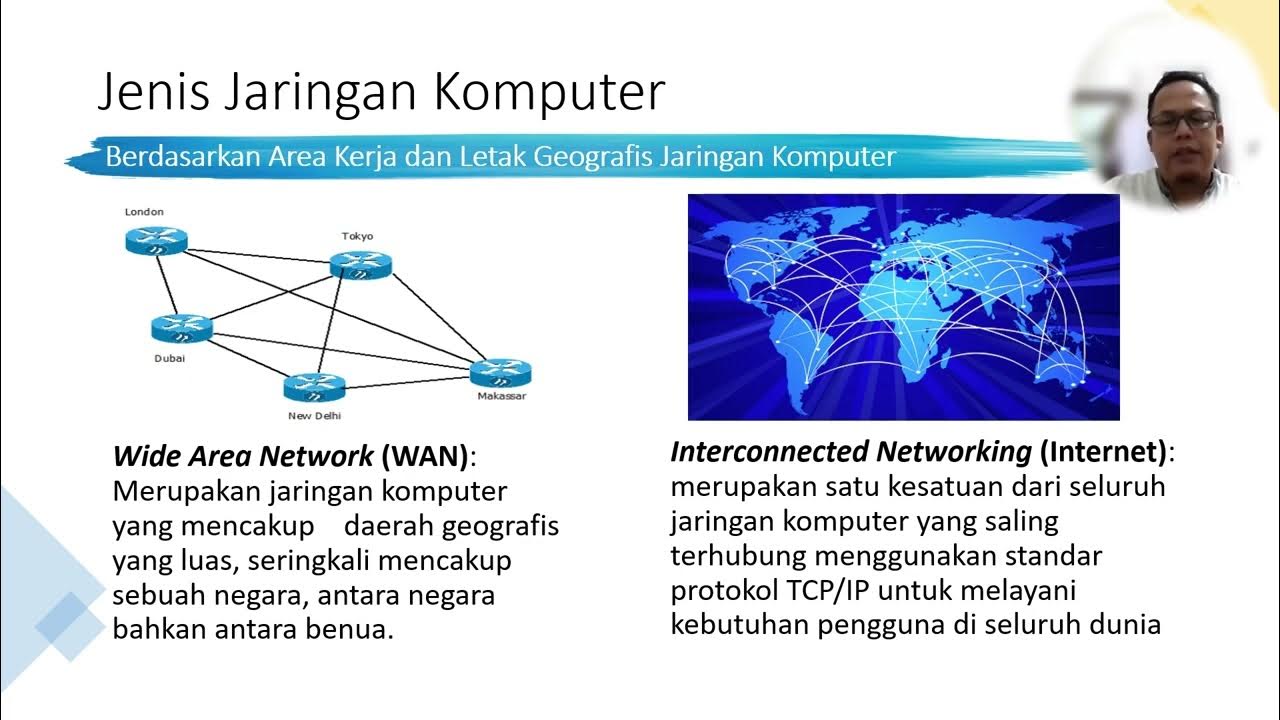
PDK1. PENGENALAN JARINGAN KOMPUTER
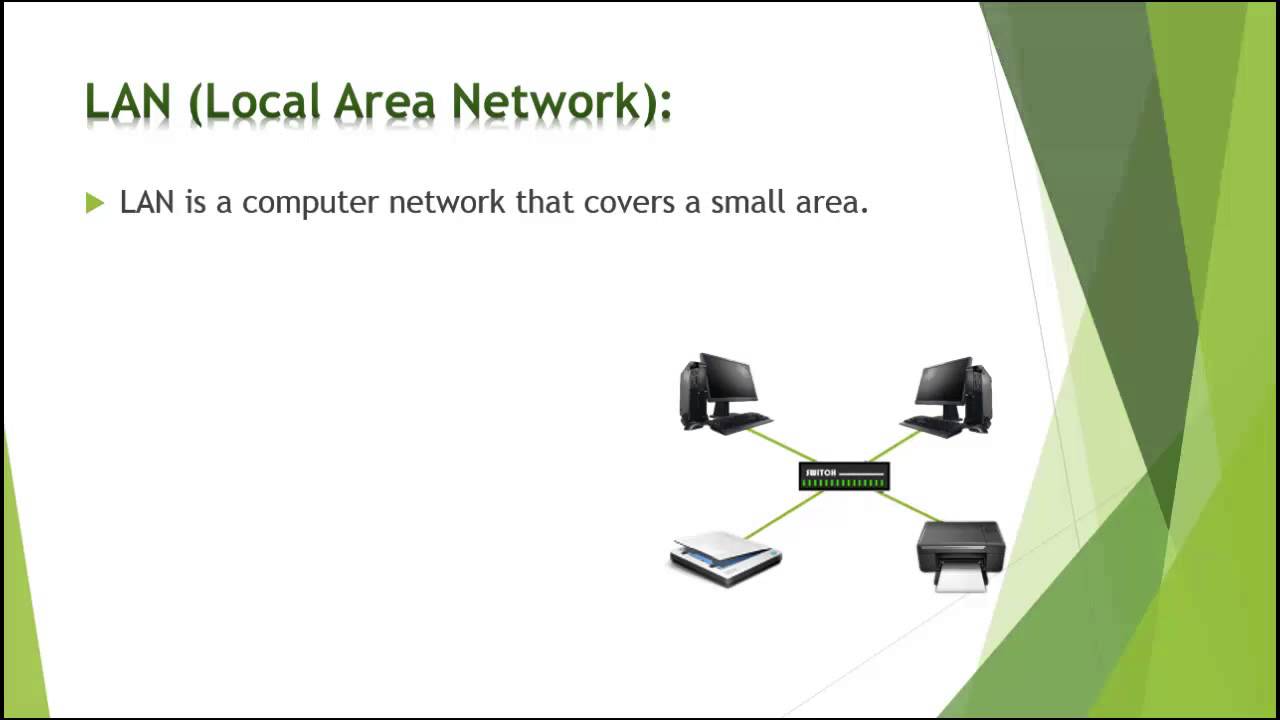
Types of computer network | Difference between LAN CAN MAN and WAN | Basics of computer Network 2024
Jaringan Komputer : Sejarah Jaringan Komputer dan Komponen Jaringan Komputer

Deteksi dan Perbaikan Kesalahan (1) - Jaringan Komputer dan Internet | Informatika XI

Error Detection
5.0 / 5 (0 votes)

