How to Draw Block Diagram | Explain with Examples
Summary
TLDRThis tutorial explains the basics of block diagrams, their importance in representing systems, and how to create them using EdrawMax. Block diagrams are crucial tools for hardware and software developers, electricians, and project managers, helping to visualize complex processes and workflows. The video outlines the key components of block diagrams, such as blocks, ports, and connectors, and explains the relationships between them. It also demonstrates how to create a block diagram step-by-step, using EdrawMax's templates and tools, and showcases examples like communication systems and business models. Ideal for beginners and those looking to improve system design communication.
Takeaways
- 😀 A block diagram is a visual representation of a system where major components are shown as blocks and connected by lines to display their relationships.
- 😀 Block diagrams are essential tools for hardware and software developers, electricians, and project managers to describe systems and workflows.
- 😀 Block diagrams simplify complex processes, algorithms, and communication flows, making them easier to understand than text-based descriptions.
- 😀 The main components of a block diagram include blocks (representing system components), parts (aggregated components), reference (parts developed via aggregation), standard ports (interaction points with the environment), and flow ports (interaction points for data or control flow).
- 😀 Association in block diagrams refers to communication between blocks, while aggregation shows how a unit is composed of parts.
- 😀 Composition is a form of aggregation where a component's existence depends on the group it is part of.
- 😀 Generalization is a relationship where a specific block contains the properties of a broader block diagram.
- 😀 To create a block diagram in EdrawMax, select 'New', choose a 'Basic' diagram template, and then select 'Block Diagram' to begin your drawing.
- 😀 You can use 2D or 3D connectors and basic shapes from the symbol library to create your block diagram, adjusting sizes and labels as needed.
- 😀 Ensure to align and distribute shapes correctly, use distinct colors or patterns for different blocks, and label the blocks to maintain clarity and order in the diagram.
- 😀 For a full-screen view of your diagram in EdrawMax, deselect rulers and gridlines and select the 'From Current Page' option.
Q & A
What is a block diagram?
-A block diagram is a visual representation of a system where major components or parts are represented by blocks. These blocks are connected by lines to show the relationships and flow of information or processes between them.
Why are block diagrams important for hardware and software developers?
-Hardware and software developers use block diagrams to represent systems, workflows, and processes clearly. They help in understanding complex systems by visually displaying their relationships, which is much easier than text-based descriptions.
How do block diagrams assist electricians?
-Block diagrams help electricians represent electrical systems and their shifting components. They provide a clear visual structure, making it easier to understand complex electrical systems and workflows.
What are the five main components of a block diagram?
-The five main components of a block diagram are: 1) The block (represents logical and physical components), 2) The part (models aspects using aggregation and association), 3) The reference (composed of parts developed using aggregation and association), 4) The standard port (interaction point between a system block and its environment), and 5) The flow port (interaction point where a block can send or receive information).
What is the difference between association and aggregation in block diagrams?
-Association in block diagrams refers to the communication between blocks, whereas aggregation describes how a unit is composed of multiple parts. Aggregation is more about the whole being made of parts, while association represents how these parts interact.
What is composition in the context of block diagrams?
-Composition is a type of aggregation where the existence of an object (a part) depends on the presence of the whole unit. In this case, the part cannot exist independently without the whole system.
What does generalization mean in block diagrams?
-Generalization is a relationship where one block can contain all the properties of the entire block diagram. It represents a leading or parent-child relationship among blocks in the diagram.
How do you create a block diagram using EdrawMax?
-To create a block diagram in EdrawMax, go to the 'File' menu, select 'New', then choose 'Basic'. Click on 'Block Diagram' from the options, and you can start creating your diagram by dragging and dropping shapes and connectors from the library onto the drawing sheet.
How can you adjust the size of a block in EdrawMax?
-In EdrawMax, you can adjust the size of a block by using the green selection handles around the block. Simply click and drag these handles to resize the block.
What are some tips for organizing a block diagram in EdrawMax?
-To organize your block diagram effectively, use alignment and distribution tools to arrange shapes neatly. You can also adjust the colors or patterns of blocks to distinguish between different parts, and make sure to label each block clearly to maintain an ordered structure.
Outlines

هذا القسم متوفر فقط للمشتركين. يرجى الترقية للوصول إلى هذه الميزة.
قم بالترقية الآنMindmap

هذا القسم متوفر فقط للمشتركين. يرجى الترقية للوصول إلى هذه الميزة.
قم بالترقية الآنKeywords

هذا القسم متوفر فقط للمشتركين. يرجى الترقية للوصول إلى هذه الميزة.
قم بالترقية الآنHighlights

هذا القسم متوفر فقط للمشتركين. يرجى الترقية للوصول إلى هذه الميزة.
قم بالترقية الآنTranscripts

هذا القسم متوفر فقط للمشتركين. يرجى الترقية للوصول إلى هذه الميزة.
قم بالترقية الآنتصفح المزيد من مقاطع الفيديو ذات الصلة
How to Program PLC Using Function Block Diagrams | OpenPLC
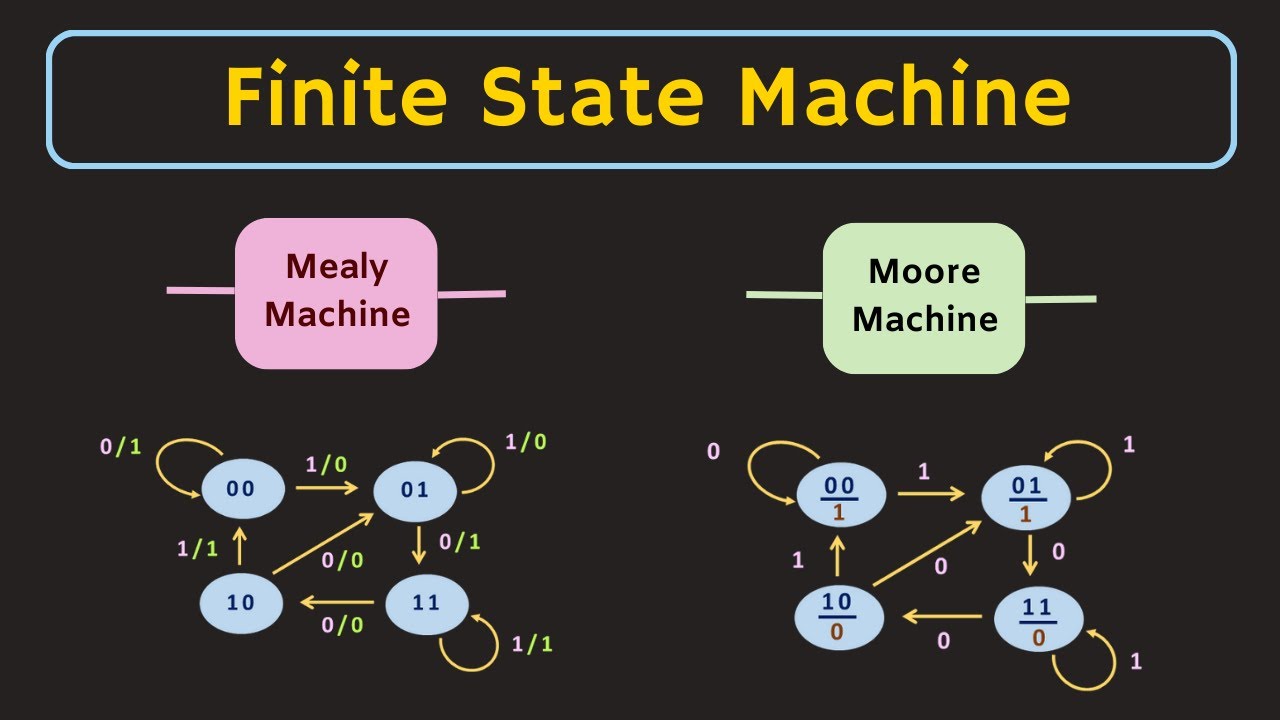
Finite State Machine Explained | Mealy Machine and Moore Machine | What is State Diagram ?

UML Use Case Diagram Tutorial | Definition, Symbols and More

Minecraft Bedrock Edition | Command Block Tutorial #1 - Command Block UI

Component Diagram

PLC Functional Block Diagram basics
5.0 / 5 (0 votes)

