How To Connect Claude to Trading View (Insanely Cool)
Summary
TLDRThis video introduces a groundbreaking integration of Claude AI with TradingView, enabling real-time, code-level chart analysis without relying on screenshots. Users can interact naturally with Claude via terminal commands to apply trading strategies, automate indicators, and monitor multiple assets simultaneously. The tool allows replication of top traders' strategies, generates Pine Script for backtesting, and delivers a customizable morning brief summarizing watchlist performance. Enhancements include automated multi-asset analysis, dynamic rule implementation, and workflow improvements over the original version. This integration empowers traders with precise, emotion-free decision-making, streamlining strategy execution and providing a significant edge in the market.
Takeaways
- 😀 Claude AI integrates directly with TradingView for real-time interaction with charts, removing the need for static screenshots.
- 😀 Unlike previous tools, Claude reads live market data on TradingView, ensuring up-to-date, actionable insights without delays.
- 😀 Claude enables users to customize and automate their trading strategies by simply using natural language commands.
- 😀 The one-shot setup process simplifies installation, allowing users to get started quickly without manual coding or copying.
- 😀 The morning brief feature automates daily updates, giving users an overview of their entire watchlist without having to check each asset individually.
- 😀 Users can implement a variety of custom strategies by talking to Claude and updating rules, making the process more intuitive.
- 😀 The tool can create Pine scripts based on user strategies, helping to automate backtesting and optimization of trading systems.
- 😀 The AI can automatically apply strategies from well-known traders by researching their approach and implementing it in real-time on the user's charts.
- 😀 With the integration, traders can automate monitoring of multiple assets at once, significantly reducing manual effort and decision fatigue.
- 😀 Claude’s system allows users to interact with TradingView charts via simple voice commands, making it more accessible to non-technical users.
- 😀 The tool is offered for free, with no email required, making it a low-barrier entry for traders who want to leverage AI for improved market analysis and strategy execution.
Q & A
What is the primary purpose of integrating Claude AI with TradingView?
-The integration allows Claude AI to interact with TradingView charts in real-time, reading live data at a code level instead of using image recognition. This enables automated chart analysis, strategy implementation, and live updates without delays or inaccuracies.
How does Claude AI differ from traditional AI chart analysis tools?
-Traditional AI tools typically analyze screenshots of charts, which can be outdated and pixel-dependent. Claude reads the underlying code and live data directly from TradingView, providing precise, real-time chart interpretations and avoiding errors from static images.
What is the one-shot setup prompt and why is it significant?
-The one-shot setup prompt is a prebuilt script that automates the connection between Claude AI and TradingView. It simplifies the setup process, requiring minimal user intervention and avoiding the manual, time-consuming steps usually needed to configure the system.
What role does the rules.json file play in this system?
-The rules.json file stores trading strategies and conditions, such as bullish, bearish, or neutral signals, entry and exit rules, risk management, and timeframes. Claude uses it to implement and automate strategies on TradingView charts.
How can Claude AI implement trading strategies from other traders?
-Claude can research publicly available strategies, extract indicator usage and decision-making patterns, convert them into Pine Script, and apply them to the user's charts. This allows users to replicate professional strategies or automate their own strategies efficiently.
What is the 'morning brief' feature and how does it help traders?
-The morning brief generates a summary of all assets on the user's watchlist, providing signals and status updates based on the configured strategies. It saves time by avoiding repetitive analysis for each asset and can be scheduled for regular updates.
Which assets can be included in Claude AI's watchlist?
-Users can include any assets they want, such as Bitcoin, Ethereum, Solana, XRP, Chainlink, and Pepe. Claude will analyze each asset, apply the relevant strategies, and provide actionable insights on the charts.
How does Claude handle Pine Script errors during strategy implementation?
-Claude monitors the live chart and Pine Script implementation, detecting errors in the code. It automatically adjusts and fixes these issues until the script runs correctly on the TradingView chart.
Can users customize the AI's trading rules?
-Yes, users can communicate directly with Claude to define or adjust rules for bullish, bearish, or neutral conditions, long/short entries, exits, risk levels, and timeframes. This makes the system highly adaptable to individual trading strategies.
What are the practical benefits of using Claude AI with TradingView?
-Practical benefits include real-time, accurate chart analysis, automation of repetitive tasks, implementation of professional or personal strategies, reduction of emotional trading, Pine Script generation for backtesting, and efficient management of multiple assets.
Does the system require TradingView Desktop, and why?
-Yes, TradingView Desktop is required because it enables the CDP (Chrome DevTools Protocol) connection, allowing Claude AI to access live chart data at a code level. This is essential for real-time updates and automated interactions.
How does the system improve efficiency compared to manual chart analysis?
-The system automates chart updates, applies trading strategies across multiple assets, generates morning briefs, and fixes script errors automatically. This reduces the need for manual monitoring, saving significant time and allowing traders to focus on strategy refinement.
Outlines

此内容仅限付费用户访问。 请升级后访问。
立即升级Mindmap

此内容仅限付费用户访问。 请升级后访问。
立即升级Keywords

此内容仅限付费用户访问。 请升级后访问。
立即升级Highlights

此内容仅限付费用户访问。 请升级后访问。
立即升级Transcripts

此内容仅限付费用户访问。 请升级后访问。
立即升级浏览更多相关视频

The future of agentic coding with Claude Code

Claude Code vs Cursor AI – Which AI Pair Programmer Is Best in 2025?

What Are The Top 5 AI Tools That Are Better Than ChatGPT for Coding and Productivity?

Stop Wasting Time on Manual Tasks: 9 AI Apps to Automate Your Day
Claude Code Tutorial #1 - Introduction & Setup
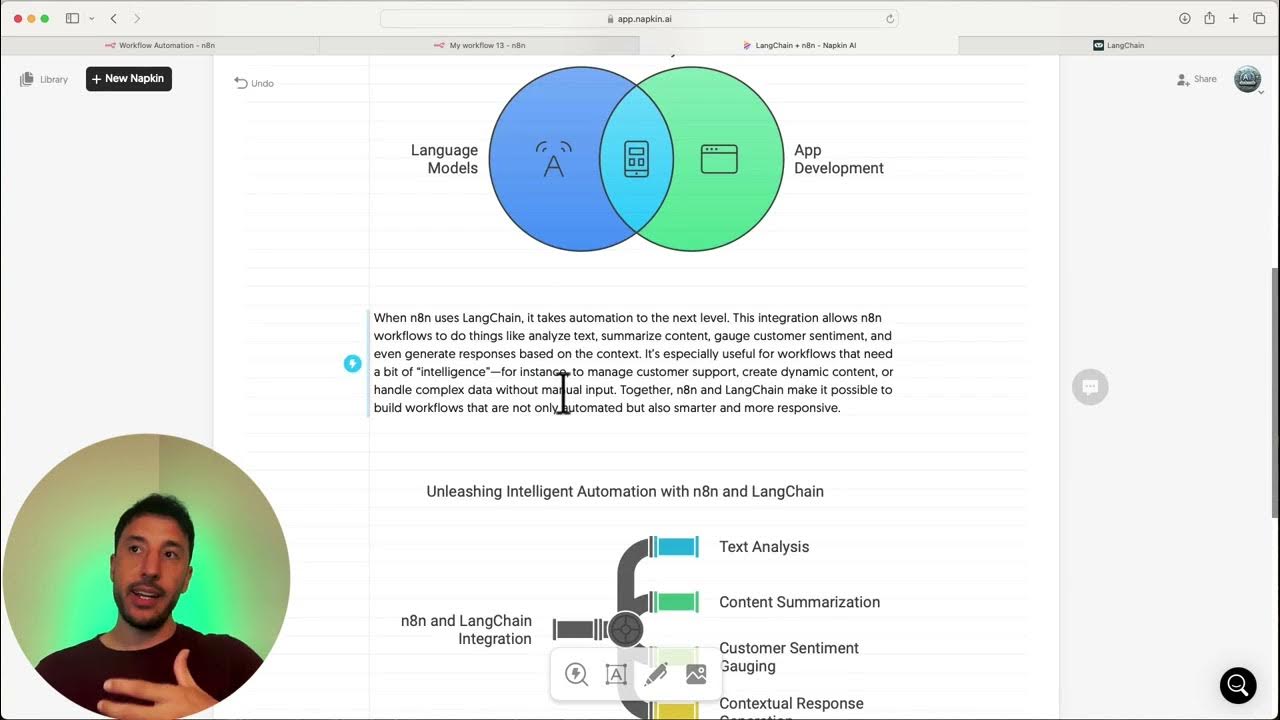
LangChain and n8n
5.0 / 5 (0 votes)

