We Created The LINKIN PARK Glitch Effect (After Effects Tutorial)
Summary
TLDRThis video tutorial demonstrates how to recreate the glitch effect from the music video 'The Emptiness Machine' using After Effects. The creator walks viewers through rotoscoping a medium close-up of a face, precomposing the layer to avoid effect conflicts, and creating a fractal noise solid to use as a displacement map. By applying the Displacement Map effect and masking the glitch areas, the face is distorted in a controlled, dynamic way. The tutorial is completed with chromatic aberration for a colored glitch effect, and optional expressions are suggested for added movement, giving users a professional and cinematic glitch effect step by step.
Takeaways
- 😀 The video demonstrates how to recreate the glitch effect from the music video 'The Emptiness Machine'.
- 😀 The creator uses a medium close-up clip of a face as the base footage for the effect.
- 😀 The top duplicate of the footage is used for rotoscoping the subject out from the background.
- 😀 Rotoscoping requires careful frame-by-frame selection, and the layer should be frozen once complete to prevent recalculation.
- 😀 The rotoscoped layer is precomposed to allow effects like displacement to work properly without conflicts.
- 😀 A solid layer with the Fractal Noise effect serves as the displacement source for creating the glitch effect.
- 😀 Fractal Noise settings are customized: block noise type, increased contrast, slight brightness adjustment, non-uniform scale with wider width and smaller height, higher complexity, and animated evolution for movement.
- 😀 The Displacement Map effect is applied to the rotoscoped layer using the fractal noise solid as the source, with horizontal and vertical displacement set to lightness.
- -
- 😀 A rough mask on the solid layer limits the glitch effect to specific areas of the head for a more controlled distortion.
- 😀 An adjustment layer with the VR Chromatic Aberration effect is added on top to create a colorful glitch aesthetic.
- 😀 Displacement intensity can be animated using expressions like 'wiggle' to make the glitch pulsate or vary over time.
- 😀 The video provides links to additional tutorials for in-depth rotoscoping and expressions for advanced customization.
Q & A
What is the main goal of the tutorial in the transcript?
-The tutorial aims to teach viewers how to recreate the glitch effect from the music video 'The Emptiness Machine' using Adobe After Effects.
What type of footage is recommended to start with?
-A medium close-up of a face is used as the example footage in the tutorial.
Why is the top layer duplicated in the timeline?
-The top duplicate is used for rotoscoping, which isolates the subject for further effects.
What is the purpose of using the Roto Brush tool?
-The Roto Brush tool is used to select and isolate the subject from the background for the entire clip.
Why do you need to freeze the rotoscoped layer?
-Freezing prevents After Effects from continuously recalculating the Roto Brush data, which improves performance and stability.
What is the reason for precomposing the rotoscoped layer?
-Precomposing avoids conflicts between the rotoscope effect and other effects or masks applied to the layer.
How is the displacement source created in the tutorial?
-A solid layer is created and the Fractal Noise effect is applied. The noise is adjusted and animated to act as the displacement source.
What settings are recommended for the Fractal Noise effect?
-Use Block noise type, high contrast, slightly increased brightness, transform settings with non-uniform scale, adjusted width and height, increased complexity, and animated evolution for movement.
How does the Displacement Map effect work in this context?
-It distorts the rotoscoped layer based on the lightness of the fractal noise solid, creating a glitch effect localized to the masked area.
Why is a mask applied to the solid layer?
-To limit the glitch effect to certain areas, preventing distortion across the entire face.
What additional effect is applied to enhance the glitch aesthetic?
-The VR Chromatic Aberration effect is applied on an adjustment layer to add a colorful, glitchy feel.
How can animation be added to the displacement effect?
-Expressions like the 'wiggle()' function can animate the displacement to pulse or move dynamically, making the glitch effect more lively.
Outlines

This section is available to paid users only. Please upgrade to access this part.
Upgrade NowMindmap

This section is available to paid users only. Please upgrade to access this part.
Upgrade NowKeywords

This section is available to paid users only. Please upgrade to access this part.
Upgrade NowHighlights

This section is available to paid users only. Please upgrade to access this part.
Upgrade NowTranscripts

This section is available to paid users only. Please upgrade to access this part.
Upgrade NowBrowse More Related Video
How to create Reactive Audio Spectrum Waveform Effects in Adobe After Effects (Tutorial)

02. Effects | Video Copilot | Basic Training
Digital Logo & Text Reveal Animation Tutorial in After Effects | No Plugins | Pixel Scan Reveal
Start Compositing in After Effects - Full Tutorial!
Cara Edit Video Cinematic Di Capcut - Capcut Tutorial
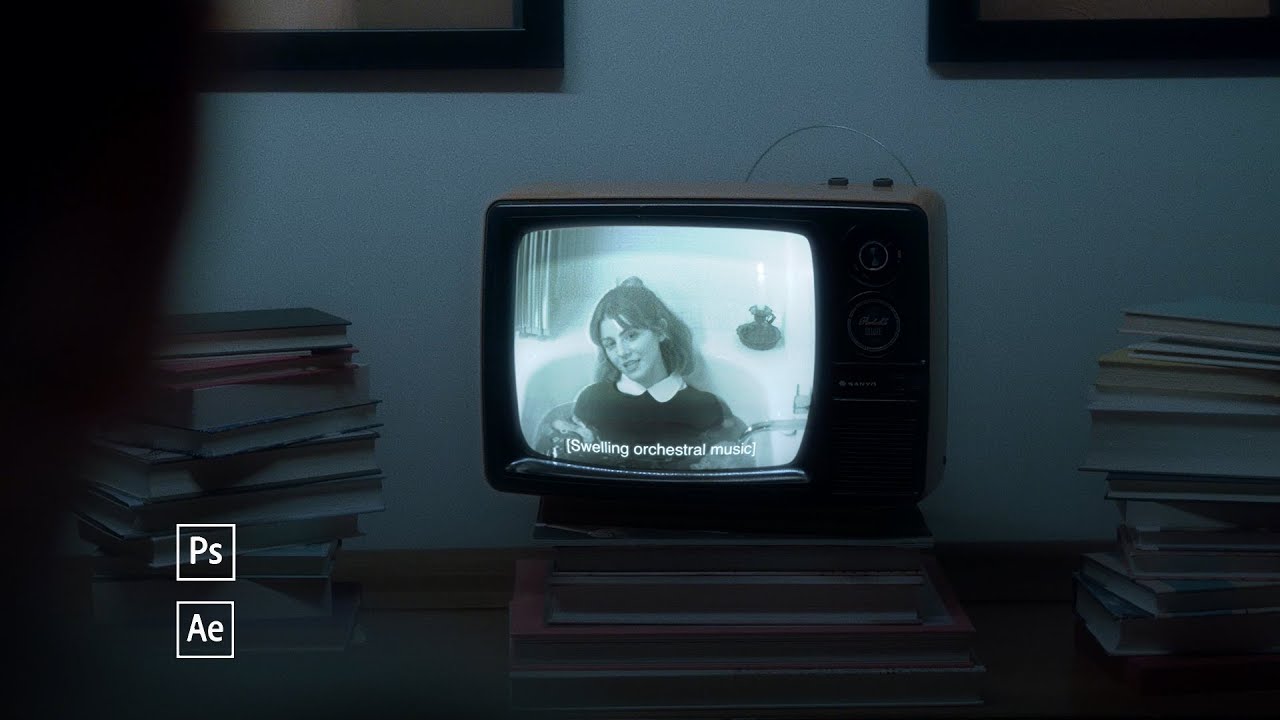
Realistic CRT TV Screen Replacement in After Effects
5.0 / 5 (0 votes)
