BIOS, UEFI, MBR, GPT, Primary, Extended and Logical Partition Types Explained
Summary
TLDRThis video script explains how computers use firmware to initialize hardware during startup, detailing the role of BIOS and UEFI in finding and executing bootloader programs from different devices. It covers the distinction between MBR and GPT partitioning schemes, their compatibility with BIOS and UEFI, and the types of partitions: standard and advanced. The script also explores advanced storage techniques like LVM and RAID, file systems like NTFS, ext4, and XFS, and how data is managed on a hard disk. The video concludes with an explanation of partitioning and file organization.
Takeaways
- 💻 Firmware is a small program stored on the motherboard that initializes hardware and executes the bootloader during startup.
- ⚡ The Power-On Self Test (POST) checks if all hardware devices are functional before proceeding with the boot process.
- 🖥️ Bootloaders can be stored on various devices like hard disks, USB drives, CDs, or DVDs, and firmware checks them according to boot device priority.
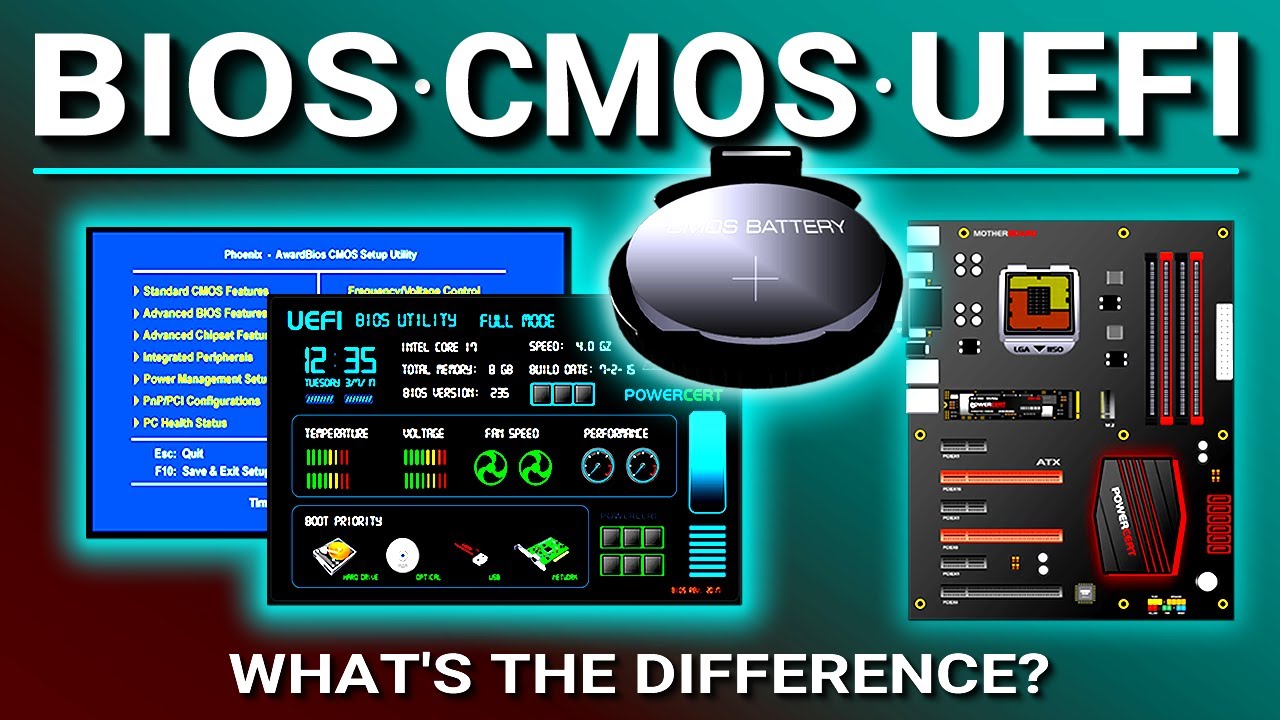
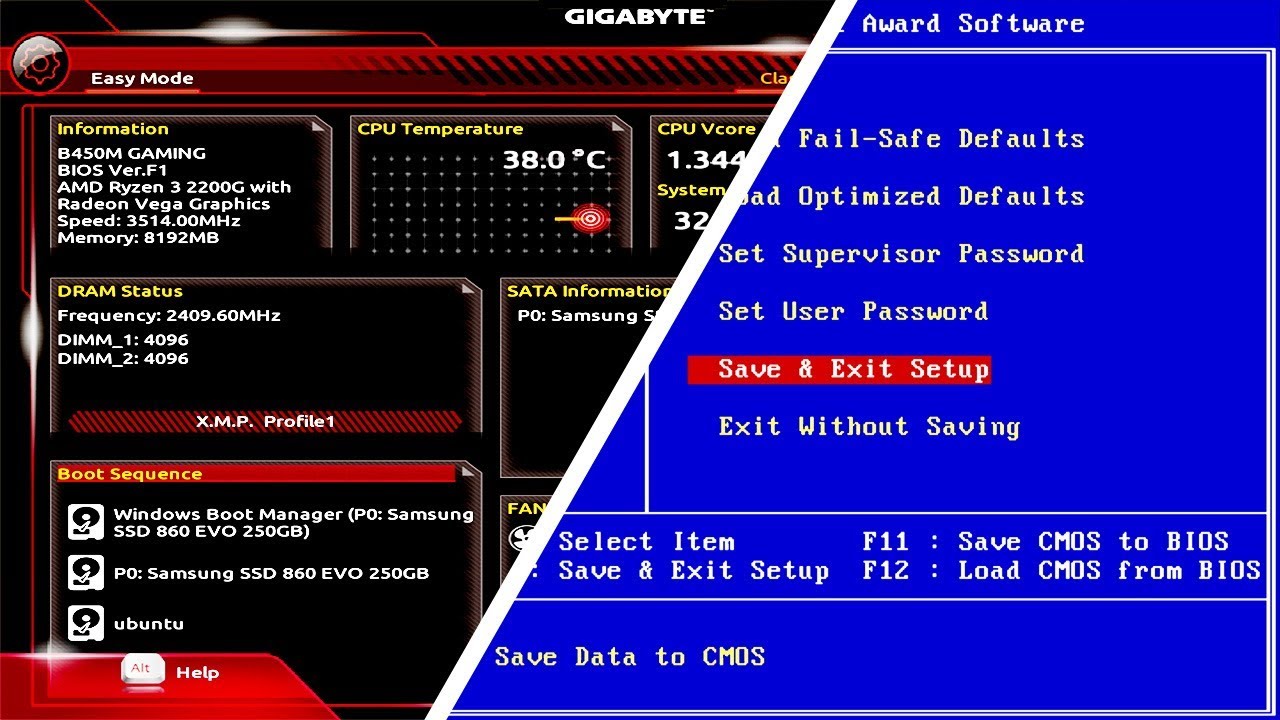
- 🗂️ BIOS and UEFI are two types of firmware; BIOS is older, operates in 16-bit mode, while UEFI is modern, supports 32/64-bit modes, graphical UI, and secure boot.
- 📀 MBR (Master Boot Record) stores bootloader and partition information in the first 512 bytes of a disk, while GPT (GUID Partition Table) uses 4 KB after the first 512 bytes and provides redundancy.
- 📊 MBR supports up to 14 partitions with primary, extended, and logical partition types, whereas GPT supports up to 128 partitions with a flat structure.
- 🗃️ Standard partitions are simple to create and manage, ideal for personal computers, and are compatible with both MBR and GPT.
- 🛠️ Advanced partitions, like LVM and RAID, are used mainly in server environments; LVM allows flexible resizing of partitions, while RAID provides data redundancy across multiple disks.
- 📂 Hard disks are organized into tracks and sectors, and file systems track the location, size, attributes, and metadata of files.
- 📝 Common file systems include NTFS, EXT4, and XFS, each managing how files and directories are stored and accessed on a disk.
Q & A
What is firmware and what role does it play in a computer?
-Firmware is a small program stored on a motherboard chip that initializes hardware, finds the bootloader, and executes it when a computer starts.
What is POST and why is it important?
-POST (Power-On Self-Test) checks if all hardware devices are functional before booting. If any hardware fails, the startup process halts, preventing potential errors.
What is a bootloader and where can it be stored?
-A bootloader is a program that continues the boot process after firmware initialization. It can be stored on devices like hard disks, USB drives, CDs, or DVDs.
How does the boot device priority affect the boot process?
-Boot device priority determines the order in which firmware searches for a bootloader. The system checks devices sequentially until it finds a bootloader and executes it, ignoring the rest.
What are the main differences between BIOS and UEFI firmware?
-BIOS is older (1975), operates in 16-bit mode, has basic UI, slower boot, supports up to 14 partitions, and 2 TB max size. UEFI (2002) operates in 32/64-bit, has graphical UI, fast boot, supports up to 128 partitions, 18 exabytes max size, and secure boot features.
What are MBR and GPT, and how do they differ?
-MBR (Master Boot Record) stores bootloader in first 512 bytes, non-redundant, max 14 partitions, used by BIOS. GPT (GUID Partition Table) stores bootloader and partition info after first 512 bytes, redundant, max 128 partitions, used by BIOS and UEFI.
Why is partitioning important on a hard disk?
-Partitioning organizes data to make file management easier. It allows separating different types of files (e.g., text, media, scripts) into distinct partitions for easier access and management.
What are the differences between standard and advanced partitions?
-Standard partitions are simple, supported by default OS tools, fixed in size, and suitable for personal computers. Advanced partitions, like LVM and RAID, are flexible, scalable, and mainly used on servers for data backup and management.
How does LVM differ from standard partitions?
-LVM (Logical Volume Management) allows flexible resizing of logical partitions using a pool of storage, whereas standard partitions are fixed in size and cannot be easily resized.
What is a file system, and why is it necessary?
-A file system organizes and indexes files on a hard disk, stores metadata, defines file naming conventions, and helps the operating system locate and manage files efficiently. Examples include NTFS, EXT4, and XFS.
What happens if a bootloader is not found on any specified device?
-If firmware does not find a bootloader on any device listed in the boot priority, it halts the boot process and the computer does not start.
How does RAID improve data reliability?
-RAID (Redundant Array of Independent Disks) stores the same data across multiple disks, providing real-time backup and preventing data loss in case of disk failure.
Outlines

This section is available to paid users only. Please upgrade to access this part.
Upgrade NowMindmap

This section is available to paid users only. Please upgrade to access this part.
Upgrade NowKeywords

This section is available to paid users only. Please upgrade to access this part.
Upgrade NowHighlights

This section is available to paid users only. Please upgrade to access this part.
Upgrade NowTranscripts

This section is available to paid users only. Please upgrade to access this part.
Upgrade Now


5.0 / 5 (0 votes)
