The REAL Way to Host n8n for Free - AWS EC2 & Docker Guide
Summary
TLDRThis video tutorial explains how to self-host NA (N8N) workflows on AWS EC2 for completely free, without the limitations found on platforms like Render. Eric, an AWS software engineer, walks viewers through creating an EC2 instance, setting up SSH access, installing Docker, and deploying N8N using Docker commands. He also covers configuring security groups to make the instance publicly accessible and demonstrates the final running workflow and cost dashboard showing zero charges. The guide provides a practical, step-by-step method for achieving reliable, always-on automation hosting for an entire year at no cost.
Takeaways
- 😀 The video teaches how to host your NA workflows 24/7 completely for free, using AWS without relying on middleman platforms like Render.
- 😀 Many free hosting platforms like Render have limitations such as inactivity shutdowns and limited resources, but AWS offers a better alternative with no such restrictions.
- 😀 The secret behind platforms like Render is that they run on Amazon Web Services (AWS), so it’s possible to use AWS directly without the middleman.
- 😀 The speaker, Eric, is a software engineer at Amazon AWS, and the video demonstrates an expert way to use AWS and Docker to deploy and host workflows.
- 😀 AWS offers 750 hours of EC2 compute capacity per month for 12 months, which provides a full year of free virtual machine usage for hosting applications.
- 😀 EC2 is essentially a virtual machine in the cloud, providing scalable compute capacity that can run applications like a traditional server.
- 😀 The video guides you through the process of signing up for AWS, creating an EC2 instance, and using SSH or Tabby to connect to the virtual machine.
- 😀 Docker must be installed on the EC2 instance to deploy the NA workflows, and the tutorial shows how to do so with simple terminal commands.
- 😀 The workflow automation platform (NA) is hosted by deploying Docker containers on the EC2 instance, with setup steps outlined clearly in the video.
- 😀 For security, you need to set up a security group in AWS to expose the necessary ports for public access to the workflow application.
- 😀 After successfully deploying the workflow on the EC2 instance, users can create and manage workflows through a web dashboard, with no cost for using the EC2 instance under the free tier.
Q & A
What is the main goal of the video?
-The main goal of the video is to show how to host NA workflows 24/7 for free using Amazon Web Services (AWS), specifically through EC2 instances and Docker.
Why is the presenter critical of platforms like Render?
-The presenter criticizes platforms like Render because their free plans have limitations such as inactivity timeouts, limited resources, and workarounds to keep automations running, unlike AWS which offers more flexibility.
What is EC2 and how is it relevant to the workflow hosting process?
-EC2 (Elastic Compute Cloud) is a web service by AWS that provides resizable compute capacity in the cloud, essentially functioning as a virtual machine. It allows users to host applications, including the NA workflows in this tutorial, for free with specific limits.
How many hours of EC2 usage does AWS provide for free in the first year?
-AWS offers 750 hours of EC2 usage per month for the first 12 months after account sign-up, which is sufficient to run applications for an entire year (31 days/month).
What is a key pair in AWS EC2, and why is it important?
-A key pair in AWS EC2 is a set of security credentials used to access EC2 instances securely. It’s essentially a private key that allows SSH access to the virtual machine created in the cloud.
What software does the presenter use to SSH into the EC2 instance?
-The presenter uses a modern terminal called 'Tabby' to SSH into the EC2 instance. It’s an open-source software that simplifies the process of connecting to remote servers.
What does the presenter do after successfully launching the EC2 instance?
-After launching the EC2 instance, the presenter connects to it via SSH using Tabby and installs Docker, which is required to deploy and run the NA workflow automation platform (Nan).
Why is Docker required for this setup?
-Docker is required to containerize the NA workflow automation platform (Nan), ensuring that it runs consistently across different environments. It simplifies the deployment process on the EC2 instance.
What security measure does the presenter take to ensure the Nan platform is accessible?
-The presenter adjusts the security group in AWS EC2 to allow inbound traffic on a custom TCP port (5678), which enables access to the Nan platform's web interface.
What does the presenter mean by 'self-hosting' in this context?
-Self-hosting in this context means setting up and maintaining the NA workflow automation platform (Nan) on AWS EC2, without relying on third-party services, giving the user full control over the server and workflow management.
Outlines

This section is available to paid users only. Please upgrade to access this part.
Upgrade NowMindmap

This section is available to paid users only. Please upgrade to access this part.
Upgrade NowKeywords

This section is available to paid users only. Please upgrade to access this part.
Upgrade NowHighlights

This section is available to paid users only. Please upgrade to access this part.
Upgrade NowTranscripts

This section is available to paid users only. Please upgrade to access this part.
Upgrade NowBrowse More Related Video
LocalStack Explained: Simulate AWS Services for Seamless Development
Como Crear un Agente de IA Autónomo Sin Código - PASO A PASO

n8n AI Agents Automations Explained in हिन्दी 🤯 - n8n Self host कैसे करें ? 🚀
Hosting Dynamic Website Using AWS EC2 Instance
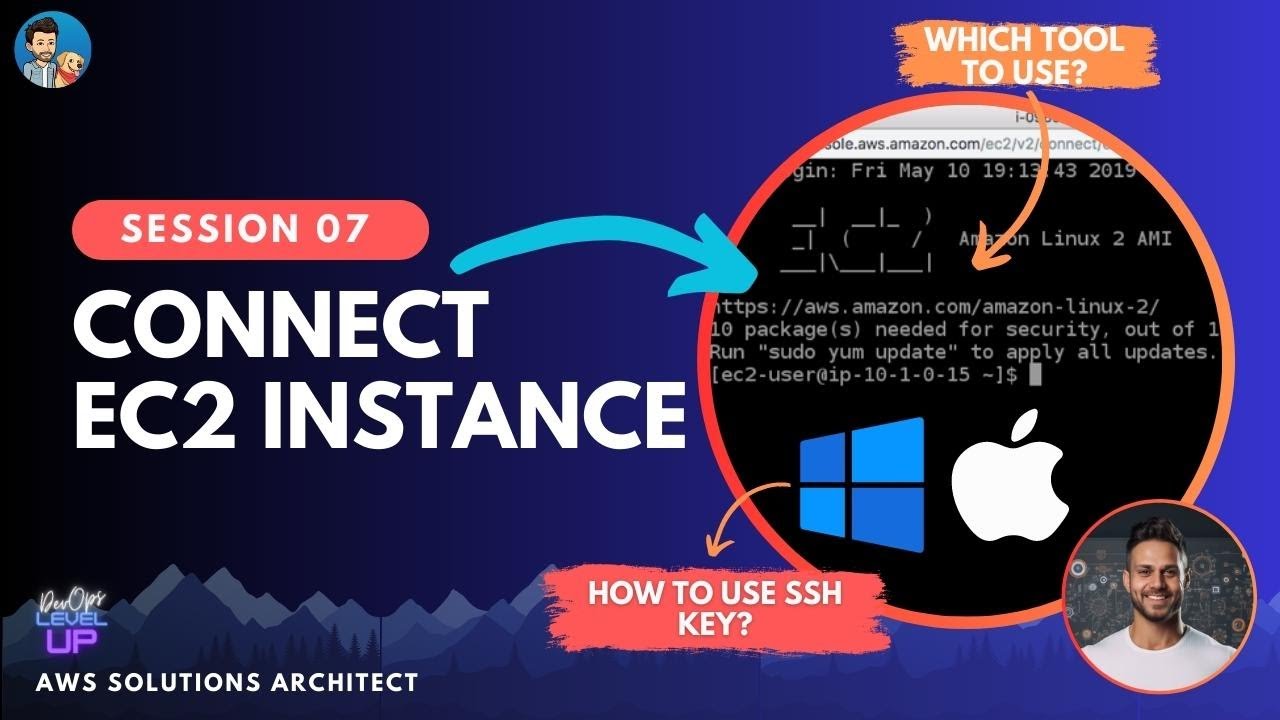
How to connect EC2 instance over SSH using Windows and Mac? | Visual Explanations
Hosting Your Resume on AWS EC2 with a CI/CD Setup Using GitHub Actions | AWS Project Demo
5.0 / 5 (0 votes)
