Wireframing for UX: What it is and how to get better at it
Summary
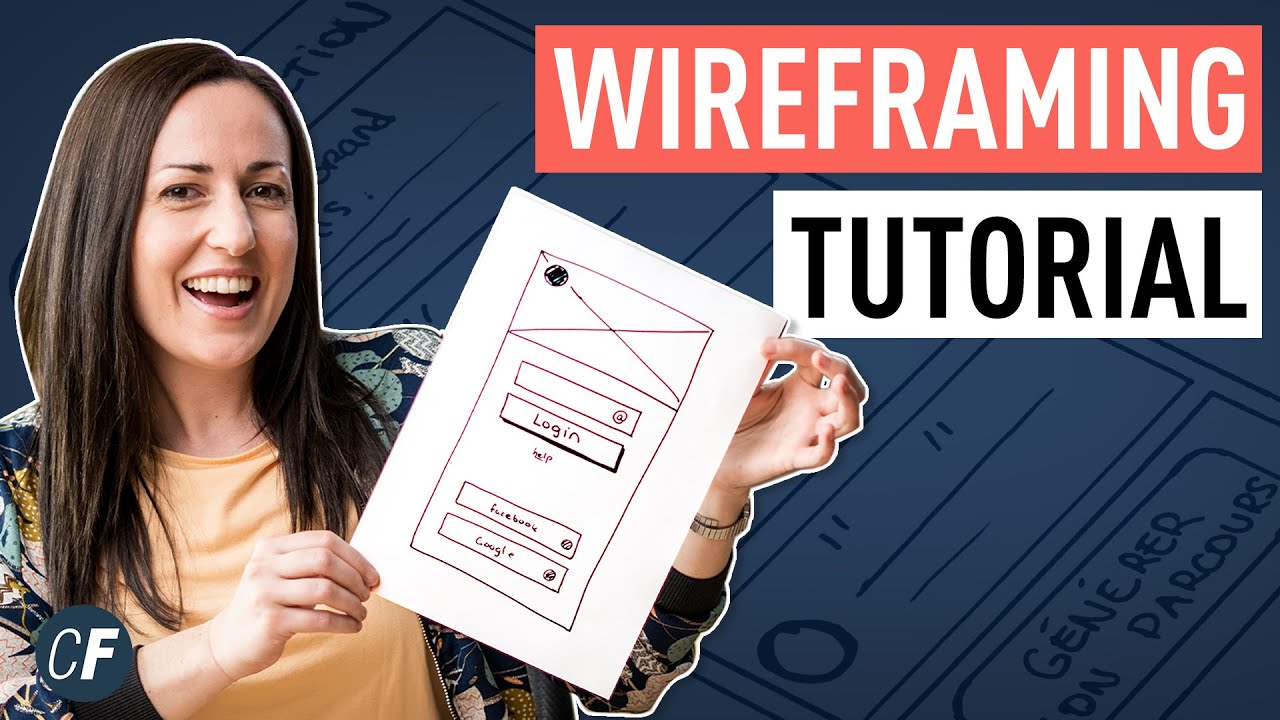
TLDRIn this video, Ben Row explains the concept of wireframes, their purpose, and the different types of wireframes. He covers how wireframes serve as a blueprint for user interfaces, highlighting their role in navigation, content placement, and functionality. The video discusses various fidelity levels, from hand-drawn sketches to high-fidelity clickable prototypes, and offers practical tips for effective wireframing, such as keeping designs simple, using grids, adding concise annotations, and encouraging team feedback. Ben emphasizes the importance of practice to master wireframing in UX design.
Takeaways
- 😀 Wireframes are like an architect's drawing, representing the structure, layout, content, and functionality of a user interface.
- 😀 They help communicate the navigation, page hierarchy, element placement, and how the product will work with users.
- 😀 Wireframes are indispensable for UX designers and are useful in various situations throughout the design process.
- 😀 Wireframes can be created at different fidelities, ranging from low-fidelity hand-drawn sketches to high-fidelity clickable prototypes.
- 😀 Hand-drawn sketches are quick and easy to create and are great for brainstorming ideas or working with a team.
- 😀 Traditional wireframes can be created using tools like OmniGraffle, Illustrator, and UXPin to communicate design ideas to teams and stakeholders.
- 😀 High-fidelity wireframes, such as clickable prototypes, are best for usability testing and interaction design.
- 😀 Quick sketches may suffice in some cases, while annotated wireframes are better for more detailed explanations in other situations.
- 😀 Wireframes should be simple and not over-polished, as they are often discarded after being used for feedback and iteration.
- 😀 Grids are essential in wireframing, providing structure and simplicity for layouts, just like in most modern websites.
- 😀 Annotations in wireframes should be short, sharp, and to the point, offering more clarity than lengthy functional specs.
- 😀 Sharing wireframes and encouraging feedback from team members helps improve them, so it’s essential to create an environment for feedback.
Q & A
What is a wireframe?
-A wireframe is a low-fidelity visual representation of a user interface, similar to an architect's drawing. It serves to communicate the structure, layout, content, and functionality of a product or website.
What are the main purposes of a wireframe?
-Wireframes help communicate the structure of navigation, the layout of elements, how content will be placed, and the functionality of a product or service.
What are the different types of wireframes mentioned in the video?
-The video mentions three types of wireframes: low-fidelity sketches, traditional wireframes created using tools like Omnigraffle and UXPin, and high-fidelity clickable prototypes.
What is the benefit of low-fidelity sketches in wireframing?
-Low-fidelity sketches are quick to create, easy to iterate on, and great for brainstorming ideas, either individually or with a team. They allow for rapid exploration of concepts without needing to worry about precision.
What are some tools used to create traditional wireframes?
-Some popular tools for creating traditional wireframes include Omnigraffle, Illustrator, UXPin, and others.
When is a clickable prototype used in wireframing?
-A clickable prototype is used when designing interactions and user flows. It's particularly useful in usability testing to simulate how a product will function and allow users to interact with it.
What is an annotated wireframe and when should it be used?
-An annotated wireframe includes brief notes or explanations alongside the design. It is particularly useful when more context or clarity is needed, but it should be used in moderation to avoid clutter.
What are some practical tips for creating effective wireframes?
-The video suggests keeping wireframes simple and fast, using grids to create structure, including short and clear annotations, and encouraging feedback from team members to refine the designs.
Why is it important to use a grid when wireframing?
-Grids create consistency and structure in your layouts, which is critical for maintaining order and visual harmony in web and app designs. Most modern websites are built on a grid system.
How can feedback improve wireframes?
-Encouraging feedback from team members allows you to identify potential issues, make adjustments, and improve the design. Displaying wireframes for others to review can lead to valuable insights and suggestions.
Outlines

This section is available to paid users only. Please upgrade to access this part.
Upgrade NowMindmap

This section is available to paid users only. Please upgrade to access this part.
Upgrade NowKeywords

This section is available to paid users only. Please upgrade to access this part.
Upgrade NowHighlights

This section is available to paid users only. Please upgrade to access this part.
Upgrade NowTranscripts

This section is available to paid users only. Please upgrade to access this part.
Upgrade NowBrowse More Related Video





5.0 / 5 (0 votes)
