🛑STOP🛑 Buying Bad Combos! Best CPU and GPU Combo 2025 (Fall)
Summary
TLDRIn this 2025 guide, Jason from PC Builder explores how to select the best CPU and GPU combo for a gaming PC, highlighting the importance of understanding bottlenecking and maximizing FPS within your budget. He offers recommendations for all price ranges, from budget builds with the Ryzen 5600 and Intel i5 12400F to high-end setups featuring the Ryzen 9800 X3D and RTX 5090. The guide also discusses the impact of VRAM, motherboard compatibility, and cooling solutions, emphasizing the need for balance between CPU and GPU to achieve optimal performance in both gaming and professional workloads.
Takeaways
- 😀 Understanding bottlenecking is crucial for maximizing PC performance, especially in gaming. Bottlenecks can occur when the CPU or GPU limits the overall performance.
- 😀 In 2025, CPU and GPU combos should be selected based on balancing performance. The goal is to maximize FPS for your available budget by investing in the right CPU and GPU.
- 😀 The biggest factor to consider for gaming in 2025 is VRAM bottlenecks, especially for higher resolutions like 1440p and 4K, where VRAM requirements are significantly higher.
- 😀 Budget builds can be achieved with CPUs like Ryzen 5600 and Intel i5 12400F, paired with graphics cards like the RX6600 or RTX 3060 for 1080p and 1440p gaming.
- 😀 For better gaming performance, focus on a larger, faster GPU, as it offers the most value for money in maximizing FPS.
- 😀 VRAM size is becoming more important in 2025. Graphics cards with 12 GB or more VRAM are recommended for gaming at 1440p and higher resolutions with high settings.
- 😀 When building a PC in 2025, avoid CPUs that are PCIe Gen 3 only, like Ryzen 5500, 5600G, or 5700, as they limit future upgradeability and performance.
- 😀 The Ryzen 7600X and 9600X are great options for mid-range gaming builds in 2025, offering good performance for a reasonable price.
- 😀 Intel’s Core Ultra 200 CPUs and 13th-gen Intel CPUs like the i5 14600K provide a good balance of gaming and multi-threaded performance for mid-range builds.
- 😀 At the top-tier performance level, the Ryzen 9800 X3D and Ryzen 7800 X3D CPUs outperform Intel’s offerings, especially when paired with high-end GPUs like the RTX 5090.
Q & A
Why is bottlenecking important when choosing a CPU and GPU combo in 2025?
-Bottlenecking occurs when one component, typically the CPU or GPU, limits the performance of the other. Understanding bottlenecking is crucial because it helps you balance your CPU and GPU to avoid spending too much on one while neglecting the other, ensuring the best gaming performance for your budget.
What is the recommended approach for maximizing FPS in a 2025 gaming PC build?
-To maximize FPS, prioritize the best GPU your budget allows, as it has the most significant impact on gaming performance. Then, select a CPU that prevents severe bottlenecking but does not need to be excessively powerful if you're on a tight budget.
How does VRAM impact gaming performance in 2025?
-VRAM is crucial for handling higher resolutions, texture details, and modern features like ray tracing. In 2025, GPUs with 12GB or more VRAM are recommended for 1440p and 4K gaming, especially if you use upscaling technologies like DLSS or enable heavy ray tracing.
What should budget builders prioritize when choosing a CPU and GPU combo?
-Budget builders should focus on getting the most powerful GPU they can afford while pairing it with a CPU that won’t significantly bottleneck performance. Options like the Ryzen 5600X or i5-12400F provide solid performance for budget-conscious gamers.
What CPU and GPU combinations are recommended for a $650 gaming PC build?
-For a $650 gaming PC, the Ryzen 5600 series or Intel i5-12400F are solid CPU choices, paired with a budget-friendly GPU like the Intel RCB570 or RX6600. The total system should provide good 1440p gaming performance for the price.
How do CPU upgrades affect gaming performance in 2025?
-Upgrading to a faster CPU, such as moving from a Ryzen 5600X to a Ryzen 7600X, can increase FPS, especially in CPU-heavy games. However, the upgrade becomes less impactful as GPU performance is often the bigger bottleneck in gaming.
What is the recommended RAM for gaming PCs in 2025?
-In 2025, DDR5 6000 CL30 RAM is recommended for its balance of performance and value, though DDR4 remains a valid option for budget builds. For high-performance systems, higher-speed DDR5 RAM could provide slight benefits in certain workloads.
What is the best CPU for 1440p gaming in 2025?
-CPUs like the Ryzen 7600X or Intel i5-13600K are excellent for 1440p gaming in 2025. These provide enough power to avoid significant bottlenecks when paired with mid-range GPUs like the RTX 5070 or RX970 XT.
Why is it important to choose the right motherboard in a 2025 gaming PC build?
-The motherboard is essential for ensuring compatibility with your CPU, GPU, and RAM. It also determines future upgradeability. In 2025, motherboards with PCIe Gen 5 support are recommended to future-proof your system, especially if you're considering top-tier GPUs.
What are the advantages of the Ryzen 9800 X3D for high-end gaming builds?
-The Ryzen 9800 X3D offers exceptional gaming performance, especially at 1440p and ultra settings. With a large cache and optimized architecture, it provides a significant boost to frame rates, especially when paired with powerful GPUs like the RTX 5090.
Outlines

This section is available to paid users only. Please upgrade to access this part.
Upgrade NowMindmap

This section is available to paid users only. Please upgrade to access this part.
Upgrade NowKeywords

This section is available to paid users only. Please upgrade to access this part.
Upgrade NowHighlights

This section is available to paid users only. Please upgrade to access this part.
Upgrade NowTranscripts

This section is available to paid users only. Please upgrade to access this part.
Upgrade NowBrowse More Related Video
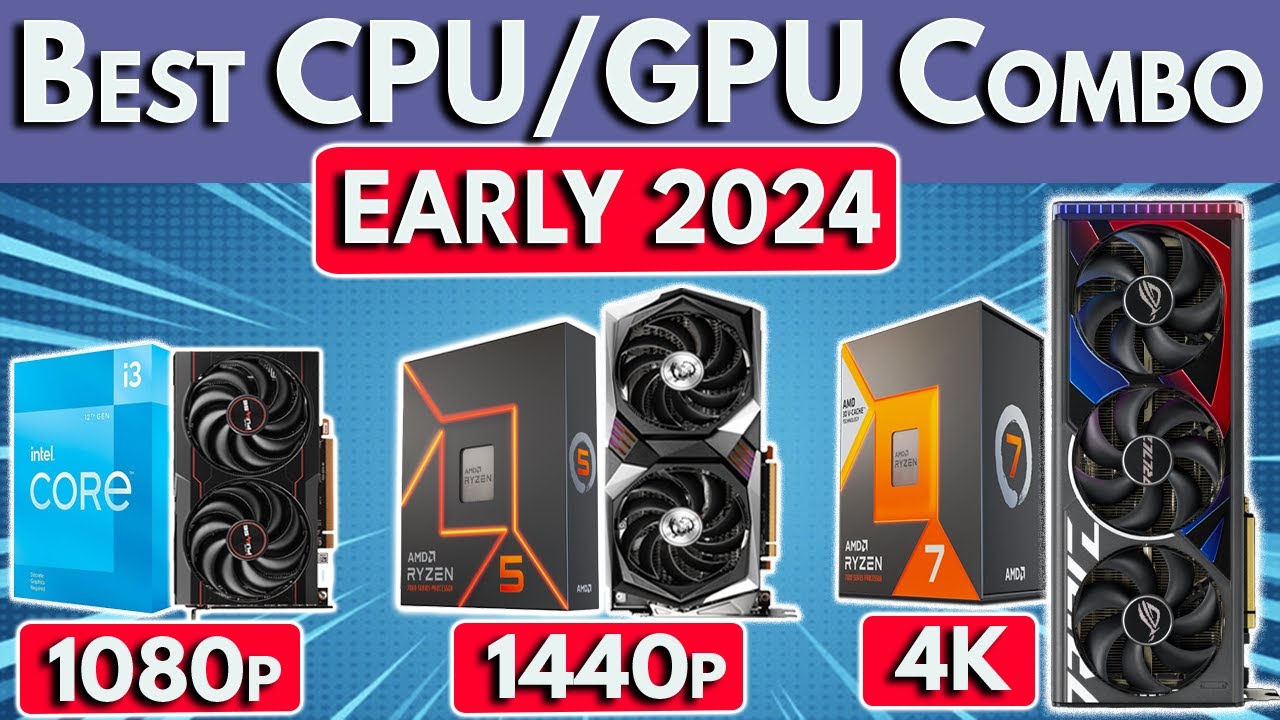
🛑STOP🛑 Buying Bad Combos! Best CPU and GPU Combo 2024
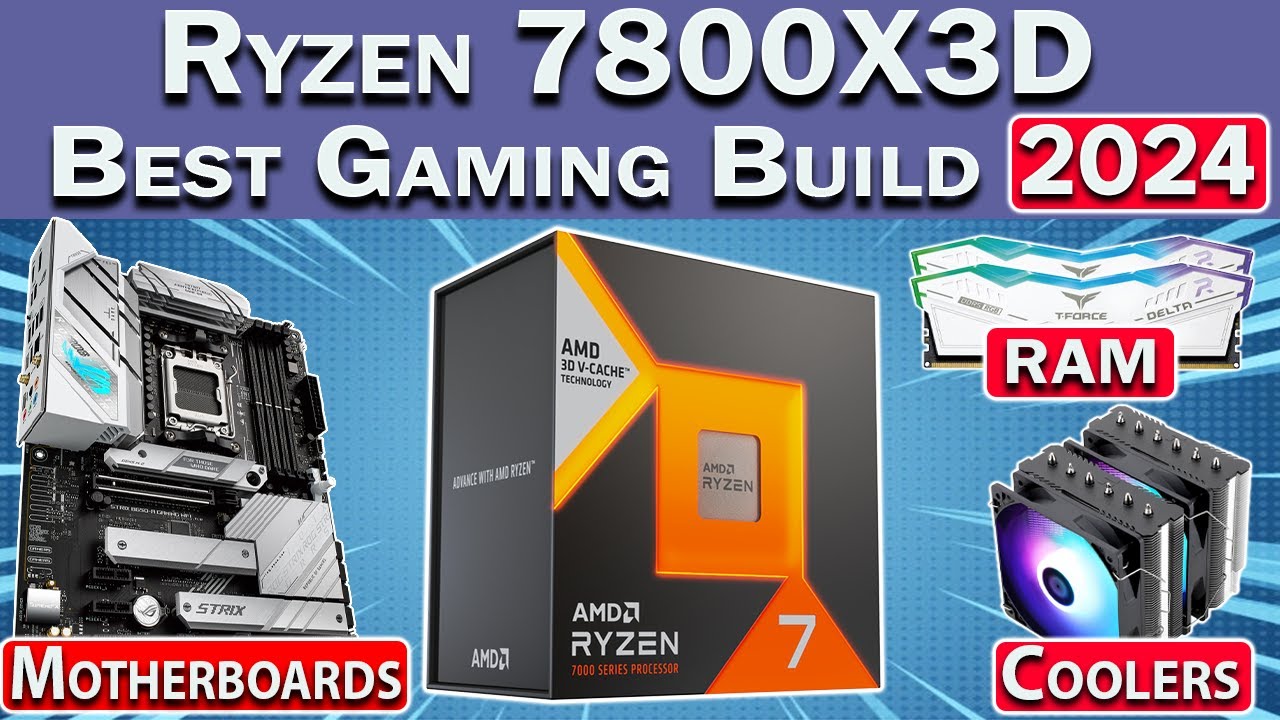
🛑 Best Ryzen 7800X3D Gaming PC Build 2024 🛑 Best RAM, Motherboard, GPU & More
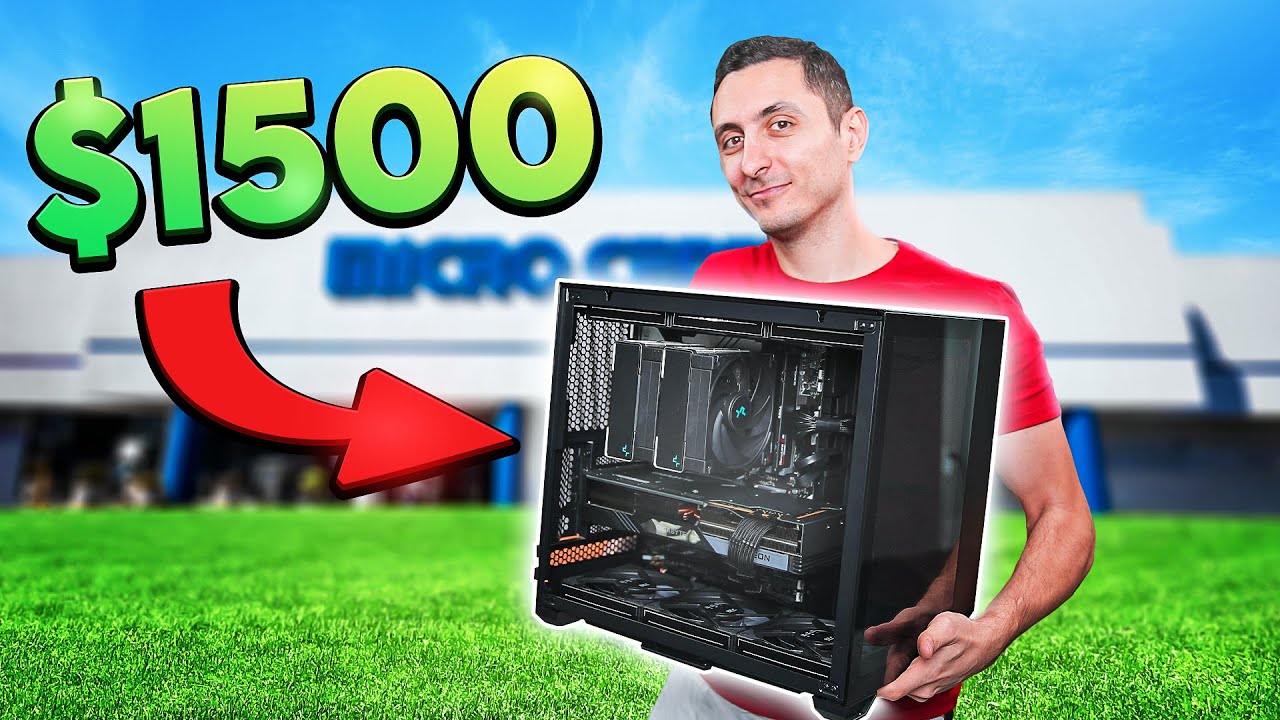
This is what $1500 gets you in 2024! - PC Build Challenge

We Secretly Challenged 3 communities to Build the Best $1000 Gaming PC!
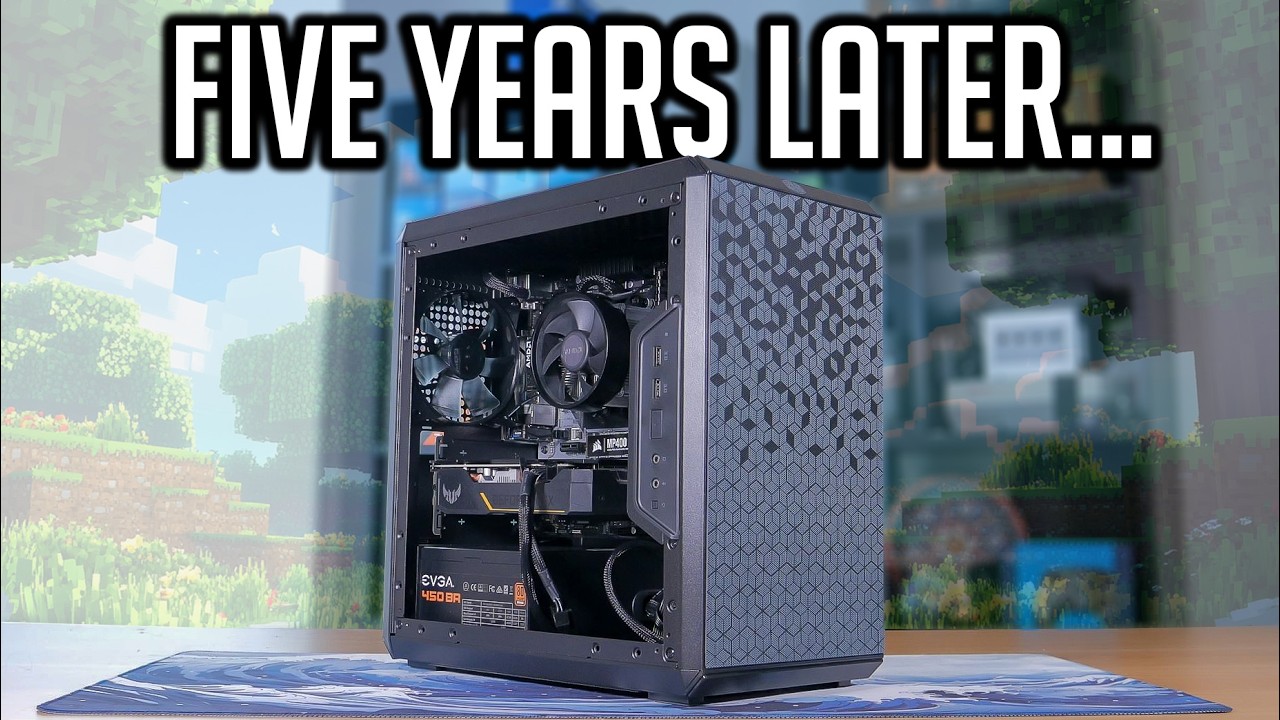
How Does A $500 Gaming PC From 2020 Perform in 2025?!?

Did Intel Just Beat AMD? 🛑 Best CPU for Gaming 2026 (March) 🛑 Best CPU 2026
5.0 / 5 (0 votes)
